#Live2D rigging hands for Vtube
38 messages · Page 1 of 1 (latest)
 blissful spear
 sour badger
Can you provide a video? Also are you sure you rigged the parameter correctly?
 dapper spoke
can you also show the information you rigged the parameters? min-max etc
 next river
I can also help but we'd still need the parameter min/max info in both Live2D and in VTubeStudio
blissful spear
sour badger
Can you provide a video? Also are you sure you rigged the parameter correctly?
yes, so those are the parameters. Here's the video 👇
sour badger
blissful spear
yes, so those are the parameters. Here's the video 👇
Please reencode it to mp4
blissful spear
sour badger
Please reencode it to mp4
oh sorry I didn't check that my bad
blissful spear
This is what it looks like in vtube, there’s also a problem with the thump
sour badger
Have you checked what values vts is tracking at? For the thumb it looks like maybe a deformer wasnt exported or there is a combination of parameters that wasnt accounted for potentially.
blissful spear
Yes, I've seen those values for the parameters. And I've checked if it wasn't exported but it was, so I don't understand what's going on
 sour badger
I mean as in, on the actual parameter setup have you check what vts is reading as the value of your hand positioning
blissful spear
I see the thump parameter in the vts, so it does read it ig?
sour badger
Can you take a screen recorded video if VTS with the settings open to the parameters with the hand left angle x parameter setup showing as you rotate your hand for that?
blissful spear
next river
You only have the Right Thumb parameter visible, we'd need the x angle one
blissful spear
You mean the left thump parameter? It's visible around 0:26 of the video
sour badger
blissful spear
Does anyone know why after rigging the whole hand and adding the correct perimet...
Your original issue was the palm, yes? We need to see the performance of the parameter that controls the palm in VTS.
blissful spear
Yes that’s right, let me take one recording of the palm
blissful spear
This is the palm parameter
next river
That is angle Z, we need angle X which is right below
next river
easiest fix is switching the output to -180 to 180 instead of 180 to -180
I've done something similar for my Vtube Studio head angle X because my android phone's Meowface/ARkit information is mirrored since I'm using the big camera on the back, and I don't know where in Vbridger inputs to make it right
it should end up looking something like this
(mine has a slightly larger range so ignore the fact it goes to -270)
blissful spear
hmm, I tried it but still when I show the inside of the palm its showing the side of it, like it can read only the half of the parameter

 dapper spoke
just as a question, is this a calibration issue?
if so
you have to pose your hand front view
and write whatever number you get in the "IN" on the top
then rotate it so it shows the .... no front view and write whatever number you get as down
[on the out side you want to have the top to the corresponded side of your parameter rig and the bottom to the other value example if front is +180, thats the top number on OUT, and if back is -180 you write that on the bottom]
[ngl i am just judging is a calibration issue because the last picture shows that is not calibrated]
sour badger
I think it also might be because the camera might not be able to see the hand well enough to track given the lighting in the video tbh
dapper spoke
sour badger
I think it also might be because the camera might not be able to see the hand we...
sadly the tracking of hands is also not very good to start with and that does not help at all
blissful spear
dapper spoke
just as a question, is this a calibration issue?
if so
you have to pose your han...
Yeah, I'm not sure what is the problem exactly. I'll try that and let you know, I saw this tutorial but they didn't have any issues like that tbh. https://www.youtube.com/watch?v=OC5-xLahZgg&list=PLusfzQQLMeifI2kjmMgnHn26WISYvcVRl&index=2
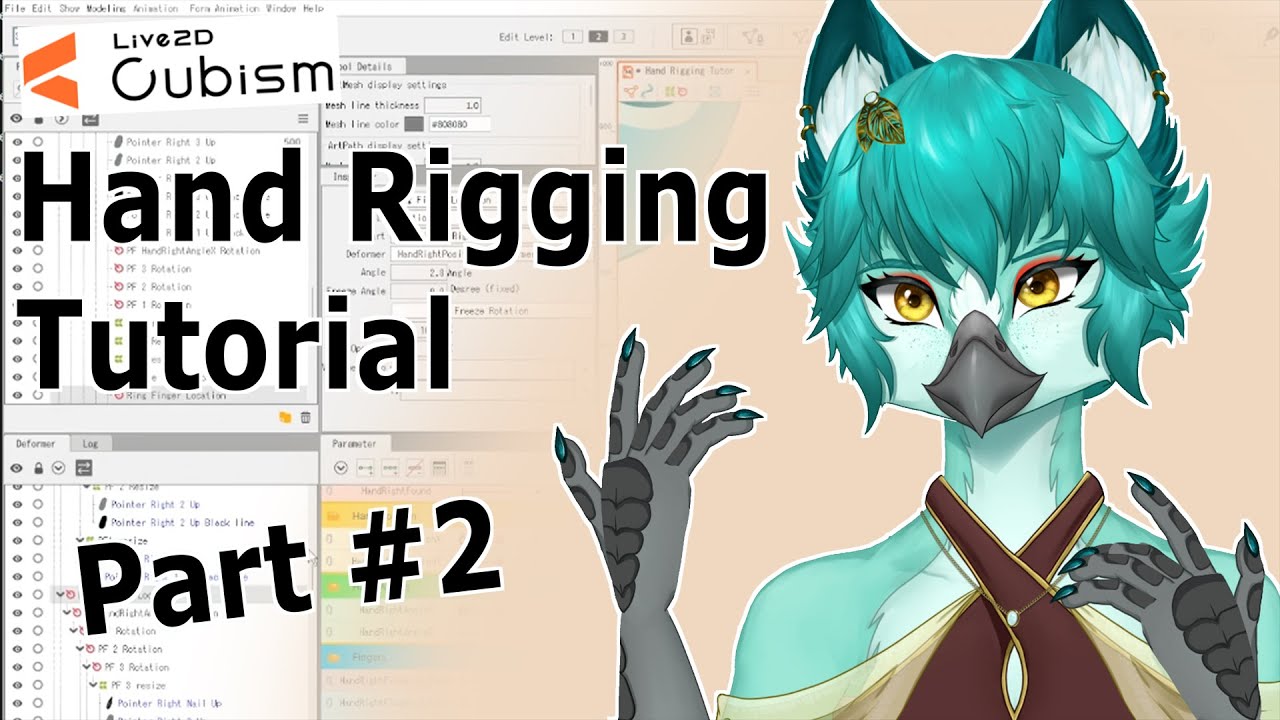
✨Opal’s Live 2d Hand Rigging – Tutorial Asset shop:
https://opalaltalune.gumroad.com/l/Live2dHandRigging-TutorialAssetShop
Opal’s Socials:
🎬 Twitch page: https://www.twitch.tv/opal_altalune
🐦Twitter page: https://twitter.com/OpalAltalune
👾Discord channel: https://discord.gg/SnMwA3Fxjm
👑TikTok: https://www.tiktok.com/@opal_altalune
Thanks so mu...
dapper spoke
blissful spear
Yeah, I'm not sure what is the problem exactly. I'll try that and let you know, ...
independantly of the tutorial
you should always calibrate in vts as we have diferent light quality, distance with camera, ratio position between camera and face and angle
one setting will not work with all
as i see that you didnt changed the in values in vts, i assume you havent calibrate
 blissful spear
It might be that, I'll try it now