

24 messages · Page 1 of 1 (latest)
 sand plover
I'm trying to figure out how to rig this ear in a way that looks cute and not clumsy. How would you move between these two states?
 wary summit
I'm a total newbie so I could be wrong (but I might have to do something similar myself for my model)--maybe using a similar technique with a mask that a lot of people use on the lineart of the jaw when the model looks up? So like. Have a mask that the lineart clips to, and have said mask be at 0% opacity so that when the head moves to the side the mask 'slides' into place. That is just 100% my best guess tho 😅
sand plover
that makes sense! I'll trythat
wary summit
sand plover
that makes sense! I'll trythat
let me know if it does, that is what I was planning on doing with my model haha
https://www.youtube.com/watch?v=p1MV6FauGz8
this is the tutorial I used for the jaw 🙂
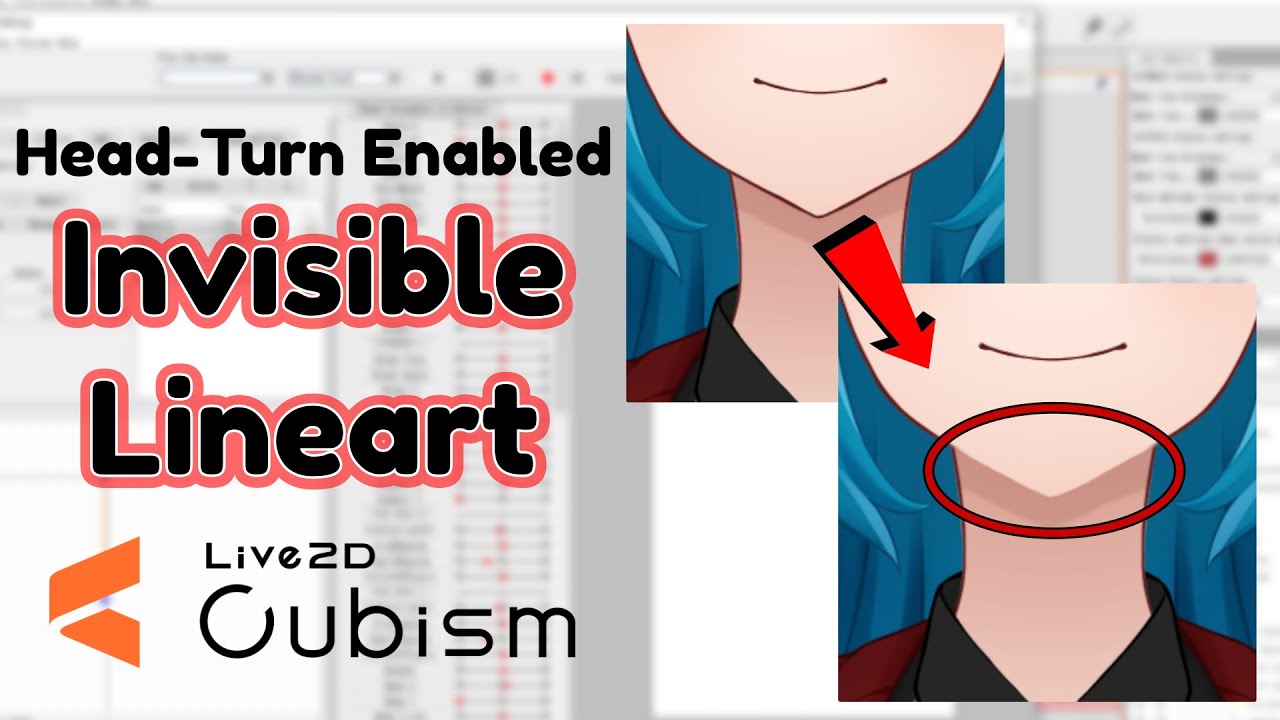
Another brief Live2D tip!
Credit to 2win (https://www.twitch.tv/2wintails) for introducing me to this technique.
Music:
"Gone Beyond" by Kevin MacLeod (incompetech.com)
Licensed under Creative Commons: By Attribution 4.0 License
http://creativecommons.org/licenses/by/4.0/
...
sand plover
Oh yeah, that was definitely the right choice!
wary summit
sand plover
Oh yeah, that was definitely the right choice!
yay!!
sand plover
wary summit
sand plover
hot diggity dog!
sand plover
Okay so now I have a New Issue

Animal Head Turn - Horns and Ears
Why is the deformation making my horn all.... Lumpy
do i just need a more dense mesh?
 woven dove
how is your mesh?
sand plover
 woven dove
create a mesh with dots in both edges of the line in order to control it better, you dont need more it's already very dense
 worldly torrent
sand plover
they are on both edges of the line
worldly torrent
sand plover
they are on both edges of the line
i believe bila means on the on the edges of the line, you have fots only on the inside of the edge of the line not on the outside of it
sand plover
Like this?
 worldly torrent
i believe thas what bila means [[i do edges with a method of 3 points so i dont know how to work it with 2]]
sand plover
i thought that's how it was on the old one this is just denser