#glue just isnt working
24 messages · Page 1 of 1 (latest)
 velvet venture
 hybrid mulch
Hi, have you looked through video tutorials seeing how people use glue?
velvet venture
yeah
except like
when i press glue
theres just
nothing there literally
theres no brush or anything
hybrid mulch
What version of live2d are you on?
 slate lance
You have both the glue tool and a glue object selected?


 merry bobcat
velvet venture
merry bobcat
velvet venture
this tool is to manage the force of each layer on the glue
not to make "the glue"
 solar compass
did you really glue them already and selected the yellow glue box?
merry bobcat
to make a glue you need to select two layers
go to edit mesh
select the parts of the mesh you want to glue
click "bind"
now you will have them glue together
now you can use the tool to balance wich layer will be the dominant
velvet venture
merry bobcat
this tool is to manage the force of each layer on the glue
oh alright
merry bobcat
for a better result both mesh has to be the same as you are gluing the mesh
solar compass
hybrid mulch
Hi, have you looked through video tutorials seeing how people use glue?
^ asked because if you watched how glue is used we can cross out the most obvious solution 
hybrid mulch
Just in case~
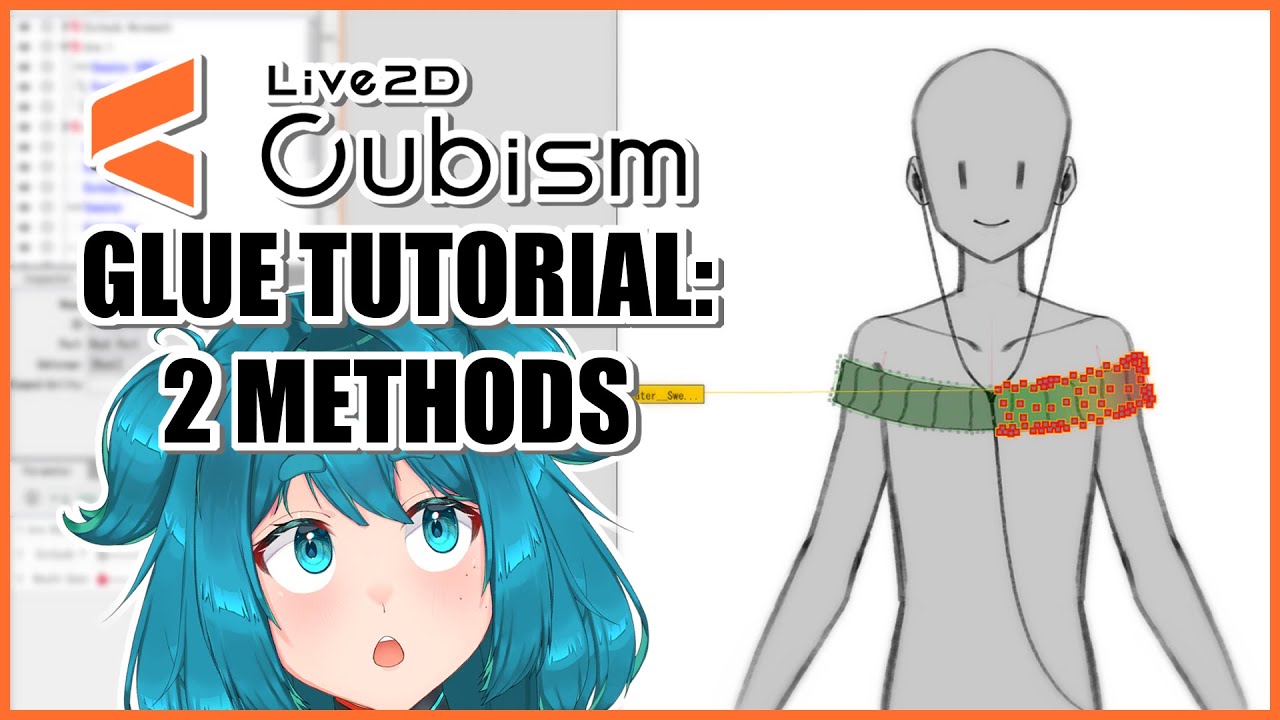
This is the first time I record a tutorial so I hope it's helpful! I'll include the Patreon link with the free file below along with the Live2D Manual.
File: https://www.patreon.com/posts/free-file-glue-72503519
Live2D Manual: https://docs.live2d.com/en/cubism-editor-manual/glue/
--------------⚙️TIMESTAMPS⚙️--------------
0:00 Intro
0:20 Glue...
velvet venture
ohh alright my issue was that when i ctrl ged and it wasnt doing anything it wqs because you were supposed to do it on the mesh editing screen not on the main one