#Circuit de Charade - Low FPS with various cars

79 messages · Page 1 of 1 (latest)

long cairn
#

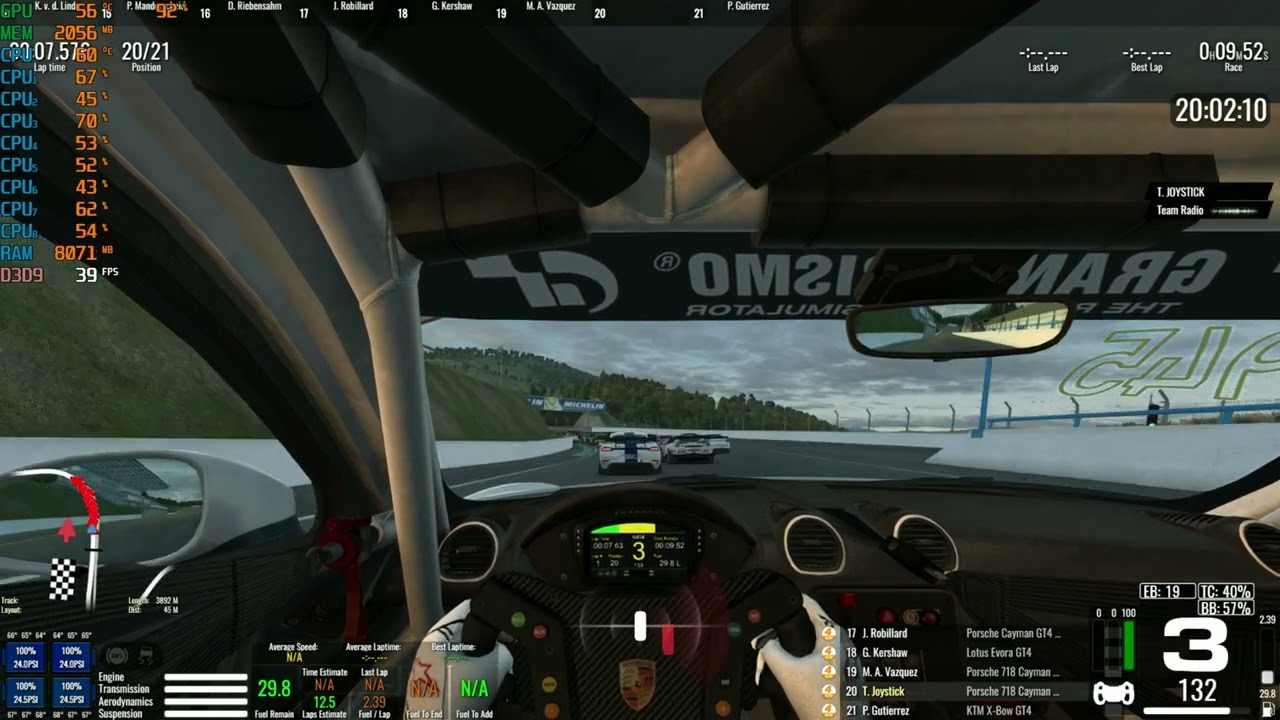
i can play other track normally, but here in Circuit de Charade. Ahh the optimization feel very bad here. Already downgrade graphic setting, but it still like that.
Just bought this new track in this new package. Its really fun hilly track
it just okay with one make race
BUT
Graphic performance very poor here when you mix it with various car.
Even 5-8 various WTCR/TC Cup already make it unplayable especially on paddock area
32bit/64bit R3E doesn't make different
https://www.youtube.com/watch?v=okrOMe6dfiw

Running PC
Windows 10
Intel i7 3770
16GB RAM
Radeon RX580 (1080p monitor)

Just bought this new track. Its really fun hilly track
it just okay with one make race
BUT
Graphic performance very poor here when you mix it with various car.
Even 5-8 various WTCR already put it unplayable especially on paddock area

@RaceRoomRacing developer please do something.

▶ Play video
ebon dagger
#

Something's wrong. I've played RR on a RX570 in 4k with better results...

long cairn
#

maybe my processor and board already weak for this

ebon dagger
#

Nope, you're clearly GPU bound. Your GPU load is pinned at 99-100%.

#

What does it look like on other tracks?

long cairn
#

other track just like run normal around 50-90fps with 10+ cars.

#

try this Charade track with 12+ of miatas it just fine, but it gone bad when i try just with 5-8 tcr, some mix of gt3 cars.

ebon dagger
#

So when you're alone on the track it's fine?

solemn tinsel
#

There may be something left to be optimized but they usually address it quickly so don't dispair and wait for the next patch.

solemn tinsel
long cairn
#

when just 1 car, yeah it just very good for sure. tried about 10-15 miatas with AI also okay. Now just went into maintenance. will try check with with other cars thou

solemn tinsel
#

My guess is that (especially since it varies with the type of car) is that you have one core pegged at 100% and the auxiliary ones (for other stuff) are idling low so the overall CPU usage you see on the afterburner overlay is brought down

long cairn
#

weil check all the cores later 🙂

ebon dagger
#

As far as I know, it's useless to look at CPU load. Even a single thread load jumps across all cores to keep them cooler.

If the GPU load is near 100%, you're GPU bound. If not, you're CPU bound.

solemn tinsel
#

that's not true

ebon dagger
#

Please explain then.

solemn tinsel
#

The load presented is the average CPU load as a whole. Each core\load has it's load. If the software at hand doesn't utilize multiple cores\threads then it doesn't matter how many cores\threads you have.

#

What the overlay we have here from MSI Afterburner is displaying is the AVERAGE load across all cores.

#

You can display each core individually also if wanted or check somewhere else (heck, even System Monitor displays it these days)

ebon dagger
#

I know all that. It doesn't contradict my point.

solemn tinsel
#

A practical example: you have 4 cores, one core is at 100%, the other 3 are at 0%. Afterburner will display the load as 25%

#

with the info we got here from Joystick we can't say it isn't CPU bound, even if he is also GPU bound

#

it's more a matter of where is he bound the most?

#

the way I see it, there's optimization to be done on the track (not unexpected on new stuff, dev teams can't test on all sorts of hardware and have to limit the pool to something a little more recent in honesty) and there's frame drops because (I suspect) the CPU is burning at 110% xD

ebon dagger
#

Unless something's absolutely broken with his GPU driver, or Windows scheduler for prioritizing tasks, looking at GPU load is enough.

GPU load can't be at 100% if the CPU is saturated (FPS being limited by CPU performance). Why would it be? If you're CPU bound, there's at times nothing for the GPU to render - hence GPU load lower than 100%.

#

When I'm CPU bound with my 5800X3D which has 8/16 cores, in DX9 games, no single core is even close to 20-30% usage and total usage is super low. I'm still CPU bound. It's easily seen by low GPU load.

So, low GPU load and FPS drops = CPU bound scenario.

But please, I'm willing to learn.

solemn tinsel
#

yes and no. Depends if you have one thread running the physics and another running the graphic instructions to the GPU

#

I don't deny the system does need an uplift and that poor gpu is running like crazy

#

but the fact it works well with a lot of cars (12 MX-5) and not with some others points to a logic problem and not exactly to a graphics issues

#

although it can be the textures are just too large on the wtcr, etc

#

or whatever class he had issues with

ebon dagger
#

I've never seen an application pinning all calculations to a single core, leaving the rest un-utilized. Windows makes sure that the load jumps around.

Are you referring to very old systems?

solemn tinsel
#

take a look at DCS WOrld for instance and how it actually runs: one single thread (not core, thread) for the whole shebang. It's a poor show on performance (sadly there's very, very limited competition)

#

don't forget most games do need a main thread synchronizing everything that is happening in near real time

long cairn
#

I wonder if my I7 3770 too old for raceroom 😅. Textures on cars and track already put on medium. Even track detail i put it low to remove the spectators. And yet still not help. Later when the game is back will check all those cpu cores usage.

solemn tinsel
#

so it's not just "let's grab another thread and do stuff there" or you end up waiting for the sync thread

little pollen
#

Turn off oponents cockpits

#

Do you ude motion blur / lens effects etc

long cairn
solemn tinsel
#

It actually renders\processes during the race also?

little pollen
#

Yep

ebon dagger
#

@solemn tinsel Show me a video example of that happening if you can find one easily.

little pollen
#

Also if you struggle to have more than a couple of ai on track , pick a single make/ single car and have lots of those , pulling up lets say gt3 vs pulling up the scirrocco with same amount of ai , more fpps with scirroco

#

Whats the clock speed of the cpu? @long cairn

long cairn
solemn tinsel
# ebon dagger <@302870419000655872> Show me a video example of that happening if you can find ...

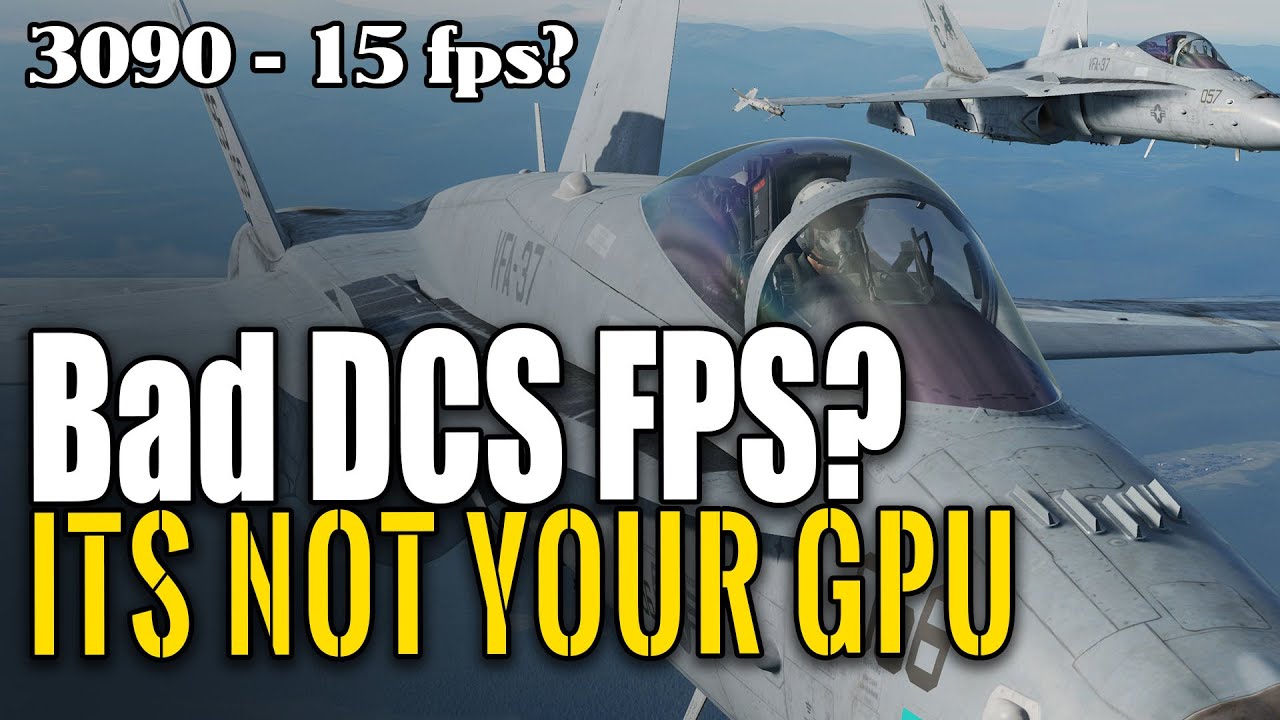
15 FPS on RTX 3090 and it is NOT the video card! Dcs world may have really bad fps sometimes - what is the fix? Multithreading is key, Should you get the best video card or cpu on the market? Nvidia, or AMD? But what if I tell you it may not even help at all. this may be all up to the simulation within the DCS itself. the AI is what is causing y...

▶ Play video
little pollen
#

Sounds strange ,im running at 4.1ghz , 1080p , everything maxed out on a 970 , and i can run full grids , ok there is a hit on the start but after that iys fine , but even if i dip below 60 fps , its fluid not jearky etc

long cairn
solemn tinsel
ebon dagger
solemn tinsel
#

by any chance, are you running windows 11? and updated to 2h22 or whatever it's called?

little pollen
solemn tinsel
ebon dagger
ebon dagger
solemn tinsel
long cairn
little pollen
#

I believe my system is a perfect balance for dx9 games

solemn tinsel
#

check your drivers, reinstall them if needed (uninstalling with DDU), run a couple of benchmarks and if nothing works, then just pray there is a performance patch 🙂

long cairn
#

Allrite will do all the suggestion.
One last question. Do you guys enable System Paging Files (virtual memory) on C (OS Drive)

ebon dagger
#

Also, a friendly advice: don't waste hours/days and wreck your system because one small thing in RaceRoom is off. Many things in this game is off. It's still an excellent game, and more polished than many others, but it's old and has it's bugs and strange behaviours not present in other games.

ebon dagger
#

So yes, just keep it default. And avoid HDD for OS installs - SSD is vastly better.

tidal sphinx
#

I have the most powerful GPU (RTX 3090) and Charade gets my GPU maxed out at 99%.... and Ningo as the same problem in 2 sections. There are too many RVs and Cars in the environment... These 2 tracks badly need optimization ASAP.

#

They should create a thread call FPS/Optimization issue. Actually, Discord is piss poor at managing bug reports/questions/issue since there no tagging mechanism to categorizes thread types... perhaps, my dislike of Discord might be preventing me from seeing features

wicked tundra
#

There was a forum thread about a similar issue: racing against the same car model was fine, but multiple different models caused heavy FPS drops. Regardless of the track. Can't remember further details but I think turning off opponents cockpits did help.

long cairn
little pollen
#

Just rewatched the first video , basically the only thing i can think that could be is how amd drivers deal with dx9 ,with a full grid at the start im running way better fps than you are anywhere on the track ... have you tried the vulkan option

solemn tinsel
#

0.o

little pollen
#

No

solemn tinsel
#

ah!

little pollen
little pollen
#

Just did 2 runs one dx9 one vulkan .. gte 34 ai
Dx9 rolling start 58fps / in traffic racing 62-114fps , no drops under 60
Vulcan ... start 42 fps / in traffic 22 - 50 fps
But
I already know my system doesnt get better with using vulkan