
#GBA ITA TFT screen Interlaced styled video
1 messages · Page 1 of 1 (latest)
 spice heart
 serene peakBOT
spice heart
Hello! The other day I installed an ITA TFT screen from FunnyPlaying and so far ...
serene peakBOT
spice heart
Hello! The other day I installed an ITA TFT screen from FunnyPlaying and so far ...
Please remember to provide as much information as possible including all troubleshooting steps you have already taken. If this is a hardware issue, please provide clear in-focus images of the issue, PCB (circuit board), installation, and any soldering you have done. Help us help you, posts with insufficient information will be deleted
Because this post has the "Game Boy Advance" tag, we recommend checking out this wiki page https://gbwiki.org/en/consoles/advance
Once your issue has been resolved, please click the "Solved" button
 sudden stump
Are you certain that the game doesn't just do this? A lot of games are kinda blurry and smeary on original hardware and I frequently see people complaining about game bug because they never saw it before on the original screen.
The FRM feature exists solely to smooth out the rough animations that just don't really manifest on the blurry OEM screens.
spice heart
That's honesly quite possible
I'm planning on testing it with a Friends DS Lite in a few days. I'll also test this on Emulation as well
Though I don't remember this effect manifesting on my previous IPS screen
Either way as you mentioned the FRM effect does a great job masking stuff like this at the loss of motion clarity, but also these strange visual effects aren't super visible during gameplay
spice heart
The effect isn't visible on emulation

 rose elk
have you installed it on a 32 or 40 pin gba?
spice heart
40 pin. But i removed the required capacitor like the guide said
rose elk
that's what i wanted to know. when you turn the potentiometer, how far have you turned it? you really only need to turn it very slightly. maybe try it again. the other thing that comes to my mind is to take out the ribbon cable, clean it once and reinsert it. it is enough to touch it once at the front for contact problems to occur
spice heart
I cleaned and reseated the ribon the ribbon cable already. Ill try doing some micro adjustments to the potentiometer when I get home
rose elk
yep, try it again, it´s worth a try. 1/16 turn makes already a noticeable difference, just so you have an idea.
spice heart
Yep I can imagine!
sudden stump
If you have a flash cart, the "AGS Aging" software provides a fantastic test pattern for getting these screens tuned.
spice heart
I don't sadly so I kinda got to eyeball it
I also noticed a similar effect to mine in this video at the 19 minute 20 second mark. Look at the scrolling rocks at the bottom of the screen
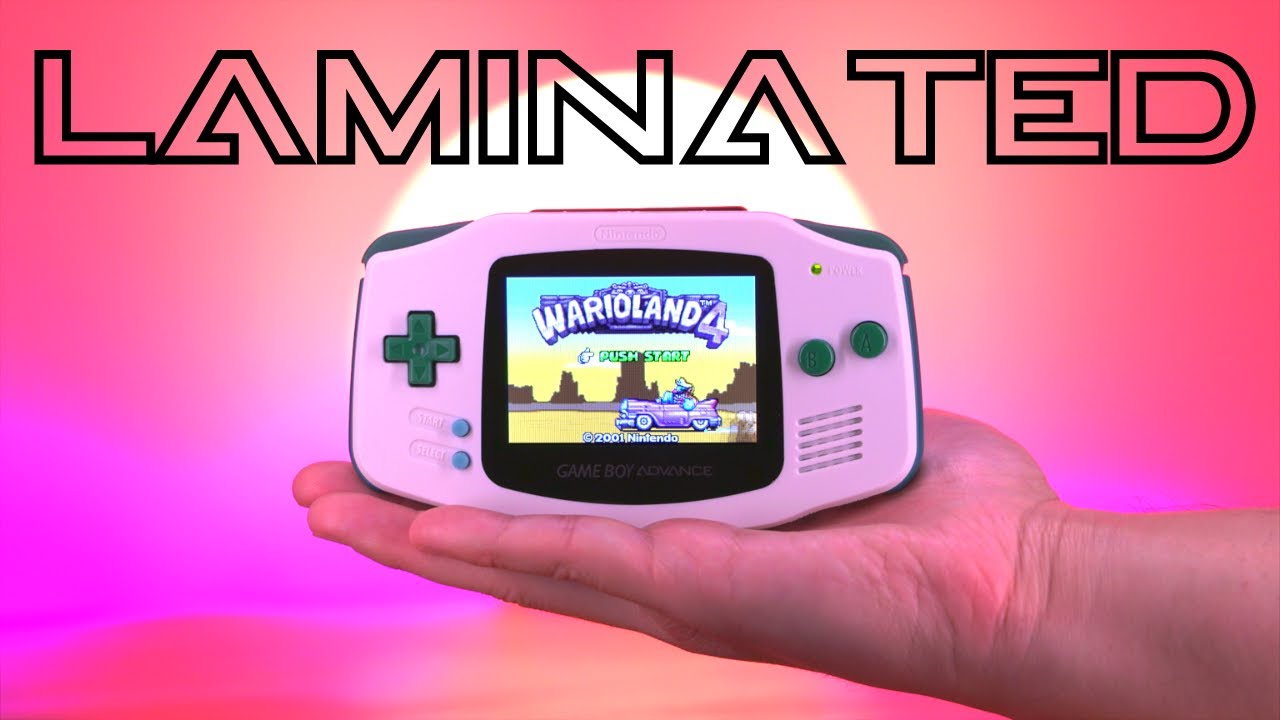
Laminated ITA LCD Mod For the GBA Is A Drop-In, No Solder Kit!
FunnyPlaying just released a laminated ITA LCD mod kit for the original Game Boy Advance! This kit offers a more authentic retro look because it uses a Nintendo DSi LCD panel which looks similar to an AGS-101 screen. This also has the benefit of being slightly more power efficient...
sudden stump
You linked a 13 minute video.
spice heart
Im so sorry hahaha. I meant the 9 minute 20 second mark
sudden stump
I don't see anything in motion and even frame by frame, I don't see any interlacing.
 sudden stump
rose elk
that's what i wanted to know. when you turn the potentiometer, how far have you ...
sudden stump
rose elk
that's what i wanted to know. when you turn the potentiometer, how far have you ...
I think you need to spend more time tuning it, like olDirdey suggested.
spice heart
Im doing that as we speak
spice heart
sudden stump
It could be the jailbars/horizontal bright lines I'm seeing. Look at the motion frames
rose elk
this seems normal with the game on a ita screen
spice heart
Yeah your right. I adjusted the screen and yeah it seems the effect has mitigated itself. It could just be the contrast I'm seeing between bright and dark frames
Ill keep adjusting to see if I can completely remove the effect
I feel like the guy from the Incredibles right now
rose elk
I don´t know him, did you fix it? :D
spice heart
It's definitely reduced now
spice heart
sudden stump
Are you certain that the game doesn't just do this? A lot of games are kinda blu...
Im starting to think its just a byproduct of the display like suggested here
One thing worth mentioning is that the effect is fixed when frame blending is on. However frame blending also reduces motion clarity on the display.
In a few days I'll test motion clarity on the DS Lite to see how each mode lines up
spice heart
For right now though I'll keep fine tuning the handheld to see if I can reach a fix. Ill also try another clean of the ribbon cable
sudden stump
spice heart
One thing worth mentioning is that the effect is fixed when frame blending is on...
Well that's kinda the intent. The original screens are a blurry, ghosting mess. FRM intentionally smears the screen to mitigate the faster response times of newer screens.
If motion clarity is important to you, a regular IPS kit would have been a better buy over ITA. ITA kits use DSi panels which are not exactly known for their motion clarity either (though they're a lot better than AGB).
Also, it's a Game Boy. I think you're over thinking it.
spice heart
Yeah I realized that