
#Godot visual issues help
4 messages · Page 1 of 1 (latest)
 glad surge
 tidal flicker
Sorry no clue, try posting it here as it's the official godot community forum?
https://forum.godotengine.org/c/help/ui/8
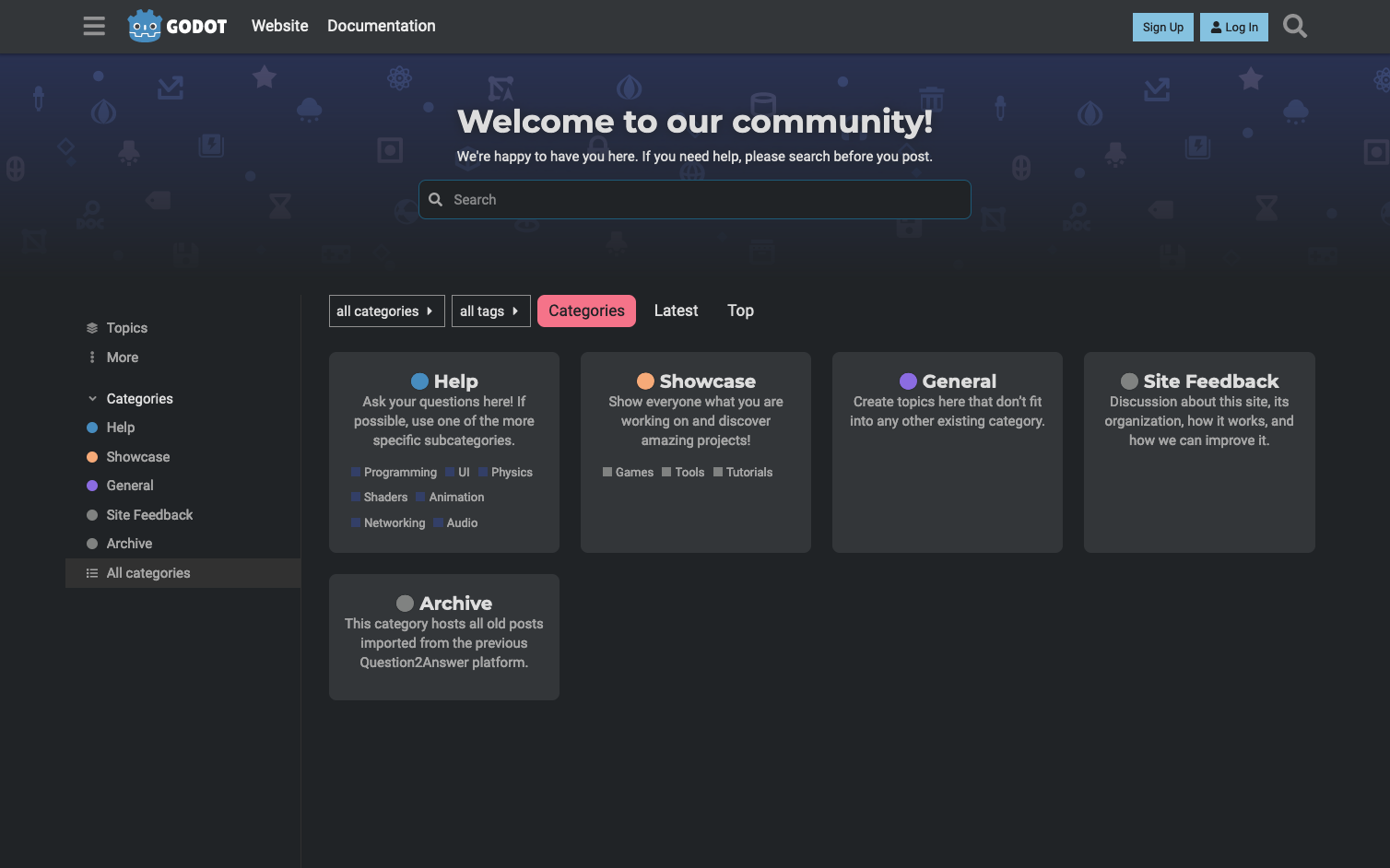
They seem to answer pretty quickly
 neat flax
glad surge
https://youtu.be/eQPruRN_wwo
look at the video, what is going on im so confused ...
neat flax
glad surge
https://youtu.be/eQPruRN_wwo
look at the video, what is going on im so confused ...
hello ^^
-> I guess you might have done it already but try updating your graphic card's drivers. Do not take the beta but the stable version
-> what frequency is your screen ?
-> Does this only happen while recording through the graphic card's element ?
I am implying that, were you recording or streaming everytime you tried developping, or does this also happen when you are not ?
-> Did you change windows themes or anything like it ?
It looks to me like you have an "enhancer" that "select" or tries to show you which window of your program is linked to the title you're putting your mouse on. Like a helper tool or something like htat. It miht get into conflict with Godot especially.
If you have anything like that disable it and try to launch Godot again to see if the issue is still here.
My last guess would be :
-> Win 11 updates or official key, but for the latter it would be very unlikely GODOT would have any issue working for that reason. Never hurts to chekc though.