


61 messages · Page 1 of 1 (latest)
 spiral veldt
Hi, so I have these "flowers". I want to collect them in specific patterns like shown in the images (circle is where the player stands, arrow is where he is looking and the X's are which flowers got collected). So what I got is getting the closest flower to the player and getting the normalized direction in which the player is looking. But I don't know how I can collect the flowers in patterns. Any help?
How to collect flowers in patterns?
 woeful shore
Hey, apologies, but can you elaborate, your pictures are not very helpful, what I am getting is if player moves up 2 flowers get collected and if player moves right 5 flowers get collected in + pattern
spiral veldt
woeful shore
Hey, apologies, but can you elaborate, your pictures are not very helpful, what ...
hi, no the player isn't moving, it is supposed to show the direction in which the player is looking. so for the first pattern, it collects the flower under him and in front of him. so if he looks to the right, the pattern turns 90 degrees
Its from a game in roblox, I can send a video
I can't upload the video directly because it is too large but here is a link: https://streamable.com/h6n4fz
 woeful shore
I kind of get it from the video, so it's just always picking up the flower under you and the flower in front of the player
Assuming flowers will have colliders
You can do a box cast of 2 units from the bottom center of your player in the transform.forward direction
Use https://docs.unity3d.com/ScriptReference/Physics.BoxCastAll.html BoxCastAll, you will get an array of raycasthit[]

then you can iterate through the hits and do you logic stuff.
Keep the flowers in a seperate layer
raycast only in the flower layer, this will help a bit in optimization
it's pretty simple, if you have any issues with Code, just share it here, will try to help at the best of my ability.
@spiral veldt
spiral veldt
ah, didn't think of that. I will try that. But don't you think that this could still lead to performance issues if thousands of flowers have a collider?
woeful shore
If you don't want to use BoxCast, you can directly attach a trigger of size 2 unit in Z axis at the bottom and use a script to keep track of collisions with flower and if the player presses the pickup button, you check the list, if flowers are present then do your logic.
woeful shore
spiral veldt
ah, didn't think of that. I will try that. But don't you think that this could s...
Yeah kind of, but I would suggest first try to implement a solution then optimize later
spiral veldt
okay
spiral veldt
Ok, so it mostly works now but do you know how I can instantiate something with the forward direction of the player but it should be rotated 0, 90, 180 or 270 degrees? Do you know what I mean?
I dont want it to go diagonally or something because then it could either hit other flowers or not hit any.
woeful shore
Hey I am away from my system but I can guide you in the right direction
So you can do this in 2 ways
1 from player input
2 player local Y rotation
I will explain the second one
Take your player Y rotation
And % 90
Then you can use switch case for if the above is 0 then it's forward, 1 implies right 2 implies back 3 implies left
You will have to process the rotation first like it should be between 0 to 359 ( 360 should again return 0) also take care of negative rotation which you can check the sign using Mathf.Sign
If the above sounds confusing, let me know, I can help you out maybe 5 hours later 
@spiral veldt
spiral veldt
Thanks, it worked with this: ```c#
UnityEngine.Quaternion rot = new UnityEngine.Quaternion(0, 0, 0, 0);
    float test = transform.localRotation.eulerAngles.y;
    test /= 90;
    test = Mathf.Round(test);
    test *= 90;

    rot.eulerAngles = new UnityEngine.Vector3(0, test, 0);

    Instantiate(pattern, flower.position, rot); ```

spiral veldt
woeful shore
Yeah kind of, but I would suggest first try to implement a solution then optimiz...
Hi, so without a Flowerfield I get around 400FPS but with only 1 Flowerfield I only get 120FPS. I guess I need a better solution
And I definetly need more than 1
with 12 I only get 30FPS and the editor is really laggy
but I also have 1 model per flower so that is probably it
woeful shore
Yes , now we can think of a way of optimizing it
You will have to implement a culling system I think there's an inbuilt, culling system in unity
Culling is turning off the meshing and gameobjects when they are out of your camera's perspective.
POV*
And turning them back on when they are in POV
 scarlet ridge
I would first open the profiler to understand what the slow down is from
spiral veldt
scarlet ridge
I would first open the profiler to understand what the slow down is from

Yeah it is the rendering of all the flowers

how should I display them?
woeful shore
Okay then, as I mentioned before
you will have to look into Occlusion Culling
https://docs.unity3d.com/Manual/OcclusionCulling.html
woeful shore
https://www.youtube.com/watch?v=7bZ4OIA0wRQ
This might help, I have explicitly used culling, so not so sure about how to do it
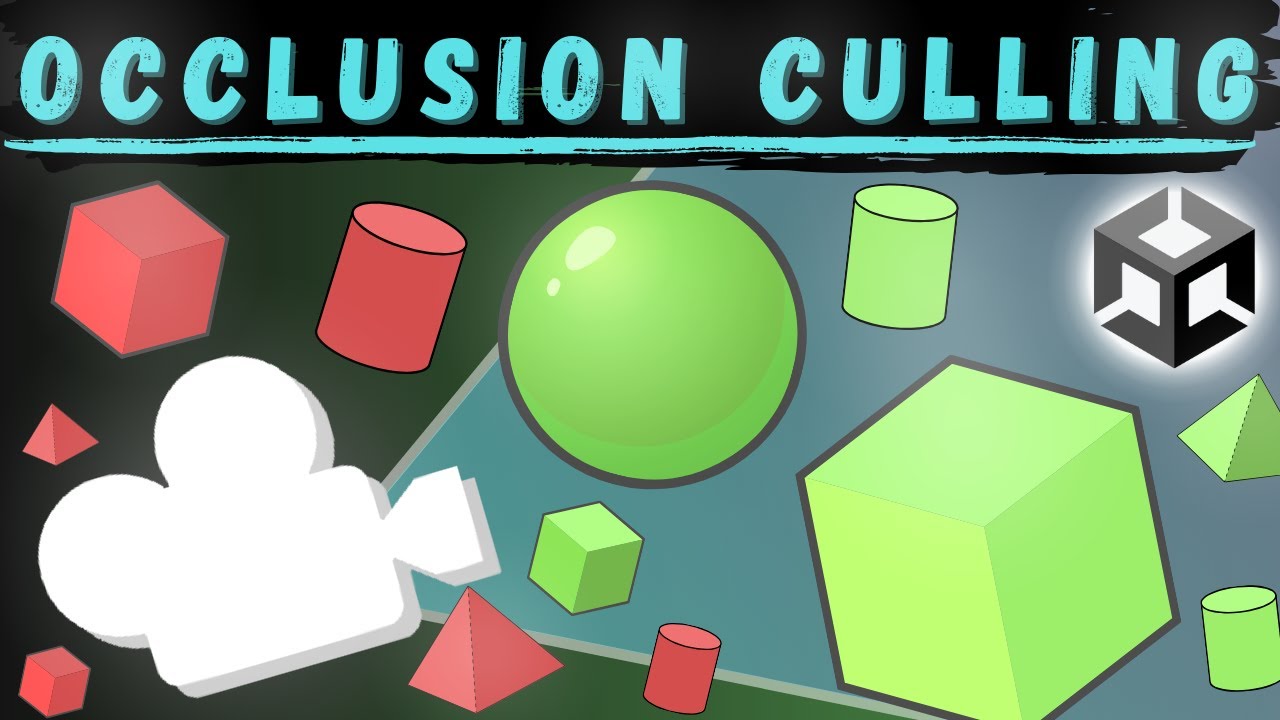
Occlusion culling is a rendering feature used in many games. It disables meshes of all objects, that the camera can't see at the moment, which improves performance. The best use case is for interiors. Occlusion culling in Unity is really simple to set up. I will also teach you how to make dynamic occluders and dynamic occludees!
City Package - ...
scarlet ridge
spiral veldt
Your fps is all over 60 that looks good
What is your triangle count? Open the stats in the game view