[RequireComponent(typeof(CharacterController))]
public class PlayerController : MonoBehaviour
{

    private InputManager inputManager;

    [SerializeField]
    private float playerSpeed = 2.0f;
    [SerializeField]
    private float jumpHeight = 1.0f;
    [SerializeField]
    private float gravityValue = -9.81f;

    private CharacterController controller;
    private Vector3 playerVelocity;
    private bool groundedPlayer;

    private void Start()
    {

        controller = GetComponent<CharacterController>();
        inputManager = InputManager.Instance;
    }

    void Update()
    {
        groundedPlayer = controller.isGrounded;
        if (groundedPlayer && playerVelocity.y < 0)
        {
            playerVelocity.y = 0f;
        }

        Vector2 movement  = inputManager.GetPlayerMovement();
        Vector3 move = new Vector3(movement.x, 0f, movement.y);

        controller.Move(move * Time.deltaTime * playerSpeed);

        if (move != Vector3.zero)
        {
            gameObject.transform.forward = move;
        }

        // Changes the height position of the player..
        if (inputManager.playerjumpedthisframe() && groundedPlayer)
        {
            playerVelocity.y += Mathf.Sqrt(jumpHeight * -3.0f * gravityValue);
        }

        playerVelocity.y += gravityValue * Time.deltaTime;
        controller.Move(playerVelocity * Time.deltaTime);
    }
}```#Unity Fps new input system Cinemachine (HELP PLEASE)
1 messages · Page 1 of 1 (latest)
 vestal sky


can anyone please help me
i am trying to fix this for like 30 mins now
here are tutorials i followed
:-https://www.youtube.com/watch?v=5n_hmqHdijM

Learn how to use Cinemachine and the new input system to make a First Person Controller in Unity!
ᐅGet the full Source Code Bundle to my Unity Tutorials 🤓
https://sam-yam.itch.io/samyam-full-source-code-to-all-videos
**DO THIS ► There is an easier way to override the old input system values in cinemachine using the Cinemachine Input Provider (...
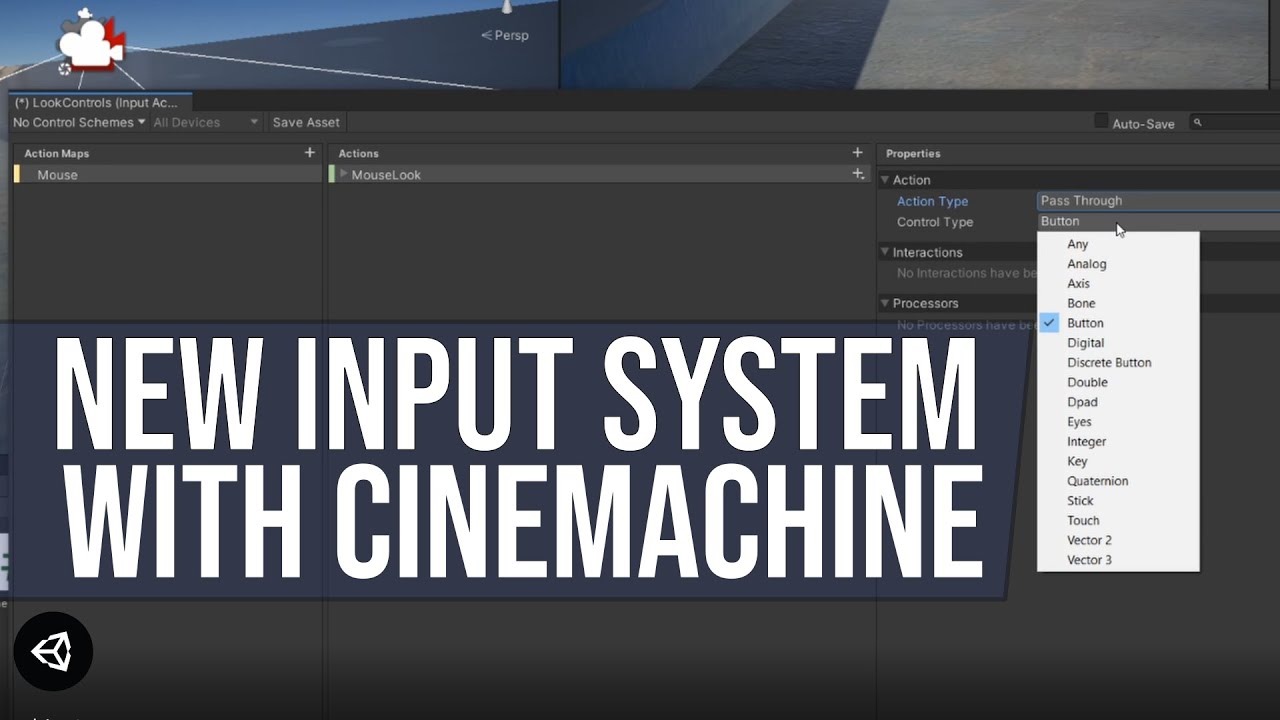
How to use the newest input system with Cinemachine using the Cinemachine Input Provider.
ᐅGet the full Source Code Bundle to my Unity Tutorials 🤓
https://sam-yam.itch.io/samyam-full-source-code-to-all-videos
Thank you for 2,000 subscribers!!!
🔗 Documentation Link 🔗
https://docs.unity3d.com/Packages/[email protected]/manual/Cinemachin...
for context
yes i am using unity 2023 urp and have followed tutorial properly
or if there is any other way to make fps movment with cinemachine
please do let me know
 grave flower
@vestal sky
Hi, it works with the old input system?
vestal sky
grave flower
<@797123371337777182>
Hi, it works with the old input system?
Not tried it
Never found any tutorials for using cinemachine for fps
Would be appreciated if you could drop any tutorials
Thanks.
grave flower
vestal sky
Not tried it
Never found any tutorials for using cinemachine for fps
CinemachineBrain script attached in scene?
vestal sky
grave flower
CinemachineBrain script attached in scene?
Yup it is attached
I am using cinemachine virtual camera
vestal sky
vestal sky
Like in this photo
Also fun fact:- the camera look works if I change the mouse delta to arrow keys or any different ways to use it

