
#Raycast Not Catching Anything
1 messages · Page 1 of 1 (latest)
 shut ice
 strong otter
Assuming collider is your paddle from the video, your first param is your "origin", which looks like its starting 1000 units to the left of your paddle - your 2nd param is the normalized direction, which looks like your casting to the right - your 3rd param is the distance along that direction, which looks like is the length of your paddle by 1000 - I would suspect the cast to then be pointing right, going across the whole screen but in your video it appears to be pointing left with the origin at the center
If you did want to visualize all the params (including layers) of your raycast one really nice package for this is on github: https://github.com/vertxxyz/Vertx.Debugging - theres a bit of a process though if you scroll to the bottom of the page, there are install steps to first setup UPM in your Project Settings, then install via git link in your PackageManager, you can then call it in addition to, or as a replacement of your current raycast call: Vertx.Debugging.DrawPhysics2D.Raycast(...), ive used it in many 3D projects and has helped a lot in debugging these type of issues
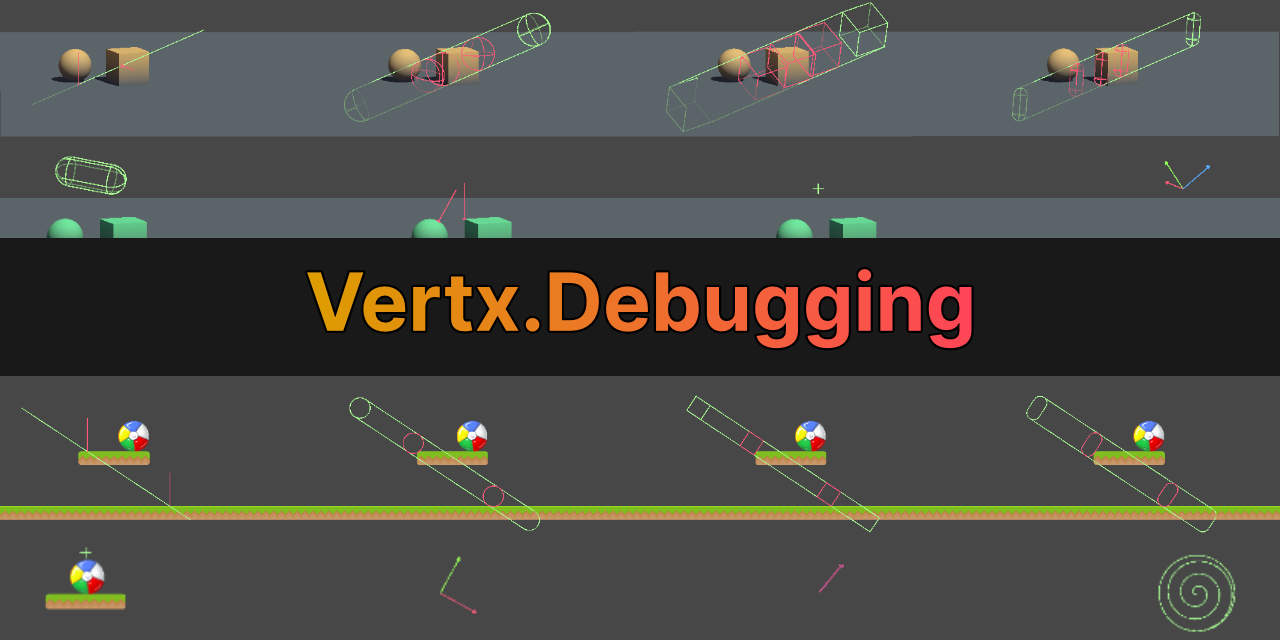
GitHub
Debugging Utilities for Unity. Contribute to vertxxyz/Vertx.Debugging development by creating an account on GitHub.
shut ice
i'll try that later tysm
shut ice
strong otter
Assuming `collider` is your paddle from the video, your first param is your "ori...
okay this is unity 2019+ i'm using 2018 rn bc of the long compile time in later versions..
is there no other solution ?
shut ice
okay, i found a workaround to my problem, turns out there's no need for collision in a pong game with finger slide control since the player can't drag his finger out of the screen like i'm doing in unity with the mouse lol...
would love to know a built-in way to draw a ray the same way it's defined in the cast method, if there's any, thank you so much for your time 🙂
strong otter
shut ice
would love to know a built-in way to draw a ray the same way it's defined in the...
There is built-in visualization with Gizmos (https://docs.unity3d.com/ScriptReference/Gizmos.html) and OnDrawGizmos (https://docs.unity3d.com/ScriptReference/MonoBehaviour.OnDrawGizmos.html) or OnDrawGizmosSelected (https://docs.unity3d.com/ScriptReference/MonoBehaviour.OnDrawGizmosSelected.html) - theres also Debug.DrawRay and Debug.DrawLine if you wanna project a line up to a certain distance, though none of those can handle layers automatically - that package I linked essentially does the Raycast call for you, stores the data and uses the Gizmos class to visualize that data, though aside from that, AFAIK, I dont think there are alternative built-in ways to debug casts with layers