 keen fern
Hello! been trying to replicate the t3ssel8r 3d pixelart effect, Where it takes the 3d scene, pixelizes it, adds outlines, etc. (Universal Render Pipeline)
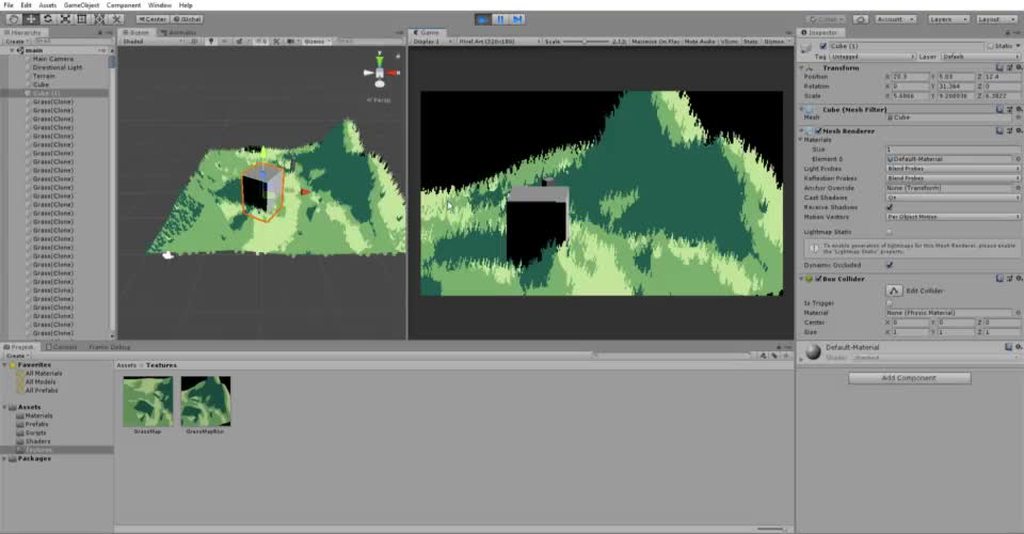
I've already pixelized the scene using a render texture - I'm just facing a tough problem with the outlines.
Basically, the outlines are supposed to be pixel-perfect, so my initial instinct was to use a post-processing effect that runs through every pixel in the depth buffer, checks its neighboring pixels and then puts a dark outline if the conditions are met, then the same thing with every pixel in the normal pass, then puts a light outline if conditions are met.
Problem is I don't know how to get the pixelated depth buffer and normal passes, and then apply a shader on them to create that overlay. There seems to be 2 solutions (I'm probably wrong about this):
- Use an overlay render texture that has a shader on it which magically somehow gets the downscaled depth & normal passes, and then creates an outline
- Replace the render texture pixelization with a shader pixelization, so that I could add another shader on top of it which adds the outlines
Problems I've encountered with solution 1 are not knowing how to get the depth & normal passes, and custom render textures being a bit glitchy. Problems with solution 2 is that the pixelization shader looks worse than the render texture for multiple reasons (blurry edges of objects despite there being no antialiasing, jagged pixels with camera movement or window resize, etc.
Here's a tutorial by t3ssler8r so you'll see what I'm trying to achieve: https://imgur.com/gallery/qwhbHQq
If anyone has a more solid solution to this outline problem I'm having that would be lovely! Been tryna do this for a week by now, Thanks!

 mint rover
 naive wyvern
 hushed drift


