#animation when moving
1 messages · Page 1 of 1 (latest)
 polar raft
 neon jacinth
here's the player movement script, and here are some vids i've tried: https://youtu.be/2_Hn5ZsUIXM
https://youtu.be/3Ad1wr3qBRw
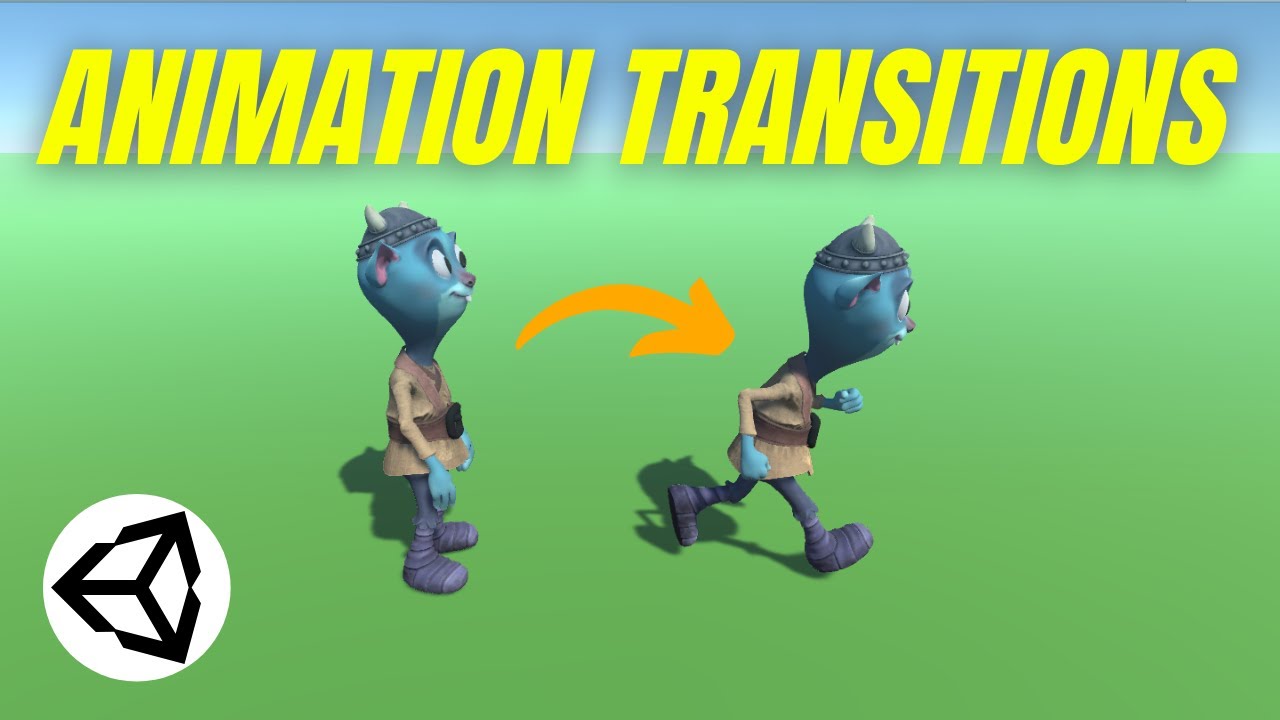
In this Unity game development tutorial we’re going look at how we can easily control when to transition from one animation to another from our scripts.
We’ll see how we can use animation transitions to make a character transition from an idle animation to a running animation when it starts moving.
The project is available here:
► https://www....

Learn how to change Animator variables through script!
📥 Get the Source Code 📥
https://www.patreon.com/posts/38331467
🔗 Relevant Video Links 🔗
ᐅNext Part
Detecting Enemy Collisions - Unity Tutorial
https://youtu.be/ND1orPLw5EQ
ᐅPlaylist
Unity Beginner Mini-Series
https://www.youtube.com/playlist?list=PLKUARkaoYQT178f_Y3wcSIFiViW8vixL4
ᐅ Sprit...
neon jacinth
im trying to animate something like with the gun movement from old doom
polar raft
Doesnt look like any of that code is currently handling animation, though it also looks like your storing your input from MyInput - if your animations are split into directions, you could make another function that uses that input and passes it to a animation param, you can use that animation param as a condition for transitioning between states, then you could split your animations into "walk left/right/forward/backward"
Another approach could be with animation trees or blending between states, or directly calling the state name for the direction you want to move, though I think the param may be a good approach
neon jacinth
hmm...
i see what you are saying
but what if i wanted to have it so when i move left the cam tilts that way?
would it be the same thing?
polar raft
neon jacinth
hmm...
i see what you are saying
but what if i wanted to have it so when i move ...
Yeah, you could set it up with animations in a similar way - another option is doing it by code, you could look at camera tilt or sway examples online and use something similar, you could use a AnimationCurve variable type and lerp a time, or there are also packages like DOTween that can help with that kind of stuff, I also know of MMFeedback is a really good package for coded animations, though I think most of their products are paid
neon jacinth
so if MyInput is where i should put it, how do i set moving to true when theres horizontal and vertical input?
polar raft
neon jacinth
so if MyInput is where i should put it, how do i set moving to true when theres ...
I wouldnt put it inside MyInput, I was suggesting you could add another function because you store input, so your Update could like this for example:
void Update()
{
//...

        MyInput();
        SpeedControl();
        StateHandler();
        Animations();
//...
}
Because you store your input with
horizontalInput = Input.GetAxisRaw("Horizontal");
verticalInput = Input.GetAxisRaw("Vertical");
If those values are anything other than 0, you would have to be "moving" or at least providing directional input (for example, those values could still be not zero even if your running into a wall and technically not displacing yourself) - so, some new Animations function (which you can call whatever you want) could use horizontalInput and verticalInput to determine the value of your animation params - for example, if you had a float animation param called "xMovement", then you could add someAnimator.SetFloat("xMovement", horizontalInput) into your Animations function
neon jacinth
so, i need to find if horizontal movement is either positive or negative, and if its pos, then play right tilt, then if its neg, play left tilt?
...would that be a fliat?
neon jacinth
polar raft
I wouldnt put it inside `MyInput`, I was suggesting you could add another functi...
so ive tried, and it says that there is no animatorcontroller
polar raft
neon jacinth
so ive tried, and it says that there is no animatorcontroller
Normally youd change states/set animator params through the Animator component, I dont think youll need to access the AnimatorController directly, unless you wanted to do something with the animator states/params themselves in the editor, (its part of the UnityEditor namespace which cannot be used in a build, while the UnityEngine namespace can), if you do need to access the animator data at runtime, theres also RuntimeAnimatorController (which is part of the Engine namespace)
neon jacinth
here's the movement, the animator is in the header for movement, and the func for animations is at the bottom. also here's my animator window
 polar raft
Looks good to me, does it work as expected?
neon jacinth
no.\
polar raft
Whats the outcome? And do you have xMovement setup as a param in the Animator for that controller?
neon jacinth
yep
polar raft
And what is the outcome?
neon jacinth
outcome?
polar raft
neon jacinth
outcome?
Well you mentioned it wasnt working as expected, so what happened instead of what you expected to happen?
neon jacinth
nothing happened
polar raft
neon jacinth
nothing happened
How are your transitions setup? For example, with "Idle" to "Right Tilt" and back?
neon jacinth
white is moving = true
blue is moving = false

ive update my code so here's the animation function
    {
        WeaponMovement.SetBool("Moving", horizontalInput, verticalInput);
    }

}
 stable plover
that doesnt seem like a valid call to SetBool
 pallid copper
polar raft
neon jacinth
```public void Animation()
{
WeaponMovement.SetBool("Moving",true);
...
pallid copper
polar raft
neon jacinth
```public void Animation()
{
WeaponMovement.SetBool("Moving",true);
...
That syntax looks correct, if you wanted to use your float as a "bool", you could use Mathf.Approximately(float value, float compare), for example if(!Mathf.Approximately(xInput, 0)) would be saying "if xInput is not basically 0", in that case, youd be "moving" - though does just using true transition correctly for you?
neon jacinth
polar raft
That syntax looks correct, if you wanted to use your float as a "bool", you coul...
animation plays even when not moving
ill be back
gotta go clean
neon jacinth
polar raft
That syntax looks correct, if you wanted to use your float as a "bool", you coul...
so what do i do?
polar raft
neon jacinth
so what do i do?
Well it sounds like your logic/transitions are working as expected, so you would just want to pass your directional input as a bool condition, one way is with Mathf.Approximately above
neon jacinth
polar raft
Well it sounds like your logic/transitions are working as expected, so you would...
where'd i put the Mathf?
and about the float in it
that converts my bool to a float?
stable plover
think about it, if Mathf.Approximately returns a boolean, where would you plug that in when you invoke SetBool
neon jacinth
stable plover
think about it, if Mathf.Approximately returns a boolean, where would you plug t...
myInput()?
neon jacinth
not a lot
 stable plover
well I would highly recommend becoming familiar with the basics of C# before jumping into Unity, I made the mistake of trying to learn programming and Unity at the same time and cost myself a year of development
Unity does offer a great learning pathway if you want to learn both at the same time
might be a good option for you

Unity Learn
Free tutorials, courses, and guided pathways for mastering real-time 3D development skills to make video games, VR, AR, and more.

This course will give you a full introduction into all of the core concepts in C# (aka C Sharp). Follow along with the course and you'll be a C# programmer in no time!
⭐️ Contents ⭐️
⌨️ (0:00:00) Introduction
⌨️ (0:01:18) Installation & Setup
⌨️ (0:05:03) Drawing a Shape
⌨️ (0:17:23) Variables
⌨️ (0:30:06) Data Types
⌨️ (0:37:17) Working With S...
also here is a course more focused on C# fundamentals
neon jacinth
i think i got it
    {
        WeaponMovement.SetBool("Moving",true);
        Mathf.Approximately(moveSpeed, 0f);
        if (Mathf.Approximately(horizontalInput, 0));
}```sigh
neon jacinth
._.
neon jacinth
WOOO
I FIGURED IT OUT
turns out i could do this
{
if (Mathf.Approximately(verticalInput + horizontalInput, 0f))
{
WeaponMovement.SetBool("Moving", false);
}
else
{
WeaponMovement.SetBool("Moving", true);
}
}``` wraith wing
neon jacinth
turns out i could do this
```public void Animation()
{
if (Mathf.App...
wraith wing
neon jacinth
turns out i could do this
```public void Animation()
{
if (Mathf.App...
Glad you got something working. But bro! That if-else block can be simplified to a single line of code.
neon jacinth
Else if?
wraith wing
neon jacinth
Else if?
That code you made there is basically saying is “if condition is true, then set bool to true; else (if condition is false) set bool to false.”
Do you realize how redundant that is?
I mean it works, but it’s complicated for no reason.
See if you can have your code say this instead: “set bool to condition”