

18 messages · Page 1 of 1 (latest)
 dim moth
i have a pro plan on my server and im wondering how to change the icon in minecraft, like the one shown in picture as an example.
the png is what im tryan change since if u dont change it its just minehut icon
Also wondering how to change the lore as like the other picture attached its the thing that says 1.21.14
thanks
 sullen canyon
follow this guide for the custom server icon
Adding your own custom server icon is quick and easy! To use this feature, you must be on a paid server plan. Here are the step-by-step instructions:
Create a 64x64 .png image file titled server-i...
dim moth
ty
sullen canyon
and there's this for the motd
Customizing your server to fit your individual needs and make it stand out from the thousands of individual Minehut Servers is integral to your server's success. This guide will outline some of the numerous ways you can make your server stand out from ranks, features, MOTD (Message of the Day), and server icons & tags on Minehut.
This article as...
pretty sure it takes MiniMessage formatting but can't remember
 nocturne osprey
sullen canyon
pretty sure it takes MiniMessage formatting but can't remember
nocturne osprey
sullen canyon
pretty sure it takes MiniMessage formatting but can't remember
that might only be for the in game server list tbh
dim moth
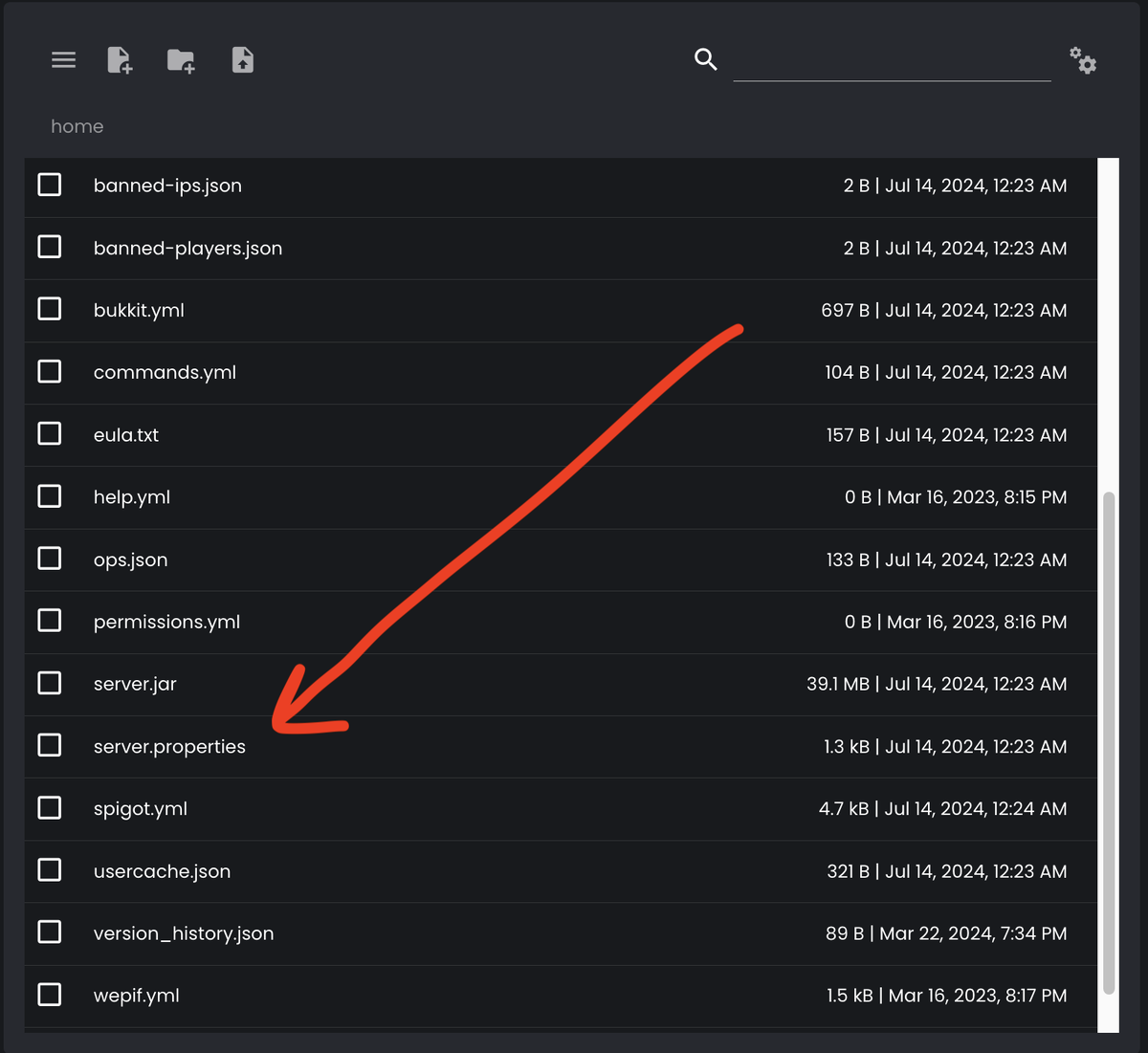
i put it and saved and then my server.properties changed and motd = is just not there anymore
i honestly dont know wt happened
alot of settings in there dissapeared
im restarting server rn (yes i hibernated)
yea no neither of them worked
server-icon.png is there
sullen canyon
the motd and icon do take a while to cache, so it'll take some waiting
sullen canyon
it may take up to an hour to update