
#Help me please!!
35 messages · Page 1 of 1 (latest)
 neon rover
 fleet mulch
bro did NOT have to repeat the massage
 tiny swift
fleet mulch
bro did NOT have to repeat the massage
bro did NOT have to comment unneeded things
@neon rover
!logs
 oak flumeBOT
tiny swift
!logs
📃 How do I download my logs?
You view and download your logs through the File Manager on your server dashboard. Enter into the logs folder, scroll to the bottom of the folder, and select the file name latest.log and then hit the Download button.
Once you have your log file downloaded, upload the contents of the file to mclo.gs and click Save.
After that, send the link of the website to the channel you want to send your logs to.
Easily paste your Minecraft logs to share and analyse them.
oak flumeBOT
tiny swift
!external
 External Plan
The External plan allows you to host a single server, or a server network (using Velocity or Waterfall) outside of Minehut, and connect it to the Minehut proxies, which has some benefits like being displayed in the Minehut server list, and being able to advertise in the Minehut lobby. This plan is primarily for experienced users as you are hosting your own server, and Minehut support has a limited capability of helping you through the setup and maintenance.
While the External plan counts towards removing the daily 4 hour uptime limit, it is not the correct plan if you still intend to use Minehut's servers. If you purchased this plan as a mistake, simply change the plan to something else and you will be refunded for the remainder of the time.
Guide: https://gamersafer.notion.site/Minehut-External-Servers-Docs-c93113ba90924e3fb8d941348e59439c
GamerSafer Inc on Notion
The Minehut External Servers Docs provides a step-by-step guide on how to connect a Minecraft server to the Minehut network.
neon rover
?
tiny swift
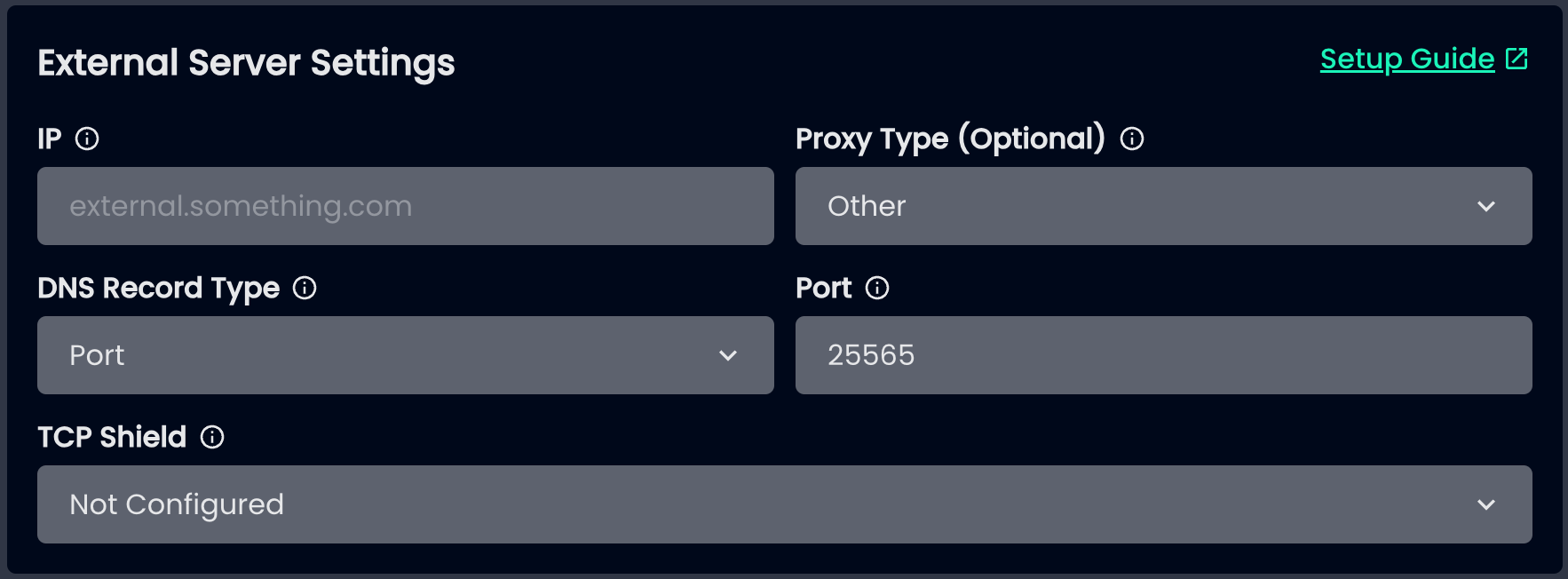
Send me your startup flags, config/paper-global.yml and a SS of your MH External. Server Settings
neon rover
where
can i find
proxy-protocol: true
my
start up flag is Dminecraft.api.session.host=https://api.minehut.com/mitm/proxy
tiny swift
Ok well
You’re missing a bunch of crucial arguments
Check your server host for documentation on what’s already included
Along with 3 more flags
neon rover
?
tiny swift
Follow the external server guide
neon rover
no