

13 messages · Page 1 of 1 (latest)
 true ether
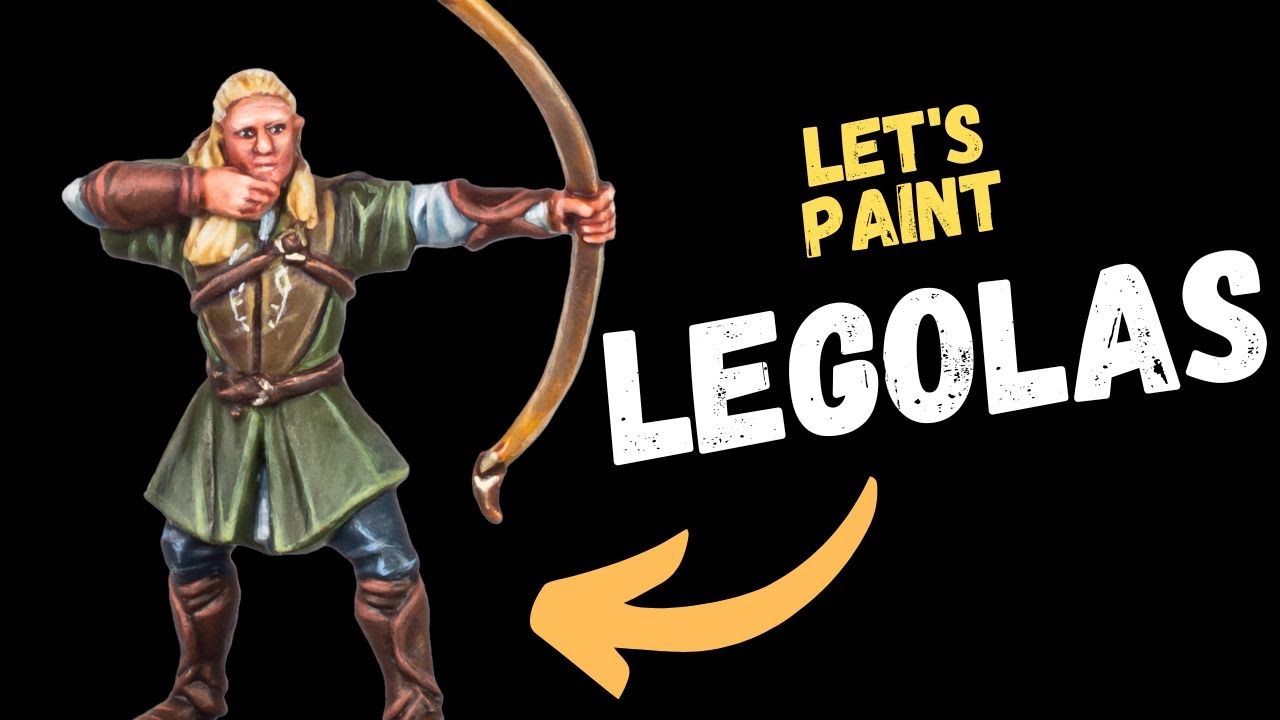
I had a few things going against me when I was painting this mini, not the least of which is my inexperience. I tried following a tutorial I found on youtube, but he used a lot of different colors, none of which I had on hand so I tried mixing to get as close as I could. I feel it went reasonably well, up until the highlights. This was the first time I tried doing highlights, instead of just dry brushing, and I don't think it went amazingly. If you have any pointers, I would welcome them. This was the tutorial I followed from Swords and Brushes: https://www.youtube.com/watch?v=wvy_PyzvsTg
Let's paint Legolas for the Middle Earth Strategy Battle Game, as we continue our Journey into Middle Earth.
👉🏻 Watch Next - Let's paint Boromir - https://youtu.be/v-Njw8rejpw
-------------------------------------------------
❤️ If you find these videos helpful, slide into the Discord channel...
 marsh flax
Hello Jace! Well one piece of advice would be to keep at it and you'll get there. Mixing your paints is great because it gets you into the habit of creating more colors from what you have. In this particular case, you can use intermediate tones between the sandy-yellow highlight of the tunic and the green, and paint areas of reducing until you reach the final highlight you have already in place. It will help them feel more "as an integral part of the mini". 😉
The other advice for me would be to expect to treat shadows as much as you do highlights to enhance the readability of the mini through contrast.
I see you're painting eyes, shadows on the face - all very nice things to tackle. 👍 Just keep at it and there will come a time when you feel good about the result. Just don't hesitate to use more intermediate tones. And maybe thinner paint when the time is right for you?
 opal fjord
Heard a great tip! Take a picture of your mini and make 2 copies one for low contrast and 1 in a high contrast. This will show you exactly the way you should be manipulating your highlights! Doing highlights is a big step in uping your minis, however its a skill and you need to train your eye to see what it is that you're looking for in your personal mini! Best advice- paint the way you like it, don't try to copy others and replicate their work. Do it for yourself and nothing else other than self improvement.


The reason this helps is to train your eye to see the way shadows feel natural in the model. Showing you where to not put a ton of detail where its basically gonna be a darker version of the color you're using. I personally do 4 layers of highlights before i call it cool [if you're curious I do 1st highlights for tops of clothes or anything immediately visable, next imagine a light source aka the sun and pretend the light is fixed to the modle no matter what angle you turn it. Then I personally paint from head to toe working in less highlights twards the legs and anything not too interesting to put more focus on the main subject in this case the bow. The 3rd highlight layer is used very sparingly while the 4th even more so.

Fake light example ^

Increasing contrast without compromise on putting paint where you dont want with dry brush
true ether
thank you @marsh flax and @opal fjord I appreciate the positive feedback. I will take that idea about the high and low contrast and see what I can do to improve the next fellowship member!
marsh flax
opal fjord
Heard a great tip! Take a picture of your mini and make 2 copies one for low con...
I fail to see the use of this. What i do is take a picture after priming and before painting then it shows what you want.
opal fjord
@marsh flax depends on how you prime, i use a lot of different color primers for bases and really all you need is a better osl