#Message.mentions.members.first() Not Working
38 messages · Page 1 of 1 (latest)
 heavy vector
 fast aspen
provide code and logged values.
heavy vector
fast aspen
provide code and logged values.
 if (!isNaN(Args[0])) {
     TargetUser = await Message.guild.members.fetch(Args[0])
} else {
    TargetUser = await Message.mentions.members.first()
};
Example command: !update @heavy vector
https://i.gyazo.com/275b664bd1589a375bd303798b14e781.png
And that's Right^
But If:
Example command: !update @heavy vector (2 Spaces)
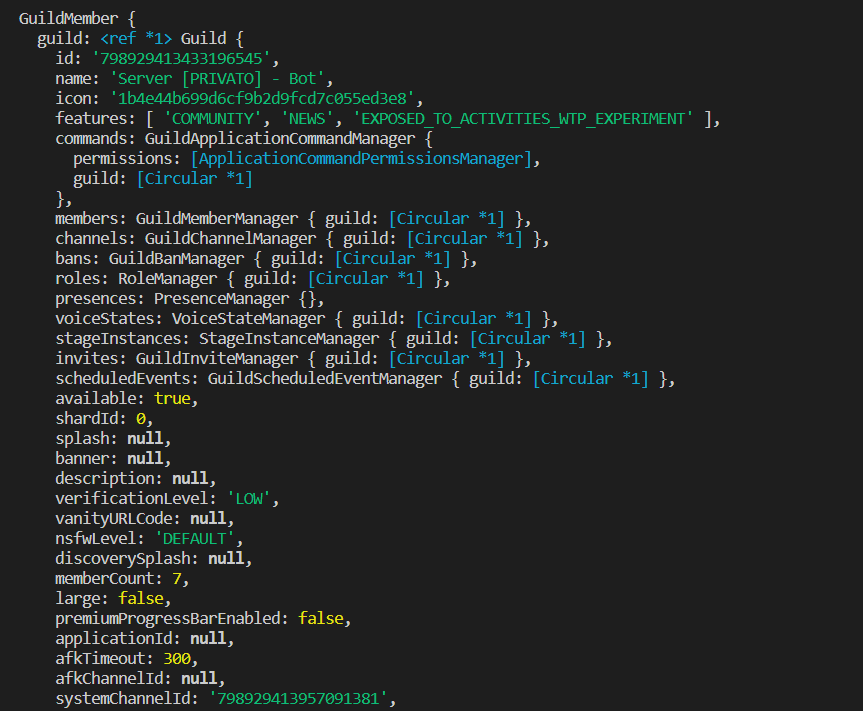
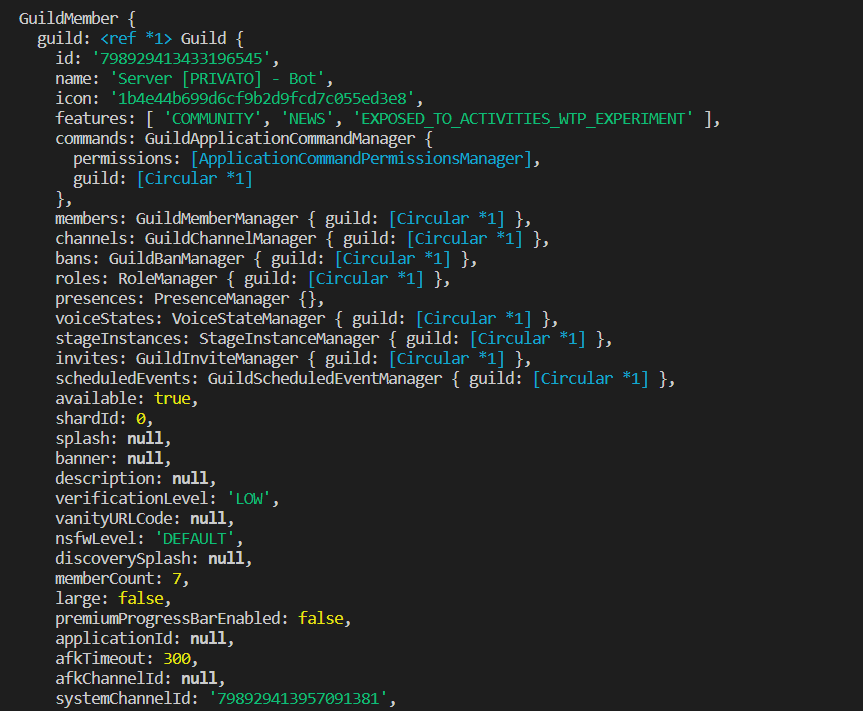
It returns: https://i.gyazo.com/7526c3062fff7b02198585cad8579081.mp4
All guild Members^
 fast aspen
Looks like your args is fishy and thus fetches all members.
 green quarry
heavy vector
```js
if (!isNaN(Args[0])) {
TargetUser = await Message.guild.members.fetc...
green quarry
heavy vector
```js
if (!isNaN(Args[0])) {
TargetUser = await Message.guild.members.fetc...
How are you defining args?
fast aspen
I assume you split by spaces, thus args[0] not being what you expect it to be
heavy vector
Basicaly the command should work like this:
!update UserID (Should Enter on first condition) Since is a number And Is not Nan
!update @sterile scarab It's a User Object and should enter on second condition and the code should take first User Pinged.
fast aspen
an empty string would return true in your case.
thus fetching all members
sou you should also check if args[0] isn't an empty string
green quarry
@heavy vector Show us how you are defining args
heavy vector
Ok
fast aspen
How they define args is irrelevant
fast aspen
how does regex matter here
green quarry
If you use two spaces args would still be correct with regex
fast aspen
you split args by space, everything else wouldn't make sense
thus with a double space one entry is an empty string
and an empty string isn't considered not a number
heavy vector
First Case (With 1 Space)
[ '@heavy vector' ]
Second Case (With 2 Space)
[ '', '@heavy vector' ]
that should not be relevant im just taking User
fast aspen
you should also check if args[0] isn't an empty string
heavy vector
from mentions
green quarry
fast aspen
and an empty string isn't considered not a number
yeah guess you're right
heavy vector
fast aspen
> you should also check if args[0] isn't an empty string
If i don't put nothing it return Right embed

Sorry for Language
(It means) Not Args
heavy vector
Ok, where i should check this?
heavy vector
fast aspen
where you check if its a number
Like this?

 subtle kindleBOT
Checking for things to not be equal in JavaScript:
- if (!yourVariable === yourOtherVariable) // !yourVariable is coerced to a boolean value
+ if (yourVariable !== yourOtherVariable) // checks that one is not equal to the other
• Comparison operators in JavaScript: learn more
heavy vector
that's what i send
heavy vector
heavy vector
Like this?
Oh Well, That worked