

7 messages · Page 1 of 1 (latest)
 dense granite
I love the dirty look of these two games and want to copy take inspiration from them, but I don't really know where to start with visuals in Godot.
pls explain like I'm 5, I have no experience making graphics for games and thought this might make good practice.
 low panther
I've worked a little bit with blender and graphic design. I haven't worked that much into implementing these skills into godot, but I'm trying.
From what I can gather, the models have a similar design to other games like borderlands. Its almost like they are painted on, and outlined by a pen.
They make good use of the color brown, as it highlights the other colors in the scene such as green and red.
The scene also fades into a fog/haze with distance.
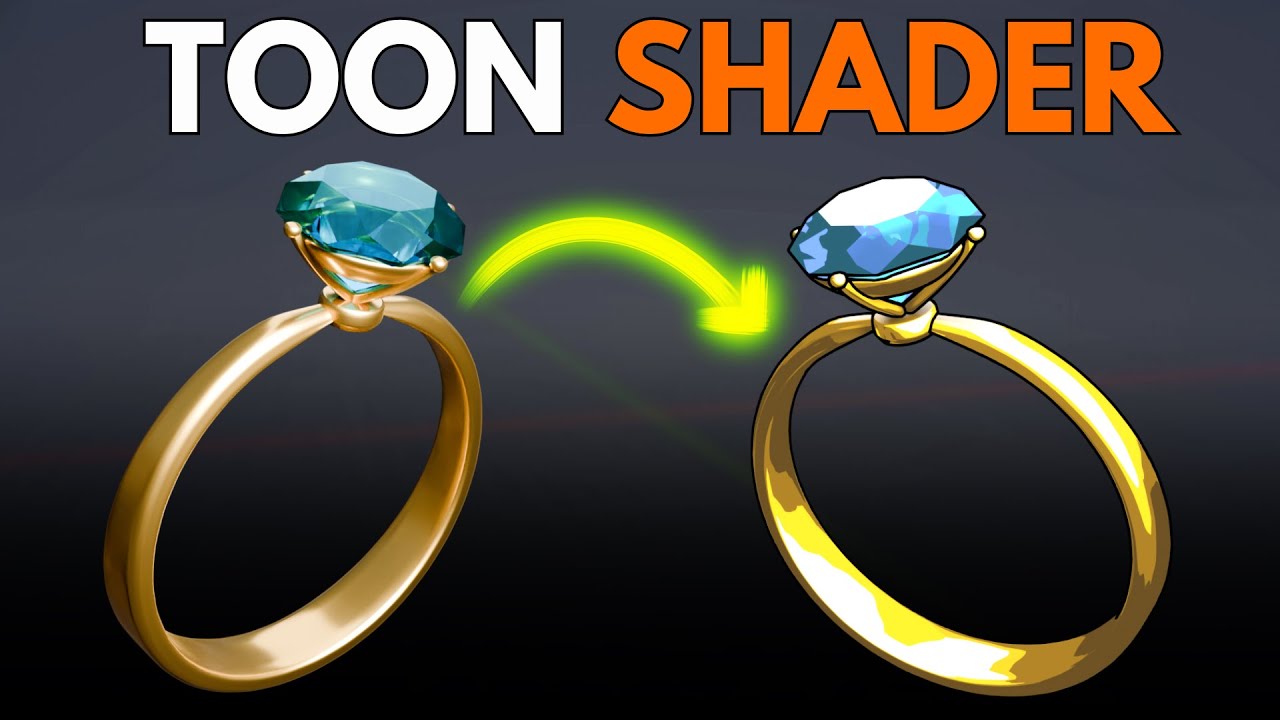
What I can recommend is looking into shaders with blender, particularly one called a Toon Shader:
https://www.youtube.com/watch?v=bViS42E8Y4M
After getting familiar, move on to applying that to objects in Godot. I found this video that might help, however its from Godot 3.
https://www.youtube.com/watch?v=1duRtTEc2SU
From there, I think its about adding the actual texture art to the models. For me, that means getting comfortable with UV Maps. Here is a video explaining the process for Blender
https://www.youtube.com/watch?v=iwWoXMWzC_c
How to get this particular grundgy/dirt texture, that depends on the brush you have. You can download a ton of them online, and Id recommend finding something earthy or concrete. https://www.artstation.com/marketplace/game-dev/brushes
But one thing that's for sure, is that you are going to choose a shade of brown, and use it for almost everything in your models. So remember that color code (ie black = #000000 and white = #FFFFFF). Maybe something like #967969.
From there I believe the lights and haze you add to the scene will make the difference. Anything that isn't brown will stand out, and make the players bee line towards it. I think this will probably be the easiest part, but I could be wrong. Heres another video:
https://www.youtube.com/watch?v=ogtDKlTnnqo
Join The Blender Vital Newsletter:
https://blendervitalsnewsletter.beehiiv.com/subscribe
Receive a Blender tip that could potentially save you hours of headache, sent to you weekly - Don't miss out^^
Check me out on all Platforms:
https://linktr.ee/BlenderVitals
Learn to turn a Regular shader to a Toon shader in this Blender beginner tutorial...
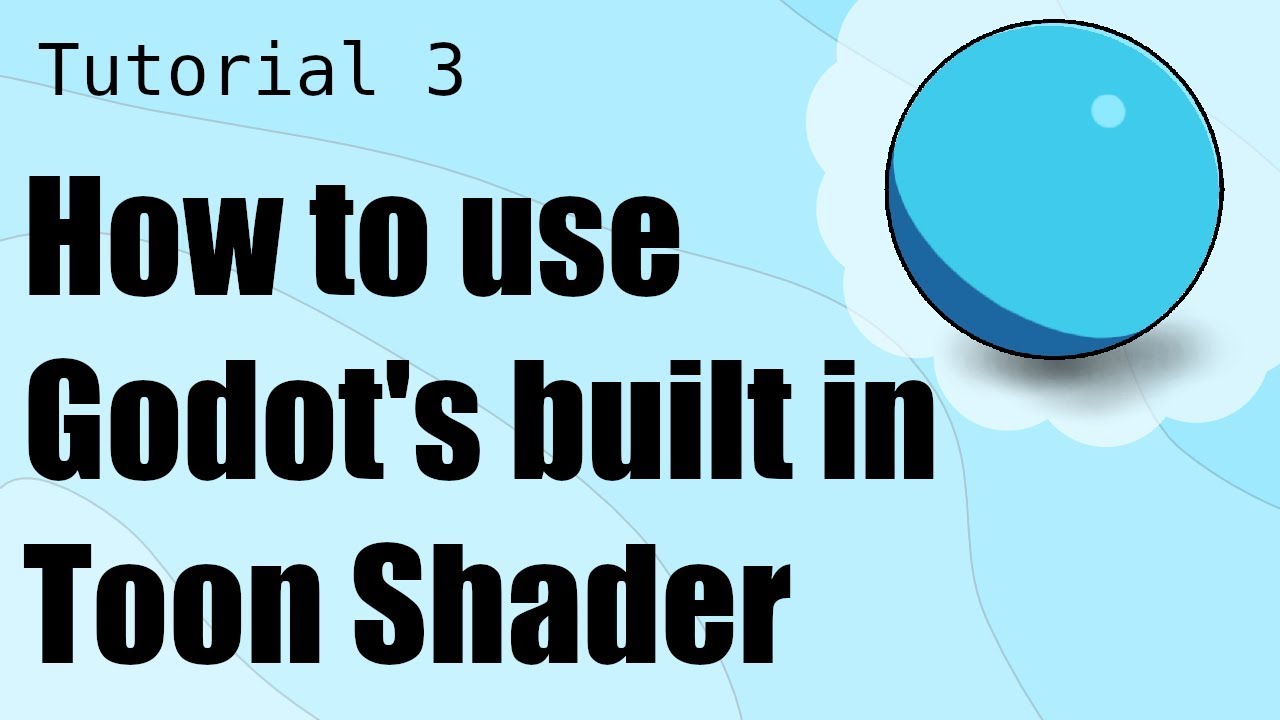
In this tutorial, I'll demonstrate how to use godot's built in toon shader. Also, at the end of this video is a seek peek at Dave the Dev's custom Cel Shader. Have questions or suggestions? I'd love to hear from you! Comment below and I'll do my best to get back to you.
Dave the Dev GitHub: https://github.com/DaveDaDev/Godot-Cel-Shader
Music f...

Check out my Gumroad for a bunch of free Blender stuff:
https://drag...
Digital brushes for drawing and modeling. Professional tools from artists and studios. Free brush sets available for download.

What are DirectionalLight3D nodes in Godot 4 and how do you use them?
This is a basic overview of the DirectionalLight3D node including:
 atomic wigeon
dense granite
I love the dirty look of these two games and want to ~~copy~~ take inspiration f...
atomic wigeon
dense granite
I love the dirty look of these two games and want to ~~copy~~ take inspiration f...
Acerola has a great graphics deconstruction of Lethal Company, it's basically the high-end graphics rendered at a fixed resolution, posterized, depth outlined, sharpened, then scaled up (all effects are just applied on top of the "clean" 3D render). Lethal Company has low-poly models and that other game looks like it has more than 10 per model, so you could definitely easily combine the two graphical styles

The first 500 people to use my link will get a 1 month free trial of Skillshare: https://skl.sh/acerola01241 ! #ad
Lethal Company has some very compelling visuals, but how much of it did the developer make themselves? And how does it all come together?
Topics covered: Frame capturing, fixed resolution rendering, edge detection, posterization, ...
So, the problem right now is that the old way to do post processing, if you wanted access to the depth texture, was to create a piece of geometry that covered the whole screen really close to the camera which is very janky and didn't work well 100% of the time. The Compositor is technically the correct way to add these post processing effects, but it's complicated, requires you to interact with the RenderingDevice a lot, has a lot of boilerplate, and also requires you to write compute shaders instead of fragment shaders.
The compositor is a new feature in Godot 4 that allows control over the rendering pipeline when rendering the contents of a Viewport. It can be configured on a WorldEnvironment node where it applie...
Most shaders online will be made for the old method, since the compositor is new to 4.3
I tried using it once, but I wasn't following the tutorial exactly and so it didn't work (I was trying to do it from a file instead of in a little text input in the Resource itself)
Anyway if you do choose to use the Compositor, good luck 