#I'm sorry to bother you but can you tell
1 messages · Page 1 of 1 (latest)
 brisk kraken
https://www.youtube.com/watch?v=eBS3BOI5KnM Do I need to watch this guys other videos to understand this one?
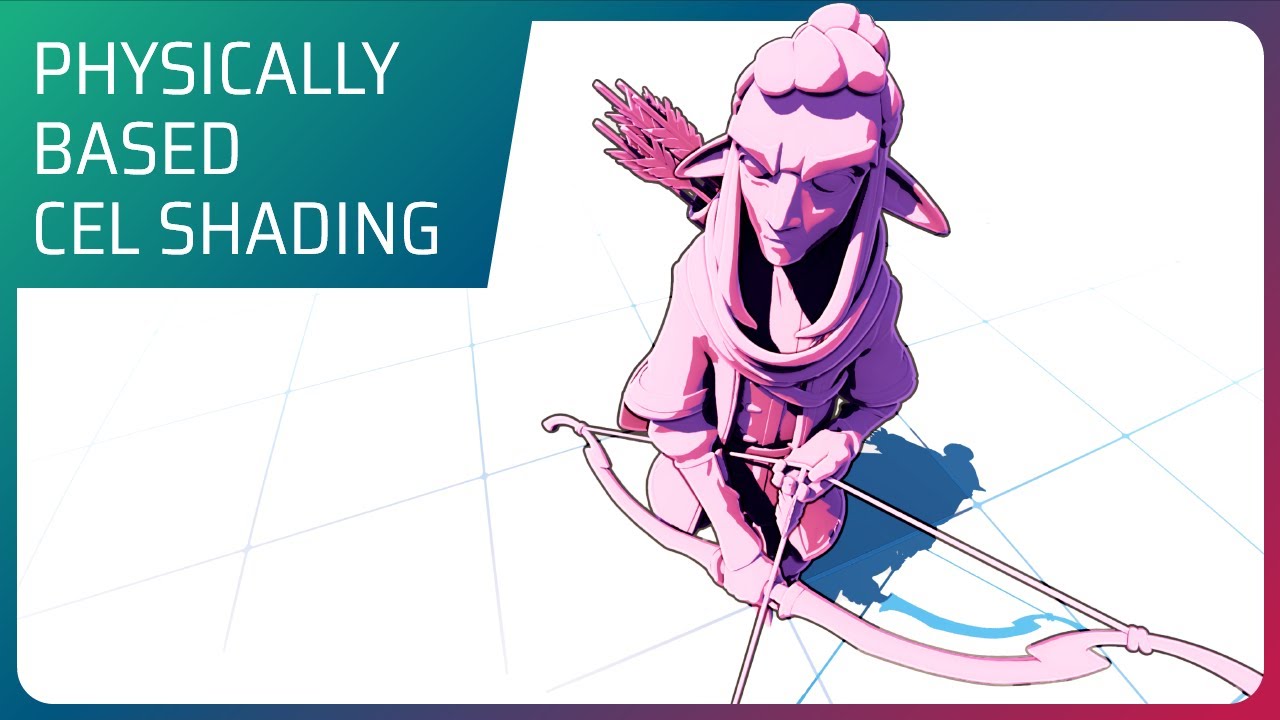
In this video we go through the break-down of the most common approach to create toon looking images in Unreal Engine, we'll see what works and what doesn't.
Then we'll build up to a new Cel Shading approach that doesn't break physically based rules. Following with few sample tricks to improve the image and re-purposing elements as the outlines ...

 rancid hinge
brisk kraken
https://www.youtube.com/watch?v=eBS3BOI5KnM Do I need to watch this guys other v...
rancid hinge
brisk kraken
https://www.youtube.com/watch?v=eBS3BOI5KnM Do I need to watch this guys other v...
depends on your background. maybe self-explanatory, maybe requires background that's not even in his videos
brisk kraken
 deft temple
Hey thanks that helped
deft temple
Neat!
brisk kraken
rancid hinge
depends on your background. maybe self-explanatory, maybe requires background th...
ok I figured out, also do I need to use the mf_Dynamic thing? will smooth step work just as well or can I use another node?
 rancid hinge
brisk kraken
ok I figured out, also do I need to use the mf_Dynamic thing? will smooth step w...
rancid hinge
brisk kraken
ok I figured out, also do I need to use the mf_Dynamic thing? will smooth step w...
I'm afraid I do not have and can not inexpensively acquire enough context to answer the question. I'd guess maybe? But I'd try to just implement it as documented, and make sure that's working, before changing it
brisk kraken
I believe it's to replace the round node to have a better flow of color or something, I just want to make a cel-shader

and he's using a node that's not in unreal that's from a sample project
rancid hinge
i would guess smoothstep is doing something similar then, yes
brisk kraken
alright I'll have to fool around with it until I get the results right
brisk kraken
deft temple
Did I replicate this right?
 deft temple
brisk kraken
Did I replicate this right?
deft temple
brisk kraken
Did I replicate this right?
Looks okay.
Is SceneColor (for lighting) the only option available with (for lighting)? If so then yeah.