#metahumans
1 messages · Page 4 of 1
 drowsy anvil
which is better recording the live actor or livelink data
 errant mauve
uhhh just click the record button in sequencer, not sure what the menu is

In this UE5 Tutorial we are going to use the Live Link Face App to do some Facial Motion Capture on a Metahuman Character! Motion Capture Using Your iPhone with Unreal Engine 5 and Live Link Face App!
Blink Studio's RPG Assets ► https://www.humblebundle.com/software/unity-unreal-rpg-essentials-blink-software
Patreon ► https://www.patreon.com/p...
thats the whole process
drowsy anvil
errant mauve
https://www.youtube.com/watch?v=hwZfM5Eypk8
any tips for mixamo animation snapping back while blending animations on level sequence
errant mauve
drowsy anvil
any tips for mixamo animation snapping back while blending animations on level s...
you can try fading between two animations? but its always tricky with them i'm finding. mixamo is not a production solution, need to get a mocap suit for that
i'm just doing pre-vis now with mixamo stuff and its still finicky and annoying
drowsy anvil
errant mauve
i'm just doing pre-vis now with mixamo stuff and its still finicky and annoying
so annoying
errant mauve
you can also bake your animation to control rig and try to edit out there
drowsy anvil
errant mauve
you can also bake your animation to control rig and try to edit out there
how sir
errant mauve
right click the body track in sequencer, go to bake to control rig, you might have to click off filter asset by skeleton
and then delete your original animation track and get animating the old fashioned way
drowsy anvil
errant mauve
right click the body track in sequencer, go to bake to control rig, you might ha...
This solves it
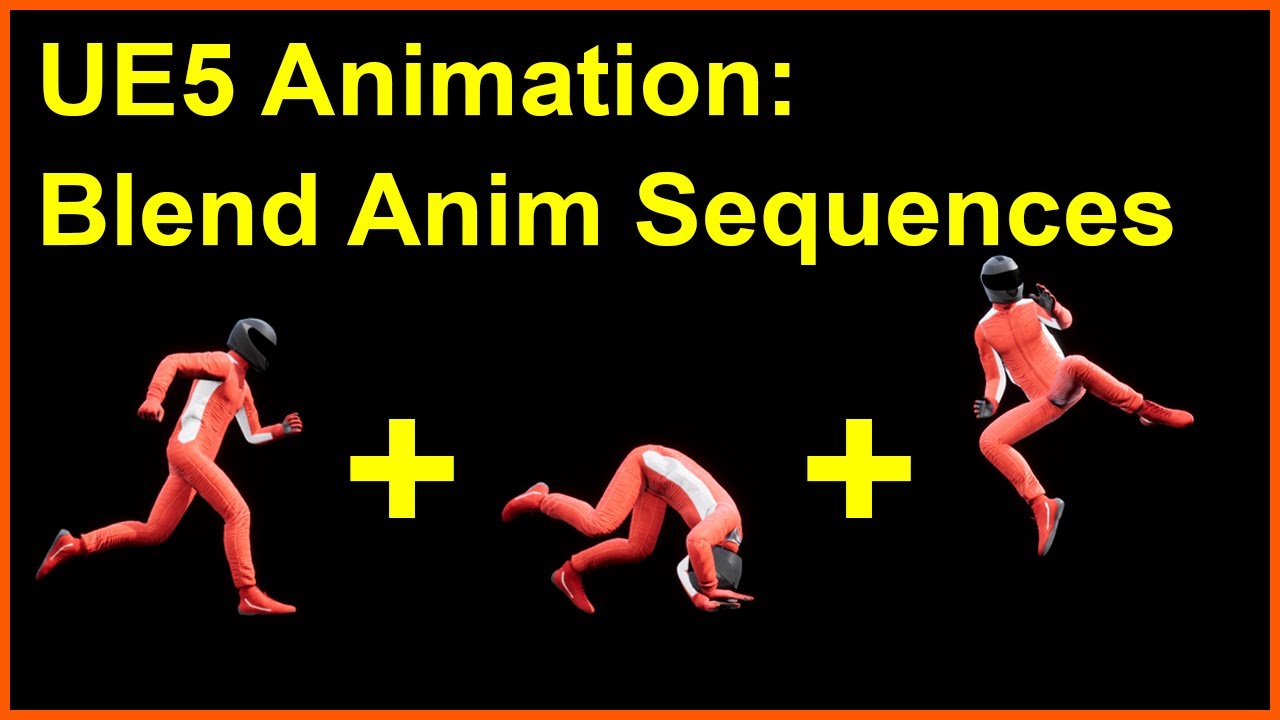
This video will teach you how to string together separate animation clips into a smooth single sequence. You'll learn about bone matching, blending, and clip trimming, and how to save as a new combined animation. Using Mixamo for quick and easy demonstration purposes, you can then apply this knowledge to any character or animation.
Unreal practically has everything to solve any issue
Match previous bone option
errant mauve
Good find
 unique saddle
i want use meta human plugin in ue5 for rig a custom face
errant mauve
unique saddle
i want use meta human plugin in ue5 for rig a custom face
i wouldn't do anything in 5.2 as its still in preview and you will likely lose work
 teal trellis
and to reiterate ryan's mocap comment, i checked out some of the starter stuff and its $2500 🙂
unique saddle
errant mauve
i wouldn't do anything in 5.2 as its still in preview and you will likely lose w...
i think 5.2 is not preview version in github, i used that
teal trellis
imagine the bribe i must give my wife for her to let me get it
teal trellis
unique saddle
i think 5.2 is not preview version in github, i used that
none of the market place stuff works in 5.2 either
errant mauve
unique saddle
i think 5.2 is not preview version in github, i used that
unless the plugin itself has been updated to 5.2 i wouldn't bother, but you can try it out
 ornate python
Hey does anyone know why my metahuman animation break from distance? I assume it's an LOD problem but my LODSync has "Force LOD" set to 1
https://imgur.com/a/n3ozehS
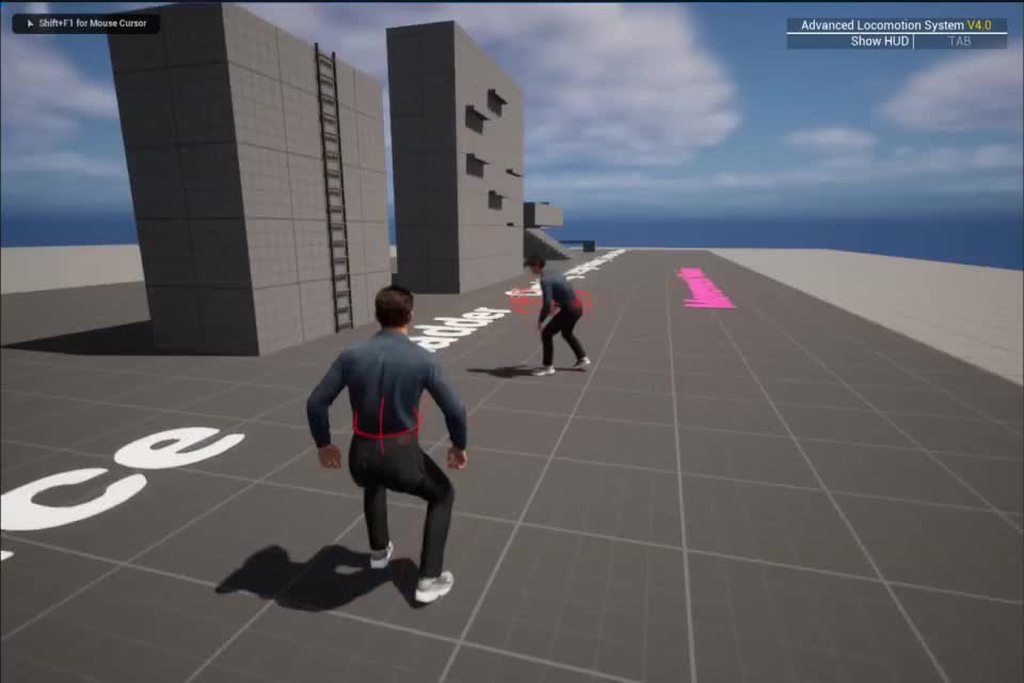
It's only the legs, not sure why
errant mauve
ornate python
It's only the legs, not sure why
so strange, do animations have their own LOD settings that might override lodsync in metahuman bp?
and have you tried lod 0 just to be sure? 😂
errant mauve
ornate python
LOD 0 makes the hair disappear
that def shouldnt happen, maybe a shader is compiiling somewhere..
ornate python
oh yeah, LOD 0 doesn't make the hair disappear. but the problem is still there
also I don't see any LOD settings on the animation itself unless im missing something
errant mauve
skeletal mesh LODs are a thing, maybe its removing bones
ornate python
hm, I'm using the metahuman base skeleton, havent touched it aside from adding some virtual bones. unless by default it does that, I dont see how I could've caused that to happen
errant mauve
it is very possible by default it is doing that 🙂
ornate python
hmm, where would I look for that?

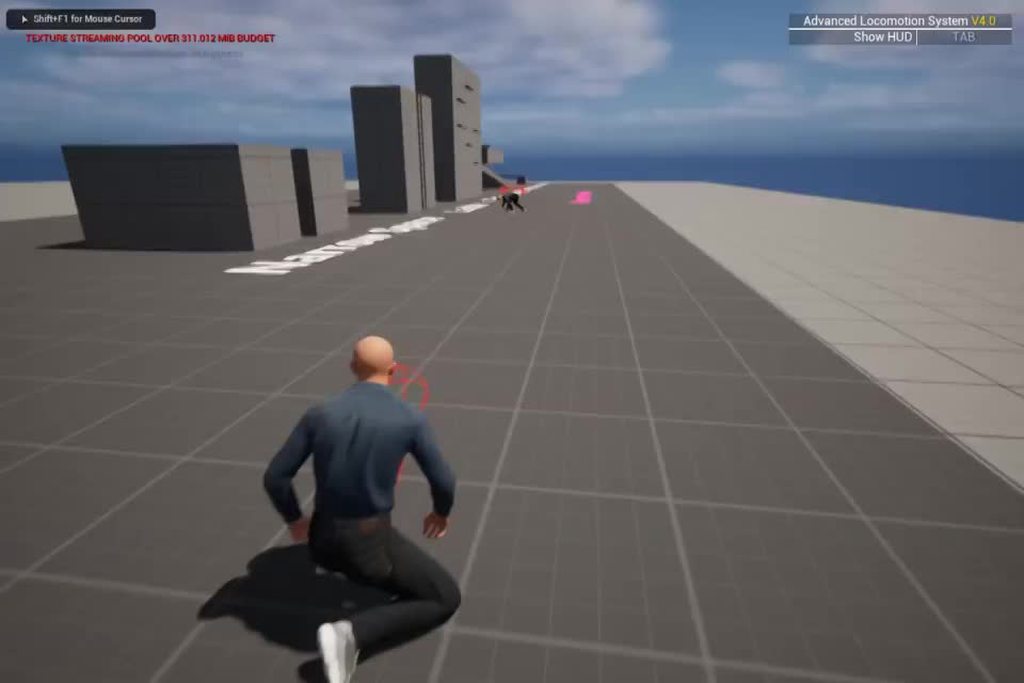
ok so I removed the "LODSync" component entirely, and it fixed it. So it's definitely something to do with that component https://imgur.com/a/NOEWzWn
 errant mauve
hah! wow
ornate python
any way I can make the hair appear without it?
errant mauve
look at the hair component it has its own lod
and in your skeletal mesh on the left side if you open asset and type in LOD there's a bunch of stuff there that might be related
in case you don't want to delete the lodsync component haha
ornate python
haha yeah I would like to keep the component
ornate python
errant mauve
and in your skeletal mesh on the left side if you open asset and type in LOD the...
hmm I can't find this
 errant mauve
that's the skeleton not hte skeletal mesh
ornate python
errant mauve
skeletal mesh LODs are a thing, maybe its removing bones
oh oops, but yeah this is happening
errant mauve
ornate python
oh oops, but yeah this is happening
look in the skeletal mesh, not the skeleton
ornate python
yep found it
errant mauve
heres the documentation https://docs.unrealengine.com/5.0/en-US/skeletal-mesh-lods-in-unreal-engine/

Generate and modify LODs for Skeletal Meshes using the Skeletal Mesh Reduction Tool
maybe turn off that skeletal mesh reduction plugin?
this may have consequences for your game down the road, but a problem for another day 😄
ornate python
errant mauve
this may have consequences for your game down the road, but a problem for anothe...
😂 that will be last resort option
teal trellis
man i have really been trying to look for non cumbersome methods to capture live feed via android vs iphone. looks like faceware is really the only real thing and they now have an indie license that's not free but cheaper than the commercial one. anybody else had any other successes with android/desktop webcam other than faceware?
errant mauve
teal trellis
man i have really been trying to look for non cumbersome methods to capture live...
join us in appledom or die by the truedepth sensor
errant mauve
 toxic depot
ohh really?
toxic depot
ohh really?
i was very wrong about grooms, they are expensive. im not sure how much but if you visualize expensive stuff its top of list
teal trellis
errant mauve
join us in appledom or die by the truedepth sensor
im going to attempt the faceware studio + ivcam option. but i'm not seeing much in the way of tutorials newer than 1 year. faceware has updated a few things to include an indi license and you don't need to pay for the glassbox plugin anymore
if it work well i can justify 179 bucks
errant mauve
my brother in unreal - https://www.youtube.com/watch?v=pnaKyc3mQVk

Unreal Engine 5's MetaHuman is getting a new update called Animator to create new fully animated facial models in real time with just a phone camera. The team from Ninja Theory, including Senua actor Melina Juergens shows this process in real time.
#IGN #Gaming #UnrealEngine5
coming this summer apparently - just grab an iphone 10 or something
only avail with iphone at least according to presentation, or pro setup
teal trellis
if i have already downloaded a MH with highest quality and realized i want to tweak it again in MHC, does the entire thing have to redownload or will it only download the few changes and merge with prior download or something?
 royal yoke
hii, im new to unreal engine and I get this message, what should I do?
 teal trellis
sounds like you're using an out of date / older node and just need to replace
toxic depot
hello, im not sure if im the only one having this trouble, but whenever i turned on the ik switch for the neck, the rig seems to go haywire
not like go crazy, but it revert everything back to its original position without allowing me to change it
am i doing something wrong? or is it a bug?
 swift socket
I have 6 MH that I am using for a video. Each one is a different size, shape, and gender. Do I need to work through the entire Mocap setup for each MH? I created a new T-Pose, retarget animation, and Xsens Mocap BP the other day for a single MH. My thought was; all I need to do is ensure each MH is configured with these details. am I correct?
errant mauve
teal trellis
if i have already downloaded a MH with highest quality and realized i want to tw...
Bridge should have a reimport button once you’ve made your tweaks
errant mauve
royal yoke
hii, im new to unreal engine and I get this message, what should I do?
Change that node to get skeletal mesh asset. Drag out from the node before it
errant mauve
toxic depot
not like go crazy, but it revert everything back to its original position withou...
You need to set a key first
errant mauve
swift socket
I have 6 MH that I am using for a video. Each one is a different size, shape, an...
My understanding is that all of those things you said have a diff skeleton so they’d all need to be retargeted to your Mocap but double check that each has diff skeleton
teal trellis
errant mauve
Bridge should have a reimport button once you’ve made your tweaks
hi can you elaborate a bit? does that reimport still only make updates or download the whole thing?
errant mauve
updates
teal trellis
also, i've brought this up before, notice that metahumans does NOT like kids lol. always ages them. i don't think i've actually seen any realistic kid. mine are all 'aged up'
but it is cool and creepy at the same time to see your 8 year old look 12
 midnight karma
does anyone know what this error is, I can't find where to open the logs so i can't check. I"m trying to export from quixel to Maya
 midnight karma
google has indicated it has something to do with the plugin not properly working
teal trellis
possible it has an update or you just need to reinstall
i'm not sure how much diff it is with maya but always been pretty seamless for me into ue
midnight karma
I had just installed it an hour ago it should be up to date
and it doesn't allow for export from within UE
midnight karma
figured it out, the export port wasn't the same as the port needed to export
this was in Bridge settings
 fluid oriole
Hi, when I export the Metahuman body mesh and reimport it an ugly seam/gap appears between connecting area of the body and the head, it happens regardless of whether or not I've made changes to the exported file. Does anyone know how to solve this? (Only when animation is applied)
 fluid oriole
Hi, when I export the Metahuman body mesh and reimport it an ugly seam/gap appea...
fluid oriole
fluid oriole
Hi, when I export the Metahuman body mesh and reimport it an ugly seam/gap appea...
@simple forge Would you know something about how to resolve this gap?
 simple forge
fluid oriole
<@755265182334320711> Would you know something about how to resolve this gap?
simple forge
fluid oriole
<@755265182334320711> Would you know something about how to resolve this gap?
Does it go away when you change the lod to 0
fluid oriole
simple forge
Does it go away when you change the lod to 0
No, and I have tried to force Lod 0 as well but there is no difference.
fluid oriole
simple forge
Does it go away when you change the lod to 0
In neutral pose everything is ok, the gap does not appear, But during most animations that involve moving arms the gap is quite visible.
simple forge
fluid oriole
<@755265182334320711> Would you know something about how to resolve this gap?
when you said you "reimported" it, where did you reimport it from?
fluid oriole
simple forge
when you said you "reimported" it, where did you reimport it from?
I have 2 files, 1 is a new custom made body from Maya2022 it shows the gap. Because I wanted to know if the problem is my mesh or skinning I decided to export the original metahuman body mesh from Unreal Engine, then I immediately reimported it without making any changes at all but it also shows a small gap along the seam, it looks a little less serious than my new body, but I think that's just because the skin texture is more blended.

 unique saddle
i can't download metahuman in quixel in ue5.1 , after generating , show me waiting . i can download in quixel bridnge without unreal for ue4 . but in ue5 i can't. have you ever seen this issue?
 fluid oriole
simple forge
when you said you "reimported" it, where did you reimport it from?
fluid oriole
simple forge
when you said you "reimported" it, where did you reimport it from?
And this how connection of my new custom body to the metahuman head looks.

 desert ocean
fluid oriole
And this how connection of my new custom body to the metahuman head looks.
desert ocean
fluid oriole
And this how connection of my new custom body to the metahuman head looks.
this is Simple just look in your Face Mat of MH than you should instantly seeing why this happens.
fluid oriole
desert ocean
this is Simple just look in your Face Mat of MH than you should instantly seeing...
Care to explain? I can't see anything other than "Neck hide scale" and already tried adjusting that many times, can't get a result that the eliminates the gap properly.
simple forge
fluid oriole
Care to explain? I can't see anything other than "Neck hide scale" and already t...
is this metahuman from the Maya file or did you export the mesh and head from Unreal
fluid oriole
simple forge
is this metahuman from the Maya file or did you export the mesh and head from Un...
This 1 is file from unreal, I didnt import this 1 to maya or any other software, originally it was ok, but when Iexported it and reimported it again and the gap appeared. Same as the new body I exported from maya.
 simple forge
fluid oriole
This 1 is file from unreal, I didnt import this 1 to maya or any other software,...
simple forge
fluid oriole
This 1 is file from unreal, I didnt import this 1 to maya or any other software,...
what version of UE5 are you using and when was this Metahuman generated? If this was generated from when 5.0.1 came out, that might be the issue
fluid oriole
simple forge
what version of UE5 are you using and when was this Metahuman generated? If this...
I'm using 5.1 and the latest Metahumans.
desert ocean
fluid oriole
Care to explain? I can't see anything other than "Neck hide scale" and already t...
ah friend of me had the same thing one time, i dc all WPO Stuff an than it worked, on Default Pose its Okay but on Aniamtion etc he had that gaps.
simple forge
I had that issue when mesh to meta first came out. Only when things updated to 5.0.3 did I see this go away.
This becomes worse when you start exporting and reimporting back from maya to Unreal
simple forge
simple forge
I had that issue when mesh to meta first came out. Only when things updated to 5...
There is one more thing you could try, it has to do with changing the channel to green in the material/texture for the head and body. I have to open up UE and take a snapshot.
fluid oriole
simple forge
There is one more thing you could try, it has to do with changing the channel to...
Alright I will try that too.
fluid oriole
desert ocean
ah friend of me had the same thing one time, i dc all WPO Stuff an than it worke...
Do you mean you disconnected all world position offset stuff?
desert ocean
fluid oriole
Do you mean you disconnected all world position offset stuff?
Yep, but it was an Sample MTH not an Custom one like on your example?
fluid oriole
desert ocean
Yep, but it was an Sample MTH not an Custom one like on your example?
Ok, I will try that too. If it will work on sample then it might work on custom one because both are having the exact same problem.
desert ocean
fluid oriole
Ok, I will try that too. If it will work on sample then it might work on custom ...
it just was saimple because the Base Model dont have gasp so its something , Material related, thats why i done this
simple forge
fluid oriole
I'm using 5.1 and the latest Metahumans.
Is the metahuman you are using a mesh to meta or a preset one?
 oblique ermine
Hello everyone, i looking for a tuto for skin metahuman with 3dsmax .
swift socket
Has anyone experienced the inability to clip or slice a MH face animation length? I have a body and face animation for the MH that were recorded using Take Recorder. The animations are synced in movement and length. Everything works just fine, it is just too long. It includes the time at the end of my acting where I bend over and return to m computer, so this needs to be clipped from the overall animation
Let's say the animations are both 1200 frames.
When in the body animation, I can move to say frame 600, right click and choose the option "remove frames 601-1200" and it works fine. When I try this with the face animation, nothing happens?
Does anyone know about clipping the face animation length?
 buoyant stump
swift socket
Has anyone experienced the inability to clip or slice a MH face animation length...
buoyant stump
swift socket
Has anyone experienced the inability to clip or slice a MH face animation length...
Cant you make a new sequence, make your desired lenght there and then bake it to a new animation asset? That is how I do it. I have several long animations, but I need bits and pieces for this short sequences. I have a "bake" sequence, there I drop the long animation asset and simply make it loop for instance adn bake it to a new one.
swift socket
@buoyant stump Thanks for the advice! My situation is a bit different I think.
I have 6 MH in a row (like a conga line). I plan on having each MH stand in their starting position as the camera moves forward (and past); as each MH gets into the frame, they dip their head and take up the center frame while doing a silly 'hello' gesture, then return to their starting position.
I did not plan for the time before or after the camera has reached or passed the MH, which next time I will do as I will not need to solve this problem if I just time out the motion capture acting.
Anyways, it is all one camera shot and I am trying to duplicate both the starting pose (before they gesture) and the ending pose (after they gesture) until the camera passes them out of frame. My goal was to just duplicate the full animation (2 duplications, one for pre-gesture, and one for post-gesture) and clip out the parts I need respectively. The in the sequence, I can have the animation playing on repeat until it is that MH's time to gesture.
unique saddle
metahuman don't have epic ik bones, i want use metahuman for lyra, can i use virtual bones to add ik bones (ik_gun, ik_hand etc) ?
 late onyx
what is your best example of realistic meathumans in ue5.1 ? with only livelink
 wise turtle
unique saddle
metahuman don't have epic ik bones, i want use metahuman for lyra, can i use vir...
wise turtle
unique saddle
metahuman don't have epic ik bones, i want use metahuman for lyra, can i use vir...
Yes I did that, then you can use your IK bones in your animBP 🙂
 fathom cipher
Hey everyone, so I've been experimenting with metahumans a lot, one thing I cannot fully understand is the DNA kit and if it's only related to the rigging or if I can actually regenerate a character from it? I mainly would like to correct a few scans -> metahuman where the eyelids are penetrating the eyes (see video) but I'm not sure of the best approach to correct it, it happens with quite a few...
unique saddle
wise turtle
Yes I did that, then you can use your IK bones in your animBP 🙂
thank you 🙏
 pastel raven
I'm trying to export a metahuman animation into Blender. Basically I want to do a simulation render in blender with a metahuman animation that I've exported as a solid body
I'm struggling to export it correctly so that it's compatible with Blender. Is this possible?
I feel like I'm really close, exporting a FXB of the body (baked animation sequence) seems to work
when I try to do the face the same way it gives me this

I can get the triangles to move if I export the FBX without the preview mesh
is there an easier way to do this, I'm treading water at this point and I'm about to give up
 obtuse urchin
How come I get these errors: IK Retargeter bone chain, FootRootIK, could not find start bone, ik_foot_root in mesh m_med_nrw_body when trying to retarget Third Person sample SKM_Manny with RTG_Mannequin retargeter to an untouched Metahuman body asset in 5.1? I can't find anyone else having this problem.


Maybe I'm using an old ThirdPerson sample project and the RTG_Mannequin has been updated...
oh it's because I wasn't using the IK_metahuman IKRig asset

 wild hazel
fathom cipher
Hey everyone, so I've been experimenting with metahumans a lot, one thing I cann...
wild hazel
fathom cipher
Hey everyone, so I've been experimenting with metahumans a lot, one thing I cann...
The DNA file contains information about the rig and the geometry of the model. With the Quixel Maya Plugin or DNAViewer you can load the MetaHuman head into Maya, make the necessary changes, save them to DNA using DNACalib and save the fbx for import in Unreal Engine
fathom cipher
wild hazel
The DNA file contains information about the rig and the geometry of the model. W...
Thanks so am I right to assume I could fix the eyelid penetration by editing it using DNA?
(I'm pretty technical so don't mind diving into it, but I just want to make sure I understand the goal correctly)
teal trellis
speakin of rigs, how hard would it be to put your custom MH head on one of the paragon assets from marketplace? just a head swap? i know some of them have special stuff like visors, hair, etc
 ebon sun
Hello lovely people, I've been trying to setup leapmotion for my metahuman and have follwing issue with the example desktop actor. Anybody here who can help out? No structure in SubCategoryObject in pin Out Options
In use pin <Unnamed> no longer exists on node Get Leap Options . Please refresh node or break links to remove pin.
In use pin <Unnamed> no longer exists on node Get Leap Options . Please refresh node or break links to remove pin.
In use pin Out Options Mode no longer exists on node Get Leap Options . Please refresh node or break links to remove pin.
Could not find a function named "GetLeapOptions" in 'LeapDesktopActor'.
Make sure 'LeapDesktopActor' has been compiled for Get Leap Options
In use pin <Unnamed> no longer exists on node Set Leap Mode . Please refresh node or break links to remove pin.
In use pin Mode no longer exists on node Set Leap Mode . Please refresh node or break links to remove pin.
Could not find a function named "SetLeapMode" in 'LeapDesktopActor'.
Make sure 'LeapDesktopActor' has been compiled for Set Leap Mode
In use pin <Unnamed> no longer exists on node Set Leap Mode . Please refresh node or break links to remove pin.
In use pin Mode no longer exists on node Set Leap Mode . Please refresh node or break links to remove pin.
Could not find a function named "SetLeapMode" in 'LeapDesktopActor'.
Make sure 'LeapDesktopActor' has been compiled for Set Leap Mode
Could not find a function named "None" in 'LeapDesktopActor'.
Make sure 'LeapDesktopActor' has been compiled for Get Leap Options
Node Get Leap Options . The node won't be pruned as isolated one. The node is not pure, but it has no exec pin(s). Verify IsNodePure implementation in K2Node Call Function.
Can't parse default value 'LEAP_MODE_DESKTOP' for Default Mode . Property: DefaultMode.

 fathom galleon
what's going on with my metahuman material?
 simple forge
fathom galleon
what's going on with my metahuman material?
simple forge
fathom galleon
what's going on with my metahuman material?
did you import this from bridge or from maya or something?
fathom galleon
yeah it went through blender because I only need the hand so I'm cleaning it up.. I might have overwritten the sharp edges or seams values or something like that
I redid it from scratch and it's clean
I can't believe how many things can go wrong with dealing with assets in UE.. it's not hard but it takes AGES to do things properly
simple forge
fathom galleon
I can't believe how many things can go wrong with dealing with assets in UE.. it...
I experienced this issue with the last project I did where the metahuman was reimported into UE from maya.
simple forge
fathom galleon
I can't believe how many things can go wrong with dealing with assets in UE.. it...
skip to 2:22 https://youtu.be/lkF7L0CiYo8
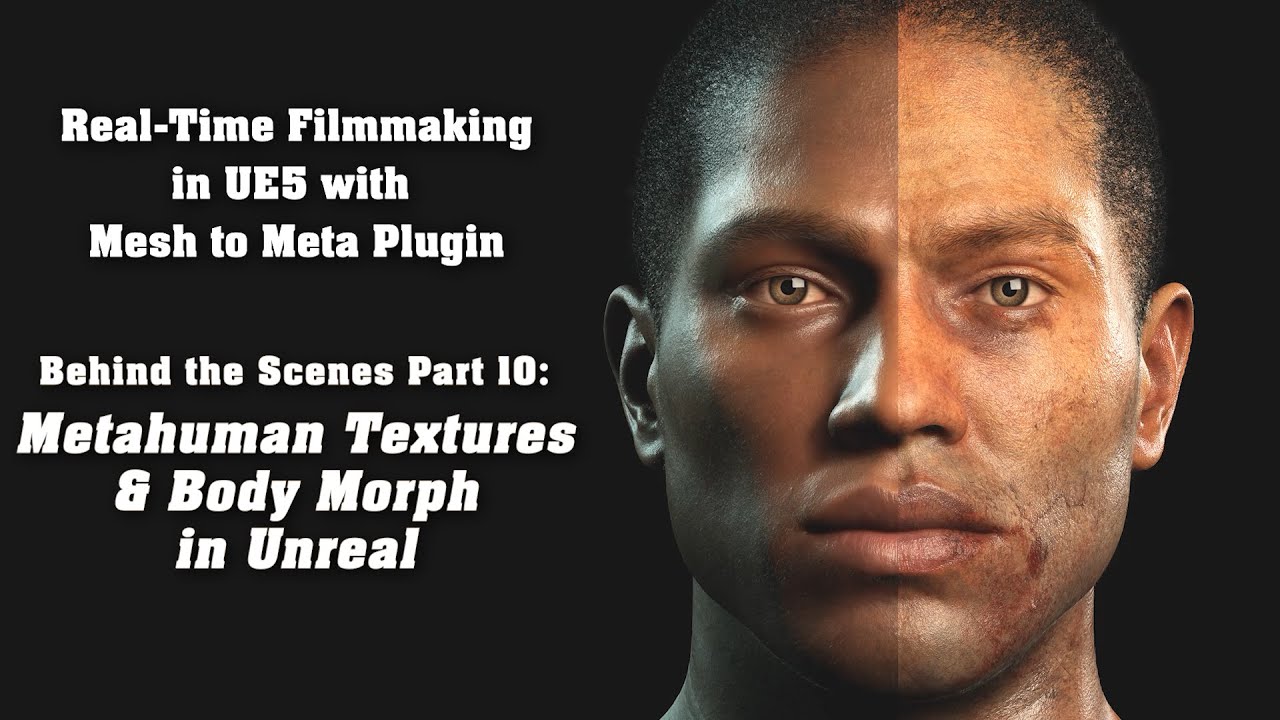
Link to our short film Enzo: https://youtu.be/psw2M94h_aA
This is the tenth behind the scenes, where I walk you through the process of bringing Enzo's body morph into Unreal and how I modified Enzo's face and body textures by using the metahuman material parameters.
A special thank you goes to Unreal Artist and Metahuman Animator Sergey Veres...
fathom galleon
thank you so much.. I've been putting together a list of such references
amazing channel you got there!
simple forge
fathom galleon
thank you so much.. I've been putting together a list of such references
Aww thank you
obtuse urchin
Can someone make sense of this for me... For the groom binding asset to retarget to another mesh you need to source the original metahuman mesh, is it loading the entire metahuman head mesh asset with materials and textures too? That's like 600MB of data, you can't see, to load in order to bind the groom asset properly, is this accurate or is there some optimization happening behind the scenes?
 sly matrix
For methauman grooms, if I wanted the hair style to change for different metahumans, they still are unique to each metahuman right? So each metahuman needs every groom specific for them?
teal trellis
obviously seeing a common theme here with difficulties with MH. do you think 5.2 or future releases will really take this into consideration and try to minimize or avoid altogether the need to do anything outside ue? 🙂
 cyan comet
Hey! Was wondering if someone could help me, I'm following along with a tutorial to replace my BP Third Person Character with a Metahuman and i'm stuck here:
I can't find Set Master Pose Component on the Mesh...? Anyone had any luck with this?


this is what his graph looks like

In case You want to support my stuff, please visit my Patreon page:
https://www.patreon.com/YourSandbox
Here's the bit I'm copying
 plucky kelp
cyan comet
Hey! Was wondering if someone could help me, I'm following along with a tutorial...
plucky kelp
cyan comet
Hey! Was wondering if someone could help me, I'm following along with a tutorial...
It's "Set Leader Pose Component" now
cyan comet
Yeah figured that out Thank you Miliana! ❤️ 🙂
 safe tartan
Why does the metahumans project put some config into: ProjectFolder/Platforms/{Windows,Mac}/Config
Is that a valid place? I thought it needed to be:
ProjectFolder/Config/{Windows,Mac}/
(which they also use for other files)
I don't see /Platforms/ mentioned anywhere in here https://docs.unrealengine.com/4.26/en-US/ProductionPipelines/ConfigurationFiles/
teal trellis
i assume that is a configurable path change...
sly matrix
do you think the photos on this link line up with the weights in this chart? https://gist.github.com/n8bot/cb4fdd02adaff77706cd4213c7767ede
swift socket
buoyant stump
Cant you make a new sequence, make your desired lenght there and then bake it to...
You were right. This is a much easier fix than what I was trying to do... well if what I was trying to do worked I guess that would be pretty slick too HAHA.
Thanks for the advice.
fathom cipher
Hi are the ROMs animations from Metahuman Creator available anywhere?
 hollow aurora
Anyone experienced using Character Creator 4?
How does it compare with Metahuman Creator?
If you want to use the dynamic wrinkle system on your Metahumans what is the suggested workflow?
 smoky mortar
so i wanna learn how to animate the faces of metahumans and am wondering if i can use a webcam?
teal trellis
seems like you have to use an iphone, otherwise you can pay for faceware studio and maybe an ivcam android /desktop cam go between
buoyant stump
swift socket
You were right. This is a much easier fix than what I was trying to do... well i...
Glad I can help 🙂
 unkempt tundra
Anyone have any solutions for Metahumans grooms to NOT be blurry in Raytracing? (UE 5.1)
Especially for single frames.
 wise condor
Anyone run into an issue with sockets on the new metahuman skeleton. Attaching a preview mesh just Zero's it out and wont follow the socket, however converting it to a mesh socket it works correctly.
Sockets work as intended on ue4 skeleton no issues. I can't even find any hidden setting to make the preview mesh follow the parent normal socket either
seems these metahumans are just riddled with issues lol. they have been nothing but trouble so far.
wise condor
And now its worked after a crash lol.

nah nvm you add another socket lol it'll zero out then require a re-start hahahahaha wow
so simple things now must take hours. because progress
wise condor
Interesting. It was had a reference issue with another metahuman skeleton that was in the project and caused some silent issues. lol
buoyant stump
unkempt tundra
Anyone have any solutions for Metahumans grooms to NOT be blurry in Raytracing? ...
Check out this article: https://dev.epicgames.com/community/learning/tutorials/kMXB/unreal-engine-rendering-hair-and-fur-elements-for-dcc-compositing

Epic Developer Community
This tutorial covers some techniques on rendering hair and fur elements for compositing in external dcc applications with the purpose of achieving high ...
late onyx
hi what's your favorite to lypsync from text to metahuman ? thanks a lot
buoyant stump
late onyx
hi what's your favorite to lypsync from text to metahuman ? thanks a lot
iClone can give you very nic results in a reasonable amount of time. But it is quite expensive. Other option is to try the UE feature for generating lipsync from audio. I believe Solomon Jagwe has some nice tutorials about this workflow.
But it depends on where is your original data comming from. Is it ARKit, is it wav or just text?
late onyx
buoyant stump
iClone can give you very nic results in a reasonable amount of time. But it is q...
Amazing answer thanks
I just have a wave with the voice of someone real..
I have access to live link as well but don't have the person here though
I was thinking about using metahumans sdk
buoyant stump
late onyx
Amazing answer thanks
I just have a wave with the voice of someone real..
Did you try nvidia Audio2Face? It is free and the lipsync capabiliites are awesome. You will have to animate rest of the face though. You can do that with an iPhone for instance using ARKit.
Or you can try the buil-in feature Text To Speach inside unreal. You need to enable the plugin first ofc. Once enabled you can either convert your text to audio or you can import your own audio file and make it do the basic lipsync for you. For the budge way I would suggest the nvidia A2F approach though.
Check it here: https://www.youtube.com/watch?v=AjpuBW2RXHI

In this tutorial we'll look at how to get better results from Audio2Face with some small audio edits as well as covering cleanup in Maya.
Copy-Paste from the following:
Change this path in your script file on line 70:
open(r'X:\yourfilepath\yourfilename.json', "r")
Run this script in Maya:
execfile(r'X:\yourfilepath\load_bs_weights_mh_rig_may...
unique saddle
when my metahuman want to speak in idle animation asset, her head detaching , but when i use metahuman default ABP in A pose, don't detaching, anyone know how can i fix that ?
late onyx
buoyant stump
Did you try nvidia Audio2Face? It is free and the lipsync capabiliites are aweso...
Thanks a lot yeah i tried with Audio 2 face but couldn't make it work yet ill try to follow your tutorial
and how would add the other animations with an iphone once the audio 2 face is resolved ? thanks a lot again
and what would give the better result overall ?
because i've tried metahuman sdk it's not really convincing
and i don' have maya too..
and in audio 2 face i'm stuck at "set up blendshape solve" it doesnt give me this list..
and also the voice is from a women.. ahha lots of stuff
late onyx
any idea when ue5.2 for metahuman will come ? thanks
unique saddle
when metahuman start to speech with ChatGPT her head detach from body, my metahuman body have idle animation sequence , how can i fix this issue in meta human ? head and body don't sync together when metahuman start to speech
i use Metahuamnsdk for this
sly matrix
If I want the metahuman textures to scale down from 8k, to like 2k or lower for "low" preset video options, do I need to download all the low, medium, high quality assets of the metahuman? Or can the textures be down-resed automatically?
 violet surge
Hi everyone. I'm currently learning Mesh to Metahuman. I would love to know how to further modify the mesh and textures that the plugin created based on the sculpt I uploaded. Thanks for viewing.
https://www.youtube.com/watch?v=yuVEFFvPgL8&ab_channel=DennisBatol

Hi everyone! I'm learning Metahuman and this is my raw and first attempt at converting my Zbrush sculpture into Metahuman. I see some issues with how the plugin captured the silhouette of my sculpt that needs some manual fixing which I still need to figure out how to do. I also need to redo the texture maps. If you have any tips, please leave a ...
sly matrix
What are some good tips for getting reasonable performance to quality balance from metahumans in games? Export at medium or low setting?
I'm finding it not possible to get good framerates with 32 metahumans in the ragdoll_AI metahumans example
GPU is barely being hit, but the vram is pretty well consumed. Would that be the issue? 8 GB is not suitable for metahumans?
 fluid wasp
been working with metahuman and been getting this message. Anyone know what the problem might be?
 sly matrix
That is present with stock metahumans imported from creator so just ignore it for now
sly matrix
btw if anyone is stumbling around in the dark like me, min LOD is the key for real time performance. 3 or 4
sly matrix
The key is to use the lodsync component to manually force the hair to be higher index LOD while the other stuff remains the same. Having trouble with the shaved head styles popping in and out due to the helmet/lod differences but works best compared to forcing all lod to index 2 or other methods
desert ocean
anyone else that got bad Groom shading with Lumen on 5.2 ?. 5.1 was better i mean new Short AO is nice but u have like absolute flatness now around Neck. and no Depth at forehead aswell , are there New Cvars to use? i looked into it but dont found anything for example on 5.1 it was a nice shadowing there https://puu.sh/JG7rK/0ef91fd3e6.png

 sly matrix
Just for anyone following along with my newb struggles, I documented what I will do to each imported metahuman to get good performance with many characters on screen. Use hair cards only, and fix lighting for hair cards and helmets.
https://gist.github.com/n8bot/6970bb1a0f5237d7e057b98cb22d42a4

Gist
Adjusting metahuman for gameplay with up to 32 characters on screen - metahumansforgames.md
 junior jacinth

Will this muscle deformation be available for UE 5.2?

Unreal Engine 5.2 ML Deformer can be utilized to achieve lifelike deformation on your own real-time characters. It shows an approximation to a full muscle sim that takes 1 minute per frame normally. Also does cloth approximation. The footage included in this video is running live on PS5.
00:00 Metahuman Deformation on real time characters
01:4...
wise condor
junior jacinth
https://youtu.be/FYgxLuhVzhw
Will this muscle deformation be available for UE 5...
who knows but they should fix retargeting lol. Its like 80% chance your Z translation gets screwed on the root, nevermind the bugs regarding bone transforms. Utter nightmare moving 3k+ anims over to the new skeleton.
junior jacinth
wise condor
who knows but they should fix retargeting lol. Its like 80% chance your Z transl...
Uhmm, huh?
I'm afraid I'm just a layman.
Those muscular animations are real-time, right?
I dunno, if they just make musclestructure for each metahuman body type, theoretically it doesn't sound as bad as you put it.
The animation is it being driven with a livelink setup from houdini?
wise condor
I was referring to some other issues with backwards compatibility haha
junior jacinth
wise condor
I was referring to some other issues with backwards compatibility haha
Oh, Any release date in sight?
wise condor
Back in 5.0 it was all working wonderfully even skinned weights you could move the skel meshes around.
Dudes still pumping videos out about retargeting yet their hands are all clearly messed up. I hope these things get ironed out with 5.2s release. Alot of other dudes leaving the simple skeleton have funky issues I've encountered quite a few, there is work arounds though, but I notice other things after the fact then go back and find a fix for that stuff instead of ignoring it.
wise condor
junior jacinth
Oh, Any release date in sight?
Idk when we are getting the parameters for adjusting muscles and physique but it'll be cool anyways.
junior jacinth
wise condor
Idk when we are getting the parameters for adjusting muscles and physique but it...
OK. Do you know if there is a way to export metahuman facial animation out of UE?
wise condor
junior jacinth
OK. Do you know if there is a way to export metahuman facial animation out of UE...
I'd imagine just saving the facial animation to a sequence then exporting the sequence
 drifting crow
What the hell is with this thing?

Does anyone know what is the reason and how to solve it?
Do I have to fix ALL the blueprints in metahuman or what? I just exported this thing and all I get was this...
ah, just broke pins and saw the character
 lethal jetty
Is there any way to fix this stretching? I'm using the Advanced Locomotion System mixed with Metahumans and I'm sooooo close to getting my character to work, I just have this wonky stretching
+I set my skeleton's translation retargeting to all skeleton except for root (animation) and pelvis is animation scaled
+I set all the metahuman parts SetLeaderPoseComponent to the Mesh
+The head is where it's supposed to be, as well as the hands but the feet and torso are stretched

 lethal jetty
I've been stuck on this for hours, if anyone could lend their experienced opinion, please let me know
lethal jetty
Another hour went by and I'm still stuck here
I'm so close, it's just stretched, how do I fix this streching?
 real linden
This has happened to me before, because I used the ALS physics component instead of the metahuman one on the character.
lethal jetty
@real linden Okay, great! So I need to fix this, man, I'm so glad you answered!
Okay, so what do I do?
Bro, you're leaving me hanging! @real linden I could really use the help!
teal trellis
hi all. im looking to start running some sequences for my film but not sure if i will be able to invest the time into making all the animations and faces/lip sync perfect. is it worth it to run through a dirty version just to complete the process then go back over and fix, vs just doing it all right to start. i'm getting pretty good with audio2face to do the lip sync stuff but getting the photo realistic textures on the skin seems like it'll take alot of time. the metahuman skinning isnt bad, but i really want to improve it
sly matrix
teal trellis
hi all. im looking to start running some sequences for my film but not sure if i...
Ignoring the engine stuff for a moment, editing can fix a lot of weirdness lmao. In films, as you know, often the dialogue is completely fabricated afterwards. Either played without showing the actor talking, or overdubbed some other line which barely looks the same but most ppl don't notice.
so my vote is that it's worth it to get the shots you can and just do ur best
teal trellis
my concern is less dialogue making it work 'ok' and more all the realism after the fact lol
i'm itching to get going with proceeding with my film but treading all the character stuff cause there is alot of dialogue
so i guess dreading lotsa stuff hah. i have been doing bits and pieces, proof of concept, etc for awhile and ready to start tying it all together and a bit overwhelmed thinking of the scale
 hidden scarab
Hey guys how do u share animation between different Metahuman faces for gameplay?
ebon sun
Hello lovely people, I've been trying to set up a system for toggling between multiple Metahumans at runtime but all tutorials I could find were based on simple meshes. Since Metahuman BP's have multiple assets, I've been struggling to find a solution. Anybody here who has tips on what approach I could take for a simple button toggle to switch out Metahumans?
would love to use my streamdeck to toggle between these characters when streaming live

 bright belfry
Any good short tutorials on making and importing methumans.
buoyant stump
late onyx
Thanks a lot yeah i tried with Audio 2 face but couldn't make it work yet ill tr...
Well I am afraid you will have to utilize some other DCC software (blender, maya...) for this. I am not entirely sure how to blend animation together while masking out certain parts. I do this part in iClone, which has the ability to mask out some regions (the lips for instance) and then combine it together. I would like to tell you there is an easy way, but I dont think we are there yet. The manual way would be to bake the animation to control rig and control it that way. If you have the bake to control rig, you can control every single curve individualy, which is what you want I presume. Some hand work is neccesary my friend 🙂
late onyx
Thanks a lot for your answer.. i also had issues exporting the project, i got the stuff right in ue5 but when i got it in unreal it just wouldn't sync
 fiery steeple
This isn't strictly a Metahuman question, but rather animating a Metahuman using Maya and Advanced Skeleton.
The face rig is extremely heavy. Is there any way to temporarily disable it in Maya, or otherwise increase performance?
sly matrix
ebon sun
Hello lovely people, I've been trying to set up a system for toggling between mu...
Have you seen the lyra starter game? You could copy the way they apply the "cosmetic" system. Essentially, you can plug in any metahuman on top of the invisible driving mesh and it will drive the cosmetic mesh and the invisible mesh will remain, well, invisible.
buoyant stump
late onyx
Thanks a lot for your answer.. i also had issues exporting the project, i got th...
Can you elaborate? I am not exactly sure what you mean by that :}
 lofty spoke
Hey people 🙂 , I have a question regarding adding clothes to your metahuman, I created some garments in Marvelous Designer and now I have to add them to my avatars in unreal engine. I passed trough blender and added the weightpaint on the clothes and then exported them in fbx with the skeleton from blender. Than I have imported it to Unreal but I got some bugs regarding the clothes , with the movement the cloth strech and you can see the skin underneath. Some tips for this problem? Moreover the material of the cloth change and is not the same in Unreal , how do I manage to change it to a material supported? Thank you so much
drifting crow
Guys, can anyone tell me how to fix that?

its in Live Link Setup
Did they deprecate some nodes? If it is so, what I should replace them with?


 agile swift
Is there any proper structured tutorial on how to create metahuman and stream audio to it using metahuman sdk
drifting crow
All tutorials on metahuman that I found so far are utter shit
agile swift
I want to use a metahuman provided by Unreal, and I want to set up a pipeline where I can send audio files and the metahuman should speak it with expression. So, any links with good information or steps other than the official unreal youtube videos would be apprceciated
wild hazel
agile swift
I want to use a metahuman provided by Unreal, and I want to set up a pipeline wh...

This video will dive into the Audio2Face to Metahuman pipeline using the Unreal Engine 4 Omniverse Connector.
NVIDIA Omniverse™ is an open platform built for virtual collaboration and real-time photorealistic simulation. Complex creator, designer, and engineering visual workflows are transformed as users and teams connect design tools, assets, ...
agile swift
We can do this only using metahuman sdk right ?
https://www.youtube.com/watch?v=xo474w8-4ac&t=416s
I want to use python to automate the audio files which come in.

MetaHuman SDK is an automated AI solution to generate realistic animation for characters. This Unreal Engine plugin allows you to create and use lip sync animation generated by our cloud server.
We have prepared a detailed tutorial describing how to use our plugin:
-integrate TTS
-add audio to lip sync
-add audio to lip sync streaming
-integrat...
junior jacinth
Hey guys... I have a metahuman face capture. Is there a way to export to facial mocap to any program for cleanup?
 cyan orbit
Hey everybody! Is it at all possible to use some of the metahuman creator features in the editor? As in, tweak paramenters at runtime to smoothly morph between the different shape extremes?
Alternatively, is it possible to smoothly interpolate between skinned meshes (such as metahuman A and B) without bringing them both to a DCC and manually creating morphtargets?
wise turtle
cyan orbit
Hey everybody! Is it at all possible to use some of the metahuman creator featur...
No unfortunately 😦
cyan orbit
@wise turtle Damn 😦 For the second part, is there a way to have multiple meshes feed in to create a blend space or something? Rather than having to manually author that in an external DCC?
wise turtle
Not sure about that, but I guess the different MetaHuman shapes don't have the same topo, so even manually, I'm not sure you will be able to do it
 cinder arch
Hi everyone, i just downloaded the 5.2 release but I can’t find anything to metahuman animator and not even as an app on the AppStore 😦 am I missing something here? Thx in advance for your answer.
drifting crow
Guys, I have a problem. Just retargeted my metahuman and it worked fine, however after relaunching the editor, Anim_Face_BP failed to compile. Why ?

There

What to do?
I just removed those nodes and it is now working again
weird
plucky kelp
wise turtle
Not sure about that, but I guess the different MetaHuman shapes don't have the s...
All MetaHuman shapes (heads) share same topology. This is 100% information.
wise turtle
plucky kelp
All MetaHuman shapes (heads) share same topology. This is 100% information.
Good to know, thanks
I was thinking about the bodies, how is that?
plucky kelp
wise turtle
Good to know, thanks
I was thinking about the bodies, how is that?
I haven't personally tested the bodies for compatibility, I'm still figuring out the DNA and RigLogic systems, but I assume that male and female bodies also have the same universal topology, like DAZ Genesis 9
 errant mauve
my metahumans are now sweaty and their eyes are black. #5.2problems lmao
sly matrix
I literally stayed up last night getting MH working pretty much flawlessly in my lyra project... only for 5.2 to drop the next morning and now I'm dreading what is to come llmao
 charred violet
i managed to get a pair of hald cabs from skater xl goin on my meta human character using a tutorial. Is there a way i could export the face mesh and make an ear piercing? i gave it a go but when i placed the finished result in the meta human sample project the mouth wasnt moving and piercing wasnt attached to the character

i neeed the unreal to blender then blender to unreal workflow
 atomic dock
does someone know the problem that meta humans from a distance of like 5m get very glossy skin?
 simple forge
atomic dock
does someone know the problem that meta humans from a distance of like 5m get ve...
simple forge
atomic dock
does someone know the problem that meta humans from a distance of like 5m get ve...
what version of unreal is this?
 worldly meteor
cinder arch
Hi everyone, i just downloaded the 5.2 release but I can’t find anything to meta...
worldly meteor
cinder arch
Hi everyone, i just downloaded the 5.2 release but I can’t find anything to meta...
I dont think Metahuman animator is available yet, https://www.youtube.com/watch?v=FYgxLuhVzhw
Unreal Engine 5.2 ML Deformer can be utilized to achieve lifelike deformation on your own real-time characters. It shows an approximation to a full muscle sim that takes 1 minute per frame normally. Also does cloth approximation. The footage included in this video is running live on PS5.
00:00 Metahuman Deformation on real time characters
01:4...
 keen umbra
Hey guys,
Anyone who could give me an idea why the Meta Groom Cards has no material assigned?
Also, I tried to assign the MI_Hair_Cards material, but then it's just not visible at all.

 charred violet
Anyone know the meta human work flow to export from unreal to blender. then back to unreal? tryna make some piercings and stuff for my character
sly matrix
Does anybody know why in 5.1.1 in lyra with metahumans, when playing in packaged versionsm, the long hair grooms sometimes clip through the characters skull? using live retargeting
 sharp crescent
atomic dock
does someone know the problem that meta humans from a distance of like 5m get ve...
sharp crescent
atomic dock
does someone know the problem that meta humans from a distance of like 5m get ve...
That should be controlled with the subsurface profile. Try adjusting the lobe mix parameter first. https://docs.unrealengine.com/5.1/en-US/subsurface-profile-shading-model-in-unreal-engine/

Description and technical details of the Subsurface Profile shading model available in Materials.
sly matrix
sly matrix
Does anybody know why in 5.1.1 in lyra with metahumans, when playing in packaged...
In case anyone else encounters their groom physics not simulating after packaging the game, the solution is to add /HairStrands to additional cooked content as described in this forum post https://forums.unrealengine.com/t/groom-not-simulating-physics-but-only-in-packaged-game/484451/5?u=n8bot
The result was that the hair would clip through the skull of the metahuman, making it look like they had bald patches at times.


Epic Developer Community Forums
Hi, you can add the path of hair strand plugin content into the package project setting~like this:
atomic dock
sharp crescent
That should be controlled with the subsurface profile. Try adjusting the lobe mi...
Thank you :)
drifting crow
Hey guys. Does anyone know how to fix this isssue? It appeared after I redownloaded low quality version instead of high quiality

Face and Body do not stick

 olive pumice
drifting crow
Hey guys. Does anyone know how to fix this isssue? It appeared after I redownloa...
olive pumice
drifting crow
Hey guys. Does anyone know how to fix this isssue? It appeared after I redownloa...
make sure Feet, Legs, Torso, Face are parented under Body

and Body is parented under Mesh, assuming you're using the tpcharacter blueprint
teal trellis
regarding the earlier comment about MH animator not being out yet...what exactly is different than what is currently possible?
you can still do livelink with iphone or faceware with android/desktop (expensive)
 junior birch
errant mauve
my metahumans are now sweaty and their eyes are black. #5.2problems lmao
junior birch
errant mauve
my metahumans are now sweaty and their eyes are black. #5.2problems lmao
metahumans are much more stable now than when it first came out tbh glossy skin, black eyes, sweaty skins sounds like lighting system issue in your project settings
errant mauve
junior birch
metahumans are much more stable now than when it first came out tbh glossy skin,...
think i should reimport? its such a mess. ill have to dive into materials to see if it can be fixed
but yes, agreed, generally speaking
 novel cape
So I have a metahuman character being driven by the UE5 skeleton via live retarget, and for the most part it works but the fingers are warped oddly. They are fine in the animation, but warped on the metahuman after live retarget. Does anyone here have experience with this? Sorry if this is basic, I'm somewhat new to metahuman and animation in general, and everything I've googled talks about adjusting the bone chains for retargeting but not live retarget

 errant mauve
novel cape
So I have a metahuman character being driven by the UE5 skeleton via live retarg...
errant mauve
novel cape
So I have a metahuman character being driven by the UE5 skeleton via live retarg...
you need yo adjust your reference pose to be more in line with what its being retargeted from
the fingers need to match their reference more exactly
novel cape
Thanks!
novel cape
errant mauve
the fingers need to match their reference more exactly
So looking in to this, it looks like the reference pose and bone positions are the same between skeletons as far as I can tell. Is there a better way to compare the two reference poses? Again apologies if I'm missing something obvious, this is all fairly new to me 😅
 ebon sun
Hello lovely people 👋 does anybody here have experience with dissolve/disintegrate effects on metahumans? I would highly appreciate any input on how to approach this problem. All assets on epic market come with explanations for single meshes but metahumans are always a combination of many meshes (especially the groom is confusing me) https://www.unrealengine.com/marketplace/en-US/product/niagara-dissolve-absorption-effect the goal is to set up a transformation cycle with multiple metahumans - with the press of a button, I am trying to transform one character into the other where each character needs an own dissolve effect but also the reverse version that spawns into the level

Unreal Engine
Dissolve and Absorption Effect of Skeletal and Static meshes with Niagara.

Dissolve VFX Pack includes 26+ Dissolve VFX examples with dynamic material interactions, 34+ dissolve materials and material instance (circle masking, reverse circle masking, glitch, scattering, universal, vertical, warp).
MARKETPLACE:
Dissolve VFX Pack 2: https://www.unrealengine.com/marketplace/en-US/product/7ea0240ebcac4a2fa4ef9daf6e1a1846?l...
 jovial rapids
junior jacinth
Hey guys... I have a metahuman face capture. Is there a way to export to facial ...
jovial rapids
junior jacinth
Hey guys... I have a metahuman face capture. Is there a way to export to facial ...
You can export ot to maya triying to export only the control keys from sequencer, you could bake it into the control rig, export the keys and import it into the maya control board
jovial rapids
 river gull
does anyone else have problems with livelink face?
river gull
does anyone else have problems with livelink face?
Check you are connected to the same wifi
late onyx
hi is this available already ? https://www.youtube.com/watch?v=uAYl2rOtgM4

Watch the recording of our MetaHuman Animator segment from the State of Unreal at GDC 2023!
In this video, we reveal a brand new feature set coming to the MetaHuman framework later in 2023. MetaHuman Animator is a new capability for the digital human creation workflow that will bring fast and easy high-fidelity performance capture to MetaHumans....
thanks
 toxic oasis
late onyx
hi is this available already ? https://www.youtube.com/watch?v=uAYl2rOtgM4
toxic oasis
late onyx
hi is this available already ? https://www.youtube.com/watch?v=uAYl2rOtgM4
nope, not yet
junior jacinth
What would it cost to make this metahuman and the animation?
 mossy pecan
Are Metahumans compatible with Linux?
mossy pecan
Looks like we can open MH in a shipping build (minus the strand grooms), but not in the editor.
river gull
jovial rapids
Check you are connected to the same wifi
it is the same
still not working
 vital shell
Hi guys.
I'm animating a metahuman and things went well up to a point.
when I play the head animation it has an offset and sits slightly above the character.
if I turn off the anim bp on the body I dont see this issue, but an anim bp on the face and body at the same time seems to yield this weird glitch
I've checked a couple youtube videos and google searches but nothing came up that fixed it
 mellow mist
vital shell
Hi guys.
I'm animating a metahuman and things went well up to a point.
when I p...
mellow mist
vital shell
Hi guys.
I'm animating a metahuman and things went well up to a point.
when I p...
Probably it's just a matter of retargeting the animations for the correct skeleton, there are tons of videos that explain how to do that.
here's one : https://www.youtube.com/watch?v=KG_PCBN9orM&list=PLBILo1bX3jtnIW0pDEwH_WpeqnV8GELUN&index=5&t=407s

A beginners guide to retargeting UE4 animation packs, inside UnrealEngine 5.1, using the compatible skeletons method.
#unrealengine #animation #beginners
SUBSCRIBE FOR MORE:
Please support my channel and help me bring more content.
Like and subscribe and hit the bell icon for notifications.
Subscribe:- https://www.youtube.com/c/Jobutsu
Follo...
 ebon gale
generally always looking for 2D colorist and 3D character modelers so if anyone is interested please send me a dm could def use someone well adapt at meta humans
novel cape
novel cape
So looking in to this, it looks like the reference pose and bone positions are t...
Hey everyone, so I actually think I figured out what the issue is here. The hands seem to be rotated very slightly at the wrists on the metahuman skeleton, which is messing up the live retarget.
What’s the easiest way to change the reference pose for the metahuman skeleton? Using the “change retarget pose” button in the IK retargeter doesn’t seem to affect live retarget, and simply rotating the bone in the skeleton and saving doesn’t seem to do anything. I tried exporting the skeletal mesh to blender and editing the pose there, but I get a ton of issues re-importing it. Is there an easier way to change the reference pose?
Again this is probably something obvious but I’m relatively new to this so any help is appreciated
swift socket
Does anyone know about clothing design using Marvelous Designer? I am having some trouble with my clothes after they have imported back into UE5.
sly matrix
novel cape
Hey everyone, so I actually think I figured out what the issue is here. The hand...
Is there an "invis" skeleton that you are using in the retarget setup? If so, you might want to scale that to be a better size for the MH
sorry, invis skeletal mesh not skeleton
novel cape
sly matrix
Is there an "invis" skeleton that you are using in the retarget setup? If so, yo...
Just the UE5 Manny Skeleton, which looks mostly fine except the hands are rotated slightly at the wrists, which I believe is causing the warping I mentioned
Is there an easy way to edit the reference pose? I'm having trouble re-importing to blender after changing it there
I'm trying to post a picture of the metahuman hand and how it's rotated vs the UE5 mannequin, but my messages keep getting flagged by the bots as "inappropriate" lol. Sorry mods
sly matrix
The only experience I have is using the Lyra example of retargeting. There is an invisible skeletal mesh that can be exported, scaled down, re-imported, and then the lyra animations and everything are scaled for the metahumans. But without that specific setup I won't know how to help, I'm sorry.
 versed topaz
hey guys, how do you fix this issue while rendering from sequencer? hair gets scattered everywhere but its not visible on the viewport

only visible while rendering
river gull
Is anyone else having problems with live link?
sly matrix
MHC now shows version 5.2 for the meathumans
(not sure what/if there are differences, just saw it now)
 lime coyote
Has anyone figured out how to get the plugin for Metahuman in 5.2 projects?
marketplace isn't showing 5.2 as compatible
 whole harness
Hi, how do I add a collision in MetaHuman for the camera? Right now my camera doesn't fly through walls, but it flies through my MetaHuman hero

 upbeat wind
Hello, when viewing and opening an animation I can see it listed and it plays on the UE4 Mannq , when I open a retargeted (UE4>MH) to go from UE4M to a MH it's not listed in the available animations?
upbeat wind


the animation opens fine, playback fine all looks good, just dosnt show up for the retarget
 vestal forum
is there any downside to using meta humans in a game? I’d like to use meta humans for all my characters but is there something i may be missing
i don’t really have the expertise to model characters to the level i want them at so meta humans would be greay
fluid oriole
Just finished my Metahuman Sci fi outfits pack for the marketplace, https://www.unrealengine.com/marketplace/en-US/product/meta-sci-fi-outfits
 sly matrix
So 5.1 meathumans are not compatible with 5.2 it seems? Tried to run the project right after upgrading, before updating the MH assets, and get some groom binding errors... this common knowledge?
 lilac bridge
I can’t seem to get the hands and legs to show. Using it as a playable character. Can I get some help. Been stuck on this for a while and can’t find any help online
 sly matrix
LogHairStrands: Error: [Groom] Binding asset could not be built. The target skeletal mesh could be missing UVs.
LogHairStrands: Error: [Groom] Binding asset could not be built. Some guide roots are not close enough to the target mesh to be projected onto it.
LogHairStrands: Error: [Groom] The binding asset (Mustache_S_Stubble_m_head_Archetype_Binding) couldn't be built. This binding asset won't be used.
LogHairStrands: Warning: [Groom] The GroomBinding asset (Mustache_S_Stubble_m_head_Archetype_Binding) does not contains the same number of groups (1 vs. 0) than the groom (Mustache_S_Stubble). The binding asset will not be used.
 solemn schooner
Hi guys, can someone help me. I got metahuman in maya, but i need to export it from maya to another project and i cant export texture. How can i do that?\
fluid oriole
fluid oriole
Just finished my Metahuman Sci fi outfits pack for the marketplace, https://www....
In motion
 solar silo
Hi everyone!
Do you have any tips for not making the Metahuman character headstrong? Or after importing him from Unreal to Metahuman, can I make the character's head smaller to be more proportional to the body?
 formal flume
Do you guys know how i could possibly optimize metahuman? One single character is tanking me from 150 to 100 FPS, i need to have quite a few more than one in the scene
i tried working out the LODS quite a bit, but taking the LODs too far down on the Body and Face creates an ugly seam between the two
sly matrix
solar silo
Hi everyone!
Do you have any tips for not making the Metahuman character headstr...
When you are in MetaHuman Creator, in the body tab, there is a slider to adjust head proportion.
sly matrix
formal flume
Do you guys know how i could possibly optimize metahuman? One single character i...
It's probably mostly the strand hair. Sometimes you can get away with using Cards only, at all LOD, but some grooms that looks weird if it switched to a helmet because shaved parts look completely bald with card-based only on strand LOD.
solar silo
sly matrix
When you are in MetaHuman Creator, in the body tab, there is a slider to adjust ...
Nice! Ty very much for your tip!
sly matrix
sly matrix
```
LogHairStrands: Error: [Groom] Binding asset could not be built. The target ...
This was fixed by re-downloading the MH assets from creator. Not sure why this is the case...
drifting crow
Is it possible to use Cascadeur to make animations for Metahumans?
 sudden berry


Long time no personal project, this time is one of the most influluncial person in the music. Modled by hand but using MetaHuman rigging, rendered in UE5.2 . Very challenging for the likeness with defult Blendshapes, but it have huge value for person like me dont do rigging, thanks for watching .
teal trellis
wow crazy
hollow aurora
Another Seqencer animation question. When I right click an animation in Sequencer and view Properties I see an option for Play Rate.
Does anyone know of a way to Keyframe this property?

Any IK experts? Retargeting some Mixamo animations to Metahuman. Working but the shoulders on my Metahuman skeleton seem too high. I think because of the different proportions of my Mixamo skeleton.
How can I correct this?
 dark compass
Does this randomly on Spawn. Even when using cards. 💇♀️

 harsh idol
What are the best settings for meta-human hair and beard eyebrows (grooms)? I want to get the highest performance with the least loss.
dark compass
harsh idol
What are the best settings for meta-human hair and beard eyebrows (grooms)? I wa...
The default settings are really high suitable for cinematics. For games you'll have to reduce the quality to whatever works for your game. You can see my attempt above with reduced quality.
dark compass
harsh idol
What are the best settings for meta-human hair and beard eyebrows (grooms)? I wa...
Here's an example I imported this in the lowest quality and even further reduced the quality a bit and it still looks good. However it's still limited on how many I can use at the same time. If you want many like 100+ characters with skeletal meshes your FPS will be too low. The character in the blue tshirt is in the highest quality but I reduced this a bit so it's not as heavy and this works okay apart from the file size.

 harsh idol
dark compass
Here's an example I imported this in the lowest quality and even further reduced...
harsh idol
dark compass
Here's an example I imported this in the lowest quality and even further reduced...
I'm going to make an open world game and there will probably be a lot of npc so fps is very important to me. Also, the main character will have a close-up camera, so I need to make the most of it.
dark compass
harsh idol
I'm going to make an open world game and there will probably be a lot of npc so ...
The main character doesn't matter I've even used 8K but many NPC's reduce FPS too much even on the lowest possible quality. You'll have to look at large crowd generation techniques. I think the city sample does this so that's a good starting point. I do not know if that can actually do a huge number of NPC's or just makes a bunch of them walk around without optimisation, which would be useless.
dark compass
harsh idol
I'm going to make an open world game and there will probably be a lot of npc so ...

Unreal Engine 5 Mass Crowd Ai Tutorial
Buy my courses to support the Channel!
https://www.udemy.com/course/how-to-create-a-movie-in-unreal-engine-5-beginners-edition/?couponCode=15E90C71F87BAF32E4C8
Sign up with Artlist and get two extra months free when using my link below.
Artlist
https://artlist.io/artlist-70446/?artlist_aid=Jsfilmz_1682&u...
hollow aurora
Any Facial Pose Library experts?
I like the animation except I need the characters lips to be closed until the 3 second mark. Played with several controls but haven't solved yet!
teal trellis
i watched a tutorial using that same mh and he had to do alot of adjustments to mouth . let me try to find it
hollow aurora
Thanks!. The one other issue I am having is that the beard doesn't track with the mouth when it opens.
 teal trellis

Learn how to create lip sync animation for Unreal Engine Metahuman characters using NVIDIA's Omniverse Audio2Face Application. You can import your audio as WAV files and export the animation as a USD file.
|| All the credits are owned by the respective artists. ||
Links:
NVIDIA Audio2Face: https://www.nvidia.com/en-gb/omniverse/apps/audio2fac...
so this is technically an audio2face tutorial but he has to clean it up after which is what i think you're looking for. he wasn't happy with how a certain mouth movement was so he had to stitch it together. diff specific reason but same concept as you need
 young heart
Does anyone know how to bind custom facial hair on metahumans? I was working on a project a while ago and put it on hold since I wasn't able to find any solutions.
 dry wadi
is anyone out there having trouble baking animation sequences from imported livelink animations? ive tried almost every solution i could find suggested on this thread: https://forums.unrealengine.com/t/unreal-engine-freezes-when-i-go-to-export-bake-animation/782628/16 for both 5.1 and 5.2 and nothing works - the only thing left is building from source but adding a new line to the source code as suggested by one user but this seems very advanced and liable to just be a huge waste of time

Epic Developer Community Forums
Same issue. I have c++ project, after selecting bake animation sequece option engine freezes, and after force stoping and reopening project my saved level sequence seems to be broken
cyan orbit
Is there a way to blend multiple metahuman faces together? As in, I would like to two or more head meshes and and then blend between them?
 agile stream
hey, im trying to migrate a metahuman from one project to another, but it keeps throwing this error. basically no info about it online that ive seen

anyone know what it means/how to fix it? seems like a strange error
 solemn rampart
any idea to why hair physics not working in a packaged game ?
 gentle crystal
cyan orbit
Is there a way to blend multiple metahuman faces together? As in, I would like t...
gentle crystal
cyan orbit
Is there a way to blend multiple metahuman faces together? As in, I would like t...
Yes. It’s built into the creator. There’s a circle thing that you can input different faces and morph features between them. Too tired to give exact instructions but it’s a native feature
sly matrix
solemn rampart
any idea to why hair physics not working in a packaged game ?
yup. You must add the line
+DirectoriesToAlwaysCook=(Path="/HairStrands")
To DefaultGame.ini
If a strand asset is not hard referenced in a level, it will not cook the hair strands automatically.
cyan orbit
gentle crystal
Yes. It’s built into the creator. There’s a circle thing that you can input diff...
I'm looking for something analogous to that, but at run time 😄 As far as I'm aware, the morphing feature is only available in the web-based Creator, right?
 thin yoke
Why’s it rendering it like that? What am I missing out on?
These weremy rendering settings

 dry wadi
could anyone please advice on combining two facial animation sequences in sequencer please. i have one from liveLink Face and another from nvidia audio2face and i want to blend just the lips from audio2face over the live link one. both have been baked out to animation sequences.
solemn rampart
sly matrix
yup. You must add the line
```
+DirectoriesToAlwaysCook=(Path="/HairStrands")
`...
i already did that in my project settings should i check your command in defaultgame.ini ? also i make sure hair strands was “true” in my xxx.project file and these didnt worked.
some guy said the hair should be on the level to work physics so i tried to spawn begin play on the level bp but that didnt work to.
When i close the editor and restart, hair physics not working either and i am looking hairs settings to check “enable simulation” ticked.
Yes it is already ticked but i have to re check that box to simulate physics if i dont its not simulating.
I also tried to overwrite enable simulation from my character bp didnt worked that to.
idk what can i do more. Thx for your answer to @sly matrix
gentle crystal
cyan orbit
I'm looking for something analogous to that, but at run time 😄 As far as I'm aw...
That I wouldn’t know. Sounds like a custom job
cyan orbit
gentle crystal
That I wouldn’t know. Sounds like a custom job
Aye, custom is definitely the only way, but I don't know if that's even actually possible since there doesn't seem to be any kind of engine-level support for blending between skeletal meshes
sly matrix
solemn rampart
i already did that in my project settings should i check your command in default...
Are you using source control? Sounds like the file ur modifying is not getting saved.


 solemn rampart
sly matrix
Are you using source control? Sounds like the file ur modifying is not getting s...
solemn rampart
sly matrix
Are you using source control? Sounds like the file ur modifying is not getting s...
Nope, its saving my “enable simulation” check box and if i restart the engine its also checked but i have to uncheck and check again to work physics if i dont its not simulating…
sly matrix
solemn rampart
Nope, its saving my “enable simulation” check box and if i restart the engine it...
That is very weird. What engine version are you using? Is it source from github or launcher pre-compiled? Is the hairstrands plugin the correct up to date version for that engine?
teal trellis
fluid oriole
This 1 has a custom body 😺
i like that 😄
solemn rampart
sly matrix
That is very weird. What engine version are you using? Is it source from github ...

its 5.1 and i am not using github or launcher pre-compiled, yes it is on the picture
the ONLY thing i am thinking wheni create my metahuman i created for 5.2 not 5.1
idk why its not working its not a dowgrade its upgrade...
@sly matrix
sly matrix
From what I could tell there is no difference between 5.1.1 and 5.2 meta human assets.
solemn rampart
yep thats what i thought but idk i tried every single thing...
 thin yoke
While rendering this is issue, i have my console commands too. Without the commands and Anti Aliasing, It renders fine. Someone please tell me what im missing on. It crashes too, Is there some specific commands for Metahuman that i need to add?


 median goblet
Hello everyone. Is there any way to transfer metahumans between unreal and for example blender where I could do a little sculpt and then get it back to unreal? I have a character wearing helmet, but his ears are going through the helmet so I just need to push the ears closer to his head. I am unreal noob, just learning slowly and all my attempts to do this failed.
 solemn rampart
plucky kelp
solemn rampart
plucky kelp
just delete your methuman and reimport that worked for me
dark compass
fluid oriole
Early work in progress, Fantasy armor.
Very nice. What tools did you use to make the clothes?
 viral geyser
hey! does 5.2 add only animating meta humans by video from iphone, or it can also create a metahuman from video? (same look as person on vid)
 native oasis
i created some character in new metahuman version. But now i want to import those into unreal4 project....
is there anyway that i can just make a copy instead of re-creat everything by using old version metahuman?
 plucky kelp
solemn rampart
just delete your methuman and reimport that worked for me
plucky kelp
solemn rampart
just delete your methuman and reimport that worked for me
I export from bridge ?or from ue bridge?
 past ice
I still wished they made an offline Meta Human downloadable version like ue5.
 normal echo
You guys does Clo3d work with MetaHumans?
plucky kelp
normal echo
You guys does Clo3d work with MetaHumans?
If export it crashed me I don’t know why
normal echo
plucky kelp
If export it crashed me I don’t know why
Huh?
plucky kelp
normal echo
Huh?
The metahuman
normal echo
plucky kelp
The metahuman
Will that's weird because I was told it works with them 🤔
plucky kelp
Im not sure why but I think I miss some plugins maybe be how I can enable them if when I export the Metahumun crash me
plucky kelp
normal echo
Will that's weird because I was told it works with them 🤔
You have already export it?
solemn rampart
plucky kelp
I export from bridge ?or from ue bridge?
Doesnt matter but i was using bridge from inside in engine
plucky kelp
solemn rampart
Doesnt matter but i was using bridge from inside in engine
When you export You put 4.27 plugins؟
 plush cape
hey all


What do these errors mean
For the On Anim initialized (Body) I tried to make a new corresponding function but can't find it?
plush cape
I figured out the other ones except that
olive pumice
normal echo
You guys does Clo3d work with MetaHumans?
You can export the meshes and import them into CLO or MD as an avatar
You'll have to combine the meshes to use a single skeleton in blender or maya if you want it to be posable as an .fbx, or you can just combine and export as an .obj
 olive pumice
plush cape
I figured out the other ones except that
olive pumice
plush cape
I figured out the other ones except that
if this mesh is deleted, it will throw that error. Try reimporting the metahuman
 plush cape
Thank you i fixed everything already do you know why an anim bp would not work
I retargeted everything

I browse to the asset and notice it has it's own skeleton
Can I just assign the metahuman one or will that cause issues?
Never knew getting animations to work for Metahuman would be so difficult
No matter what I do this shirt won't animate
So I got it but everything is floaty as eff
 solemn rampart
plush cape
What do these errors mean
solemn rampart
plush cape
What do these errors mean
cast skeletal mesh assest instead of skeletal mesh.
solemn rampart
plucky kelp
When you export You put 4.27 plugins؟
5.1
 restive tundra
my Neo


 sly matrix
Did you use mesh to metahuman with a sculpt or did you just go at it with the metahuman creator tools?
restive tundra
sly matrix
Did you use mesh to metahuman with a sculpt or did you just go at it with the me...
blender + metahuman
sly matrix
editing exported metahuman in blender?
fluid oriole
dark compass
Very nice. What tools did you use to make the clothes?
Zbrush, substance painter and Maya.
hollow aurora
Migrating a simple level with a single Metahuman is taking over 3 hours!
Has anyone else experienced this? Is there some workaround to make the migration process more efficient?
 fluid oriole
Are there any major differences between 5.1 and 5.2 Metahumans?


 normal echo
olive pumice
You can export the meshes and import them into CLO or MD as an avatar
normal echo
olive pumice
You can export the meshes and import them into CLO or MD as an avatar
Thanks for the feedback
gentle crystal
Hey everyone, I'm trying to import a custom shirt that was made in a hybrid A/T pose. Is there a way to have the t-shirt mesh adjust to the MH a-pose so that it aligns with the skeleton? It has a rig built in the that matches the MH skeleton.
 olive pumice
gentle crystal
Hey everyone, I'm trying to import a custom shirt that was made in a hybrid A/T ...
olive pumice
gentle crystal
Hey everyone, I'm trying to import a custom shirt that was made in a hybrid A/T ...
Select the armature of the shirt and move it in pose mode so that it matches the metahuman's a-pose
duplicate the armature modifier
click the little arrow in the original armature modifier and Apply the modifier
go back into pose mode and Ctrl A > Apply Pose as rest pose
gentle crystal
olive pumice
Select the armature of the shirt and move it in pose mode so that it matches the...
In blender correct?
olive pumice
yep in blender
gentle crystal
olive pumice
yep in blender
Cool thanks I will try that!
 stable prawn
Hey everyone! I’m attempting to import an FBX using the CC4 auto setup from Reallusion. It keeps crashing at the same point every attempt
Any advice?
sly matrix
Anybody else seeing these errors on common metahuman assets? Seem to soft reference assets that don't exist but no clue where or why...
[AssetLog] C:\UnrealEngine\Echelons\Content\MetaHumans\Common\Female\Medium\OverWeight\Poses\f_med_ovw_calf_l_anim.uasset: Soft references /CharacterParts/Female/Medium/OverWeight/Body/f_med_ovw_body which does not exist. (AssetValidator_AssetReferenceRestrictions)
/Game/MetaHumans/Common/Female/Medium/OverWeight/Poses/f_med_ovw_calf_l_anim contains invalid data.

They happen to be for metahuman bodies that I don't think I use... so the references never get fixed up to a real asset?
 woeful blaze
What exactly IS metahuman, in 50 words or less?
solemn rampart
any source that i can download all hairs eyebrows etc. to my project from metahuman creator? or i have to do it by hand
sly matrix
solemn rampart
any source that i can download all hairs eyebrows etc. to my project from metahu...
Nope. You have to create meta humans in mhc, export them, and gather the assets manually.
AFAIK the grooms are specific to each face so you know to get it for every meta human you have.
sly matrix
woeful blaze
What exactly IS metahuman, in 50 words or less?
High quality video game and VFx production assets of human faces along with some bodies and clothes. The faces are the main focus,
With the bodies and clothes being obviously secondary.
woeful blaze
sly matrix
High quality video game and VFx production assets of human faces along with some...
that doesnt seem so obvious, clothes are a big deal! i poked around with it trying to make a scientist in a labcoat, no luck
sly matrix
Yes it is somewhat unfortunate that the body types and clothing are kind of limited. But I look at the bright side… they gave us so so so much to work with. There is enough variation to get at least something done! Might have to make a few compromises.
There is software like marvelous designer that can make clothes for the meta humans. People would love you for it.
woeful blaze
marvelous designer? is that the name of a program?
sly matrix
yes
hollow aurora
Anyone know how to fix the issue when a Metahuman's beard doesn't track properly with mouth movements?
 teal trellis
has anybody tried using face scans as NERFs vs classic photogrammatry uploads?i know it's mostly used for capturing environments but it can really capture the reflections and realism that i think could cut over to metahumans
teal trellis
hollow aurora
Anyone know how to fix the issue when a Metahuman's beard doesn't track properly...
is that the bug where the bind actor thing goes away?
solemn rampart
sly matrix
Nope. You have to create meta humans in mhc, export them, and gather the assets ...
Yea i manage it thankyou . it was really hard time but i finished it to create character creation menu with metahumans.
sly matrix
nice work. share your results! How did you manage the switching of assets?
solemn rampart
sly matrix
nice work. share your results! How did you manage the switching of assets?
Thank u mate. You can read here maybe it will help u to understand.

Unreal Engine 5 Metahuman Character Creation.
Hey everyone.
I was looking some source for creating a character creation menu with metahumans and i can't say…
hollow aurora
teal trellis
is that the bug where the bind actor thing goes away?
No I checked the blueprint. Still there.
You can see it in the short dolly zoom segment in this cinematic I did recently
 junior jacinth
Hello guys, I'm new to UE can anyone help me understand the inners workings and capabilities of the ARKit Face functionality. I have this idea to expand facial animation to not just metahuman but custom models like creatures and stuff.
sly matrix
sly matrix
```
LogHairStrands: Error: [Groom] Binding asset could not be built. The target ...
Someone asked me about this in DM. I seemed to get it resolved. I responded to them like this:
I am assuming you recently upgraded your engine version to 5.2. That's when it popped up for me.
The way I resolved it was to re-download all the metahuman assets. However, I don't think anything actually changed in the assets from the download.
So, first, try re-saving all metahuman assets. In the content browser, right click the whole metahumans directory and select "re-save all assets" or whatever it says. It will take a while. You might want to split the metahuman subdirectories up if you have a lot of metahumans.
If re-saving the assets doesn't work, then try re-downloading them all.
stable prawn
Hey everyone, having an issue in 5.1 with iclone live link not sending facial animation to my metahuman
I’ve followed tutorials, but nobody covers the “transfer” part of live link from iclone. Could this be what I’m missing?
I’vs updated my blueprint, all plugins are installed, using Debra character


 still latch
Hey there, has anyone ever experienced problems with using Media Player textures when using on Metahumans? I've created a material that blends different skin tones, what drives it is an animated media player texture (I'm doing a cinematic btw). The texture works on every single object except my metahuman model. Does anyone have any ideas why would that be the case? Also just to clarify, the texture blend works when I use a still texture as a blend. It just doesn't show when I'm using a media texture driven by the media player. THanks!
junior jacinth
stable prawn
Hey everyone, having an issue in 5.1 with iclone live link not sending facial an...
How long have you been using ue if you don't mind me asking?
stable prawn
junior jacinth
How long have you been using ue if you don't mind me asking?
Not very long, I’ve experimented with it but have more experience with Unity, CC4, Iclone, etc.
I was actually able to use the Metahuman SDK to do my lip sync, so I might not need acculips/iclone after all!
junior jacinth
stable prawn
Not very long, I’ve experimented with it but have more experience with Unity, CC...
Nice setup
Did you download the livelink metahuman kit?
stable prawn
junior jacinth
Did you download the livelink metahuman kit?
I did, I installed it correct and everything according to the tuturials. I followed a few and just wasn’t getting the same results. All the plugins are active
The body animations I’m able to get over to UE with the body type dummy. It’s just the face from iclone
teal trellis
dikd you follow a guide or something with the sdk lip sync? im looking to do that, but i went ahead and coughed up the $ for cc4 and iclone8
did you have to have an iphone?
olive pumice
you have to use the character creator characters to transfer facial animation
olive pumice
stable prawn
I did, I installed it correct and everything according to the tuturials. I follo...
Use either CC4 Camilla or CC4 Kevin as your ARKit Face Subj
teal trellis
can i use that just for the lip sync but go into building a custom one looks wise and stitch it together right?
im kinda overwhelmed cause i got the whole 9 yards package and not sure where to start lol
skingen plugin, all the new morphs, digital soul, etc
olive pumice
yep, its just for transferring the lip sync and facial animations to your metahuman
teal trellis
im gonna try to do a nerf scan instead of the standard photogrammetry
i'm pretty comfortable with that setup, using reality capture (polycam just never worked well for me), some tweaks in blender if needed, and then pull it into MH, but since i don't have the best lighting i think it does a better job at bounces and lighting in non ideal conditions, but i am not trying to scan a room, but i can see how this tech is going to take off crazy
er
lumalabs.ai i think
so my cinematic is eventually gonna be feature length, i have a LOT of dialogue. so i'm doing the outside scenes and things that are not consistent first, but then i have to shift to dialogue, which means the few MH i do have to look better than normal. even when the eye isn't trained on what to look for, it simply knows when things are off especially when it comes to up close faces and speech
 broken pasture
anyone know if i buy vface assets from texturing.xyz will I be able to get them onto a metahuman?
junior jacinth
olive pumice
yep, its just for transferring the lip sync and facial animations to your metahu...
So it's like a simulation for the iPhone live link?
olive pumice
it's pretty much the same thing. it'll stream the animations over while the link's active
junior jacinth
olive pumice
it's pretty much the same thing. it'll stream the animations over while the link...
So it's possible to connect the live link to non metahumans?
olive pumice
yep, as long as it supports it
junior jacinth
olive pumice
yep, as long as it supports it
Yea ARKit 52 blendshapes ...
junior jacinth
olive pumice
yep, as long as it supports it
So can you do it? Connect a marketplace character that support ARKit to iclone live link?
junior jacinth
olive pumice
yep, let me load one up
 junior jacinth
olive pumice
i've never actually tried. I mostly use metahumans
junior jacinth
olive pumice
i've never actually tried. I mostly use metahumans
Please ping me if you manage to get it to work because I've been racking my brain on how to get non metahumans to work... thanks
olive pumice
looks like a lot of remapping of blendshapes which i really dont have time to do. check this link:
https://dev.to/alexdjulin/live-link-face-to-unreal-metahuman-retarget-5f9b

DEV Community
How to retarget facial animations recorded with the Live Link Face iPhone app onto an Unreal...
and try picking apart the metahuman BP
face_animBP is where the magic happens
junior jacinth
olive pumice
looks like a lot of remapping of blendshapes which i really dont have time to do...
So basically convert the nonmetahuman blendshapes to metahuman blendshapes?
junior jacinth
olive pumice
looks like a lot of remapping of blendshapes which i really dont have time to do...
Perhaps we can get on a call later because I don't think it should be that difficult, once you get it right for the first time on the first BP, you can use it universally for all characters with the appropriate blendshapes naming convention
stable prawn
Might be a stupid question, but fairly new here
How would I render out a video of my metahuman with the Metahuman SDK attached for lip sync?
I can’t seem to get it to play in the sequencer with it. Head motions work, but not the lip sync
fluid oriole
Today's work, some modern clothing.

 tropic totem
Hi guys, I'm reading through eula and FAQs on metahuman. I know that final metahuman has to come from UE. But my question is, can we use metahuman model (topology, not mesh generated by MHC) for non UE projects? Anyone from Epic would be able to answer? 😄
 tacit garden
Hey does anyone know how useable Metahumans models are for mobile endpoints? How do they perform in terms of LODs?
 elfin edge
Could someone please help solve this hair issue?
I've tried several options with the hair groom:
- Physics Enable - hair blows all over the place
- RBF Interpolation disabled - hair stays still, but there's a weird shadow on the neck
- Physics disabled - hair falls through the facemesh
I can't seem to figure out how to render female hair in this shot properly, and would really appreciate any help. THANKS!
 clear isle
elfin edge
Could someone please help solve this hair issue?
I've tried several options wi...
clear isle
elfin edge
Could someone please help solve this hair issue?
I've tried several options wi...
Are you using Movie Render Queue and changing the Anti-aliasing settings? There's an issue with temporal sampling and hair, if you keep temporal at 1 it should stop blowing around everywhere
elfin edge
Yes, I did change those settings. I’ll try that, thank you so much!
 dark pasture
Hello, are metahuman good for games ? I have a constant 90 FPS while developing and when I'm using meta human, they're dropping isnanely, even with LOD 4.
normal echo
Is it against Unreal to sell custom MetaHumans?
olive pumice
normal echo
Is it against Unreal to sell custom MetaHumans?
yes
normal echo
olive pumice
yes
What's a way to circumvent the legality of that? Unreals customer service is closed atm so I'm trying to figure out how I can do this here
olive pumice
you can't. the eula is pretty explicit about it
you can sell assets created of your own design for use with metahumans like clothes, jewelry, etc., but you can't sell modified versions of metahuman technology created and licensed to you by epic
normal echo
olive pumice
you can sell assets created of your own design for use with metahumans like clot...
I thought as long as it was utilized with an unreal project it was fine and then royalties come into play after a certain profit margin. If what you're saying is true then they can't be used in games? Because essentially if you're selling the game you're selling the avatars right?
olive pumice
the EULA itself explicitly allows for use of metahumans in Unreal Engine games
1.1 License. Epic grants you a personal, non-exclusive, non-transferable, non-sublicensable limited right and license to (a) use MetaHuman Creator and MetaHuman Assets to create Generated Characters, (b) modify the Downloaded Characters, and (c) use the Downloaded Characters (with or without your modifications) in your Products as UE-Only Content as permitted under the terms applicable to UE-Only Content in the UE Agreement (the foregoing, collectively, the “License”).
the main issue is that items listed on the marketplace are not UE-only as seen here: https://marketplacehelp.epicgames.com/s/article/Can-I-use-these-products-in-other-gaming-engines-like-Source-or-Unity?language=en_US
and trying to sell custom metahumans in another marketplace won't circumvent this either
they are out there, of course, but if Epic finds them, they do have the grounds to get it taken down
not worth the potential legal trouble
normal echo
olive pumice
their reasoning is given here: https://epicsupport.force.com/marketplace/s/artic...
Yah, thanks for the responses. I'm gonna look into this more
teal trellis
maximus, i have some crack and hookers to sell you too since you wanna talk illegal stuff
give me a break lol
teal trellis
olive pumice
the EULA itself explicitly allows for use of metahumans in Unreal Engine games
...
aren't ther packs on marketplace that include a metahuman? or are they excluding that from the "purchased" part?
olive pumice
the only packs on the marketplace containing metahumans are the ones released by Epic Games
many packs have realistic human models that are similar to metahumans (and state this in the description), or mention that the metahumans seen in the pictures are not included. for example, many of the products released by "Nice Pictures", or the clothes made by "Relentless Games" who i believe posts in the channel sometimes
fluid oriole
Some more work in progress clips for my next clothing pack.
 serene fulcrum
ok so quick question if i download the highest metahuman quality can i downgrade to the lowest as possible. also does metahuman work on mobile devices ?
 viscid fox
Hi, trying to use Metahuman as a character, everything works fine except for the fingers, does anyone have any idea how to fix this :[?

Fixed it, due to wrong retarget of meta joints that are missing in the other skeleton
 normal sorrel
Does anyone know why the beard and eyelashes are glowing? thank you!
 cyan orbit
Hey, I randomly got this error when trying to add a new custom metahuman to my project. I did as the prompt asked, copied over all the files from location A to location B, relaunched the project, but the error persists. Anybody know what's going on?

All off these were done in UE5. Some if 5.1, then the project was upgraded to 5.2
cyan orbit
Update: even kicking out all the metahuman stuff in /content/metahuman/ and reimporting it from bridge keeps producing the error...
 opal agate
Is there anyone that has experiences scale issues with the metahumans? to the right is a generic character rigged to the UE4 skeleton and the left is the metahuman. both holding a glock model but the metahuman looks tiny in comparison.

 unborn current
not sure if anyone would know about this but whenever I attempt to reimport a mesh (before I even get to select one) it comes up with an error of 'Failed to Reimport'.
I think it's just happening with metahuman related meshes? Was hoping to fix a messy mesh to metahuman in blender

 past ice
Is there a way to export Meta Human from the Creator app with no footwear? In case you want to model your own shoes in Blender for example.
olive pumice
past ice
Is there a way to export Meta Human from the Creator app with no footwear? In ca...
you can only export from Bridge or the Unreal Engine
right click the body skeletal mesh in the unreal engine explorer, click asset actions, export
 steady maple
viscid fox
Hi, trying to use Metahuman as a character, everything works fine except for the...
steady maple
viscid fox
Hi, trying to use Metahuman as a character, everything works fine except for the...
U should’ve kept this as a feature. It looks funny 😄 and broken
viscid fox
steady maple
U should’ve kept this as a feature. It looks funny 😄 and broken
Heh well I do agree it does look funny, most of the rig /animation looks funny or horrifying 😅
viscid fox
Does anyone know by a chance, how to play a face animation even though my character blueprint uses the "SetLeaderPoseComponent" node? as it overwrites the animation bp for the face, and by excluding the Face from SetLeaderPoseComponent the face isn't positioned right with the rest of the body parts.
I've tried to play and animation \ montage from the Tick \ Beginplay nothing happens I guess as the SetLeaderPose component totally overwrites this function 😦
I just would like to add blinking to my character to make it a bit more alive >_<'
teal trellis
finally getting a mocap helmet and ready to start doing some MH lip animation
the 5.2 animation looks insane
 fresh dragon
Hey, anyone know what causes this red/pinkness of skin? seems to be something to do with the hair groom asset itself cuz if i remove it, the red/pinkness goes away?

 exotic turret
i have issue with unreal facial mocap with iphone,
im using unreal 5.2 and my charater is metahuman
mouth doesnt fully close
how do i fix it


 fallen tulip
hi guys any of you are using blender geometry node for metahuman?
 quartz jay
Can anyone help me, the hair on my metahuman keeps changing to black 🤔
steady maple
what apps/programms do u guys use to create metahumans?
wise turtle
quartz jay
Can anyone help me, the hair on my metahuman keeps changing to black 🤔
Hair have different LODs, and each LOD has its own material, so I guess you changed the color of your hair only in the Material for LOD 0
quartz jay
Thankyou so much. I changed the LOD to 0 instead of default and the hair works perfectly now 😊😊
quartz jay
steady maple
what apps/programms do u guys use to create metahumans?
I took a video of my hubby on my phone,
then used deepfacelab to extract the pngs from the video.
Created a 3d scan in zephyr.
Blender to smooth the scan.
I'll attach the tutorial I followed
steady maple
quartz jay
I took a video of my hubby on my phone,
then used deepfacelab to extract the png...
ah ok thank you, but i hard UE was working on app to make metahumans, cuz tbh i want to create fictional models (like monsters)
quartz jay
the Metahuman plugin is now working. I'm not sure when it comes to the likes of monsters, maybe using a model from Daz and sending it to meta human could work for you?
 dusky heron
yo guys I want to create something big with Unreal Engine 5.2 and MetaHuman and I want to VC with someone that has experience with it before I start the whole thing and waste my time
quartz jay
dusky heron
yo guys I want to create something big with Unreal Engine 5.2 and MetaHuman and ...
I'm not experienced enough yet with UE or Metahuman, hopefully someone on here will be able to help 😊
sly matrix
quartz jay
Thankyou so much. I changed the LOD to 0 instead of default and the hair works ...
That is not a great solution. Instead, change the shading mode and scraggle on the hair card and hair helmet materials.
use default lit and 0.15 for scraggle
 outer wing
hi, mates, I don't why but in Quixel Bridge /Metahuman I can't download any character yes I can download anything I want in Quixel Bridge But I can't download any of the Metahuman characters, whether they are default or customized. I use vr2ray for VPN but nothing changed 'please help me if anyone knows what is wrong
 junior jacinth
sly matrix
That is not a great solution. Instead, change the shading mode and scraggle on t...
junior jacinth
sly matrix
That is not a great solution. Instead, change the shading mode and scraggle on t...
Can you help with this?
https://streamable.com/572sgf

It's black in the blueprint but silver in the level
 coral fossil
Hello , I need some help
I created a head mesh in blender and used mesh to metahuman to create a basic metahuman ( no texture just have body and face skeleton) I wanna export it to blender so I could sculpt the body and create texture in sp how should I do that? How to export it all to blender
sly matrix
junior jacinth
Can you help with this?
https://streamable.com/572sgf
What do you need help with?
junior jacinth
sly matrix
What do you need help with?
his skin is suppose to be dark not silver... I dunno if it's the metahuman or the level.
sly matrix
I’m not sure what would cause that. Did you change any materials?
coral fossil
coral fossil
Hello , I need some help
I created a head mesh in blender and used mesh to meta...
I also want to bring it back to ue so it will be able to use the Animation of metahuman ( cuz the skeleton remains the same )
junior jacinth
sly matrix
I’m not sure what would cause that. Did you change any materials?
Not to my recollection. It works fine in other levels and the metahuman BP.
Anyway, Project abandoned as at last week.
sly matrix
lol good call. start from scratch, use source control, and be absolutely sure of what is and is not part of the project
restive tundra
this is not the final, this is just a sketch that i made yesterday


 coral fossil
Hello , I need some help
I created a head mesh in blender and used mesh to meta...
coral fossil
coral fossil
Hello , I need some help
I created a head mesh in blender and used mesh to meta...
Hello ,
Anyone?
 misty badge
coral fossil
Hello ,
Anyone?
misty badge
coral fossil
Hello ,
Anyone?
Still need help?
coral fossil
misty badge
Still need help?
Yep
misty badge
coral fossil
Yep
Send me a dm (sorry if that sound rude)
coral fossil
OK
I still need help I've managed to export my metahuan to blender ( with his skeleton) but how do I import it back to ue and make it compatible with metahuman animations and skeleton
gentle crystal
Does anyone know where or how the body mask for the skin material is happing? For example with a t shirt the torso and shoulders are masked out, but on a bare MH the skin is there. I've swapped the skin on masked and unmasked and the full body information is there.
 south bridge
gentle crystal
Does anyone know where or how the body mask for the skin material is happing? Fo...
south bridge
gentle crystal
Does anyone know where or how the body mask for the skin material is happing? Fo...
is not happening, there are some different mesh for each cloth

is not a masked material
gentle crystal
south bridge
is not a masked material
Ah that makes a lot more sense
fathom galleon
I only need a hand from MH..
in blender I was able to clean it up. I'm using the skeleton asset and the physics asset too.
Now that I've reimported all of this stuff.. I realize I should have deleted the unused bones.
Is it too late to delete the bones, reimport.. but only use the edited skeleton with the older, already edited, mesh and physics asset?
 wintry sorrel
I am trying to find the beast approach to customize the albedo texture for a metahuman
what is the common way to do it?
nothing too fancy, I need just a basic customization of the MH generated albedo mixed with the photographic material or the texture generated via Reality Capture
oblique ermine
Hello every one , i have a question. When i change the lod of my Metahuman ,my skin break on the lod 4 .I already know that, from lod 4 onwards, the skeleton has fewer bones, and this may be what breaks the skin.
Is there a solution in unreal or am i obliged to reskin in 3ds max ? thank you

lod 4

lod 3
wintry sorrel
I have a brutal cooking error regarding Neck_ctrlRig -> UATHelper: Packaging (Windows): LogInit: Display: LogScript: Error: Script Msg: /Game/MetaHumans/Common/Face/Neck_CtrlRig : Node RigVMModel::|RigLogic could not be resolved.
anyone know how to fix? delete and reimport a MH?
sly matrix
oblique ermine
Hello every one , i have a question. When i change the lod of my Metahuman ,my ...
Just compile the MH blueprint in editor.
steady maple
oblique ermine
This is cursed ...
 whole copper
I am new to animating metahumans so please forgive me. Last night i did about 3-4 hours of work making a simple metahume animation. This morning i open the project and my metahume is there, the camera for the face animation is there (that was one of the last things i did last night). But none of my animation is there. My charcature is just in the A pose. it the corect spot and scale, but all the rig animation is not showing up in the sequencer.
like i said i am new to Unreal so i am hoping this is just a case that i need to LOAD the animation i made last night
does Unreal have some sort of AUTOSAVE that i can reaload a file from last night?
where does MetaHuman rig animation get saved? is it in the project? or is it in a Separate file?
steady maple
i am trying to access the MHC site but it says i have another project opened ... but i havent touched the site in 20+mins
 fluid oriole
oblique ermine
fluid oriole
oblique ermine
Sometimes recompliling works, if it persists I usually just disable lod's to fix this problem, but maybe there's a way you can disable just lod 4 and above 🤷♂️ , I'm not in front of my pc so I'll just guess that In the metahuman bp if you look at the lod sync settings you will find something that will allow you to disable lod 4 and above.
buoyant stump
Hi, silly question. How exactly does the additive track for control rig works? It doesnt feel additive at all. It just takes over the base track. I was under the impression, is supposed to ADD to current control rig.
Lets say I have an animation and I bake it into control rig. Now I want to modify this animation (visemes for instance) and I add the additive track. But the moment I add anything into the additive track, it completely takes over the base track and all my animation is gone or very heavily toned down.
What am I missing?
 coral umbra
hi ,if there is anyway to export ue5 metahuman character to maya ? please anyone help me out
buoyant stump
coral umbra
hi ,if there is anyway to export ue5 metahuman character to maya ? please anyon...
Sure, search youtube. Maya even supports metahuman control rig, including the facial one. I use blender, so I am not able to tell you step by step what to do. But there are multiple vids about this.
coral umbra
buoyant stump
Sure, search youtube. Maya even supports metahuman control rig, including the fa...
Thank you found the way to export
 ruby sonnet
Hey everyone I attached a ControlRig Component to a MetaHuman and it moves the head down into the body, any idea why?

 junior jacinth
buoyant stump
Sure, search youtube. Maya even supports metahuman control rig, including the fa...
junior jacinth
buoyant stump
Sure, search youtube. Maya even supports metahuman control rig, including the fa...
Do you export metahumans to blender?
ruby sonnet
I found this and reimporting seems to kinda work https://forums.unrealengine.com/t/new-metahuman-face-and-body-detached-when-using-control-rig/590227/8
junior jacinth
whole copper
I am new to animating metahumans so please forgive me. Last night i did about 3...
This is indeed fascinating. Did you key all your poses?
buoyant stump
junior jacinth
Do you export metahumans to blender?
No, I have no need. These days I am doing mainly facial animation and the rig works only in Maya. So I mostly stay inside UE and make everything there.
But you can export your metahuman with skeleton for further use in blender. You just need to merge together the head with body. Or you can take advantage of the free UE Kit for iClone which contains metahuman dummies for all body types. But keep in mind they are just dummies with skeleton, they ale basicaly the preview mesh for any metahuman.
junior jacinth
buoyant stump
No, I have no need. These days I am doing mainly facial animation and the rig wo...
How do you accomplish facial animations?
buoyant stump
junior jacinth
How do you accomplish facial animations?
It is a combination of things. I did use iClone, which is great but cost money. But today I am experimenting with MetahumanSDK for the lipsync. It is great base to work with, there are some visemes it doesnt catch, but overall is awesome. For the rest I will be using AR Kit and capture my face with an iPhone. Then I will blend those together and voila, you have a talking head 🙂
 cunning cloud
hey guys, has anyone seen this problem with a the metahumans eyes and eyelashes before?

 lime lotus
getting this issue on a freshly imported metahuman. Any ideas?

strange. I replaced the node as a kind of refresh, and it failed to compile with the same message again, so I did the old "Not sure what I'm doing so I'll spam compile" and it worked. Strange.
steady maple
is it possible to change the age of the metahuman? (i am using MHC)
 gusty siren
Hello everybody!
Does anyone have an idea why I can't hide in first person the head and everything about it (beard, tongue, mouth, teeth, etc.)

 versed mantle
gusty siren
Hello everybody!
Does anyone have an idea why I can't hide in first person the h...
versed mantle
gusty siren
Hello everybody!
Does anyone have an idea why I can't hide in first person the h...
i had to add the cam to the no see

working on a project where you equip clothing any idea on how to hide the bleed though?
 junior jacinth
versed mantle
working on a project where you equip clothing any idea on how to hide the bleed ...
junior jacinth
versed mantle
working on a project where you equip clothing any idea on how to hide the bleed ...
I've used UE for about 4 months and if it was me, I wouldn't use metahumans...
Someone with more expertise might be able to help you with metahumans
gusty siren
versed mantle
i had to add the cam to the no see
Hello. Thank you very much, I will try your version as well
gusty siren
versed mantle
i had to add the cam to the no see
Not working
steady maple
How can i replace my character with a metahuman (in first person)
buoyant stump
steady maple
How can i replace my character with a metahuman (in first person)
Check mesh to metahuman. This allows you to port your own mesh to metahuman character. It works on 2D tracking and is heavily dependant on UVs of said mesh.

Create a MetaHuman from an existing 3D mesh using the Mesh to MetaHuman workflow in Unreal Engine 5.
steady maple
buoyant stump
Check mesh to metahuman. This allows you to port your own mesh to metahuman char...
Ok thank you ill check it out
lime lotus
junior jacinth
I've used UE for about 4 months and if it was me, I wouldn't use metahumans...
S...
Metahumans are absolutely worth using if you can afford it. They aren't as performance draining as people think. The grooms adding up in the scenes are pretty heavy but you can replace them easily enough. I make all my metahuman's bald so I can do custom grooms for optimal use.
olive pumice
cunning cloud
hey guys, has anyone seen this problem with a the metahumans eyes and eyelashes ...
open the face mesh, go to the LOD 0 section, unset "Visible in Path/Ray Tracing" for the eyeshell shader and eyelash shader
or try opening the eyelash groom, go to the strand tab, and enable raytracing geometry
lime lotus
Is there a solid tutorial for converting metahumans to third person character with 5.2 ? I've seen a few of the older ones where they simply swap the class parent and root the body to the previous mesh whilst using live retargeting but that seems like it's not performant and apparently the ikrig causes errors in 5.2 standalone.
gusty siren
lime lotus
Is there a solid tutorial for converting metahumans to third person character wi...
Maybe this tutorial will help you
https://www.youtube.com/watch?v=gmHYtlg1hyM&list=PLkfecS_rkrlaMGbm58QKFLc9gQ7QeWTkh&index=103&t=81s

In this quick and easy Unreal Engine 5 tutorial, learn how to create a playable metahuman character in just 5 minutes! Follow along as I guide you through the steps needed to set up your metahuman in Unreal Engine 5, including importing and customizing the character, adding animations, and setting up the controls. Whether you're new to Unreal En...
lime lotus
gusty siren
Maybe this tutorial will help you
https://www.youtube.com/watch?v=gmHYtlg1hyM&l...
this is exactly the same method as I described. I just don't feel it's optimal. I wanted something that doesn't live retarget from the Manny. I guess I could just setup my own character class for it but I wondered if there were already other options.
gusty siren
lime lotus
this is exactly the same method as I described. I just don't feel it's optimal....
If I'm not mistaken, the metahuman uses the skeleton from the mannequin
It would be an option to make your own character with your own skeleton
lime lotus
sure but adding a layer of live retargeting seems like a performance cost that can be avoided.
gusty siren
lime lotus
sure but adding a layer of live retargeting seems like a performance cost that c...
hmm....honestly, I didn't know this, although I also use such a system (it doesn't seem to me that it affects the performance in any way)
 eager vault
Hello
I want to do the same as below.
https://www.youtube.com/watch?v=xZhqnNEdnLA
move.ai does not have a metahuman rig.
It was recently removed.
I am a beginner.I can't create a metahuman rig file.
Can anyone share the metahuman rig file?

In this tutorial we are going to use move.ai to record some Motion Capture on Metahuman Characters in Unreal Engine 5 (UE5). I am going to show you the move.ai to Metahuman Animation workflow.
Move Ai ► https://bit.ly/moveaihome
Move Ai Docs ► https://docs.move.ai
Patreon ► https://www.patreon.com/pinkpockettv
Instagram ► https://www.instagr...
 solemn kayak
eager vault
Hello
I want to do the same as below.
https://www.youtube.com/watch?v=xZhqnNEdn...
solemn kayak
eager vault
Hello
I want to do the same as below.
https://www.youtube.com/watch?v=xZhqnNEdn...
You can create and download metahuman rig files using the MetaHuman Creator tool
 spice marsh
Does anyone know of a tutorial on bringing MetaHuman customization into the game world itself? I'm looking to have a player essentially create the MetaHuman during character creation process in the game.
sharp crescent
cunning cloud
hey guys, has anyone seen this problem with a the metahumans eyes and eyelashes ...
Those are artifacts from the hair cards in the lashes. You can fix that by opening the head mesh (I think that’s where its found) and unchecking strand based rendering for the hair. And the same can be done for the black artifacts in the eyes. Except you’ll uncheck render with raytracing for the eye gloss material. Apologies for the vagueness. Once I’m back at my computer, I can get you the specifics.
sharp crescent
lime lotus
Is there a solid tutorial for converting metahumans to third person character wi...
Have you considered using the character from City Sample? Alternatively, I would retarget the animations from manny (not live retargeting), and copy the input logic and animbp logic over to the Metahuman BP’s.
sharp crescent
versed mantle
working on a project where you equip clothing any idea on how to hide the bleed ...
I would recommend not layering meshes if possible. Then you won’t have to worry about clipping.
lime lotus
sharp crescent
Have you considered using the character from City Sample? Alternatively, I would...
hey. I wanted to use metahumans to get variation. I just used the live retargeting version but I might change it up later. It only seems to be a performance hog on the texture streaming close up really. So it might not be the best choice by the time I decide on the finalisation of the characters. I might just stitch the metahumans in blender and do a manual rig/retarget later.
 keen kraken
might be a stupid question i'm new to all of this, but is metahumans only useful if i have models to scan or can i make the characters i want without scanning using the presets already in the character and extremely changing them?
gusty siren
Hello everybody!
Does anyone have an idea why I can't hide in first person the head and everything about it (beard, tongue, mouth, teeth, etc.)

 cunning cloud
@olive pumice @sharp crescent thank you so much for the help ❤️ really appriciate that
 rigid vapor
New Plugin just droped:
https://marketplace-website-node-launcher-prod.ol.epicgames.com/ue/marketplace/en-US/product/metahuman-plugin

Unreal Engine
Explore two powerful capabilities: Turn your own custom mesh into a MetaHuman, and achieve high-fidelity facial-capture animation.
 dapper briar
Been using it this afternoon - anyone know how to get the livelink component of it to work correctly?

I used it at Epic last week and it was great, but this doesn't seem to work for me - I'm having to manually import my footage instead of it grabbing it, which is how I used it last week
even if I do it as a livelink archive - so video source - it won't find the takes either:

Particularly the footage ingest - currently it wont allow me to ingest any footage shot with livelink, or even exported as a mov from the ipad itself
dapper briar
Ah, it seems like an iOS mismatch - ignore me for now! haha
 rotund wagon
Is there a way to convert a 3D asset to a metahuman and NOT lose the stylization of the asset.
We noticed that during the conversion a lot of the topology changes and we lose the stylization of our character. Anyway to change that?
What I really want to do is maintain the metahuman rig with our unique looking stylized character faces
sly matrix
You should be able to manually add your head onto the metahuman skeleton, by assigning weights etc. or whatever it is that riggers do. No?
fluid oriole
versed mantle
working on a project where you equip clothing any idea on how to hide the bleed ...
1: Easiest way to fix this is to redownload your metahuman with a long sleeve shirt because it will have the body deleted, but you this will be permenant until you redownload it with the full body. 2: export your metahuman body to an external app like blend and create a material for the body parts you don't want to clipping through the clothing then add an invisible material to it, this way you can keep the full body and make those specific parts invisible when you have clothing on.
 feral valve
Looks like this came out 4h ago, if you guys want to pin it: https://youtu.be/WWLF-a68-CE

Watch this video and learn how to use MetaHuman Animator to produce facial animation for your digital human in minutes.
MetaHuman Animator enables you to capture a facial performance using just an iPhone and a PC and turn it into facial animation for your MetaHuman. You can use a stereo head-mounted camera instead of an iPhone to achieve even h...
fluid oriole
Now available on the marketplace Metahuman casual female outfits https://www.unrealengine.com/marketplace/en-US/product/meta-female-casual-outfits
Preview of the next pack, a male version will also be included.

 frosty remnant
Hi, trying to load MetaHuman Animator iphone datas captured with lived link on an iphone 12 mini. The archive contains all files but no footage load in the capture manager after I setup the live link capture source path.
Any idea?
frosty remnant
dapper briar
same problem as yours... Do you know how to solves this ?
olive pumice
did you unzip the archive
frosty remnant
yes I @olive pumice
 slow copper
outer wing
hi, mates, I don't why but in Quixel Bridge /Metahuman I can't download any char...
slow copper
outer wing
hi, mates, I don't why but in Quixel Bridge /Metahuman I can't download any char...
I am having the same issues, does anybody have a fix for this or information on why it might not work currenty? I have downloaded them previously without any issues. Using Unreal Engine 4.27
olive pumice
did you click the capture source
frosty remnant
yes
olive pumice
 frosty remnant
it does not load anything but it's present with the green point on
olive pumice
alrighty lets start with the basics
so you've got the archive and you unzipped it into a folder

the storage path should be the folder that was in the .zip file
not the directory where you unzipped the archive
doublecheck that
in my case 2023blahblah was the folder that was in the .zip file, so that's what i'm using as the storage path
 olive pumice
let me see if i can reproduce the bug
frosty remnant
ok thanks. using 5.2 btw
olive pumice
all this is in the archive?
 frosty remnant
 olive pumice
depth_data, depth_metadeta appear to be missing
frosty remnant
mmm... I do not have the depth data.
frosty remnant
Would that mean that iphone 12 mini is not compliant with this new system ?
Or is it an option thta should be manually activated (it's my daughter's phone...)

 frosty remnant
well I do not have the option to preview depth
just checked. I had to fight to take the iphone from my bossy daughter's hands
olive pumice
try re-recording with a short take
frosty remnant
ok, I'll try tomorrow then, since is in sleeping right now
I'll double check the settings / I'll also make a try with a colleague iphone 12 to see if I face the same problems and will let you if you do not mind
olive pumice
yep sure thing
frosty remnant
thanks 😉
olive pumice
officially only iphone 12 and up are supported it seems, but theoretically any iphone from the iPhone X and onwards should work. I'm using an 11
frosty remnant
Well 12 mini's supposed to have the same hw as iphone 12 basic
And it's supposed to have the depth thing in front cam since it has the face recog feature
I think m'y daughter has not enabled the face recog feature... It could at least be a path to the answer
The truedepth camera 's also on 12 mini just checked . Will check phone config tomorrow. Thanks again.
 carmine shoal
I'm trying to fix the "no custom metahumans" bug in UE 5.2 (the metahuman was made this morning, so the engine version is correct), but every Google result says to try downloading with the standalone Quixel bridge...which I don't have. Is there another, more up to date solution?
Alternatively, a download link to the standalone bridge would also probably work. I'm assuming I'd need to log in with my UnrealEd account to get it, which is fine.
 west flame
Hey everyone ! I'll try the new animator soon, and I was wondering: is it helping a lot to put dots on the actor's face with it ? Or is it not really necessary with the iphone and true depth ?
solemn kayak
carmine shoal
I'm trying to fix the "no custom metahumans" bug in UE 5.2 (the metahuman was ma...
Can you not enable the quixel bridge plug in?
carmine shoal
The plugin works, but I don't have the standalone bridge that Google says to use to download my metahuman.
I'm missing (I guess) QuixelBridge.exe
The bridge plugin inside UE5 only has access to the vanilla presets that come from Epic. My accounts are the same.
I managed to get a .mhb file out of the metahuman creator, but UE5 doesn't recognize it
solemn kayak
I mean heres the download link, but it should've came with ue5
https://quixel.com/bridge
Quixel
Quixel Bridge provides 3D asset management and saves time with one click integrations to your preferred tools, for free.
carmine shoal
I think UE5 only ships with the plugin.
...but now I have a new problem. The standalone Quixel won't support 5.2
I guess I'll just try again when Metahumans come out of early access. This is probably the result of like twelve other bugs colliding, which is understandable given the early-version status.
 sly sparrow
I think I'll have to do the same
I hope they come out of early acess soon, I thought it was supposed to happen when metahuman animator released, guess not
frosty remnant
olive pumice
officially only iphone 12 and up are supported it seems, but theoretically any i...
Hi V, problem's been identified by running some tests on my colleague's iphone 12. I still have to import the result in UE but the live link face was not setup properly on the other iphone (live cam mode chosen instead of character studio and... Live cam mode doesn't work with the truedepth feature....)
I was able to reproduce the lack of depth data and get them by switching from one mode to the other in the apo
Thanks again @V for leading me to the right diagnostic 🙂
dapper briar
west flame
Hey everyone ! I'll try the new animator soon, and I was wondering: is it helpin...
Dots aren't necessary, its not tracking them
 rose orchid
anyone know why i'm getting this error when trying to "Prepare Performance" in the new metahuman animator?

found out it was because unreal was using my integrated CPU to use vulkan, disabled that so it used my RTX 3070 and it worked
 deep field
I posted in #ue5-general but I'll post again here,
really need some help with the crash,
UnrealEditor_D3D12RHI
UnrealEditor_D3D12RHI
UnrealEditor_D3D12RHI
UnrealEditor_D3D12RHI
UnrealEditor_D3D12RHI
UnrealEditor_Core
UnrealEditor_Core
kernel32
ntdll```

That's error dispalyed in crash reporter, log shows:

```The GPU device instance has been suspended. Use GetDeviceRemovedReason to determine the appropriate action.```
This is happening trying to use a metahuman identity in 5.2, fairly certain that upgrading to windows 11 did this for me, already reinstalled drivers, already tried turning off instant replay and that, and the issue went away when switching to directx11 rhi instead of dx12 but I can't use dx11 as metahuman identities require dx12 :/
6600xt gpu, 23.5.2 driversThis error means that your GPU failed to complete a command that was submitted to it. I'd update your drivers, enable the Web Authentication Plugin and the Web Browser Plugin in UE5, and/or disable the Hair Simulation option in the Metahuman hair component
deep field
solemn kayak
This error means that your GPU failed to complete a command that was submitted t...
I can't disabled hair simulation in hair component cause I can't open my metahuman identity file
tried the two plugins you said, didn't work
solemn kayak
There could be any number of issues when it comes to dx12 gpu fails, metahumans are still early in their development, it'll become more robust in the future
deep field
yeah, just been trying for the last 24 hours
frustrating I can't just switch to dx11 if they can't get it together for dx12
solemn kayak
Yeah, they use dx12 for fancy rendering stuff like metal 2.0 but its still significantly more broken than dx11 despite being out for almost a decade
deep field
also wish there was some better way to debug my issue
don't know if this is amd issue, or just my rig, just super confused
solemn kayak
Yeah haven't used much amd in ue5 since my only amd gpu was kinda dog water
deep field
can't afford an nvidia that would be worth it right now as I already have 6600xt
solemn kayak
Yeah that's fair, Nvidias nice because tensor but if you already got a good enough card no sense splurging for awhile
deep field
maybe if I could snipe something at msrp, lol
solemn kayak
Msrp was killed off a long time ago, I remember I got my 3080 at the height of scalping and thought $1k was a good discounted price
deep field
shame when the cards you need are already $1k+ msrp
only thing really worth upgrading for me would probably be 4080/90 unless I could sell my 6600xt for enough to make upgrading to like 3080ti somewhat cheap
solemn kayak
Yeah thats the thing about gpus, you drop a thousand on one then it's beat by like a five hundred dollar one in two years
I wonder when we'll reach the point of barely any performance increases and we just have like the same model gpus for a decade
 kind sparrow
I'm no longer able to open any of my previous projects and I'm also unable to create new projects. Any time I try to open something I'm getting the following error, does anyone know how I can fix this?
 solemn kayak
Go to the log and see what modules you need to compile
kind sparrow
I'm not compiling anything though. I'm just trying to launch the application.
where can I find the logs?
solemn kayak
Theres a logs folder in your project
kind sparrow
what determines which plugins are loaded at runtime?
kind sparrow
I can get my projects to open again by editing the project file and removing this:

which is unfortunate because that's the very plugin I was hoping to test.
seems like a bug to me. where should we file bug reports?
 keen schooner
Hello experts ! how are you ? please i need some help fixing this part, the head is the Metahuman animator mesh, the body is meta human, the body have difrent animation then the head, why is the head not conected ? and worse, its all look weird .. any tips how can i fix this ? thanks
coral fossil
Hello , I need some help
I exported a metahuman to blender in order to add details and I want to import it back to unreal and make it use the regular metahuman skeleton how may I do that ?
 crude bear
Hello, has anyone tried using the metahumans animator and share their experience?
 noble lion
keen schooner
Hello experts ! how are you ? please i need some help fixing this part, the head...
noble lion
keen schooner
Hello experts ! how are you ? please i need some help fixing this part, the head...
Have you tried baking the animation to a control rig? I'm still new to the process, but that seems to fix the drifting head problem. There was also a setting I saw on a video, but I can't find it. If I do, I'll send it your way!
 dreamy dove
How can I fix that hair and beard problem. I think LOD is problem but I dont know how I can fix that.

 sudden berry
dreamy dove
How can I fix that hair and beard problem. I think LOD is problem but I dont kno...
sudden berry
dreamy dove
How can I fix that hair and beard problem. I think LOD is problem but I dont kno...
Add a "0" to Forced LOD :

 supple prairie
I just "upgraded" my legacy metahumans to 5.2. Does anyone know what that actually does? For instance, does this fix any bugs, like always havign to go to MH blueprint and tweak force LOD to 0 so the hair doesnt dissapear, or fix eyebrow binding?
dreamy dove
sudden berry
Add a "0" to Forced LOD :
I did "1", is that problem?
 slate onyx
So are we just totally unable to edit legacyt metahumans now? Did i miss this?
My upgraded metahumans not showing up in quixel on 5.1... is this supposed to be the case? Pretty ridiculous if so. Hoping its user error on my end
slate onyx
It was user error 🙂
sudden berry
dreamy dove
I did "1", is that problem?
0 is best quality , some grooms do only have LOD 0 and 1 , that's why they are disappearing.
viscid fox
Any idea how to export to maya? the quixel bridge app says to use bridge 5.0 the plugin for ue, but in it there are much less option and I can't find anyway to export to maya, I'm trying to get the combined mesh for custom clothes skin weights transfer.
sudden berry
keen schooner
Hello experts ! how are you ? please i need some help fixing this part, the head...
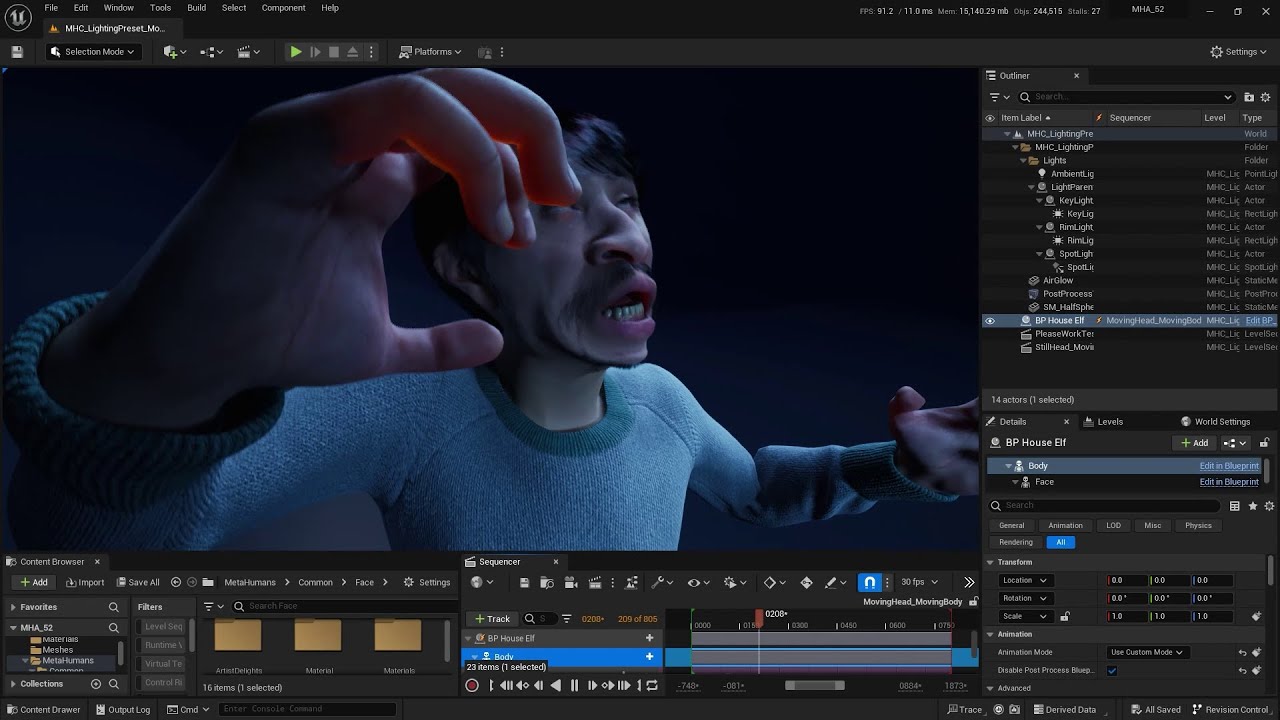
Topics:
- the importance of using upgraded 5.2 MetaHumans
- how to export a head animations for standalone use with and without head rotation
- how to attach a head animation to a body with and without head rotation
- bonus: using neck data from MHA instead of just the head rotation
NOTE! You can use Compatible Skeletons instead of dealing ...
dreamy dove
sudden berry
0 is best quality , some grooms do only have LOD 0 and 1 , that's why they are ...
Okay Im gonna change for 0
Thank you sir
frosty remnant
Hi, If i were to invest into a stereo head-mounted camera rig, what would you suggest ? (commercial or DiY)
 native spire
Hey folks, I'm trying to work out some strange UE > Blender > UE issues with Metahumans.
Basically just trying to get a Metahuman from Unreal, to Blender and back without any edits, but things are failing pretty badly 😄
- Exported from Unreal
- Ran the fbx through the Autodesk FBX Converter (to preserve the shapekeys/morphs)
- Imported to Blender (shapekeys visible, all materials there, though some showing pink?)
- Rename the root object to Armature (to avoid the extra root bone on import to UE)
- Export out to a new file (Don't Apply Modifiers or add Leaf Bones)
- Import back to UE...
This is where things seem to break. I can import the head back into UE and select the original skeleton during that, it imports and once I assign the post process AnimBP, the neck/head animates, but none of the face morphs or bones seem to move at all? Also the material slots seem to be messed up, and it seems the morphs have a different number of vertices than the original.
Any ideas what might be happening? Here is a video of the whole process so far, sorry for the loading/waiting between steps:
I also noticed that in the reimported version, there are some greyed out bones with a bone icon, but in the original these same greyed out ones have a solid circle icon. I'm not sure what the significance of this is, but I feel like maybe it's related?
I would guess the name conflict errors on import are responsible for the material slot/mismatch issue, so I'll work on solving that, but any help on getting the actual animations running would be super appreciated!!
Adding to this, in the Face_PostProcess_AnimBP, when changing the preview mesh to my imported one I get... This...

As opposed to this with the original:
 native spire
The material issue seems to have been resoved. There are less material slots overall (9 instead of 15) but the result seems the same. I would guess it's just combined slots that share the same material when reimporting. I have to wonder why they didn't combine them to fewer slots by default 😅
 noble light
i'm working in blueprint class of meta human in event graph, where i want to switch to different animations by using input keys and see them live in the view port, i was able to do this in unreal engine 5.0 with the exact same process i'm doing right now, but now that i'm switching to 5.2 version of meta human, the input keys are not working anymore
 fluid oriole
Latest progress on my metahuman action heros marketplace outfits, its a modular pack with 2 sets of outfits for the male and 3 sets for the female.
errant mauve
errant mauve
my metahumans are now sweaty and their eyes are black. #5.2problems lmao
for future travelers - fixed this by disabling substrate - don't use 5.1 metahumans with it
 cosmic saffron
I'm getting this weird stretching after i retarget my animation to a metahuman. Any ideas on how I might be able to fix this?
 fresh dragon
Hey, anyone know what the fuck would cause this weirdness to happen when the player is further away, but doesn't happen when they're close?
Happens for both players btw, doesn't matter if server/client
teal trellis
hi all. i'm seeing a lot of videos of people mixing 2 different mocap datasets (head/hands) and lip sync. it is making it feel a little "off" even though the facial is amazing. is there a way to grab at least head data from standard livelink without having to get any other mocap suit
buoyant stump
teal trellis
hi all. i'm seeing a lot of videos of people mixing 2 different mocap datasets (...
LiveLink Face app can record head rotations.
teal trellis
so i guess what is the differnce between that and MH animator?
and do most people use iclone into ue or right into ue?
buoyant stump
I am not sure I understand you. The app works both with livelink and animator. The data recorded includes head rotation. You can disable that while recording. If you have mocap or iclone data for the body, you dont want the head rotation to go from the facecap.
With iClone you can stream the same data into unreal for the face. You either want or dont the head rotation. One way or the other, for combining body, hands and facial animation I suggest you do not use the head rotation from the facecap.
There are many tutorials on this on youtube.
teal trellis
my point is why are there the 2 options and what is the benefit? i guess i was just seeing lots of recent videos on MH animator, but still importing previously recorded head data for some raeson that didn't match
why choose livelinke over animator
i have the livelinke plugin and cc4/iclone, so i guess just trying to see where i want to put the time into
buoyant stump
iClone is still great for animating the body. But for the face the Animator is the way to go.
As for the head rotation this is something you gave to decide for yourself. You either want i or you dont. I personally do not want the head rotation from the facecap since I am using either data from iclone or performance capture with the head rotation included.
The benefit is the natural movements. When you move your head moves with your body and it works together as a whole. If you record the body and head movements separatedly (is this even a word?) you will not get as natural moves.
buoyant stump
teal trellis
my point is why are there the 2 options and what is the benefit? i guess i was j...
Check out this video: https://www.youtube.com/watch?v=Rym1QpD_Wr4
Topics:
- the importance of using upgraded 5.2 MetaHumans
- how to export a head animations for standalone use with and without head rotation
- how to attach a head animation to a body with and without head rotation
- bonus: using neck data from MHA instead of just the head rotation
NOTE! You can use Compatible Skeletons instead of dealing ...
 graceful cipher
hey, I have a face animation, that has all the movement and rotation to it, and I'm trying to add it to my metahuman animation blueprint, but it seems like head rotation is locked. all the other bones work fine though. I only found solutions that work in sequencer, but not through blueprint. basically I want that face animation to play when the game start and then loop. How can I do that?
https://www.youtube.com/watch?v=Rym1QpD_Wr4 im assuming this will probably help from what I can see here nvm
atomic dock
is there an android alternative for livelink to make videos for meta human animator? Because livelink appears to be apple exclusive.
ebon sun
Hello lovely people 🙂 I was wondering if its possible to use the new metahuman animator recordings to create a 1:1 copy of my face? If not, what is the best way to tackle this
teal trellis
well, kinda that's the point. you're supposed to take a full front face, a left, a right, and a teeth one
it will do metahuman solve from that, plenty of tuts
ebon sun
teal trellis
it will do metahuman solve from that, plenty of tuts
can you share one?
 manic pivot
graceful cipher
hey, I have a face animation, that has all the movement and rotation to it, and ...
manic pivot
graceful cipher
hey, I have a face animation, that has all the movement and rotation to it, and ...
Same here, I'm curious on how to do it. Someone pointed to me that an Animation montage could be the solution, but I'm not getting success with this implementation
ebon sun
manic pivot
Same here, I'm curious on how to do it. Someone pointed to me that an Animation ...
im not sure if it solves this problem but i think it has something to do with locking to head bone or spine bone.
The context was: I replace the metahuman body with a seperate body from epic store. Locking it to i think head bone froze the head rotation and locking the face to spine bone didnt or vice versa
graceful cipher
@manic pivot so that's probably not the best solution, but it served the purpose that I needed - You basically do the stuff as per tutorial, especially the part starting 21:35ish, and after the Animation Blueprint along with Animation Sequence have been edited, so up until 23:00ish in the tutorial
I completely disregarded things that were connected to the 'Layer Blend per bone - Blend Poses 0', and put my animation sequence there instead, and that worked. I don't remember if 'post-process blueprint' was kept on or off, and I can't check right now
it basically ended up looking like in the attached image

in the tutorial there is also some mention of re-exporting the animation, but I didn't need to do that, so I don't know anything in regards to that step
I hope that helps tho ^^
manic pivot
I'll look into it !!! thank you very much
My context is somehow a little bit different, I need to put face and body animation together : https://forums.unrealengine.com/t/how-to-combine-2-animations-montages-for-a-metahuman-npc-face-body/1205510/1

Epic Developer Community Forums
Hello everyone, I’m currently making a narrative game with a dialogue system for a class project. Like the title said, I have 2 animations montages for my NPC. One is for the face and one for the body. The montages are based from animations exported from the sequencer (where everything is working fine). I recorded the face animation from the M...
but maybe what you shared can help me out
junior jacinth


WORKS WITH ANY PROPORTION CHARACTER IN THE METAHUMAN POSE
Product Link: https://www.artstation.com/a/26797596
Discord Support Link: https://discord.gg/cEAjVkz6Yk
In the free tutorial you will learn everything that you need to transfer all the Metahuman data to your custom mesh. After you complete the tutorial there will be no limitations than ...
teal trellis
thats cool
looks like mewtoo kinda lol
sorry didnt see your earlier question about a tut, look up the one from jsfilmz
"im addicted to compiling shaders" lol
oh dear thats the wrlng video

Metahuman Animator Realtime Playback
JSFILZM Mocap Helmet: https://youtu.be/1mMSdhV6g9s
Mocap Waitlist: JSFILMZMOCAP AT GMAIL DOT COM
Grab my new Unreal Engine 5.1 Course here! Be sure to share it with everyone!
Link to lighting course: https://www.artstation.com/a/25961360
Link to How to make a movie in UE5.1 https://www.artstation.com/a/2229...
this is the one where the head mocap was diff than lips so it feels off but its more about the lips he's showing
 median spear

can anyone help me with this conversion of data failed error i get when importing takes
 thin wing
Hey all, quick question. I'm currently trying to figure out how to implement the Anim BP for my metahumans, and am planning on using the runtime retargeting method described here: https://dev.epicgames.com/documentation/en-us/metahuman/retargeting-animations-to-a-metahuman-at-runtime
If I'm planning on using a large amount of metahumans at once (say, in the hundreds), is there a performance impact when using the "Retarget Pose from Mesh" node? Since that's constantly using runtime retargeting, is it a better approach to just manually retarget the Anim BP beforehand?
From my understanding, I would lose out on the dynamic IK leg placement if I don't use the runtime retargeting, which is why I would like to use that if I can.

Epic Developer Community
Retarget animations from Quinn to a MetaHuman at runtime.
dreamy dove
How can I reflection emmesive mesh to metahuman's eye?
 gentle crystal
Anyone know the stereo camera requirements for the MH animator? Is it just two side by side cameras like linked gopros or does it need special stereo cameras?
 golden crest


 silver pond
Hello SLACKERS!! I have been battling with getting my metahuman to wear a mask. I created the mesh in Blender, Imported the skeletal mesh into UE5.1.3, I have attached it to the head but I cannot for the life of me figure out how to get that cloth to hold the shape of the metahuman face and animate with it.
I need the mask to move along with the mouth to provide a realistic effect
drifting crow
Hey guys, can someone tell me why my MH sits on the chair in that way? Its locomotion is ok


Any simple way of fixing it? 🙂
 acoustic berry
graceful cipher
<@301106785727807488> so that's probably not the best solution, but it served t...
acoustic berry
graceful cipher
<@301106785727807488> so that's probably not the best solution, but it served t...
for some reason head rotation is not saved in mine. even though i used level seq to bake into a new animation. do you know the solution to that by any chance 😦
graceful cipher
acoustic berry
for some reason head rotation is not saved in mine. even though i used level seq...
unfortunately I don't, sorry :c
sly matrix
drifting crow
Hey guys, can someone tell me why my MH sits on the chair in that way? Its locom...
wdym, I see no problem... 🤣
drifting crow
U kiddin?
 vestal flint
Do you guys know a method to non uniform scale the metahuman eye shader pupil? (Make it long vertically and narrow for example...)
manic pivot
acoustic berry
for some reason head rotation is not saved in mine. even though i used level seq...
check if you have a 5.2 metahuman
teal trellis
woot, got a good price iphone11 so i can finally start with the lip sync animations
the choice was $1200 faceware plugin to use android or $220 iphone lol
sly matrix
nice good tip
 bitter kayak
Hi!
Does anyone know how to render hair / grooms with higher sample counts? (Deferred rendering)
The groom simulation resets every time between the temporal samples. And this is the only way to get good cinematics from UE5..?
Do I need to cache the groom in another program and not work with the in-engine physics?
Thank you for your help!
hollow aurora
On the subject of hair grooms, would like to know how to get realistic per strand wind/physics interaction.
Haven't seen anything yet that demonstrates this as being possible!
teal trellis
does hair actually animate well in ue?
i know you can use physics properties in iclone/cc4 that seem pretty good but i've yet to pull it into unreal yet
there is also a whole video on soft body physics so you have boob/thigh/butt jiggle on heavy movements 😛
 limber spear
i import my character from Daz Studio
but the whole skeleton is facing pivot issues, its totally off
i tried middle clik + alt to reposition pivot, but it cant
 steady maple
using MHC how can i add wrinkles? (to make the person look older)
 plain igloo
steady maple
using MHC how can i add wrinkles? (to make the person look older)
plain igloo
steady maple
using MHC how can i add wrinkles? (to make the person look older)
I’ve been using CC4 this week and using their metahuman export with wrinkle maps. Works great and looks a ton better than base MH
sly matrix
steady maple
using MHC how can i add wrinkles? (to make the person look older)
There is like a skin texture slider somewhere in the head or skin section
drifting crow
Lol

Any ideas about how to fix this? 😄
it 'sits down' like that
only f_tal_unw_body gets animated by anim montages, the other 'parts' of the metahuman remain stationary in the standing pose
 river summit
why this happens?
 small ridge
Hello :>
Quick question: Is there a way, of changing the neck thickness of a MH in the creator? When I am shrinking the head (as the mesh was custom), the neck becomes unbearably thick and I couldn't find any solution online. Any help would be appreciated, thank you! ✨
 rigid hamlet
river summit
why this happens?
rigid hamlet
river summit
why this happens?
Ahakajaka is that Polat Alemdar
teal trellis
so quick q. now with mh animator, is there any compelling reason to capture lip sync data in iclone 8 and pulling into unreal? vs just doing it in unreal directly?
river summit
rigid hamlet
Ahakajaka is that Polat Alemdar
yeah xd
 pearl cliff
how do i get the damn metahuman to stop stretching when animating

i went through and disabled every variable called enable stretch
teal trellis
pearl cliff
how do i get the damn metahuman to stop stretching when animating
lol
thats creepy
pearl cliff
i spent ages learning how to add a control rig to quinn and did that and the metahuman is retargeted to that... then i tried making an animation with quinn and the elbows and stuff were not in the right position
then i realised metahuman comes with a good rig already but... stretchiness that seems impossible to stop
pearl cliff
solved
drifting crow
I have created a couple of more metahumans, but they wont appear in the editor. What to do?
drifting crow
They do not appear in My Metahumans window, they are just not being downloaded for some reason. Why?
Its only 1 metahuman there, when its supposed to be 3 of them

 broken pulsar
I'm experiencing an issue where my metahumans won't finish downloading

Seem's to get stuck on 100%

 sharp depot
Fixed the problem @broken pulsar ?
broken pulsar
sharp depot
Fixed the problem <@1043668678564126754> ?
I thought I had. I created a blank project and started downloading them to there. Managed to get one of the two downloaded but the other one is still hanging at 100%
sharp depot
Try cancelling the install, close out the Unreal and Epic Launcher, retry then resume the install.
See if that will bypass the problem.
broken pulsar
Yeah, that's what I've been trying to do repeatedly
sharp depot
OK, then might as well stop there and let the download resume. It may be trying to acquire something. Check if Windows is "blocking" something. If it is, unblock it and maybe it'll install. If not, just keep working with the metahuman and the install will finish. It happened to me a few times.
broken pulsar
Ok, I will persist. One of the two has downloaded, so it must not be being blocked 🤔
sharp depot
Then it must mean it's "verifying" the files, perhaps; like what it does with Unreal 5
broken pulsar
It had been stuck on 100% for over an hour. The other one was finished shortly after reaching 100%
sharp depot
How long did it take for the other one?
broken pulsar
after reaching 100%? Only a minute or two
Aha! This looks more promising

oh, it just restarted 😦

very frustrating
sharp depot
Did the number go up?
broken pulsar
It went from 100% back down to 0%
and is now back to 25%
this isn't the first time it has restarted either
 stiff arch
guys ML deform not saving trained network, help
sharp depot
@broken pulsar Maybe try a different metahuman and see if it is affected dthe same?
stiff arch
is there a way to edit metahuman bodies inside metahuman editor?
sharp depot
Is Epic going to create an offline MetaHuman Creator app for Windows 11?
sharp depot
stiff arch
is there a way to edit metahuman bodies inside metahuman editor?
So far from where I looked at Metahuman Cerator, the bodies are not editable. They are preset and Metahuman Creator is in its development stages so we don't know exactly when Epic Games will be able to release a stable version of Metahuman Creator involving the bells and whistles of editing our very own Metahumans.
stiff arch
sharp depot
So far from where I looked at Metahuman Cerator, the bodies are not editable. T...
It's not when, it's if. I don't think they work on metahumans anymorr
A half a year they don't add any updated to it
sharp depot
So half a year? What if they are really working on it but weren't able to post updates on a blog or something because something was in "development"?
stiff arch
Also they should add more clothing types.
stiff arch
sharp depot
So half a year? What if they are really working on it but weren't able to post ...
They are a big company they can do a lot
They don't even develop it they work on unreal engine 5 things
sharp depot
Metahuman Creator is a very nice program but I don't know what's going on with Epic Games so maybe they are shifting staff around, prioritizing things.
stiff arch
They say what they work on in forums
sharp depot
This is 11 days ago: https://forums.unrealengine.com/t/metahuman-2-0-0-early-access-released/1200281

Epic Developer Community Forums
MetaHuman 2.0.0 is here with a new release of the MetaHuman Plugin for UE, which introduces the new facial animation feature set, MetaHuman Animator. Download it now from the Epic Marketplace. Requires Unreal Engine 5.2. MetaHuman Animator MetaHuman Animator is a new feature set that enables you to capture an actor’s performance using an iPho...
So they are working on it. They were working on a plugin. So perhaps they may be working on more things relating to Metahuman even though it still needs a lot of ironing out.
native spire
Hey folks, anyone aware of how to reduce/fix this issue on eyelashes? There is a rectlight behind the characters head but for some reason the eyelashes aren't getting shadowed by the head itself?
RectLight Off/On for reference:


And a reference for it's position
 buoyant stump
native spire
Hey folks, anyone aware of how to reduce/fix this issue on eyelashes? There is a...
buoyant stump
native spire
Hey folks, anyone aware of how to reduce/fix this issue on eyelashes? There is a...
Try to set the lashes as raytraced geometry, if you are you are using lumen with hardware raytracing. It is in the properties of said groom.
fluid oriole
My Metahuman Action Hero Outfits are complete and available on the UE Marketplace.
 native spire
buoyant stump
Try to set the lashes as raytraced geometry, if you are you are using lumen with...
native spire
buoyant stump
Try to set the lashes as raytraced geometry, if you are you are using lumen with...
At the moment I'm just using the card-based eyelashes, is there a similar setting for this?
 safe kettle
gentle crystal
Anyone know the stereo camera requirements for the MH animator? Is it just two s...
safe kettle
gentle crystal
Anyone know the stereo camera requirements for the MH animator? Is it just two s...
In terms of camera geometry, vertical stereo is preferred (see here https://dev.epicgames.com/documentation/en-us/metahuman/metahuman-facial-performance-capture-guidelines). It's difficult to be precise about how 'good' the cameras themselves need to be. Factors that tend to improve depth reconstruction from stereo include cameras with low noise sensors, global shuttering, and lenses with low optical aberration. Synchronized capture of the two cameras is also very beneficial and camera calibration is essential. However, the ingest tooling for MetaHuman Animator is quite flexible and should allow users to adapt to their hardware (see here https://dev.epicgames.com/documentation/en-us/metahuman/stereo-camera-calibration-and-tools-for-the-metahumans-plugin).
sly sparrow
have the methuman team ever mentioned anything about metahuman getting out of early access? I'm trying to wait for metahumans to become 'released' to start developing, but I can't find any information on any etas so I'm wondering whether I should just start now
 granite bay
I'm getting consistent D3D device removed errors, they seem to only occur when there's a metahuman in the viewport. It's an nvidia 3080 card and I am not out of VRAM. It occurs in 5.0.3, 5.1.1 and 5.2.1, it's a nanite-enabled project so dropping to DX11 isn't an option. I've tried Studio and Game drivers. It happened extensively with no graphics tuning software, but I've since also tried using Afterburner to underclock/overclock and undervolt the graphics card all to no avail. There is a suggestion on reddit which points back to this discord with some changes to the engine (some of which but not all appear to be in 5.2 already), which I will try next but I'm desperate to find a way to stop these crashes at this point!
Any advice most welcome 🙏
buoyant stump
native spire
At the moment I'm just using the card-based eyelashes, is there a similar settin...
Oh I dont think so, card-based grooms are just planes with transparency. I am not using those, since I do mostly cinematic renders aiming at hiqh quality results. Try to switch back to groom, and see if the problem persists.
buoyant stump
granite bay
I'm getting consistent D3D device removed errors, they seem to only occur when t...
You should be aware of two things. One is the windows registry and TdrDelay value. This is by default set to something like two seconds, which is way too low. You need to set this value for like 60-120 seconds.
The second issue is browser with video playing (youtube, streming like hbo or so). There are some VRAM issues with this. So in order to minimize this error, edit the registry value (just google TdrDelay value) and try to avoid using youtube together with UE. In my case, this is problem just when Im rendering, not using the editor. Hope this helps 🙂
granite bay
buoyant stump
You should be aware of two things. One is the windows registry and TdrDelay valu...
Thanks, I'll give the TdrDelay hack a go now and see if that helps. I'm nowhere near the VRAM limit when I'm getting the crashes - I checked that already and tried setting everything super low in the editor, it still happens even when only using <4GB of dedicated VRAM!
buoyant stump
granite bay
Thanks, I'll give the TdrDelay hack a go now and see if that helps. I'm nowhere ...
Yes, I was experiencing the same error lately. I did upgrade my drivers to latest studio version and while rendering I am not using browser with video playing.
granite bay
that's unfortunate - there were a couple of ~5s hangs which recovered, then one that didn't and I had to wait 60s for the D3D removed error crash 😭
 long vector
Hello all
did someone managed to compile the Metahuman plugin on top of UE src (5.1.1) ?
buoyant stump
granite bay
that's unfortunate - there were a couple of ~5s hangs which recovered, then one ...
Well in that case the issue is somewhere else. Depends on your project. You can revert the TdrDelay value by just deleting it or setting it back to its original value. Sorry this did not work.
granite bay
buoyant stump
Well in that case the issue is somewhere else. Depends on your project. You can ...
Yeah, I've done that already, but thank you for trying - I appreciate it! I'm now downloading the source code to try out this potential fix for 30XX card, we shall see - this could be a while!
buoyant stump
I had this error both on my home 3090 and work 4090 cards. So I think this might be drivers issue
Or maybe it is just a bug in unreal 🙂 also possible
granite bay
https://github.com/dyanikoglu/UnrealEngine/commit/546c84799cfdfb2b6d5b06e829c9230dcdd56d73 this is the one (and a second one that this depends on, as noted in the comments), it does seem to be an Ampere-specific problem
🤞 if this doesn't work, I have no idea what I'm going to do 😐
bitter kayak
pearl cliff
solved
How did you solve the stretch?
pearl cliff
bitter kayak
How did you solve the stretch?
Ticking on the ik switch or whatever it's called, then moving the boxes
The rings are for rotation
granite bay
granite bay
https://github.com/dyanikoglu/UnrealEngine/commit/546c84799cfdfb2b6d5b06e829c923...
Nope, this workaround for Ampere users isn't working either

 mortal osprey
Hi guys I have imported a metahuman to an empty project and after using metahuman creator and face link live to record and import face animation, the head then detaches from the body. Anyone know how to fix this?
 ornate cipher
Hey everyone, question, when I use Metahuman Animator 5.2 and bring in a footage file from Live link to help create the identity, I get a bit of a glitch. When I try to pick the front, and side pose, the frame I pick jumps to a different one every time. I will select the frame I want to use, click promote frame, and it shows some other random frame out of the sequence. There isn’t a mathematical explanation to this either (like it’s picking a frame 20 steps away each time or something like that) it’s a random frame. Anyone know how to fix this? It causes a distorted model once built.
gentle crystal
stiff arch
Also they should add more clothing types.
We're about to start dropping MH clothing options at an affordable price, drag and drop
stiff arch
sharp depot
This is 11 days ago: https://forums.unrealengine.com/t/metahuman-2-0-0-early-acc...
Still nothing about custom body morphs and new clothing
stiff arch
gentle crystal
We're about to start dropping MH clothing options at an affordable price, drag a...
Hahaha haha, people try to advertise their products here. Imagine advertising for teens. Shame on you and on epic games that they don't add metahuman new cloth and body options sliders on their metahuman official website
 final jetty
hi all, is there a way to parents the eyes control to the camera in sequencer?
granite bay
granite bay
Nope, this workaround for Ampere users isn't working either
I'm not getting a crash (a few minutes in now) when I use a preset metahuman instead of one created from a sculpt, the crashes might be related to the head or the hair, potentially.
 lapis bone
oblique ermine
Hello every one , i have a question. When i change the lod of my Metahuman ,my ...
lapis bone
oblique ermine
Hello every one , i have a question. When i change the lod of my Metahuman ,my ...
did you solve this issue? if so, can you share how you solved it because i am also facing the same issue
hey guys i am getting this error when i compile the Bp i am using custom clothes for metahuman and also using the base metahuman skeleton for the clothes also
 granite bay
@lapis bone either update the metahuman to 2.0, or simply switch out the offending deprecated nodes in the blueprint with the GetSkeletalMeshAsset node instead (double click the error and it'll take you to the graph)
 topaz hearth
Elloo... so, maybe I'm behind on my tech, but is metahuman game-ready? I was looking at some examples, looking at the mesh and rig (number of bones) and it seems like a lot to run for a game.
sly matrix
It does end up feeling like quite a lot. I have 16 of them running around with AI and it's a slog on a 3070. However, if ur game will be in development for 2-4 years, it might be just right?
 fierce gull
Hey, idk why, but I upgraded my Metahumans to the newest version in the creator and they're not showing up in Bridge. Idk if this was a reoccurring problem so I'll scroll up to see.
 inland marsh
[Question: MetaHuman Animator]
Cheek and lips aren't detected correctly.
Hi, covered the picture to avoid polluting your eyes with my face expressions. [Picture is Safe for work]
Anyway, I am using iPhone13ProMax with a screen protector. Could it be the reason that my cheek/ lips area aren't detected correctly? whenever I puff my cheek or funnel my lips it doesn't get detected correctly. Anyone faced something similar?
 buoyant stump
Hi, Im having this strange behaviour while creating pose assets for my metahuman.
This is default pose:
But when I create my pose asset based on a frame from my animation, I get this weird stretched pose.
 buoyant stump
inland marsh
[Question: MetaHuman Animator]
Cheek and lips aren't detected correctly.
Hi, co...
buoyant stump
inland marsh
[Question: MetaHuman Animator]
Cheek and lips aren't detected correctly.
Hi, co...
Try to make new calibration, maybe something went wrong. I had to restart my iPhone 14 for instance, because the front camera focus was broken.
inland marsh
Will try that! Thank you 🙏
 languid granite
Has anyone been working with the City Sample Crowd pack? I'm testing it out for the first time today and its incredibly slow to load up, and whatever changes I make to my humans, it will crash Unreal. Anyone have a similar experience?
coral fossil
Does anyone know why at runtime my hair lod change even though I set both number of lod and forced lod to 1 and turn on never distance cull
The lod won't change when I'm watching the metahuman in scene but once I start to run the game the lod does change
 wraith marten
Take a peek at my forever evolving metahuman collection on the EDC
🔗 https://forums.unrealengine.com/t/a-showcase-of-my-meta-humans-set1/1213021
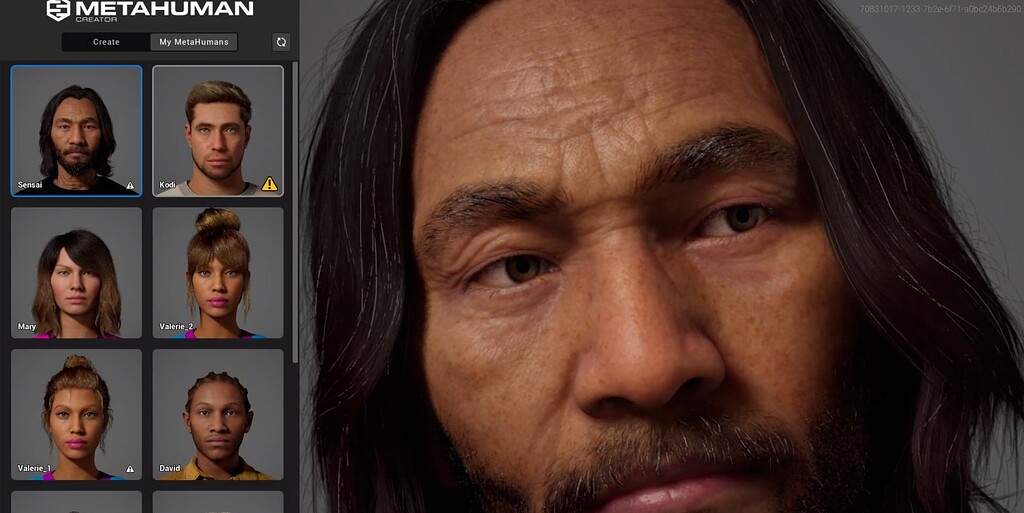
Epic Developer Community Forums
A Showcase of My Meta-Humans (Set 1) 👋 Hello there! Hope this finds you in high spirits! I’m thrilled to share a glimpse of my exciting collection of meta-human characters in this video. You’ll get to meet intriguing characters like Valerie, and the latest addition to my repertoire, Liam. I hope to design characters that boast of versatility, ...
 untold crown
Hello everyone! Somebody tried a DIY HMC (not iphone) for metahuman animator? I am try to use two similar action cameras and have some success. I succeeded in identity creation. But my UE crashes when i try iniciate performance process. Maybe this is due to poor video memory (8gb)?
untold crown
It seems to be i passed this step. So my custom HMC works good))
fathom galleon
yo. is it possible to edit mesh in unreal just to clean up part of the metahuman?
cunning cloud
hey guys, has anyone seen this problem before? the metahumans eyelashes? any idea of fixes?
 obtuse urchin
did they break ears in the Identity Solver? This used to work in 5.1 and now it isn't in 5.2


here it is working in 5.1


also curves and control vertices seems to be broken in B view when enabled
 gloomy patio
Would anyone be able to point to the right direction to fix this issue with the eyelids? The issue looks like ambient occlusion would be baked or something but I have tried to remove all the AO maps from the master material and it still persists. The issue is also not in the base color (image attached)

 worthy flint
hi, someone knows how to export metahuman face animation made with live link from ue5 to blender, maya etc? iv tried with fbx and usd but when i import the model i get the keyframe with no animation
gloomy patio
worthy flint
hi, someone knows how to export metahuman face animation made with live link fr...
If you bake the animation to the face control rig - I believe then you can export it as an fbx which Maya would read
 plain orbit
Is anyone else currently experiencing issues getting MHC to load?
obtuse urchin
gloomy patio
Would anyone be able to point to the right direction to fix this issue with the ...
looks like normal map to me
serene fulcrum
plain orbit
Is anyone else currently experiencing issues getting MHC to load?
it takes some time
gloomy patio
obtuse urchin
looks like normal map to me
yeah it does look like it but even if I remove normal maps completely it's still there. so it seems like its somehow in the world normals but I'm not sure how to get rid of it then?

 worthy flint
gloomy patio
If you bake the animation to the face control rig - I believe then you can expor...
worthy flint
gloomy patio
If you bake the animation to the face control rig - I believe then you can expor...
i couldnt find much about animation baking in ue from youtube someone know how to do it?
plain orbit
serene fulcrum
it takes some time
It kept failing with a black screen last night but thankfully after using incognito mode I was able to sign in successfully 😄
serene fulcrum
I've seen these issue before
obtuse urchin
gloomy patio
yeah it does look like it but even if I remove normal maps completely it's still...
you might have to remove it from the Wrinkle Maps (FaceNormal_WM2) too and the cavity map, not sure
you could try disconnecting the normal in the material as a test
 scarlet sorrel

Epic Developer Community Forums
No matter what scalability, it seems to be disappearing when I move the character, or move the camera.
any idea why this might happen guys?
hollow aurora
Any 'eye' experts able to tell me why my eyelash shaders look so bad? Doing a CU on eyes so they must be perfect!
 scarlet sorrel
hollow aurora
Any 'eye' experts able to tell me why my eyelash shaders look so bad? Doing a C...
scarlet sorrel
hollow aurora
Any 'eye' experts able to tell me why my eyelash shaders look so bad? Doing a C...
Have a look at this: https://www.youtube.com/watch?v=rlrw68bKRMc
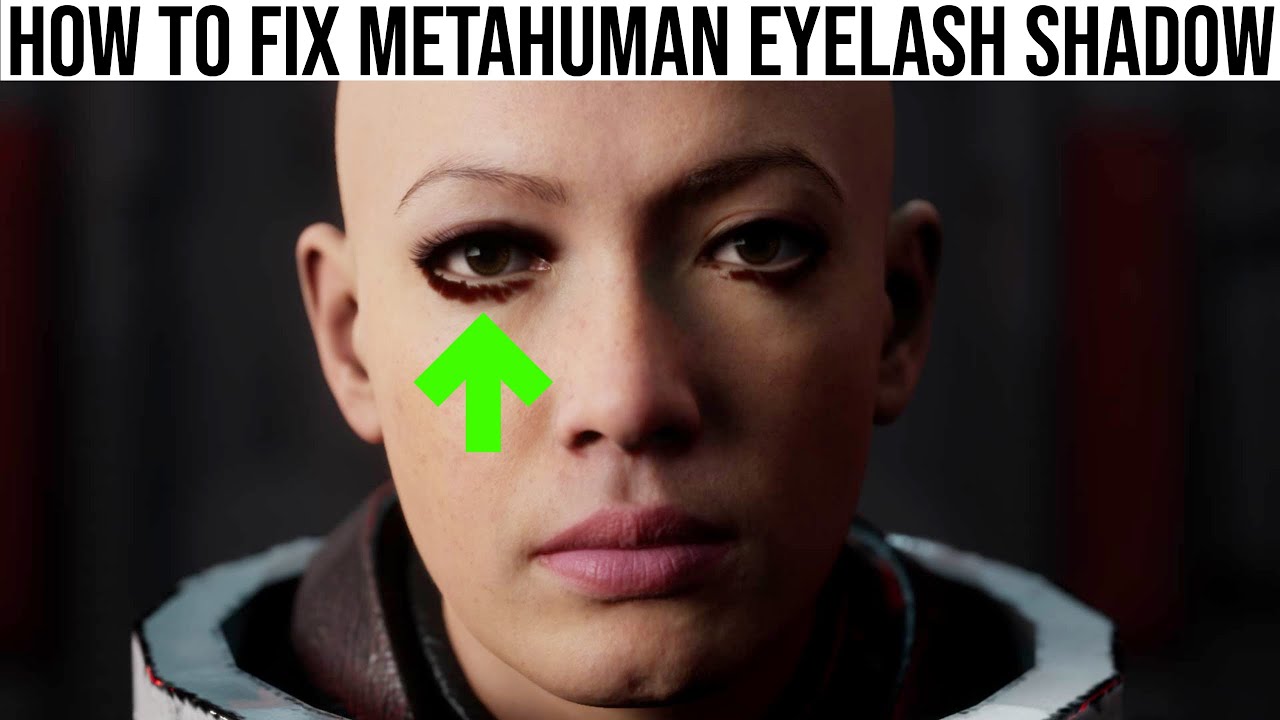
how to fix metahuman eyelash shadow,fix metahuman eye shadow,fix metahuman eyelash shadow,fix metahuman eyelash,unreal engine metahuman tutorial,unreal engine 5 metahuman tutorial,how to animate metahuman,animate metahuman,how do i get metahuman,can i download metahuman,download metahuman,metahuman marvelous designer,metahuman control rig,metahu...
 kindred ocean
im new to unreal , does anyone know how to change this background black color viewport in metahuman project that is available in marketplace ?

 gleaming atlas
Hey ive been tasked with getting hair and a hat to work with out metahuman, ive done work and skinning in maya, but when i export it and the hair lods it doesnt import into maya correctly, hair disapears and only the hat shows up. does anyone know how to get this working? currently tried selecting everything and exporting, tried exporting individual lods with the skeleton, and even exporting just the hair with no success. any guidance is much appreciated

 obtuse urchin
I've done 4 different mesh to metahumans and 1 head keeps coming back out of metahuman creator with 1 less vert than the rest, I redid the whole process and got the same result... anyone else getting this issue? 3 of the 4 head meshes have 35,569 vertices and this one head keeps coming out with 35,568 vertices
and the vert order is slightly different
obtuse urchin
I reexported the source mesh and resolved it and reimported the metahuman and now it's right 
 kind kindle
Help? I'm new. Anyone had this happen? On a Mac Studio Ultra which I read can cause issues but haven't seen any as wild as this.

 vast harness
Idk where to request a new link but the special Calibration Board for the Stereo Camera HMC setup needs a new link
https://dev.epicgames.com/documentation/en-us/metahuman/metahuman-facial-performance-capture-guidelines
"
Calibration board construction
Calibration requires a calibration board (checkerboard pattern) with a size of 89. mm5 x 134.2 mm (download a sample here) and each square being 7.5 mm."
The link https://drive.google.com/file/d/1WQDn8DwlPQXka8xUZNKozLr711HMj-Cp/view?usp=share_link
If you have a file please send me a link. These ones need to be 7.5mm. Unless this is the same size as the Virtual production board
Epic Developer Community
Access Google Drive with a Google account (for personal use) or Google Workspace account (for business use).
final jetty
hey! how do i change the rest pose of a metahuman?
need to give it high heels
hollow aurora
scarlet sorrel
Have a look at this: https://www.youtube.com/watch?v=rlrw68bKRMc
Awesome. Thank you. Will have a look but in my case I think its a RayTracing issue
hollow aurora
Using a Mixamo to Metahuman workflow but noticed that my Metahumans have drooping shoulders after retargeting my animations.
Is there any way to correct this in the IK Retargeter?
final jetty
hey all, im trying to duplicate a metahuman rig but the animation sequences doesn't work on the new one... any tips?
 upbeat arrow
I want to create some facial animations using the new MetaHuman Animator workflow :
Capture the calibration footage with the appmport everything in UE5
Set the frames to create the MH Identity
Everything was going on nicely until I click on Prepare for Performance to generate the final step.
The process "freezed" at 89%, no EU5 crash, nothing obvious
Is somebody else met this issue?
fyi : i7 9700KF OC, 64Go RAM, RTX 3090
UE 5.2.1
Someone said to not toggle the fast prepare but I don't know how to set up this, any ideas?
kind kindle
pressing key after altering a metahuman pose causes crash. (i moved arm and neck but not fingers) anyone had this happen?
 loud python
I enabled "Metahuman" plugin in an Unreal project file, and when I hit "Restart Editor" this is what I see

Please help me, I have a very close deadline to meet
hollow aurora
Would love feedback for any experts on Mixamo to MH workflows.
Following Jobutsu's walkthru exactly. Everything works but getting noticeably drooping shoulders on my MH when viewed in Sequencer.
Is this a IKRig issue, a retargeting issue, or?
https://youtu.be/W5ZYUlkaq5s

Mixamo to MetaHumans - UE5 Tutorial.
A BRAND NEW way to retarget your Mixamo animations.
In this video, using UnrealEngine 5 (Preview 2) -
I Retarget Mixamo animations onto MetaHumans.
I also show a workaround for crashes that are happening with
UE5 preview 2, while using the IKRetargeter.
Get Animations here:-
https://www.mixamo.com
New Mi...
hollow aurora
One more Sequencer animation question > Is there any way to keyframe the Playrate? I have a MH walking around a corner and I want him to slow down as he turns, then speed up again after.
 kind kindle
hollow aurora
One more Sequencer animation question > Is there any way to keyframe the Playrat...
kind kindle
hollow aurora
One more Sequencer animation question > Is there any way to keyframe the Playrat...
would love to know as well!
lime lotus
I'm getting this crash when using a Metahuman (retargetted to SKM_Quinn) but it only happens in Standalone Game. Anyone know why it would do this?
