#4070TI/S OC
1 messages · Page 1 of 1 (latest)
 radiant sun
 grizzled ruinBOT
Overclocking is a term that means to speed up the performance of a computer by increasing the component’s clock speed beyond the manufacturer's guaranteed and stable speeds, therefore increasing the speed at which that component operates at a cost of stability.
The quality of the silicon directly relates to how well it overclocks. The higher the overclock you can achieve with as low of a voltage, the more you've won the lottery. The silicon lottery usually refers to overclocking limits. A better overclocking CPU or GPU is considered "winning the silicon lottery." CPUs/GPUs have variances in how they overclock and no two chips have the same overclocking limits although they have the same die or the same model. You may even have a GPU/CPU that cannot be overclock at all without instabilities or crashes.
Keep in mind overclocking your GPU and CPU may cause issues such as degradation of the CPU/GPU, instabilities or crashes on your PC as you are running your GPU/CPU beyond the manufacturer guaranteed and stable speeds.
If you understand the risks and still wish to overclock your GPU, check the /gpuoverclocking command for basic instructions on software overclocking.
- You should not use an overclock on a GPU that is being used for work or scientific computing.
- Silicon lottery will mean that not every GPU can overclock the same. It is rare, but not impossible, for a GPU to become unstable with even just +15 MHz!
- GPU overclocking usually only has significant benefits on RTX 50 series GPUs that isn't the RTX 5090. For other GPUs, the benefit is likely in the single digits percentages.
- On GPUs utilizing GDDR6X or GDDR7, automatic ECC may mask unstable memory overclocks. This exhibits in reduced performance compared to a lower overclock. GDDR6X headroom is usually much lower than GDDR7, so it's likely you may encounter these limits with GDDR6X memory. Use the fastest speed that does not cause you to lose FPS/benchmark scores.
- On RTX GPUs, the ray-tracing and tensor multiplication cores can become unstable before the main CUDA shaders. Test with RTX features turned on to cover every case! The following lists features that utilize tensor cores:
- DLSS (including Super Resolution, Ray Reconstruction, Frame Generation)
- RTX Dynamic Vibrance/RTX HDR
- RTX Video Super Resolution/RTX Video HDR
- RTX Neural Shaders (e.g. RTX Mega Geometry, RTX Hair)
- DLDSR
- ChatRTX
- Project G-Assist
- NVIDIA Broadcast features
- NVIDIA Broadcast SDK filters in apps
- Local generative AI (e.g. Stable Diffusion/Flux, Framepack, LM Studio, local AI tools in apps)
Automatic overclocking
- Set an appropriate power limit, then use the NVIDIA App to perform automatic tuning.
- This overclock is very conservative and likely is much lower than what manual OCs can achieve, but has a very low risk of failure.
- Despite this, it is still possible for the tuning to result in an unstable OC. If this is the case, please restore settings and consider your GPU un-overclockable.
Manual overclocking
- Use MSI Afterburner to perform core and memory overclocks.
- Set an appropriate power limit. If desired, also set an appropriate temperature limit.
- Have a game or actively rendering 3D app (such as any of the non-FurMark MSI Kombustor scenes) you won't mind crashing running in a window or fullscreen borderless at the background to verify. Keep in mind that for best results, also test with games or apps using RTX features.
- For the GPU core, use +15 or +20 MHz steps while the game or app is running until it starts crashing or producing artifacts. Then subtract by two of the above steps, re-apply settings, and retest until stable.
- For GPUs with GDDR6 or GDDR6X memory, use +100 steps. Increase until it crashes, produces artifacts, or your performance drops, whichever comes first.
- For GPUs with GDDR7 memory, most testing can be skipped, and you can immediately try +2000. If this is stable, consider testing +3000. You cannot go any higher than +3000 as there is a driver level limit.
 lilac ermine
radiant sun
hi maybe anyone know i did gpu oc , and always see 2880mhz . its normal? never g...
lilac ermine
radiant sun
hi maybe anyone know i did gpu oc , and always see 2880mhz . its normal? never g...
Did you "prefer maximum performance" in NVIDIA Control Panel/NVIDIA App?
Normally, if that isn't set, your GPU will still clock down if it can afford to
It might have been set.
Also, for games using NVIDIA Reflex, the "On+Boost" option basically does the same thing, too.
lilac ermine
If what you meant is that "your clock speed jumps up and down a lot", that's also normal
Think of it as an "offset" to what your GPU would have normally obtained, minus any power limit walls
lilac ermine
radiant sun
ok. i made oc to 3000mhz its ok?
you need to test
as for how, it's basically up to you
but generally speaking, if you start seeing crashes or corruption, back down before blaming drivers or the game
once when you're at flat and it's still crashing then your problem is probably indeed software
lilac ermine
actual games best
radiant sun
1500mem/250core
lilac ermine
battlefield series is notorious for saying "nuh uh" though for obvious reasons you don't want it to crash mid-MP
also, you should also test games with RT and/or DLSS. raytracing and tensor can go unstable separately
radiant sun
so test in games are better
then a stress tests and more?
and I felt strange playing CS2 with an overclocked GPU, though I haven't tried it without the OC, maybe it just seemed that way that evening. Somehow the shooting felt different, and the game itself looked quite weird, even though the tests and everything else check out. Maybe it's just a coincidence
 lilac ermine
radiant sun
lilac ermine
radiant sun
don't touch it
lilac ermine
radiant sun
and I felt strange playing CS2 with an overclocked GPU, though I haven't tried i...
CS2 is going to be a CPU limited game 99% of the time

 buoyant warren
what motherboard do you have? maybe your motherboard doens't support more ram speed, plus cs2 is cpu heavy not gpu
radiant sun
ram speed is bad?
that one

ASUS ROG STRIX B650E-E GAMING WIFI | Asus
Why are we talking about RAMs here?
7800x3d mine cpu
lilac ermine
radiant sun
Why are we talking about RAMs here?
RAM is extremely important to make sure your CPU actually performs as advertised
You can't find your actual RAM speed from motherboard specs - motherboard specs only list the maximum supported
Open Task Manager > Performance > Memory and see what you have for speed and slots used
radiant sun
lilac ermine
RAM is extremely important to make sure your CPU actually performs as advertised
i can see that information. But where did I ask anything about RAM? My PC can use all the installed RAM just fine. I came here because of the GPU. My last question was about temperatures — what do RAMs have to do with this now?
Am I not understanding something, or is no one reading my question, or what’s the problem? 🙂
lilac ermine
radiant sun
i can see that information. But where did I ask anything about RAM? My PC can us...
Because RAM speed and slots used can and do affect your CPU's effective speed
an i9-13900K getting stuck with 2133 MHz RAM kills your FPS, for example. It may seem surprising, but it does happen
radiant sun
i see this. it's bad or ?
 radiant sun
lilac ermine
Because RAM speed and slots used *can* and *do* affect your CPU's *effective* sp...
radiant sun
lilac ermine
Because RAM speed and slots used *can* and *do* affect your CPU's *effective* sp...
My issue isn’t that FPS drops. It’s just that after I did that few-hundred MHz OC, the game felt kind of weird. I went back to stock — it feels more comfortable for me, especially in-game. Changing the in-game ‘rate’ settings and fps_max changed a lot (maybe). I’m mainly asking about my GPU: are these temperatures normal at stock?
 lilac ermine
radiant sun
i see this. it's bad or ?
lilac ermine
radiant sun
i see this. it's bad or ?
This is fine
lilac ermine
radiant sun
No game is running, so meaningless
radiant sun
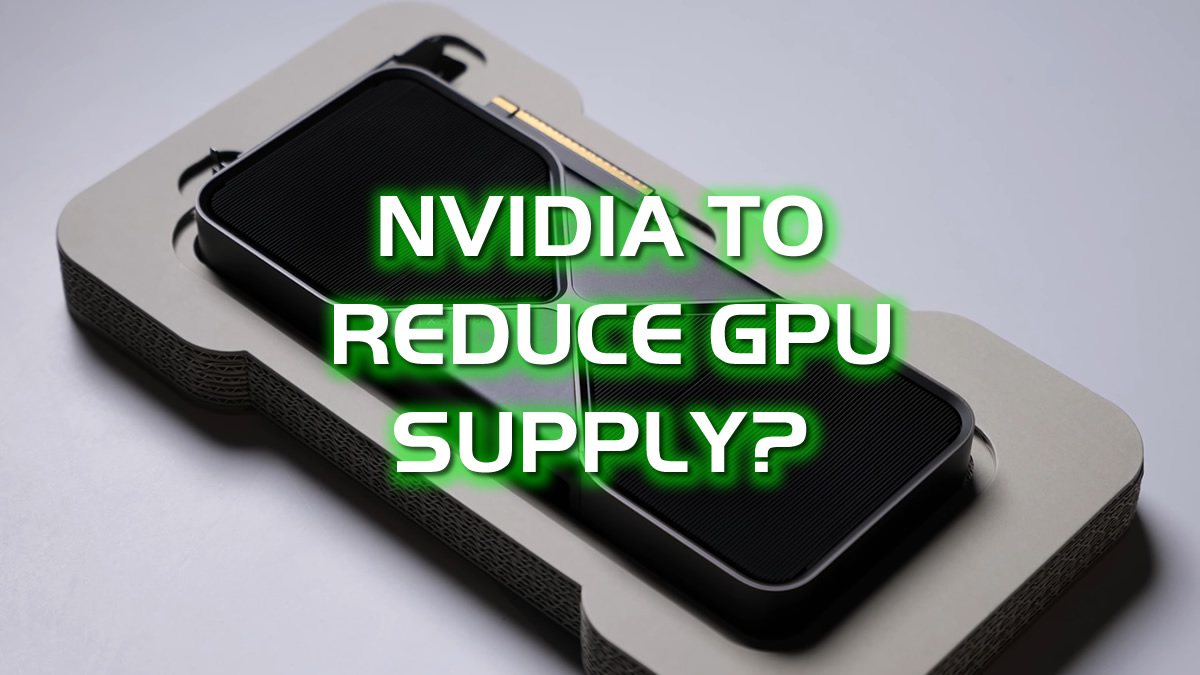
Nvidia reportedly plans to axe as much as 40% of its GeForce RTX 50 series GPU production in early 2026. Why? Memory costs...
is that true @lilac ermine
?
radiant sun
lilac ermine
This is fine
thx friend