#4070 card without or not much coil wine?
1 messages · Page 1 of 1 (latest)
 odd pier
 silk gust
coil whine is basically playing a lottery
it can or can not happen entirely at random
this is also not considered a defect
odd pier
Oh okay, so should i buy the card that suits me best and if it has coil whine, send it back and buy another one?
But is there a card that has quite fans and cold temps?
silk gust
odd pier
Oh okay, so should i buy the card that suits me best and if it has coil whine, s...
Only if you have a generous refund policy - remember, this is not a defect
as for the second point, most GPU coolers should be fine as long as it has at least two fans. If you're unsure, send a model link or pic
odd pier
silk gust
Only if you have a generous refund policy - remember, this is not a defect
Okay and for "driver problems" some people said to me this isnt an driver issue anymore, i got often blackscreen, self deleting drivers and driver timeouts. I got this every month so i have to use ddu/amd cleanup tool every single month
odd pier
silk gust
as for the second point, most GPU coolers should be fine as long as it has at le...
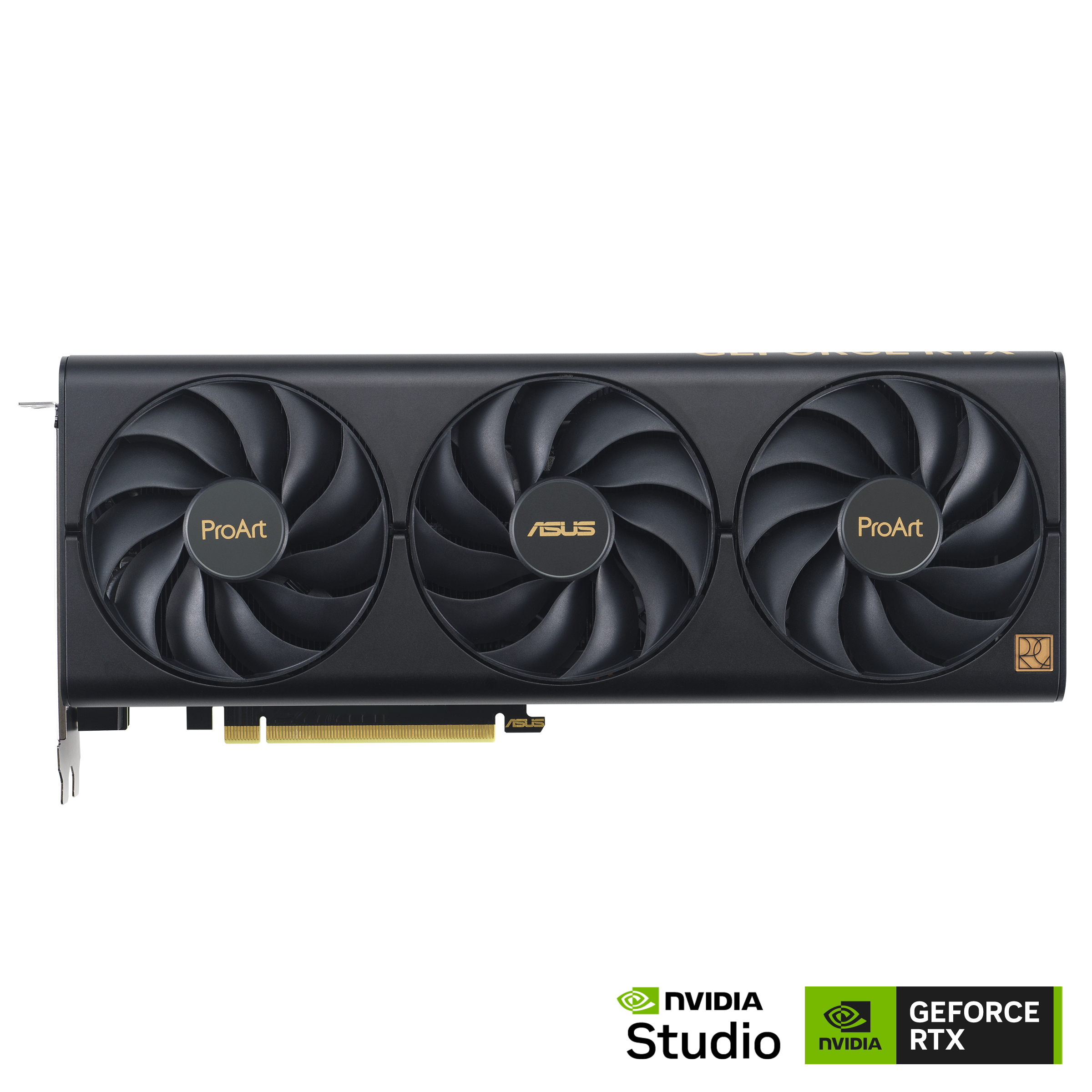
Okay i think about one of these two:
https://www.asus.com/de/motherboards-components/graphics-cards/proart/proart-rtx4070-o12g/
https://www.palit.com/palit/vgapro.php?id=4758&&lang=en
Is any of them better or even good to buy
ASUS Deutschland
ProArt

Palit
Industrial Design & Solid Thermal For Hardcore Gamers
Combining an iron-black and silver-grey rigid industrial design with ARGB support, the GeForce RTX™ 4070 GamingPro OC with DLSS 3 easily fits into any build.
Equipped with solid thermal module including the all-new Gale Hunter Fan and Y Formula Fins, the model is capable of accomplishing a...
silk gust
odd pier
Okay and for "driver problems" some people said to me this isnt an driver issue ...
you probably want to list the rest of your specs just in case
odd pier
silk gust
you probably want to list the rest of your specs just in case
CPU: R5 5600
GPU: 6700 XT
MB: B550 gaming x v2
RAM: 4x 8GB G.Skill Ripjaws CL 16-18-18-38
PSU: Be quiet pure power 12m 750W
silk gust
Seems like you've ran into a common issue where Windows automatically installs an older or invalid driver over what you normally installed
These problems should stop happening once you leave AMD GPUs
Just don't forgetting to run a manual DDU to remove AMD GPU drivers before installing your new 4070

www.guru3d.com
Download Display Driver Uninstaller (DDU) - Remove AMD/NVIDIA/INTEL Graphics Drivers Cleanly - DDU is a driver removal utility that helps you completely uninstall AMD/NVIDIA graphics card drivers and packages from your system, leaving no leftovers behind, including registry keys, folders, files, and driver store.
Once you have the new card ready to install:
- with the old card still installed, go to Safe Mode and run DDU. Accept default settings. Select GPU, AMD. then Clean and shutdown.
- then you can remove the AMD GPU and install your new card
- install drivers as normal
You must do it as AMD dGPU drivers don't play nice with NVIDIA