#issue
1 messages · Page 1 of 1 (latest)
 pearl cobalt
 primal cloud
I'd probably start off with checking if any other apps can possibly intefere with it
also try the other version if possible (e.g. if you were using the Epic store version, use the standalone launcher version)
AFAIK this game should record correctly
pearl cobalt
primal cloud
also try the other version if possible (e.g. if you were using the Epic store ve...
it does on both version, client and epic games one
primal cloud
Does any other game exhibit the same issue?
Do you run any other 3D app at the same time? Do you use Wallpaper Engine? Do you use any other app that can draw an overlay? (Steam, Discord, MSI Afterburner/RTSS, etc.)
Does Xbox Game Bar record correctly?
Do you leave Spotify, Apple Music, Netflix, or any other program that can play DRM-protected or paid content running in any way? This includes paused, minimised, and in system tray, as well as those in browser tabs
pearl cobalt
primal cloud
Do you run any other 3D app at the same time? Do you use Wallpaper Engine? Do yo...
for example discord, spotify and wallpaper engine runs and records normally
pearl cobalt
primal cloud
Do you run any other 3D app at the same time? Do you use Wallpaper Engine? Do yo...
no i dont
primal cloud
pearl cobalt
for example discord, spotify and wallpaper engine runs and records normally
I think the only thing you haven't answered is if Windows' own Xbox Game Bar's record function works correctly (press Windows key + G together to open the bar)
pearl cobalt
primal cloud
I think the only thing you haven't answered is if Windows' own Xbox Game Bar's r...
it doesnt record as well when i checked it last, other apps ia recording normally it is only on wuthering waves
 brazen mauve
just so u know. it is probably becose of the new update(555.85). the neew update broke the shadowplay instant replay and recording function. so if u want to fix it u need to undo/rollback the update to previews version of driver or wait for a new driver update. this update is make black screen when full screen recording and screen flikering and more recording problems. Nvidia staying shut in about this, but im sure they aware about this. it is not problem on ur PC. it is a driver version 555.85 problem.
primal cloud
- don't use the "driver rollback" feature; manually uninstall with DDU and install an older version instead
primal cloud
brazen mauve
just so u know. it is probably becose of the new update(555.85). the neew update...
Also, cannot repro. I'm on 555.85 on both a 2050 and 4060 Ti and the game records correctly.
Just try everything, though.
primal cloud
Hmm... the newest drivers should add an official game profile for this game. See if updating both the drivers and NVIDIA App help.
If nothing else this will let you start using Game Filters even if shadowplay no work
pearl cobalt
brazen mauve
just so u know. it is probably becose of the new update(555.85). the neew update...
yeah i think so
pearl cobalt
primal cloud
Hmm... the newest drivers should add an official game profile for this game. See...
i did and no work
primal cloud
Hmm... is this a laptop or a desktop?
brazen mauve
It seems working for me with the new update . But ill see in long term..
pearl cobalt
primal cloud
Hmm... is this a laptop or a desktop?
desktop
primal cloud
pearl cobalt
desktop
Am I correct to assume you have not tried this yet? https://github.com/Evernow/AutoDDU_CLI/wiki

See if a total obliteration and then reinstall of the drivers, monitor data, and GFE helps.
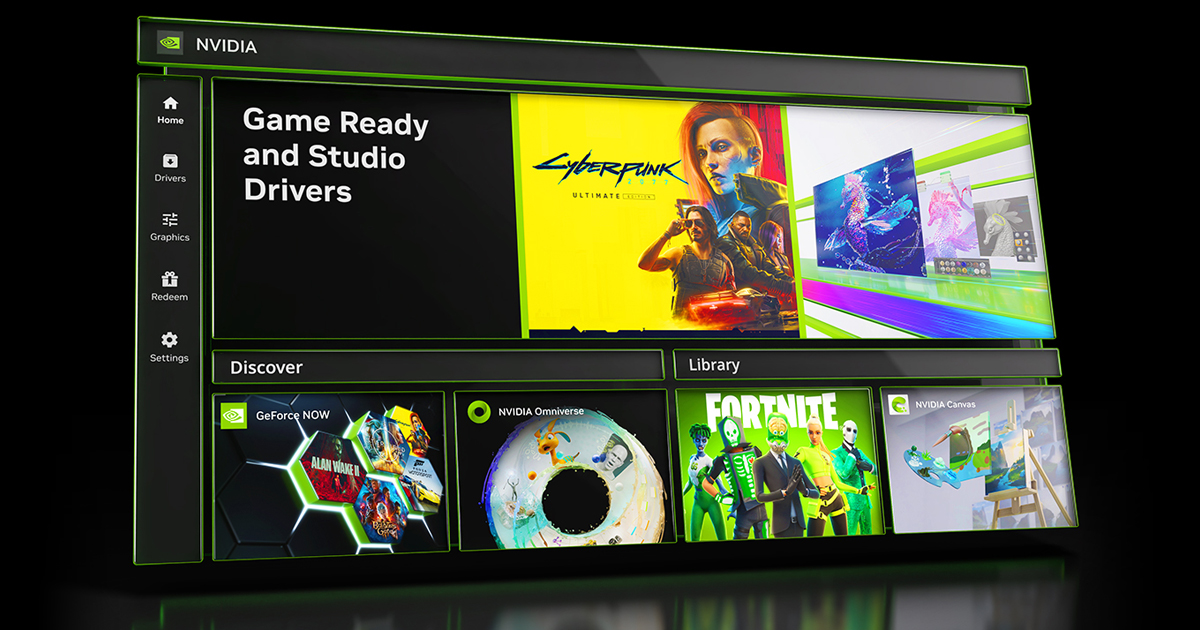
You could also immediately overwrite GFE with https://www.nvidia.com/en-us/software/nvidia-app/
 pearl cobalt
primal cloud
Am I correct to assume you have not tried this yet? https://github.com/Evernow/A...
pearl cobalt
primal cloud
Am I correct to assume you have not tried this yet? https://github.com/Evernow/A...
i tried this too
primal cloud
At this point I'm tempted to think a third party program is intefering
Show your notification area icons and installed apps (right click Start to get to Installed Apps)
pearl cobalt
i re installed the drivers and all etc again lemme try this when my wuwa finishes updating