
#Black rectangle
1 messages · Page 1 of 1 (latest)

 modern steppe
Nobody has a fix for my problem?
 molten trout
modern steppe
I copied the same settings
molten trout
modern steppe
I copied the same settings
Restore settings and see if it goes away
You probably broke some rendering feature the game is expecting to be unforced
modern steppe
molten trout
Restore settings and see if it goes away
It fixes but im trying to figure which setting shows a huge black rectangle
molten trout
modern steppe
It fixes but im trying to figure which setting shows a huge black rectangle
Very likely to be either Antialiasing settings or Aniostropic filtering
modern steppe
molten trout
Very likely to be either Antialiasing settings or Aniostropic filtering
So suggesting me to turn both off and see?
molten trout
yes
molten trout
modern steppe
<@164935426262433792> ur an msi agent as well?
no
modern steppe
molten trout
no
so u cant help me with my monitor issue
molten trout
modern steppe
so u cant help me with my monitor issue
still can
modern steppe
ok
ima send u
a

Reddit
Explore this post and more from the techsupport community
read that
coz
i have the same momitor
same issue

We are honored to introduce our latest MAG series gaming Monitor - MAG321CQR. It features 144Hz refresh rate and 1ms response time to make the gameplay more smooth, a curved display, WQHD resolution and MSI Mystic Light to give you more game immersion.
not the same specs
molten trout
2x USB 2.0
1x USB 2.0 Type B (PC to Monitor)
Is this connected?
molten trout
modern steppe
I just connected the usb cable to my gpu
Connect the USB Type B (the weird shaped one) from the monitor, to any USB Type A (rectangular) on the motherboard. Restart. See if it still does it when you sleep the monitor.
modern steppe
molten trout
Connect the USB Type B (the weird shaped one) from the monitor, to any USB Type ...
Theres a usb port on my monitor/motherboard?
molten trout
modern steppe
Theres a usb port on my monitor/motherboard?
Your particular model of the monitor does. Chcek your monitor box for the cable
modern steppe
I dont think i have a usb b
and
all my ports on my motherboard are used
I only have 2 ports somehow
a third one on the pc case
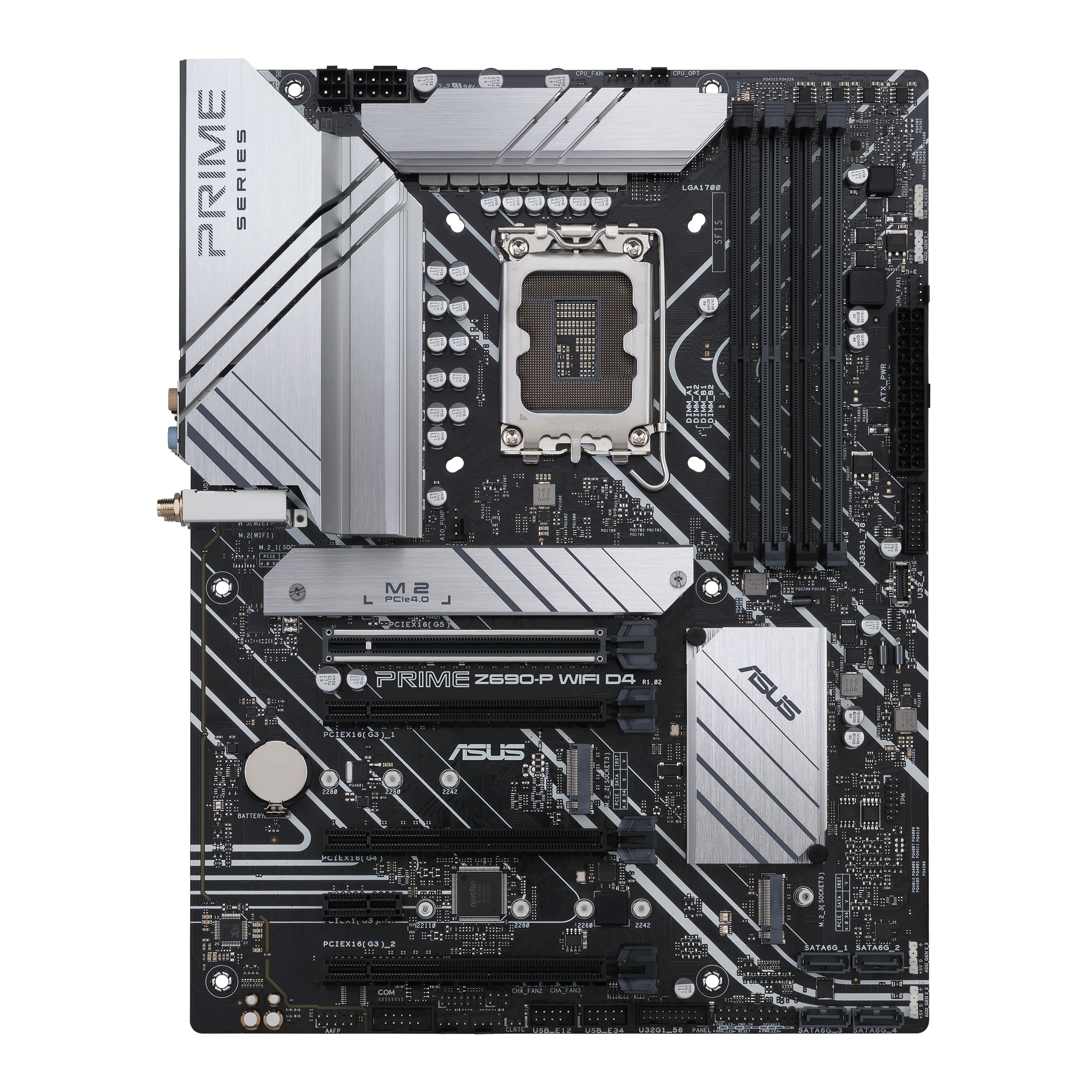
ASUS Canada
ASUS Prime motherboards are expertly engineered to unleash the full potential of AMD and Intel processors. Boasting a robust power design, comprehensive cooling solutions and intelligent tuning options, these ASUS motherboards provide daily users and DIY PC builders a range of performance tuning options via intuitive software and firmware features.
i have this motherboard
wait
just looking at the picture
it has 5 or 6 ports
molten trout
modern steppe
I dont think i have a usb b
This is on the monitor side
molten trout
See what happens with the monitor after you do it
modern steppe
i need to buy one first
molten trout
modern steppe
i need to buy one first
There isn't one in the monitor box?
If you have a printer, you probably have one, too. It's the same cable.
modern steppe
molten trout
There isn't one in the monitor box?
No