#Driver problem with 4080 super .
1 messages · Page 1 of 1 (latest)
 lunar jungle
 orchid pelican
lunar jungle
how did you "format" your computer
orchid pelican
lunar jungle
how did you "format" your computer
A fresh install with a bootable key, like i always do. Btw everything was normal until this windows update
lunar jungle
hmm. did you install that update after you reinstall windows?
if you know exactly which update is causing the issue, you can uninstall that particular update
orchid pelican
lunar jungle
hmm. did you install that update after you reinstall windows?
after the reinstall, i can see the same thing, everything great even with the Nvidia driver and when i install last windows updates, boom, problem is back . There is a clear conflict somewhere between both. And no, i can't identify which exact update create the problem sadly. I even tried to uninstall last windows update but it's not working properly 😢
lunar jungle
Win10 or Win11?
orchid pelican
win 11
lunar jungle
what are you on?
2024-01 Cumulative Update Preview
2024-01 Cumulative Update
2023-12 Cumulative Update Preview
2023-12 Cumulative Update
Whichever latest that is installed is the one. Check your update history.
also, is this 23H2
orchid pelican
lunar jungle
what are you on?
2024-01 Cumulative Update Preview
2024-01 Cumulative Update
202...
i check this when i'm at home
orchid pelican
lunar jungle
what are you on?
2024-01 Cumulative Update Preview
2024-01 Cumulative Update
202...
here is my last updates

 orchid pelican
lunar jungle
orchid pelican
lunar jungle
Problem still there :/
lunar jungle
So to confirm: before you updated Windows, everything is fine
after you updated windows, the drivers has to be removed for everything to revert to normal
however, as soon as you install the only compatible driver, the computer lags
what happens if you just let windows install the driver on its own after you run ddu?
or try this automated version https://github.com/Evernow/AutoDDU_CLI/wiki
 orchid pelican
lunar jungle
So to confirm: before you updated Windows, everything is fine
after you updated...
orchid pelican
lunar jungle
So to confirm: before you updated Windows, everything is fine
after you updated...
exactly.
I always check not let windows install drivers automatically in ddu but i can try now to uncheck this to see what happen
lunar jungle
but anyway sure feels like you probably should report this to nvidia customer support for further investigation if possible
orchid pelican
yesterday i saw this too, when i have the problem so with windows update and last Nvidia driver i have graphic issues like this one on instagram
 orchid pelican
lunar jungle
but anyway sure feels like you probably should report this to nvidia customer su...
orchid pelican
lunar jungle
but anyway sure feels like you probably should report this to nvidia customer su...
i did already and sent them all informations and data informations they needed
orchid pelican
lunar jungle
images didn't load, but that's almost always a network fail
not sure because i have a strong connexion and this work when i remove the driver
anyway i'll try the last thing with ddu we said above and if it's not work i'll have no other choice than wait a fix
lunar jungle
alright
orchid pelican
lunar jungle
alright
problem remain the same. I sadly have to be patient i guess. I hope a fix will come fast . Thanks for your help.
 wary sundial
orchid pelican
yesterday i saw this too, when i have the problem so with windows update and las...
wary sundial
orchid pelican
yesterday i saw this too, when i have the problem so with windows update and las...
Looks like cache problem
Not related to Nvidia
Open Disk cleanup as admin. Choose C drive. Selected all things related to cache. Clean em all
Then go to %TEMP% and windows/temp. Delete everything inside
In your browser, Select "Settings."
Choose "Privacy, search, and services."
Under "Clear browsing data," select "Cache" and delete em
For website specific on top omni bar you'll lock 🔒 icon. Right click on it, select cookies and remove all.
Reboot your system and try again
If it's system wide and not browser then damn install LatencyMon and test what's causing it
orchid pelican
wary sundial
In your browser, Select "Settings."
Choose "Privacy, search, and services."
Unde...
I do this often but this time this was after I formatted so everything was perfectly clean but it's not the important part. It was just to say I saw this too
wary sundial
Try these steps and report back:
HAGs = on
V-Sync = on globally
G-Sync = on
FPS cap = 235 (if it's 240HZ display)
And yeah there's ongoing stuttering issue with the latest drivers.
wary sundial
wary sundial
Try these steps and report back:
HAGs = on
V-Sync = on globally
G-Sync = on
FPS ...
This won't fix, but at least it should minimize the problem
orchid pelican
wary sundial
This won't fix, but at least it should minimize the problem
remain the exact same sadly
i have to be patient but it's long now to wait haha
orchid pelican
i didn't try this yet
i'll try this now
no drivers available yet for this category
wary sundial
welp
orchid pelican
i tried everything since yesterday haha
wary sundial
Did you try max perfomance instead optimal and select dgpu instead auto
orchid pelican
wary sundial
Did you try max perfomance instead optimal and select dgpu instead auto
i didn't change these settings no. In the Nvidia config panel ?
orchid pelican
wary sundial
yesx
i don't find in the panel
 orchid pelican
oh i see, i set my 80 but still the same
wary sundial
tried max performance?
orchid pelican
i can't find it even when i translate in french i don't see the settings ^^
 orchid pelican
i see it now thanks . I was checking on internet how do you have it in english
and nothing change again
wary sundial
orchid pelican
here is my last updates
is this the update you installed and you think that causing the issue?
orchid pelican
not directly the driver itself but something in last windows updates cause a conflict i think because before yesterday i had no issues with the card
i already had issues like that with old drivers so i'm not really surprise . Everytime Nvidia was pretty reactive so let see
 wary sundial
Go to bios and set everything to default
orchid pelican
why ? 🤔
The only thing i changed is xmp profil
 orchid pelican
the list is the exact same
wary sundial
hm then I'm outta ideas now 😦
wary sundial
lunar jungle
https://nvidia.custhelp.com/app/answers/detail/a_id/5519?=&linkId=10000024008540...
This looks really promising. Should work
orchid pelican
lunar jungle
Stutter fixes? Might be relevant even if not directly desktop related
i test it when i'm on my pc !
orchid pelican
i see on reddit it worked for some people and obviously not for me ... it's even worse now
my pc is living in a 10fps world rn
lunar jungle
oof indeed
sorry
as a last resort: what happens if you turn off adaptive sync on monitor
or use hdmi
orchid pelican
lunar jungle
as a last resort: what happens if you turn off adaptive sync on monitor
i tried before and after this new driver and sadly don't change anything
lunar jungle
welp
orchid pelican
i'll go back to the last driver bc now this is crazy lol
i'm tempted to go back to my 3080 until it's fix haha
wary sundial
@orchid pelican do you have a restore point created?
One guy had a similar issue and his dad just restored Windows to last restore point. Immediately worked
orchid pelican
wary sundial
<@313377590318596096> do you have a restore point created?
not anymore but i tried too and it didn't work :/
This morning i even formatted again and go to win 10 to try and this is the same issue
and now i'm back again to win 11
wary sundial
orchid pelican
not anymore but i tried too and it didn't work :/
This morning i even formatted...
Oh now this is interesting
Send system specs from top to bottom from msinfo
 orchid pelican
wary sundial
I wanna see what driver is causing it
orchid pelican
wary sundial
I wanna see what driver is causing it
tell me what part in it you want to see
 wary sundial
I was hoping to see red at the bottom
It's not enough driver latency to cause such issue. Problem is something else
Maybe gsync/vsync?
orchid pelican
wary sundial
Maybe gsync/vsync?
i tried in the panel to disable it ( gsync & vsync ) and nothing changed :/
orchid pelican
Into safe mode i don't have any problem; i saw that when i did my ddu to clean drivers
wary sundial
Go to Event Viewer > Windows Logs > Zip both Application & System logs and send it here
Once I'm done with skincare I'll get back
orchid pelican
wary sundial
Once I'm done with skincare I'll get back
sure
orchid pelican
sorry it seems to have a lot of information in there like ip or connexion data etc that i can all verify ^^
i prefer not send these files :/
wary sundial
aight man if you feel that way
orchid pelican
wary sundial
aight man if you feel that way
huh something weird ! i did again a ddu but this time i choose to install only the driver and not geforce experience and i have not anymore the problem since last 5 minutes
wtf
wary sundial
I told you it didn't seem related to driver
orchid pelican
well ... it's back 😭
wary sundial
needed logs to figure out the cause
orchid pelican
the thing is everything was perfect since i got the card 6days ago and i did nothing except update windows and boom
wary sundial
just wait till they fix it
maybe a month or two, maybe whole year or maybe indefinitely..
orchid pelican
wary sundial
just wait till they fix it
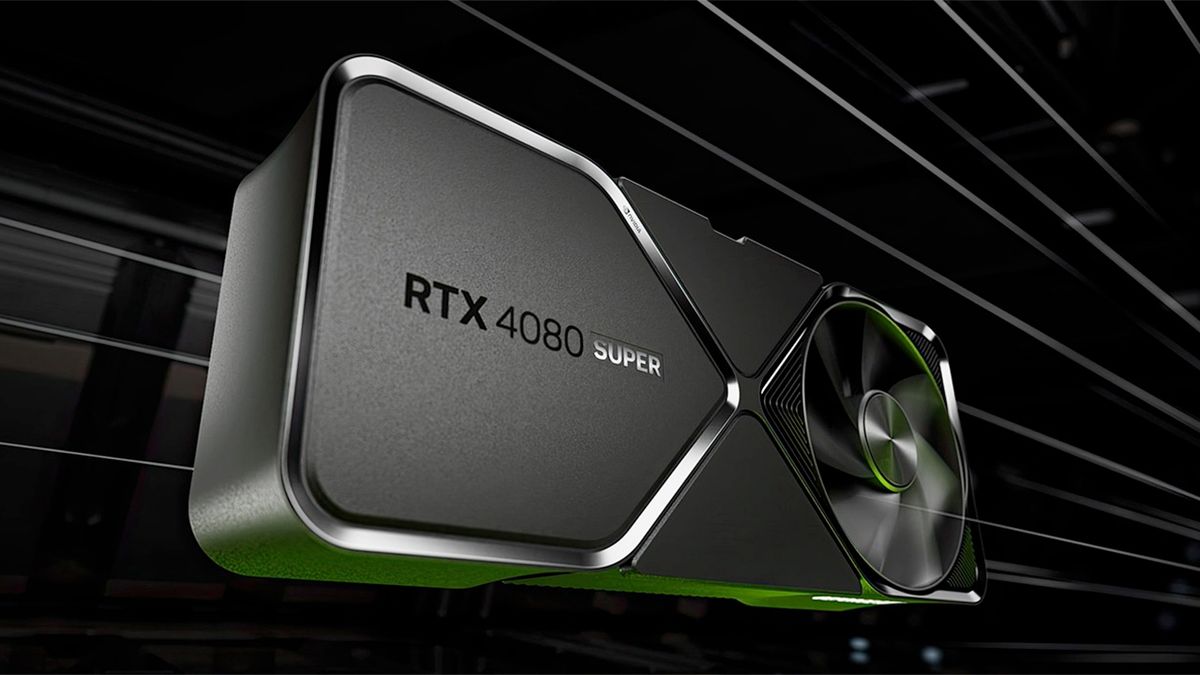
Tom's Hardware
Driver 551.46 is one of the largest hotfix drivers Nvidia has released in a while.
when i read the article i don't feel alone again lol
orchid pelican
wary sundial
maybe a month or two, maybe whole year or maybe indefinitely..
xD