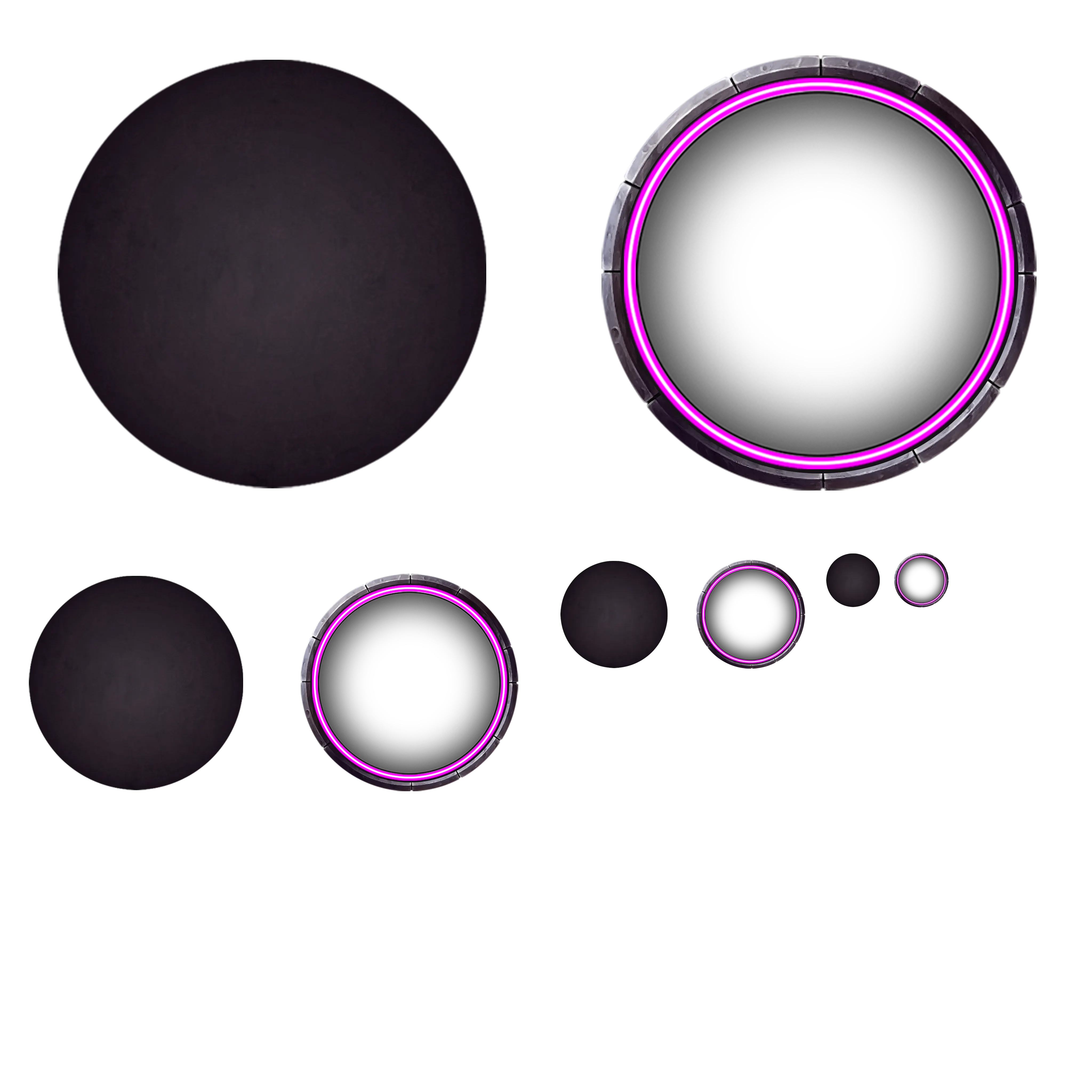
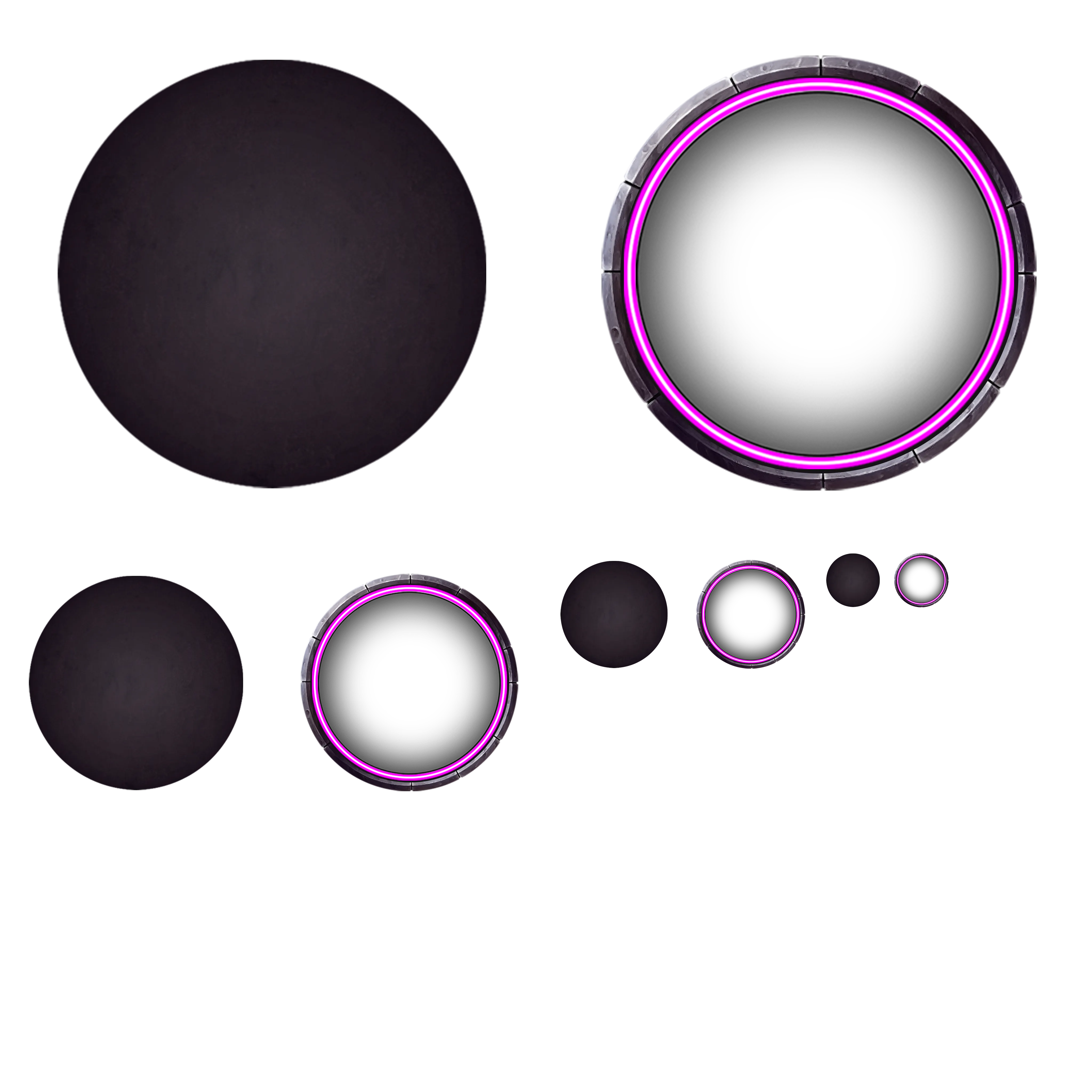
#I made the tokens for Phandelver and Below, AMA

1 messages · Page 1 of 1 (latest)

storm grove
#

@sharp cloak @boreal oak, @rare saddle for visibility.

I'll answer a few questions and help understand the process that was used. Please note that I can only speak to the particulars of creating the token art assets.

The technical side of making the dynamic token engine work is programming voodoo and my advice on learning about it would be to wait until we have official documentation and/or it has been rolled into the core software.

sharp cloak
#

I've made a mockup in GIMP: So in this format, the mask is setup on the right at 66% of the size of the square

#

Please bear with me here

#

I'll use a piece of art I had commissioned as an example

#

I drag and drop a transparent image to the file and scale it so it's about the right size

#

It's automatically cropped to a circle

#

I duplicate the layer and drag it above the mask

#

I only want the ears and staff to popout so I draw around everything else and delete from the top layer only

storm grove
#

okay i think i'll stop you there-- if i understand correctly, your goal is to nail down where to crop your image to fit within the inner ring?

sharp cloak
#

And we're done

#

yeah exactly

#

I just wanna know exactly how big the ring is as a proportion of the square

storm grove
#

Okay, so there's a couple reasons this is tricky;

The first is that it differs slightly in size depending on the size of the creature. probably not significantly enough to matter though.

The second is that automated masking will always produce an inferior result as every art piece is different, and each would have key features you'd want to accentuate or not as required.

#

The phandelver tokens were produced without masking (for the most part, i did use masking for cleanup) but rather with a pseudo mask layer used for first selection for cropping.

sharp cloak
#

Yeah happy to do the masking manually, it's really only a 2/3 step process as shown above

#

A list of size to Creature Size ™️ would be ideal, can have multiple masks

storm grove
#

so for this, the black area is typically invisible (which is why it's below the token, but if you look at the enlarged image it comes right up to the line of the inner ring.

sharp cloak
#

Chishinix, nice bloke

storm grove
#

After selecting that, i use a simple lasso tool (or sometimes object selection tool) to deselect any parts that i want to overlap the ring.

#

the tokens were created with the following size to pixel standard:
Tiny: 256px
Med-Sm: 512px
large-huge: 1024px
gargantuan: 2048px

The benefit of this is that we take advantage of power-of-two for textures.

#

I can probably export the layer i used as a deletion selector and drop it in here without giving away state secrets.

sharp cloak
#

I feel like the shader itself, what actually draws the ring must have a formula somewhere right?

dapper jewel
storm grove
sharp cloak
#

Fair play, If it's alright am I good to ping them/one of them to ask? I tried poking around in the token ring mjs files but couldn't spot it.
Foundry has to know how big to draw the ring at some level and I expect it's some percentage of a grid size

storm grove
sharp cloak
#

@rugged dagger sorry to bother you.
Are you able to please let us know what percentage of a grid square the inner dimension of the new tokenRing is so we can create a mask of the correct dimensions?
Thank you 🙏

dapper jewel
burnt dragon
storm grove
burnt dragon
#

You can check out tokens/composite/token-rings.web for the artwork, but it has multiple sizes for the different scales

dapper jewel
#

oh, just like...okay i think i see it now. make a canvas of 512, grab one of the token rings, and center it

#

only problem is getting it exactly centered

sharp cloak
#

Assets in this directory are copyright of Caeora and may not be used for any purpose other than running the dnd5e game system within the Foundry Virtual Tabletop software.

#

Gotta be careful in there apparently

storm grove
sharp cloak
storm grove
sharp cloak
#

No I don't think there's any danger of that

#

Just wanted the numbers so I can put stuff inside it

dapper jewel
storm grove
boreal oak
#

Yeah, making myself a circular mask in Photoshop to 66% works dandy. Can't post the example as I've not the copyright to the art I was using for a guinea pig, but I'm getting results like our tentacly friend here so am happy.

dapper jewel
#

at least from there i will be able to trial and error the mask once and then be done, without worrying about centering it from a cut-out mockup of the token-rings.web

#

(easy for me to say once and done, since i dont do any pop-out stuff, too lazy, and also the vast majority of my tokens are made with picrew and you arent supposed to edit the images most of the time)

storm grove
#

I wouldn't do a full circle mask, you can achieve a lot of greatness with a bottom-half mask only; as you see with our fine flayer of the minds up there.

burnt dragon
#

If you need to cut out the token ring from token-rings.webp, the top right one is exactly 2048x2048, so it should be an easy crop

dapper jewel
#

most picrew images force a background or i might have been into popouts

#

but having it only for the rare few that allow a transparent layer feels unfair to the others 😛

boreal oak
#

Yeah, in my instance I applied the circle mask then lassoed out the sections of the arms and head that I wanted to protrude from the ring.

storm grove
burnt dragon
#

And to make sure it looks okay, I find it hard to do fancy crops for tokens like that without seeing how the end product is going to look

dapper jewel
#

yeah, it would be nice to have the files for that, but its very understandable that they arent provided because they arent meant to be distributed. which is why i had the original idea to ask for just officially sized masks (or half masks) alongside canvas dimensions instead, but i think this is pretty close

storm grove
#

the inner ring area (the inside of the inner ring) should be

344px x 344px on a medium or small creature, inset by 84px on all sides.

fickle turret
#

sorry I haven't been following the thread but have you already explained how you 'anchor' the larger artworks to the token? some of them like the hydra spill out of the border on to the canvas and I'm not sure how that was done.

storm grove
#

IE, even without the token ring, each token image (for small and medium) is 512x512, it just has more transparent space between the edges of the image and the image content itself

#

a visual example:

dapper jewel
#

can i just ask, who picked the purple/pink color

burnt dragon
#

When you do that, you should keep track of how much padding you have added. So if you start with a 512x512 image with the token at the middle, and increase it out to 1024x1024 to give extra space for the artwork, the ratio is 1024 / 512 = 2

storm grove
#

(it was me)

burnt dragon
#

You'll then set the scale of the token image to 2, and set flags.dnd5e.tokenRing.scaleCorrection to 2 to ensure the ring itself stays the correct size

storm grove
#

fortunately secretfire's sorcery solved any need for using the pink eyesore ring

dapper jewel
#

i use almost the same color to replace foundry's orange glow (and dnd5e's red one) cause it appears very easily on my heavily blue light filtered monitor. also i just like the color. so nice.

burnt dragon
#

Here's a bit on how to make tokens that go way outside the ring

storm grove
#

Any other burning questions you folks have before i pull the plug and evaporate once more into the ether?

sharp cloak
#

Ultimately, whatever image you're editing can be whatever size you want. (Though I understand Foundry have internal quality standards and suggested minimum sizes.)
We're not actually using the token ring in the file we edit, and the file we upload to our game is scaled on the basis of whatever the grid size is.
But assuming you have a square canvas, the important thing is the the central porthole is some proportion and position of the total size of the canvas.
(Centred and somewhere around 66% width it sounds like.)
I understand that we want things sticking out of the circle, which is jsut the starting point.
I'm just keen to understand what the actual size is; we've measured about 66%, but is that exactly two thirds, or maybe 65%?
I will wait for secret fire to arrive and hopefully illuminate to me the inner workings of the system.

storm grove
#

(67.1875)

#

I deal in pixels not percentages.

rugged dagger
sharp cloak
#

I've been digging around in the system files but can't quite figure this out

#

Are you able to please let us know what percentage of a grid square the inner dimension of the new tokenRing is so we can create a mask of the correct dimensions?

rugged dagger
sharp cloak
#

Oh right

#

Yeah I guess that is sort of backwards

storm grove
#

percentage is a hard way to measure it, i think

sharp cloak
#

So you're just placing it so it's sort of about right and we've landed on a "this looks good" size? 😂

#

I guess that explains the discrepancy in sizes

storm grove
#

I used exact pixel dimensions for the construction of the PSDs

sharp cloak
rugged dagger
#

I can take a look for the exact ratio.

sharp cloak
#

It would be handy if you've designed for one?

sharp cloak
#

It's not 'PIXI-first' it's 'assets-first'?

#

Weird way round but I guess that sort of simplifies it

rugged dagger
#

Dimensions here are not that important. The important things are the ratio.

sharp cloak
#

Ok guess I'll do that then! 👍

  1. use json data to cut out token rings
  2. Assemble into a photoshop template such that they can be used to draw masks underneath
  3. Cry as I delete the token rings back out of the template to follow the license terms 🥲
  4. Have nice mask template for easy image cropping 🙂
sharp cloak
rugged dagger
#

Remember that the shaders are doing some pixel transformation for the inner ring colors. Shaders are ignoring everything except red pixels in this area.

storm grove
sharp cloak
#

All my questions are answered, thanks team!

storm grove
#

o7

#

glad we could help!

faint root
#

The flag, I mean.

burnt dragon
faint root
#

Cool. Where do I input "flags.dnd5e.tokenRing.scaleCorrection = 2". I can't find that, or else I would have just experimented myself last night. 🙂

burnt dragon
faint root
#

With both the macro and the console, I get the same error:

#

VM82627:3 Uncaught (in promise) TypeError: _token.update is not a function
at Macro.eval (eval at #executeScript (foundry.js:22924:16), <anonymous>:3:9)
at #executeScript (foundry.js:22928:17)
at Macro.execute (foundry.js:22876:35)
at 🎁call_wrapped [as call_wrapped] (libWrapper-wrapper.js:507:22)
at 🎁Macro.prototype.execute#advanced-macros (main.js:53:14)
at 🎁call_wrapper [as call_wrapper] (libWrapper-wrapper.js:616:16)
at 🎁Macro.prototype.execute#0 (libWrapper-wrapper.js:189:20)
at MacroConfig._onExecute (foundry.js:75570:17)

#

I guess just the first line about it being not a function is in both.

rare saddle
#

_token.document.update

faint root
#

That seemed to work! I haven't made the scale artwork yet, but the ring disappeared behind the token art. 🙂