#How can I have custom model in my game?
1 messages · Page 1 of 1 (latest)
 bright bay
 amber condor
I believe there are already multiple Hatsune Miku custom models (of varying quality) out there. I dont know about the other one. A massive database you can look at: https://wootguy.github.io/scmodels/
Take the folder with the .mdl file in it and put it in "svencoop_addon/models/player"
 rain zealot
bright bay
I want Hatsune Miku and shikanoko avatar in the game but I'm too stupid for tuto...
rain zealot
bright bay
I want Hatsune Miku and shikanoko avatar in the game but I'm too stupid for tuto...
also check out here: https://gamebanana.com/games/54
GameBanana
Mods & Resources by the Sven Co-op (SC) Modding Community
that's like the unofficial steam workshop for this game
both of the characters you have mentioned already exist and can be found there
bright bay
amber condor
I believe there are already multiple Hatsune Miku custom models (of varying qual...
Let me test it out rq
bright bay
amber condor
I believe there are already multiple Hatsune Miku custom models (of varying qual...
There's no models/player
I'ma create folder w it
bright bay
amber condor
I believe there are already multiple Hatsune Miku custom models (of varying qual...
Idk it shows there's Miku but all it does is that I look like that weird bearded guy or Gordon full suv
rain zealot
orange helmet you mean?
then the .mdl file might not be in the folder or it has a different name
it has to be something like svencoop_addon/models/player/mymodel/mymodel.mdl
amber condor
bright bay
Idk it shows there's Miku but all it does is that I look like that weird bearded...
Is this from your perspective or a friends?
bright bay
When I press J
amber condor
bright bay
When I press J
Did you change your model in options? And double check that your model is in the correct folder as stated above?
amber condor
What did you select in options? Strange that you have a custom model thats appearing as helmet
bright bay
the recording is too big 💀
amber condor
Can you give me the model name?
bright bay
I sended in dms the pic
amber condor
the one that you downloaded
bright bay
hatsune miku smh
wait let me send the link if i find
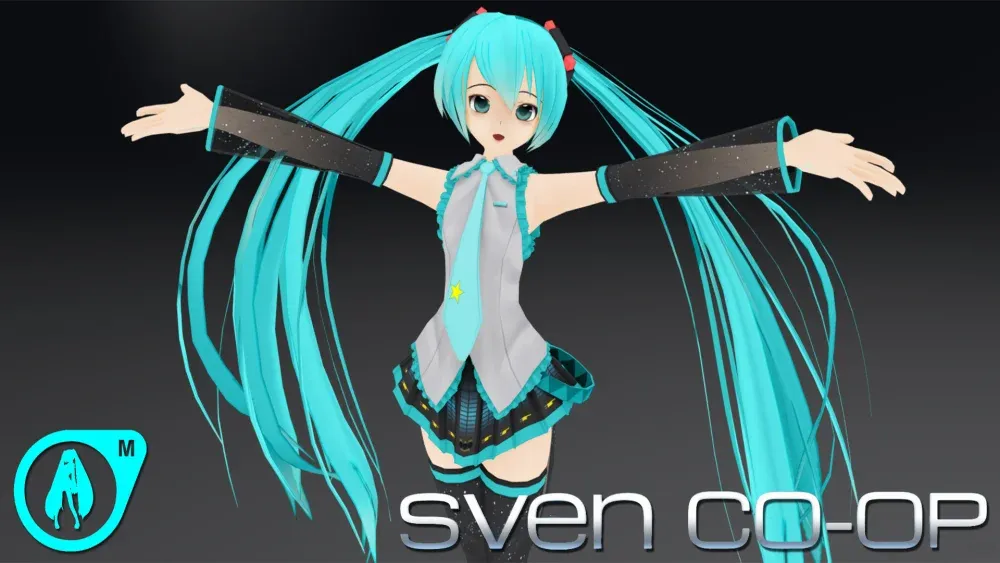
GameBanana
A Sven Co-op (SC) Mod in the Anime category, submitted by KZ-Sheez
amber condor
Do me a favor try renaming "APLAYER miku 1" to "HatsuneMiku_10A_v1"
That should fix it
Also make sure you restart your game
 amber condor
Happy to help :)
bright bay
Yeah just quick question, is it normal that on some servers it doesn't work?
amber condor
So people will only be able to see custom models if they have the same custom model installed. There are also servers that blacklist certain models for various reasons