
#What is causing this?
1 messages · Page 1 of 1 (latest)
 stark willow
Adjusted temps and printed a temp tower with temps between 195-225 and had no issues, but again, flat surfaces are doing this constantly. I'm also using OrcaSlicer.
 hybrid aspen
stark willow
Using a Sovol SV06 Ace Plus, and doing calibrations. Some prints come out perfec...
hybrid aspen
stark willow
Using a Sovol SV06 Ace Plus, and doing calibrations. Some prints come out perfec...
Ok:
- Dry your filament. Wet filament affects your flow
- Verify esteps are correct
- Show a pic of the bottom of y9ur orint to double check z offset
- Tune flow \ em and pa
?beddrying
 meager gateBOT
Bed Drying
New filament is wet and you should always be working with dry filament. Instead of buying a separate dryer, just use your print bed. Bed drying is also quite effective for materials like TPU, ABS, PC, and Nylon since it can reach temps that most consumer dryers can’t. For more info, see the ?wetfilament command and watch this video. https://cdn.discordapp.com/attachments/667463307963138058/1447891119261221047/IMG_1185.mov?ex=6939452f&is=6937f3af&hm=5fc10c4c072d548d57e8afcd509285a7cdbdd507c56e92461896e6cd9d8e0aa9& https://cdn.discordapp.com/attachments/667463307963138058/1447891124940308551/Screenshot_2024-09-16_at_4.08.38_PM.png?ex=69394530&is=6937f3b0&hm=cad96b7020d51e6bf4bf2178d83552e5d5511ae8a4065a1c641ca495030c083a&
 hybrid aspen
There reference for pa in the dame guide here too if you look around.
meager gateBOT
meager gateBOT
This post has been closed due to inactivity.
This post has been inactive for over 1 hour and so has been closed. To reopen this post simply send another message.
stark willow
hybrid aspen
Ok:
1. Dry your filament. Wet filament affects your flow
2. Verify esteps are co...
-
Dried filament and it helped a bit
-
Esteps were on the money so no issue there.
-
Bottom prints are perfect, sides as well, just top layer is rough/coarse. Speed maybe? I lowered it to try and help and it improved a little
-
Adjusted flow on mainly the top layer and it helped too, but still not smooth.
meager gateBOT
This post has been closed due to inactivity.
This post has been inactive for over 1 hour and so has been closed. To reopen this post simply send another message.
hybrid aspen
stark willow
1. Dried filament and it helped a bit
2. Esteps were on the money so no issue t...
Ok awesome.
Got an updated picture?


 hybrid aspen
stark willow
hybrid aspen
stark willow
Oh nice! Thats so much better.
If you also look into pressure advance tuning, i reckon you can get it super flat.
For supports, check out this info..
?supports
meager gateBOT

In this 3D Printing 101 I'll show you how to generate the strongest, most reliable support structures around! But be warned! These supports are only for models that need it... because they're incredibly tough.
The Ultimate Book of 3D Printing Tips and Tricks (FDM/FFF) - https://www.makersmuse.com/3dprintingtips
Example project files available...
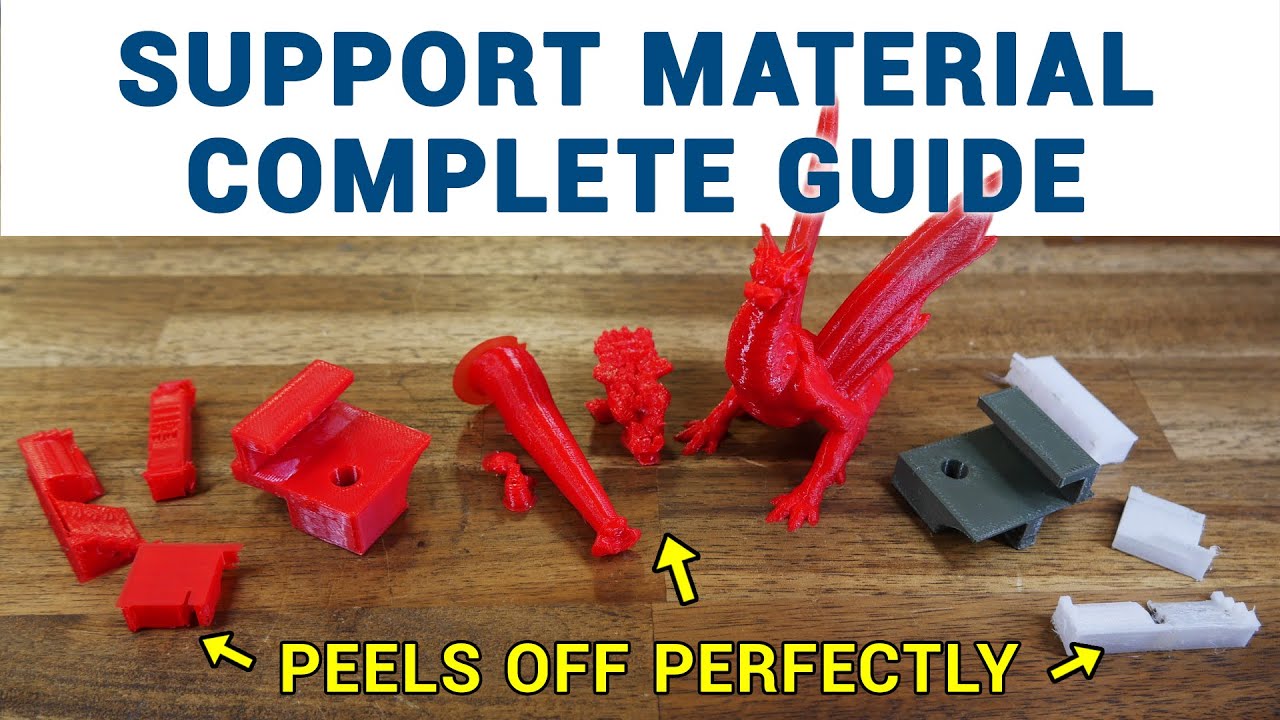
Support material in 3D printing lets us defy gravity, but it does eat up additional filament and add time to the print. My patrons requested a guide on tuning support material settings in the slicer, so this video covers the most important parameters across a range of slicers, as well as ways to apply support more efficiently.
0:00 Introduction...
Video sponsored by PCBWay - https://www.pcbway.com - PCB Manufacturing, 3d Printing, CNC parts, and more..
Also get $5 of credit if you sign up to PCBWay using this link https://www.pcbway.com/setinvite.aspx?inviteid=575537
3D Printing Supports - they're better. Better than even a couple of years ago. We should talk about that.
The printers...