


1 messages · Page 1 of 1 (latest)
 dusty ibex
Hey guys,
I got this Neptune 4 max, which was doing fine until recently. Ever since I had a print fail massively I’ve been having problems with what I think it’s heatcreep.
I have this video where you can hear clicking when I do a manual feed, and no filament is coming out. This is with a new hotend that’s been checked for clogs etc (clean it, cold pull, the lot. ).
I also have a video of doing a flow rate calibration print, and after the first layer the layers start to deteriorate until on the third layer it starts clicking and stops spitting out filament.
I’m reasonably confident that this is heatcreep causing a temporary clog that cheats when I pull out the filament after it drops to 95C.
I’m running the nozzle at 210 (used to be 225), heatbed at 60 (used to be 65), ambient temp is 20-25C.
I can clearly hear the centre fan spin, but the side fans are off.
This is with PLA. And yes I tried changing filament.
I’m trying to find out what could cause the heatcreep and how to eliminate it.
I already changed the hotend assembly with nozzle.
I got a new head lying around too (but the extruder gears are uneven. I feel a bump on a fixed number of rotations with the thumb wheel of the extruder when manually feeding filament at 190C, so can’t use that one until I have new gears).
Can it be the mobo that’s not providing the right output to the cooling fans?
Attached are done materials that show what I’m talking about, including settings in orca.
 minor larkBOT
dusty ibex
Hey guys,
I got this Neptune 4 max, which was doing fine until recently. Ever s...
minor larkBOT
dusty ibex
Hey guys,
I got this Neptune 4 max, which was doing fine until recently. Ever s...
It does sound like you are dealing with a heat creep issue. Heat creep can occur when there is inadequate cooling in the hotend assembly, causing heat to travel up the heat break and soften the filament prematurely. Here are some steps you can take to troubleshoot and potentially resolve the heat creep issue:
Ensure proper cooling: Make sure that all cooling fans in the hotend assembly are working correctly. If the side fans are not running, it could lead to insufficient cooling and contribute to heat creep. Check for any obstructions or loose connections that may be preventing the fans from operating.
Check for proper assembly: Ensure that the hotend assembly is correctly assembled, with all components (heat sink, heat break, heater block, nozzle) securely in place. Any gaps or looseness in the assembly can contribute to heat creep.
Adjust temperature settings: You mentioned reducing the nozzle temperature from 225°C to 210°C, which is a good step to help mitigate heat ...
minor larkBOT
This post has been inactive for over 1 hour and so has been closed. To reopen this post simply send another message.
dusty ibex
Reopening this because no one responded
 vital pumice
first thing: Loose that cable chain thing, it will kill the cable sooner rather than later
take off the shroud and check if the hotend cooling fan actually spins and cools the heatsink
your problem sound s like heatcreep indeed
minor larkBOT
This post has been inactive for over 1 hour and so has been closed. To reopen this post simply send another message.
dusty ibex
vital pumice
first thing: Loose that cable chain thing, it will kill the cable sooner rather ...
I appreciate the feedback on the cable. However, If I remove the chain the cable will hit the model. Are you aware of a better solution to keep the cable raised? I’m open to such solutions.
I checked the fan, and it’s still mounted in the right position. I’ll need to remove it t to see if something obstructs the air flow.
It does seem to be rather small compared to the heat sink, and it doesn’t cover the full heat sink. I think this is standard. But I think there’s space for maybe 3-5mm extra fan coverage. So I wonder if there are after market fans that I can put in there that are a little higher and maybe provide more airflow.
vital pumice
dusty ibex
I appreciate the feedback on the cable. However, If I remove the chain the cable...
Rubberband to the top bar or velcro a piece of PETG or better nylon (or even better Pianowire) to it.
dusty ibex
Do you have an example of such a construction? A rod of some sort isn’t flexible and that cable does need to be able to curve and stretch when printing in the x direction
minor larkBOT
This post has been inactive for over 1 hour and so has been closed. To reopen this post simply send another message.
dusty ibex
vital pumice
See the rubberband?
I was more referring to the part about velcroing a piece of wire or rod to it. That is I didn’t get. Velcro a rod to the frame and then hang the cable on a rubber band from that rod?
vital pumice
dusty ibex
I was more referring to the part about velcroing a piece of wire or rod to it. T...
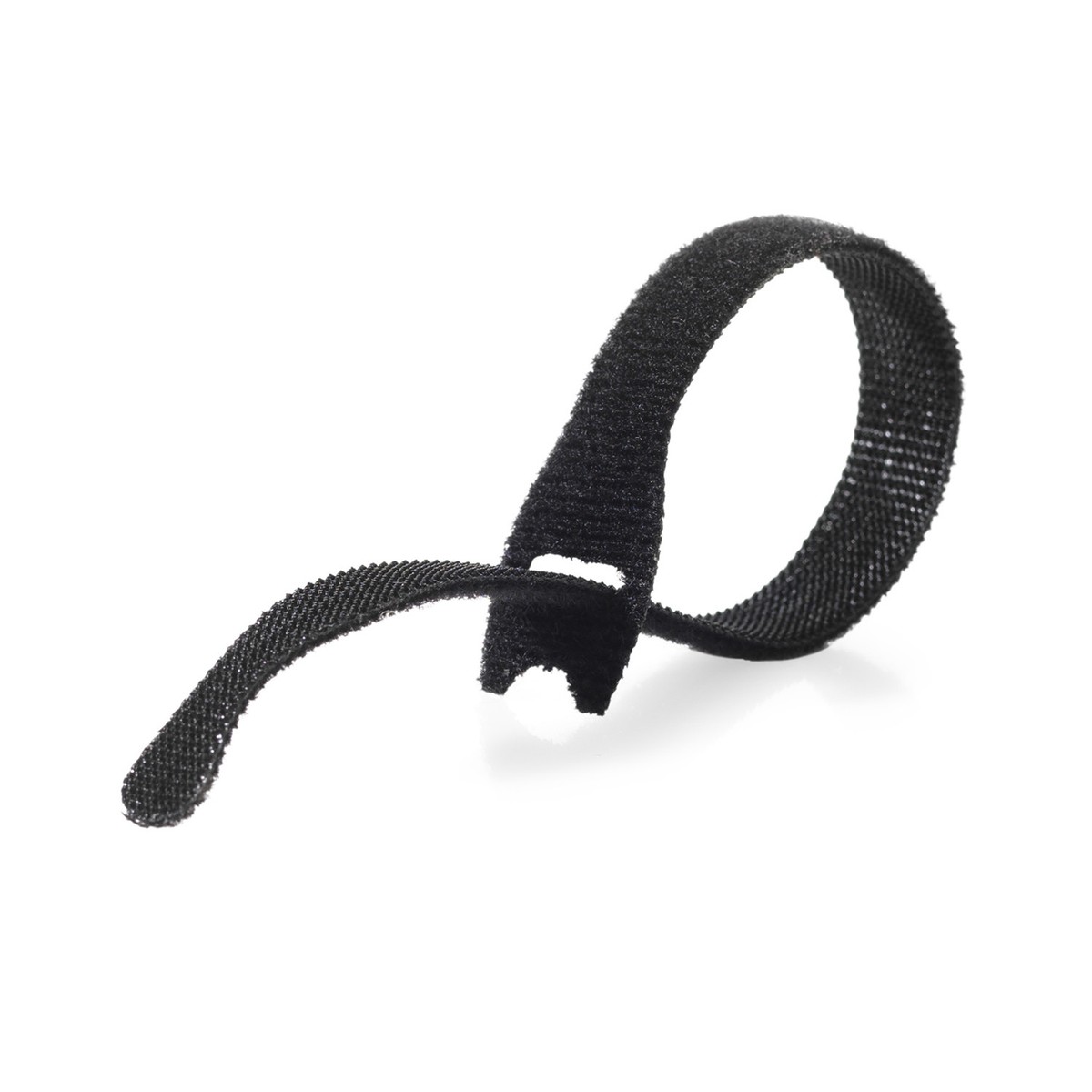
Take a few of these hook-and-loop cable ties https://i.ebayimg.com/images/g/eh4AAOSw~HBaNBEQ/s-l1200.jpg and fasten a lenght of either strong filament (might be too weak) or a piece of Pianowire (definitely works but needs something on the ends to protect from puncture)
 dusty ibex
If the piano were out the filament part intended to keep the cable straight back from the print head?
minor larkBOT
This post has been inactive for over 1 hour and so has been closed. To reopen this post simply send another message.
dusty ibex
Open
dusty ibex
I did some checking to see if there were voltages on the side fans and the center fan when needed.
I switch on the machine and check voltage on the fan connectors. The voltage for all fans is 0V.
I set the nozzle to 200 degrees and set the fan control on the printer menu to on.
Fluidd then indicates 80% for parts fans and On for fan 1 (the center fan). I then measure 21V on the side fans and 17V on the center fan. Changing the parts fan % to 100% on fluidd does not change the visage on any of the fans.
When I then switch the fan control on the printer menu to OFF, fluidd indicates 0%, and the voltages for all fans go to 23V.
Despite the voltage on the connectors, the fans are not spinning. (I measure the voltage at the foot of the connector on the print head pcb).
I’m wondering if filament flow needs to be detected before voltage flows to the fans. I’m also wondering if the voltage of the fans should drop to something low once they are turned on. For all I know I’m measuring a visage that is switched by the motherboard, but due to no filament flowing, the fans simply don’t turn on. So maybe the head has a switch that switches power to the fans only when filament is being extruded? That would mean relying on an extruded command. I wouldn’t expect such a control on the print head, or at all for that matter.


 vital pumice
so you are saying the middle fan doesn't spin, yes? Replace it, its broken
dusty ibex
I tried this on a brand new head, and I tried it with a spare fan. The side fans also don’t turn.
So it’s something fundamental.
I don’t think 9 fans, with 6 brand new, all break at the same time.
So I think there’s some extra control on the print head pcb that only switches the fans when the extruder is running. It’s my next test.
minor larkBOT
This post has been inactive for over 1 hour and so has been closed. To reopen this post simply send another message.
dusty ibex
Open
minor larkBOT
This post has been inactive for over 1 hour and so has been closed. To reopen this post simply send another message.
dusty ibex
Reopen
minor larkBOT
This post has been inactive for over 1 hour and so has been closed. To reopen this post simply send another message.
dusty ibex
Reopen
