


1 messages · Page 1 of 1 (latest)
 jaunty iron
Hello,
I’m trying to print a Saint Seiya knight (Virgo) using a Bambu Lab A1. I also have a Creality Ender 3 V3 available. (this info is relevant in case of sugestions)
The front face of the print looks almost perfect, but the upper layers are not turning out as well.
I'm seeing similar issues in the first layers too, although I believe that might be due to the supports.
Does anyone have suggestions on how to improve the quality of the top layers?
Thanks in advance!
 cinder roostBOT
jaunty iron
Hello,
I’m trying to print a Saint Seiya knight (Virgo) using a Bambu Lab A1. I...
cinder roostBOT
jaunty iron
Hello,
I’m trying to print a Saint Seiya knight (Virgo) using a Bambu Lab A1. I...
It sounds like you may be experiencing issues with your print settings, particularly in regards to top layer quality. Here are some suggestions to help improve the quality of the top layers:
Increase the number of top layers in your slicer settings. By adding more top layers, you can improve the surface quality and make the top layers more solid.
Adjust the top solid infill pattern in your slicer settings. Experimenting with different infill patterns can help improve the top layer quality.
Check your print temperature and ensure it is appropriate for the filament you are using. A higher temperature can sometimes help with better adhesion and flow, resulting in improved top layers.
Make sure your cooling fan is functioning properly. Proper cooling is crucial for top layer quality. Adjust the fan speed and position to prevent overheating and deformations in the top layers.
By making these adjustments and experimenting with different settings, you should be able to imp...
 balmy parrot
Reduce layer height go reduce the stairstepping, tune supports, angle your prints slightly (if possible) to avoid steep overhangs and supports
cinder roostBOT

In this 3D Printing 101 I'll show you how to generate the strongest, most reliable support structures around! But be warned! These supports are only for models that need it... because they're incredibly tough.
The Ultimate Book of 3D Printing Tips and Tricks (FDM/FFF) - https://www.makersmuse.com/3dprintingtips
Example project files available...
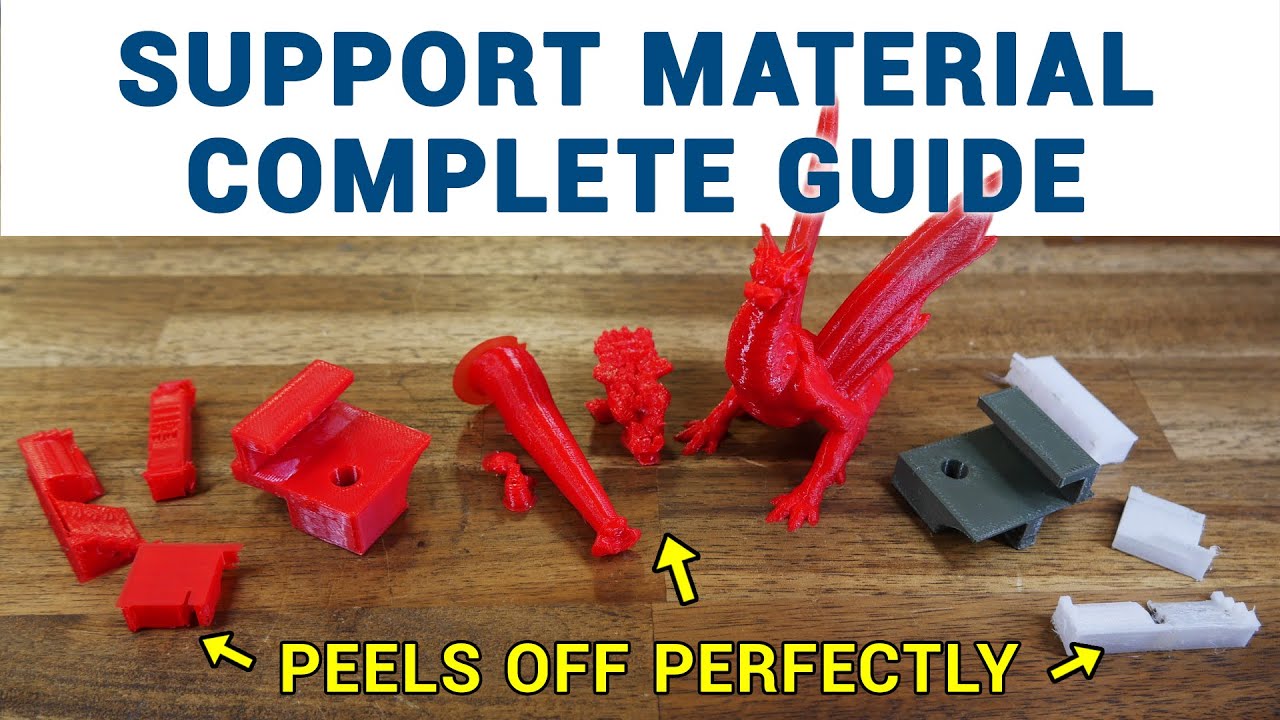
Support material in 3D printing lets us defy gravity, but it does eat up additional filament and add time to the print. My patrons requested a guide on tuning support material settings in the slicer, so this video covers the most important parameters across a range of slicers, as well as ways to apply support more efficiently.
0:00 Introduction...

Video sponsored by PCBWay - https://www.pcbway.com - PCB Manufacturing, 3d Printing, CNC parts, and more..
Also get $5 of credit if you sign up to PCBWay using this link https://www.pcbway.com/setinvite.aspx?inviteid=575537
3D Printing Supports - they're better. Better than even a couple of years ago. We should talk about that.
The printers...