1 messages · Page 1 of 1 (latest)
 rancid perch
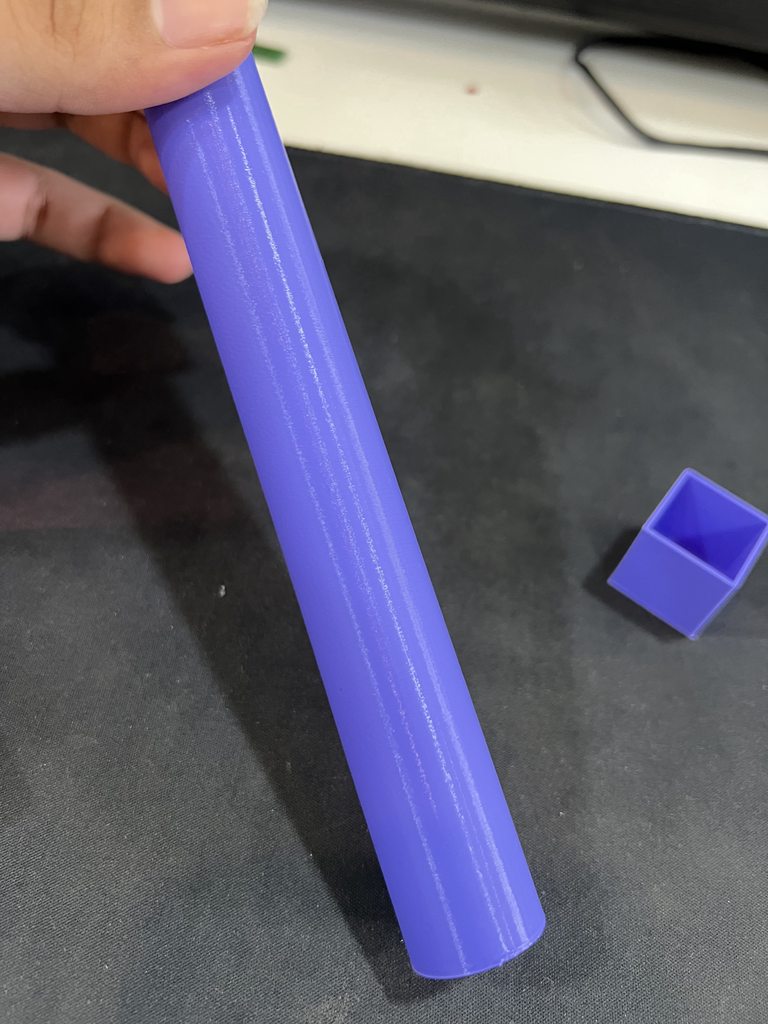
I recently started having this issue with my prints, some sections were having this gaps of sort I thought it was under extruding so I did some calibrations but it still didn’t fix it. I did some extrusion and calibrations cube tests they came out perfect. The problem happens only when printing some parts.
Re calibrated extrusion motor, changed nozzle, changed filament, check for loose belts, flow rate tried everything that I could think of, but still the issue remained. So today I tried switching the slicer and as you can see from the images above this issue is gone, so I thought maybe I messed up my orca slicer settings somehow. I uninstalled orca slicer and deleted all the save files created by orca, reinstalled orca setup the slicer settings (everything was set to default) and did the print. But the issue was still there. At this point I don’t know what to do, if you guys have any idea what might be causing the issue please let me know.
Btw I have an Ender 3 v3 se.
 hushed steepleBOT
rancid perch
I recently started having this issue with my prints, some sections were having t...
It sounds like you have tried many troubleshooting steps already. If changing the slicer software resolved the issue, it is possible that there could be a specific setting within the Orca slicer that is causing the problem. It might be worth checking the specific slicing settings you are using in Orca and comparing them to the settings you used in the alternate slicer that produced a successful print.
Some settings to consider checking in the slicer software include layer height, printing temperature, print speed, retraction settings, and cooling fan settings. Also, make sure that the filament diameter is correctly set in the slicer.
If you are still experiencing the issue after comparing and adjusting the settings in the slicer software, you may want to try reaching out to the Orca slicer community or support for further assistance. They may have specific insights into settings or configurations that could be causing the issue.
Remember to also ensure that your 3D printer hardwa...
rancid perch
There are the calibration test I was talking about.