#This keep happening to me
1 messages · Page 1 of 1 (latest)
 restive haven
 proper shellBOT
restive haven
It underextrude at mid printing, i already lower the retraction distance AMD sti...
AI Help
If you are experiencing underextrusion during the middle of a print despite lowering the retraction distance, there are a few other possible causes you may want to check:
-
Filament Quality: Poor quality or old filament can lead to inconsistent extrusion. Try a different spool of filament to see if the issue persists.
-
Clog in Nozzle: A partial clog in the nozzle can also cause underextrusion. Try cleaning the nozzle or replacing it if needed.
-
Hotend Temperature: Ensure that the hotend temperature is stable and consistent throughout the print. Fluctuations in temperature can affect extrusion.
-
Extruder Calibration: Check if your extruder steps/mm are properly calibrated. Incorrect calibration can lead to underextrusion issues.
-
Print Speed: Printing too fast can also cause underextrusion. Try reducing the print speed to see if it improves the extrusion.
By checking these factors, you may be able to pinpoint the cause of underextrusion ...
WARNING: This response is AI generated and may contain errors.
restive haven


 wind ivy
Hi @restive haven hav you tried cleaning the nozzle?
And are you using quality filament?
See list for some good filament
proper shellBOT

Google Docs
restive haven
wind ivy
Hi <@288778582103425024> hav you tried cleaning the nozzle?
And are you using q...
No of that list, Im from Argentina and there are not a lot of options for filament. But from the brands aviables here it is from the best and i never have a issue with this brand bbefore.
restive haven
wind ivy
Hi <@288778582103425024> hav you tried cleaning the nozzle?
And are you using q...
Yes already cleaned nozzle
It prints well then underextrude then well and like that
wind ivy
Does it do it no matter what you print?
Any further info i'll end up giving you will be from here unfortunately. I'm good with basic issues.
https://www.3dsourced.com/rigid-ink/ultimate-3d-printing-troubleshooting-guide/#inconsistent-extrusion-under
It should take you right to how to fix the commons problems of inconsistent underextrustion....
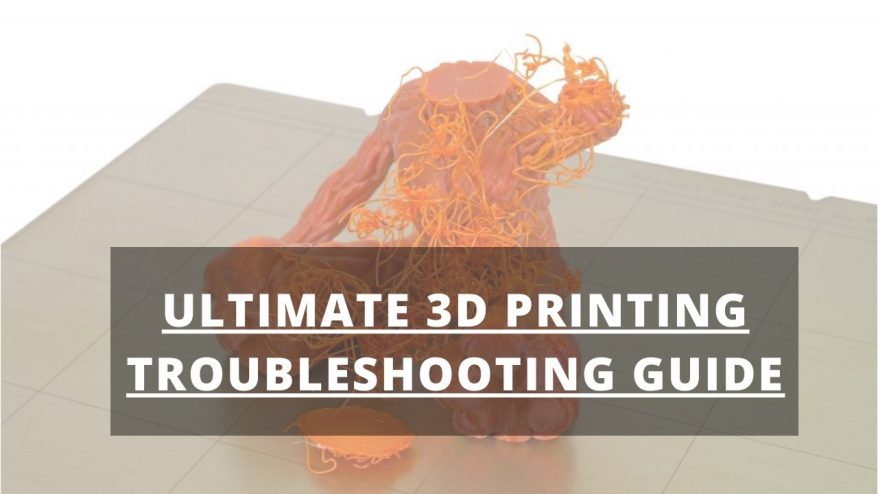
You’re here because you’ve either just had a complete 3D print failure, or your prints aren’t quite perfect. We don’t settle for less than perfect, so we
restive haven
wind ivy
Does it do it no matter what you print?
Any further info i'll end up giving you...
Yes no matter what i print
wind ivy
- try printing hotter and slower
- check the consistency of the filament diameter.
- filament has been chewed \ ground up by the extruder (check for filament coloured dust in the extruder)