#Model needs some parts to be made thicker
1 messages · Page 1 of 1 (latest)
 native mica
 grizzled vesselBOT
native mica
I have this model of a character from genshin (which I have never played but my ...
AI Help
You can use CAD software to adjust the thickness of the thin parts of your model. One approach is to select the thin areas and then use the "Offset" tool to create a thicker version of those areas. Just be mindful of maintaining the overall proportions of the character while making these adjustments. Good luck with your 3D printing project!
WARNING: This response is AI generated and may contain errors.
 limpid hearth
grizzled vessel
benchybot is right - offset or extrude the thin parts of your model
native mica
I've messed around in onshape for a while and I can't figure out how to select polygons without selecting the whole model
what tool do I use to select them?
limpid hearth
native mica
I've messed around in onshape for a while and I can't figure out how to select p...
i know the pain lol
onshape is shit when messing around with raw .stl files
try using blender
native mica
limpid hearth
try using blender
oh god
limpid hearth
Always good to know a CAD software(onshape) and a Art software(blender)
limpid hearth
native mica
oh god
lol true
native mica
I don't even know where to start with blender
limpid hearth
but its worth it in the end
limpid hearth
native mica
I don't even know where to start with blender
imma send a link hol up

Let's make another donut🍩 Watch Part 2: https://www.youtube.com/watch?v=tBpnKTAc5Eo&list=PLjEaoINr3zgEPv5y--4MKpciLaoQYZB1Z&index=2
This is the start of Blender tutorial series for complete beginners. In this series you'll learn Blender's core functionality and features while making your very own donut. To start, this video will teach you the i...
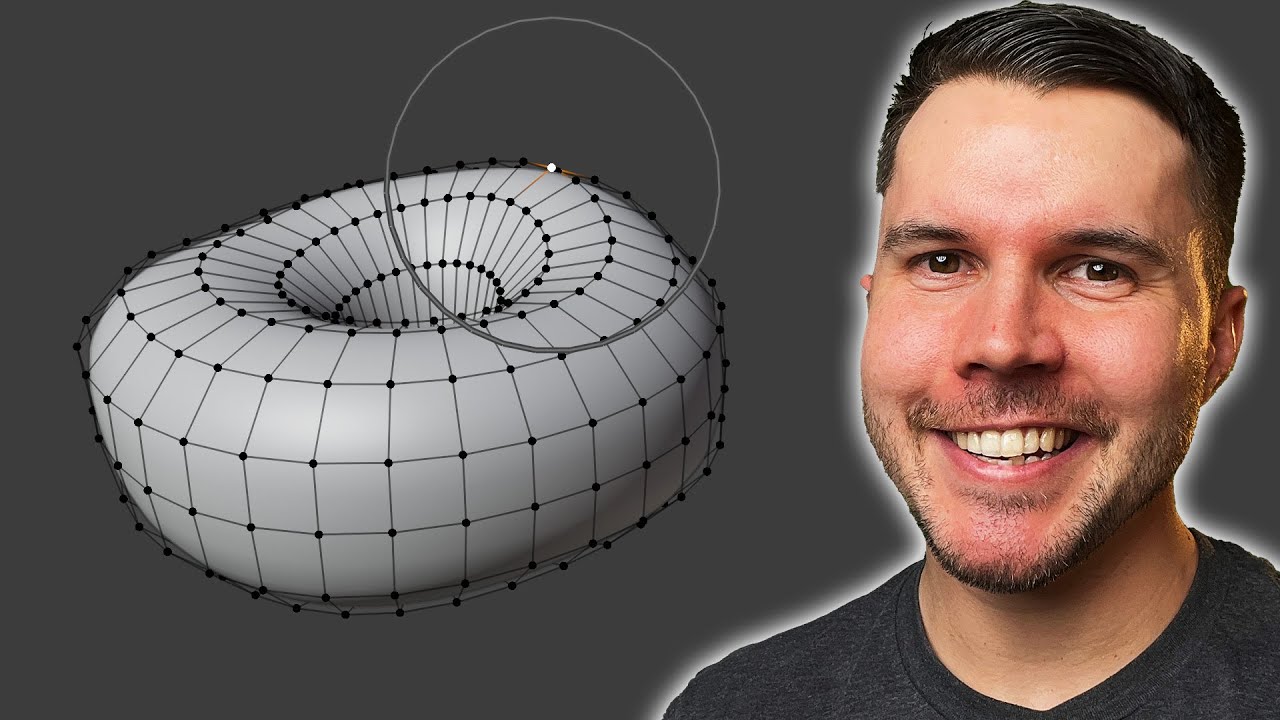
Let's start making and shaping that donut 🍩 Part 3: https://www.youtube.com/watch?v=AqJx5TJyhes&list=PLjEaoINr3zgEPv5y--4MKpciLaoQYZB1Z&index=3
In this video you'll learn about adding and changing object parameters, altering the shape of a mesh, proportional editing and the subdivision modifiers.
===Links🔗===
Keyboard Shortcut Cheat Sheet: ht...
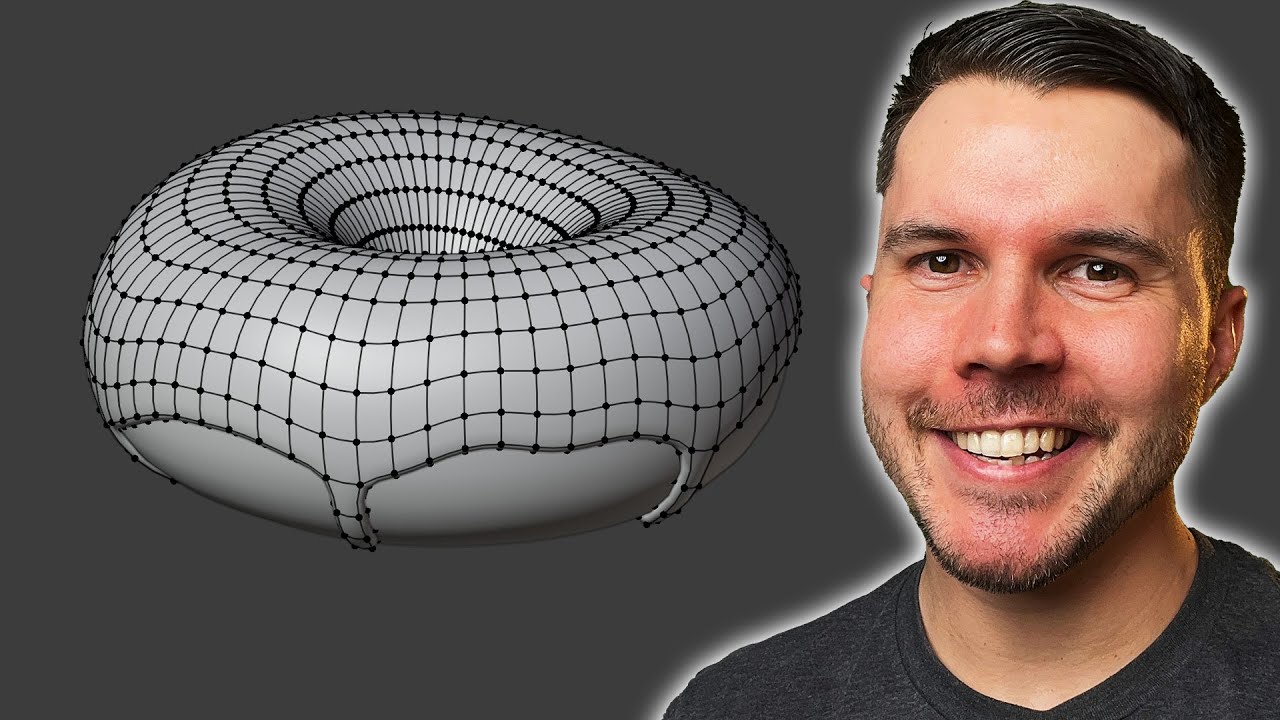
Let's model that icing🍩 Part 4: https://www.youtube.com/watch?v=--GVNZnSROc&list=PLjEaoINr3zgEPv5y--4MKpciLaoQYZB1Z&index=5
Join the This Week in 3D email newsletter: https://www.poliigon.com/thisweekin3d?utm_campaign=bgpt3
In this video you'll create the donut icing by adding thickness, using proportional editing and extruding.
=== LINKS 🔗=...
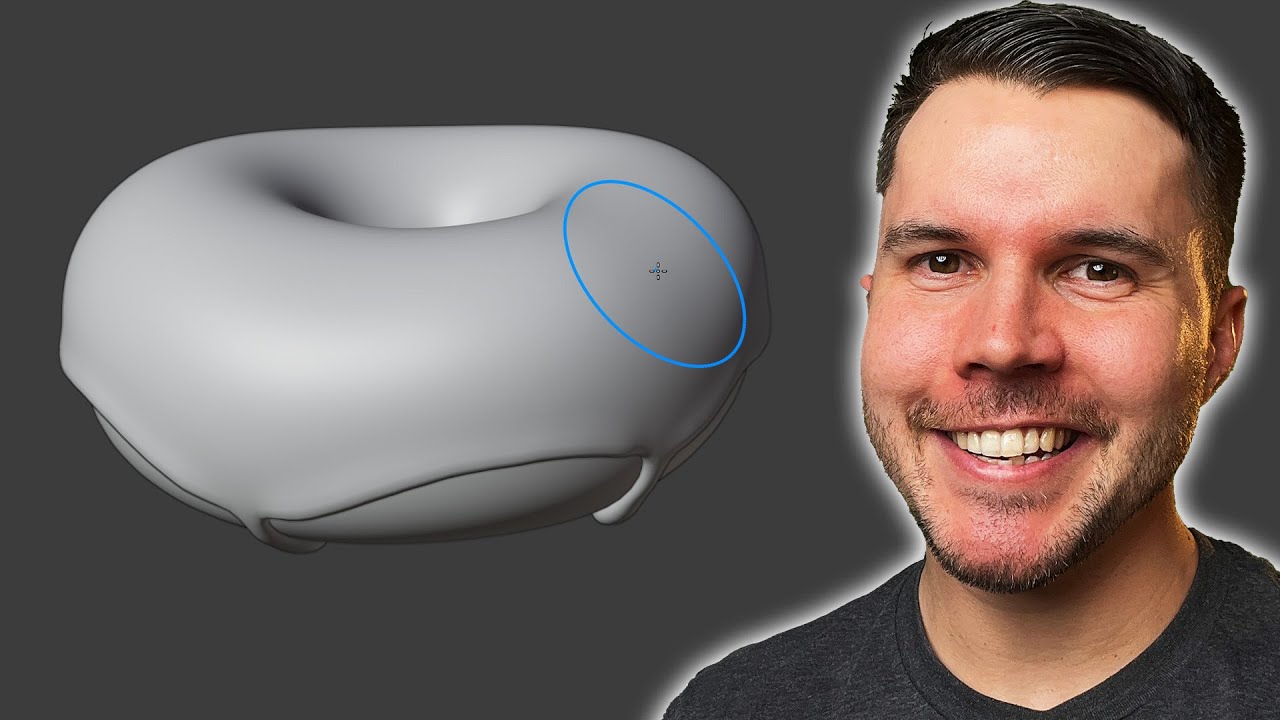
Let's make that icing look "juicy" 🍩 Part 5: https://www.youtube.com/watch?v=fsLO1F5x7yM&list=PLjEaoINr3zgEPv5y--4MKpciLaoQYZB1Z&index=6
In this video you'll learn how to use the sculpt mode of Blender. In particular the inflate, grab, mask and mesh filter brushes.
===Links🔗===
Join my email newsletter: https://www.poliigon.com/thisweekin3d
...
native mica
ok I'll watch these when I have time
limpid hearth
that's not the attitude
native mica
no I mean I need to do homework
limpid hearth
watch them on the weekend, do these 4 videos, follow along
limpid hearth
native mica
no I mean I need to do homework
same lol
but seriously, watch the vids
native mica
ok thx
limpid hearth
they r 1 hr each
limpid hearth
native mica
ok thx
what i did was i did these 4 vids (well I did the old version of the series), then I spent 3 weeks messing around in blender, following random tutorials, etc.
Got good at that shit in 1 month
fully worth it
cya
native mica
limpid hearth
what i did was i did these 4 vids (well I did the old version of the series), t...
I don't think im gonna have this done by next week's chrismas gift extange
c ya