#no idea if this is a modeling server but for the love of god help me
1 messages · Page 1 of 1 (latest)
 hard pawn
 abstract heathBOT
hard pawn
i dont understand why its so damn hard to make a hollow model solid again please...
AI Help
It can be frustrating when trying to convert a hollow model into a solid one. Have you tried using software specifically designed for solid modeling, such as Tinkercad or Fusion 360? These tools often have features that can help with converting hollow models into solids more effectively. If you're still facing issues, you can try simplifying the geometry of the mesh before attempting to make it solid. Feel free to reach out if you need further guidance!
WARNING: This response is AI generated and may contain errors.
 spring pendant
yeah i give up
spent 13 mins on it
thjis is the best i could get it

useless
i have practially zero experience in meshmixer though. im sure someone who knows what their doing can do it though
hard pawn
ok then 😄
 tiny swift
@hard pawn so you wanted to close the windows, correct?
abstract heathBOT
This post has been closed due to inactivity.
This post has been inactive for over 1 hour and so has been closed. To reopen this post simply send another message.
 frank quiver
I'm just having a go using blender.
and this plane has a lot of hidden objects inside the mesh as well.
i think the solution is as simple as using Booleans + primitive shapes to fill the void.
also tab -> p -> separate by loose parts make it's simpler to work on.
alternative method is to just add supports when printing and it will fill the internal hole....with supports...
not sure how you plan to print it....?

@hard pawn this is a start, but keep adding edges loop to the fill, and shaping it til it fits inside the plane.
it doesn't have to be perfect, just need to fit inside the outside skin.
when you done, put the fill into the Boolean folder, then apply.
after that, you can join up the other airplane parts with "join" or "Booleans". if you slicer doesn't detect errors.. it'll print ok.
spring pendant
tiny swift
<@743237728946356244> so you wanted to close the windows, correct?
the problem was that its too thin to print. there are interior seats as well. but he just simply wants the entire model solid so its printable.
obviously the interior doesnt matter in this case though. just something to point out
abstract heathBOT
This post has been closed due to inactivity.
This post has been inactive for over 1 hour and so has been closed. To reopen this post simply send another message.
frank quiver
@manic flax @hard pawn one way of crudely making a hollow object solid...
frank quiver
frank quiver
<@743237728946356244> this is a start, but keep adding edges loop to the fill, a...
this is where the blend file was up to

 manic flax
ah that makes sense
frank quiver
yah 🙂
@manic flax do you think i explained it well enough?
i didn't want to be assuming no knowledge...and there's enough to start googling on if needed?
manic flax
well i live in blender so saw the image and immedieatly knew whats going on, let me read rq
tbh no, with blender i always assume no knowledge, new people and people who just know their way around from tutorials* probably wont know
how to set boolean modifier
how to create a primitive (maybe maybe not)
the logic of using booleans
whats an edge loop
*some tutorials
ima take some screenshots write some messages
frank quiver
manic flax
tbh no, with blender i always assume no knowledge, new people and people who jus...
yeah ok, that fair eniough. thankyou, i'll keep that in mind.
I was hoping to umm get some questions from the OP too if there wasn't understanding there...😅
I've previously pinged them too, incase notifs were off. (mine are)
frank quiver
manic flax
ima take some screenshots write some messages
totally use the blend file to if you like
manic flax
you posted it?
frank quiver
yeah, but here it is again cos why not 
make it easier anyways
manic flax
frank quiver
yeah, but here it is again cos why not <:thumbs_up:514042548252180491>
make it e...
what version of blender is that from, it just makes mine crash
frank quiver
manic flax
what version of blender is that from, it just makes mine crash
sorry newish version
 manic flax
ah
 frank quiver
we can just ah, maybe link some tutorials for the main parts....?
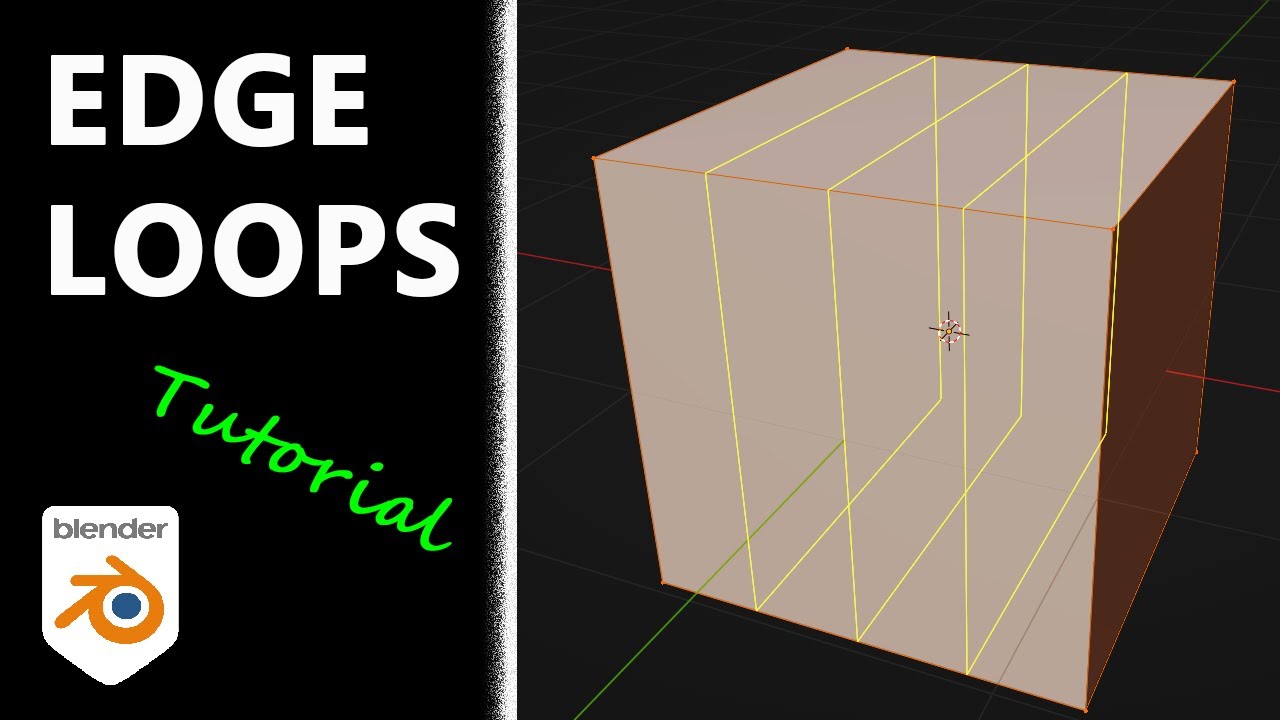
edgeloops
https://www.youtube.com/watch?v=By2rMS_jNjo
booleans
https://www.youtube.com/watch?v=SMIlZddICDg
I'd happily spend 5mins videoing the process 🤷 , but usaully i'll wait for a response for op first.. cos maybe they lost interest or found the answer elsewhere.
Hope your learned something new! Enjoy your time in Blender🥳
"For there is one God and one mediator between God and mankind, the man Christ Jesus, who gave himself up as a ransom for all people. This has now been witnessed at the proper time."
1 Timothy 2:5-6

In this video we are going to take a look at the Boolean Modifier in Blender 2.83. This is a beginner friendly tutorial.
Discord ► https://discord.gg/zZexgvhPZE
Instagram ►https://www.instagram.com/pinkpockettv/
Download All Project Files: https://www.patreon.com/pinkpockettv/
#Blender3D
#3D
#B3D