
#Help With Uneven Layer Lines (Ender 3 V2 Neo)
1 messages · Page 1 of 1 (latest)
 autumn grove
 wanton tulipBOT
autumn grove
Whatever I do, I cannot get rid of these layer lines at all. Here is what I have...
AI Help
It sounds like you've already tried a lot of the common troubleshooting steps for dealing with layer lines. Since you've covered so many bases already, I would recommend checking your print settings for the layer height and print speed to ensure they are optimized for your particular printer and filament. Additionally, make sure your nozzle is clean and not partially clogged, as this can also contribute to layer lines. If the issue persists, it may be worth looking into more advanced techniques such as adjusting the printing temperature or experimenting with different slicing software.
WARNING: This response is AI generated and may contain errors.
wanton tulipBOT
This post has been closed due to inactivity.
This post has been inactive for over 1 hour and so has been closed. To reopen this post simply send another message.
autumn grove
Can anyone help?
wanton tulipBOT
This post has been closed due to inactivity.
This post has been inactive for over 1 hour and so has been closed. To reopen this post simply send another message.
autumn grove
Can anyone help?
autumn grove
Help
 warm pecan
autumn grove
Help
Did you try looking at the Z rod?
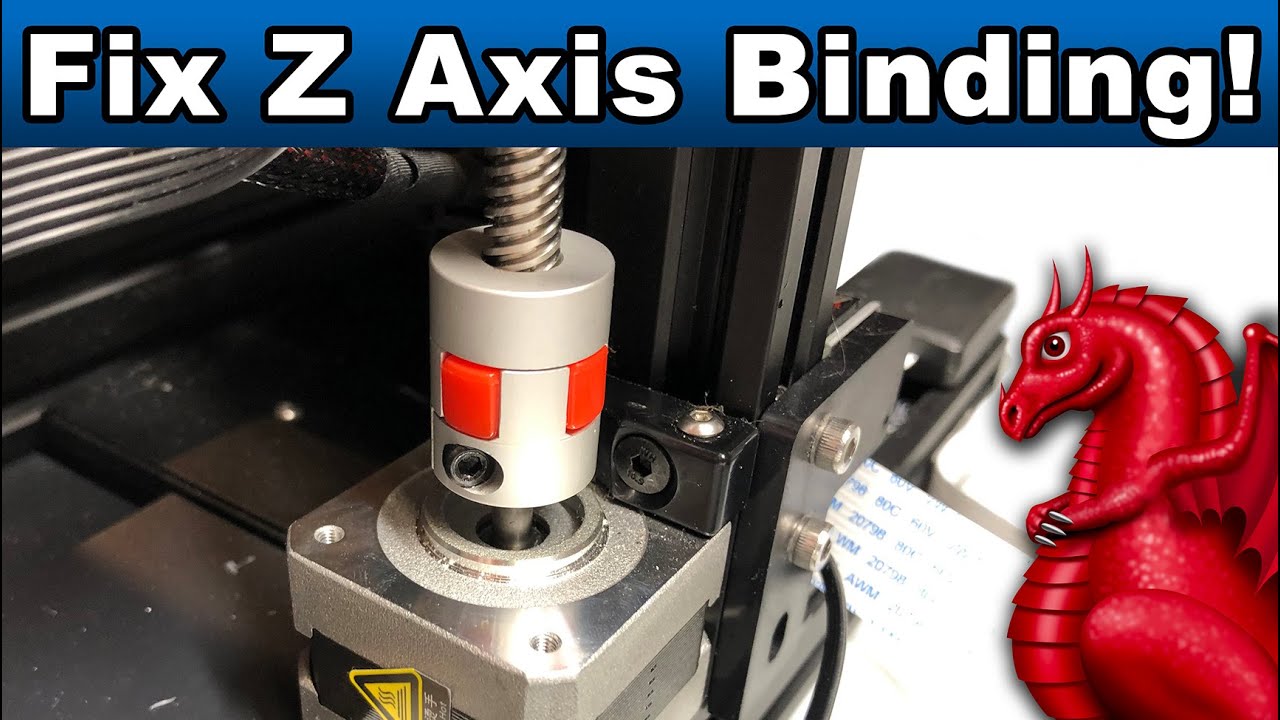
Learn the most common causes of Z-Axis binding and how to fix them. Applies to Ender 3, Ender 3 Pro, Ender 3 v2 (and all clones).
LINKS:
Get our FDM optimized fantasy terrain and miniatures here:
Supplies Links:
http://www.fatdragongames.com/fdgfiles/?p=5863
****************************************************...
autumn grove
Thank you, I will try and watch this video when I am home and see if it helps, thanks !