


1 messages · Page 1 of 1 (latest)
 serene parcel
Hello everyone,
I've been using my Mars Pro 2 for about a month, and everything was going smoothly until it suddenly stopped working. No prints were coming out, and whenever I ran an exposure test, it failed no logo or anything would appear.
I've tried updating to the newest firmware, thoroughly cleaned the screen, checked the power supply, and ensured all cables were connected properly. Despite all this, nothing seemed to work.
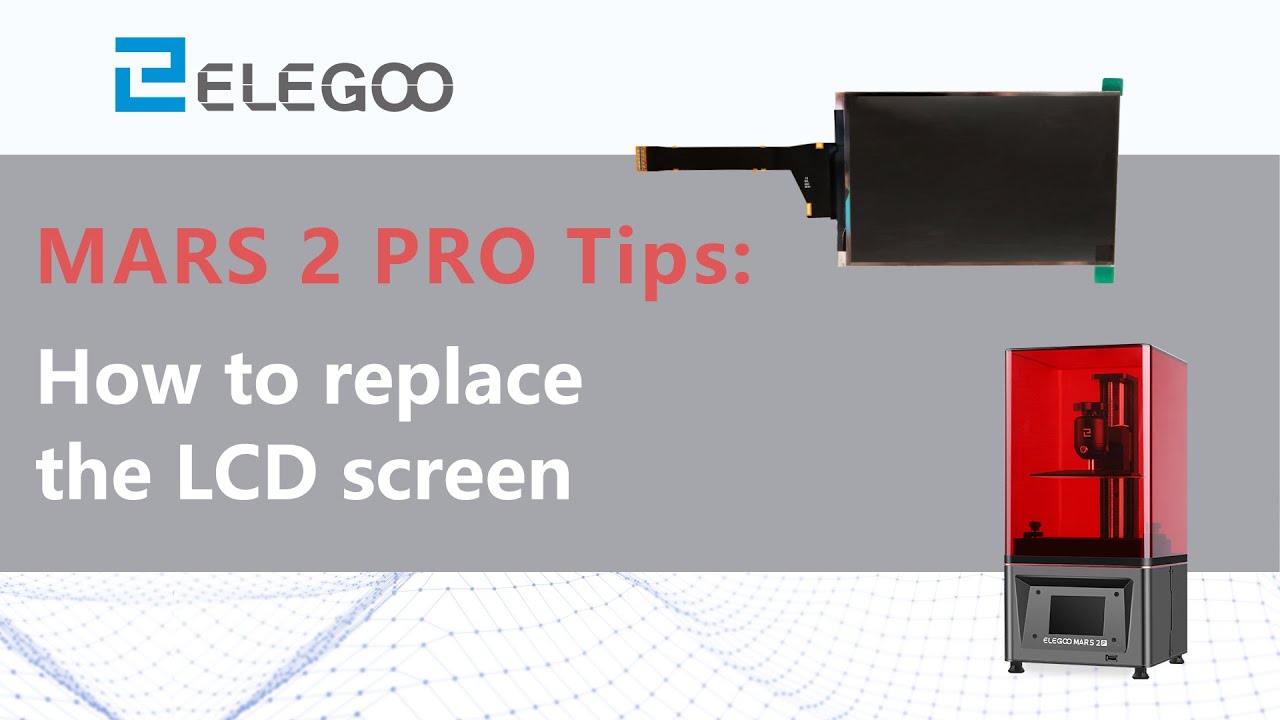
Assuming the LCD screen had burned out, I decided to purchase a new one. It arrived today, and I carefully followed the steps in this video to install it. Unfortunately, even after replacing the screen, the exposure test continues to fail.
I've double-checked all the connections, and everything seems to be in place as it should be. I'm completely at a loss now and could really use some advice.
Does anyone know what I might be doing wrong or what else I should try? Any help would be greatly appreciated!
☄️For any questions please be sure to email our dedicated Customer Service Team:👉 [email protected]
💎Shop here:
US: https://amzn.to/3iCUDUB
DE: https://amzn.to/2ZOhPIh
UK: https://amzn.to/3caXYaY
FR: https://amzn.to/3ktB95s
ES: https://amzn.to/3caskdB
CA: https://amzn.to/35OrvX2
IT: https://amzn.to/3kxEakX
JP: https://amzn.to/3kt5l0l
AU: https:/...
 exotic carbonBOT
serene parcel
Hello everyone,
I've been using my Mars Pro 2 for about a month, and everything...
It sounds like you have been very thorough in troubleshooting the issue with your Mars Pro 2. Since you have already replaced the LCD screen and ensured all connections are secure, the next step you could consider is checking the motherboard for any visible damage or loose components.
If everything appears to be in order, it may be helpful to reach out to the manufacturer or a professional technician for further assistance. They may be able to provide additional insight or suggest other potential solutions to get your 3D printer up and running again. Best of luck with resolving the issue!
exotic carbonBOT
This post has been inactive for over 1 hour and so has been closed. To reopen this post simply send another message.
serene parcel
I already checked the Motherboard
Writing the support is probably the next thing i am going to do
exotic carbonBOT
This post has been inactive for over 1 hour and so has been closed. To reopen this post simply send another message.
serene parcel
Still not working
exotic carbonBOT
This post has been inactive for over 1 hour and so has been closed. To reopen this post simply send another message.