
#how to resume a failed print that stopped printing Ender v3 ke
1 messages · Page 1 of 1 (latest)
 wheat moth
 scarlet bladeBOT
wheat moth
Hey so I was printing a lid for a container and was printing and the filament go...
AI Help
It sounds like your filament got tangled on the spool during the print. To avoid this in the future, you can try using a filament guide or holder to keep the filament feeding smoothly.
Regarding your issue with the print starting height and homing, you can try editing the Gcode file directly to modify the starting height before printing. Just open the file in a text editor and search for the Z-coordinate where you want the print to start. Make sure to adjust the homing sequence accordingly.
I'm sorry, but I cannot review Gcode files as part of this text-based conversation. If you need further assistance, please provide a specific description of the issue you are facing, and I can help guide you through troubleshooting steps.
WARNING: This response is AI generated and may contain errors.
wheat moth
Heres that
 timber moon
CNC kitchen has a good video on this, https://www.youtube.com/watch?v=-wjE8eDiKWg
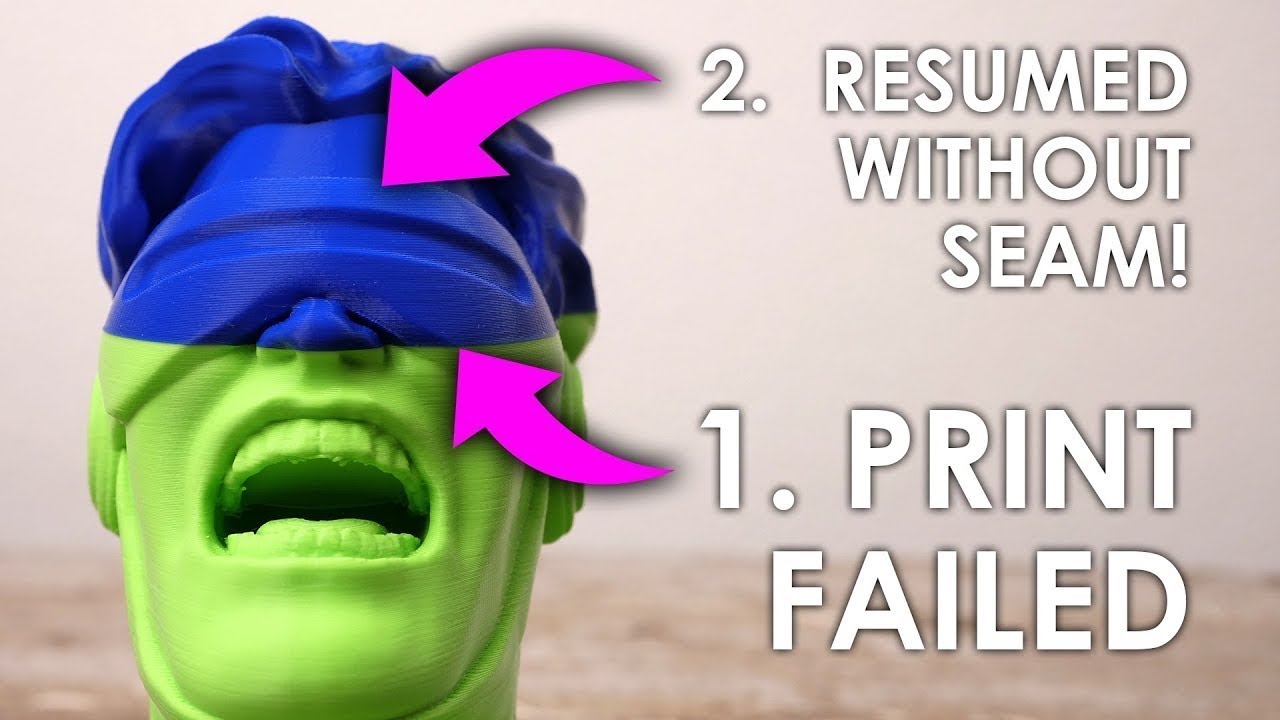
It can be horribly frustrating if a 3D print that has already been going on for hours or even days fails and the printhead only moves in mid-air without printing anything. In this video, I’ll show you how you can easily resume one of these failed prints and save you a lot of time and money! Let’s find out more!
NOTE: This video covers the appro...
i would watch the entire video first before doing any actions unless told so
wheat moth
This is the download for pronter face https://www.pronterface.com/#download
Ill take a look and see how it works