#Fixing Game Models to Print
1 messages · Page 1 of 1 (latest)
 wise forge
 eternal palmBOT
wise forge
One message removed from a suspended account.
AI Help
To fix issues with surfaces lacking thickness for 3D printing, you will likely need to use a CAD software to modify the model. One common approach is to use the "shell" command to give the model walls and structure. This can be a complex process, especially if you are trying to maintain intricate details. You may need to manually adjust and add geometry in areas with thin or missing surfaces.
If you provide the pictures of the model, I could potentially offer more specific guidance on how to address the issue.
WARNING: This response is AI generated and may contain errors.
wise forge
One message removed from a suspended account.
One message removed from a suspended account.
 upbeat geode
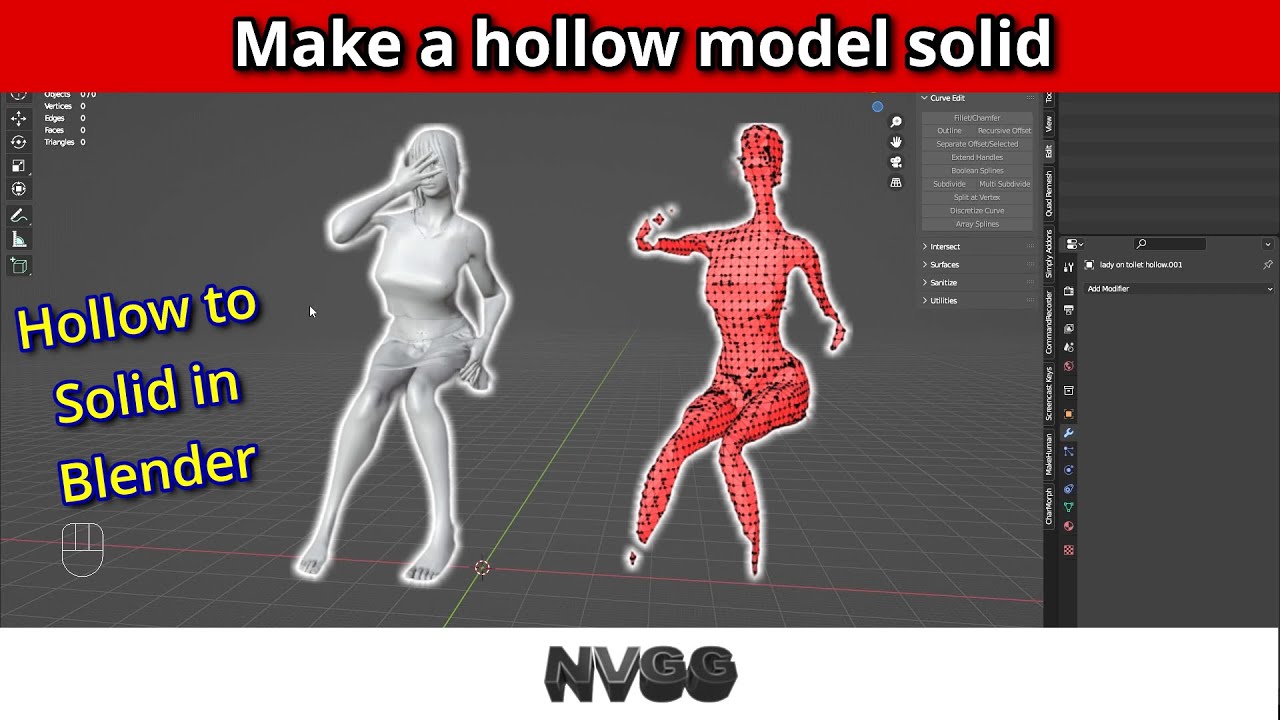
While I am not sure this is that useful, it does seem to get a few questions so here is a short video on un-hollowing a model in just a few click.
Found this from a quick search
Maybe it will help u