
#BL Touch Not Responding To Debug Command Klipper Mainsail Ender3pro V4.2
1 messages · Page 1 of 1 (latest)
 void elk
 thin berryBOT
void elk
Hi, as the title suggests my new bltouch probe is not responding to debug comman...
AI Help
It sounds like there may be an issue with the configuration or connection of your BLTouch probe. Here are a few troubleshooting steps you can try:
-
Check the wiring: Make sure the BLTouch probe is properly wired to the board according to the manufacturer's instructions. Ensure that the connections are secure and there are no loose wires.
-
Check the configuration: Double-check the configuration in the Klipper firmware to ensure that the BLTouch settings are correctly defined. Make sure the pin assignments, probe type, and any other relevant settings are accurate.
-
Update firmware: Ensure that you are using the latest version of the Klipper firmware and that it supports BLTouch probes. Consider updating the firmware if necessary to see if that resolves the issue.
-
Test with a different probe: If possible, try using a different BLTouch probe to see if the issue is specific to the one you are currently using. This can help determine if the problem lies with the probe itself....
WARNING: This response is AI generated and may contain errors.
void elk
void elk
Hi, as the title suggests my new bltouch probe is not responding to debug comman...
As you can see klipper acknowledges the command but it’s stuck at sending
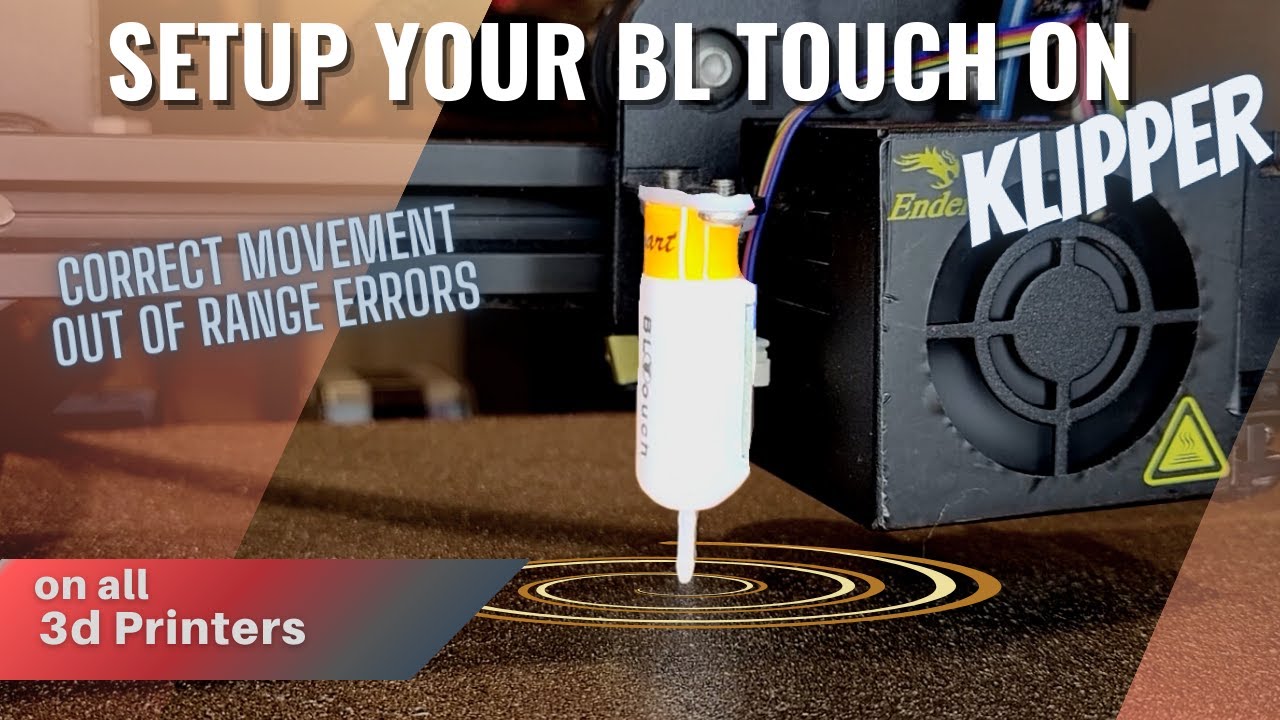
Set up your bl touch on Klipper. Learn how to find the offsets of your bed leveling device and then create a mesh. If you’re having trouble creating a mesh follow this guide! Error movement out of range issues got you down? Learn how to fix those errors plus others before they begin. In this video we will also find the maximum movable bounds of ...
This is the tutorial I was following but no help
When I try to home it, it states BLTouch failed to verify sensor data
thin berryBOT
This post has been closed due to inactivity.
This post has been inactive for over 1 hour and so has been closed. To reopen this post simply send another message.