I tried to get help on this in the quick help, but had no luck. I'm waiting for creality support to get back to me about this too. But have no idea about their timeline and would like to get this sorted asap.
I have an Ender3 V3 KE. I was changing PLA filaments and the new one would not feed through. The blockage is in the part with the metal fins (heat sink ?), just above the nozzles and umm hot end (?). Creality give you a long pin tool to clear blocks and I've used this before with good results. This time it remains blocked. I tried heating it up to 240 but that didn't help. I would appreciate it if someone had experience with a block like this that has some tips on forcing that blockage through, or another solution.
#How to clear a block in the heat sink (?) part, just above the nozzle
1 messages · Page 1 of 1 (latest)
 tame sorrel
 charred heraldBOT
tame sorrel
I tried to get help on this in the quick help, but had no luck. I'm waiting for ...
AI Help
It sounds like you're dealing with a clog in the heat break region of your Ender3 V3 KE. Here are a few troubleshooting steps you could try:
-
Cold Pull Method: Heat the hotend to around 90-100°C, then cool it down to about 80°C. Once at 80°C, firmly push a short length of filament into the filament inlet and, while keeping pressure, quickly retract it. This technique can help dislodge clogs.
-
Hot and Cold Pull: Similar to the cold pull method, but you alternate between heating up the hotend and cooling it down a few times during the process.
-
Cleaning Filament: You can try using a cleaning filament specifically designed to clear clogs in the hotend.
-
Removing the Nozzle: If the clog persists, you might have to disassemble the hotend by removing the nozzle and cleaning out any debris.
If these steps don't work, it might be a more stubborn clog that could require more advanced techniques. Make sure to follow the manufacturer's guidelines and safety precaut...
WARNING: This response is AI generated and may contain errors.
tame sorrel
I have done methods 3 and 4 benchybot. As well as similar attempts as 1 and 2 describe as well, though not exact replications. I could not find any help on how to completely dismantle the entire extruder/hot end set up, though I did pull most of it apart, checked the gears and the nozzle etc. I'm not sure though, how to get the 'heat break' out or how much force is safe to exert on the part.
For example, with my trade background, I thought of taking the nozzle out and using a drill bit and a hammer to force the blockage loose, then push it back down out of the tube. However, I don't want to damage anything. I'd prefer not to have to buy a new part as the printer is basically only a month old.
charred heraldBOT
This post has been closed due to inactivity.
This post has been inactive for over 1 hour and so has been closed. To reopen this post simply send another message.
tame sorrel
Still hoping for someone who's had a similar problem that might be able to offer advice 🙂
 gloomy root
tame sorrel
Still hoping for someone who's had a similar problem that might be able to offer...
?coldpull
charred heraldBOT
tame sorrel
Still hoping for someone who's had a similar problem that might be able to offer...
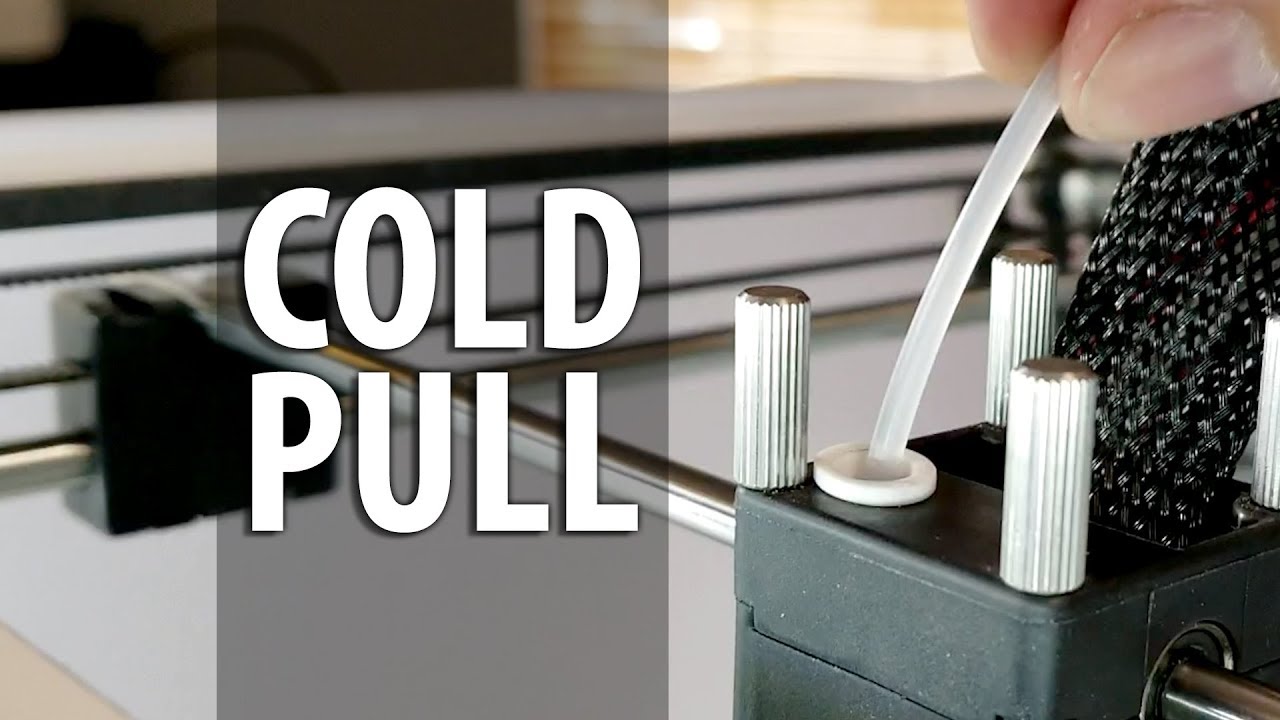
Clearing a jam in the nozzle can be an easy fix. Using nylon filament and a few minutes of your time, you can clear the debris within your nozzle that causes inconsistent extrusions and failed prints!
Ultimaker 2 and 2+ 3d printer custom face plate by A Pyro Design: https://etsy.me/2P8FPyJ
Ultimaker enclosure by Printed Solid:
https://www.prin...
gloomy root
Did it like this? Don't need nylon filament
tame sorrel
gloomy root
?coldpull
Thanks mate. I'd not heard of that before. I'll try it. I did try it with the hot end at about 30. But I'll watch the video now and give it a crack 🙂 Much appreciated.
gloomy root
The automatic bot responses are kind meh sometimes
A few pulls is usually all it needs
Make sure to take the tension off of the exruder while pulling
tame sorrel
ok I will not forget to do that. Watching the video now. it says to begin with to heat up the hot end as high as it goes and then retract the filament. I'll do that first. Mind you I already took the old filament out. but I wont skip that step.
tame sorrel
gloomy root
The automatic bot responses are kind meh sometimes
I was having no luck with a piece of filament. So I used the long pin Creality give you to clean blocks out with. And at 300 I thought I'd done it. It broke through. Right down to the nozzle tip. smoke would come out the tip as I poked it. But I couldn't get the filament to go through any further than before. So I tried cold pulling it with the pin tool, but although it got a little, it still hasn't cleaned it enough to feed filament through it. And the guy in the video did say if you don't have a bowden tube you'd have to pull the gears apart... well the KE is a direct feed, so no bowden tube and it does have gears. I wonder if there's a plastic sleeve inside that area that might need replacing ? I can't find a schematic or video showing me that set up to know what parts are in it. I remember seeing one video where the creator was talking about replacing the plastic tube with metal ones. I'm just not sure if it's in the same place or if it's relevent to mine. Any further tips by any chance ?
gloomy root
tame sorrel
I was having no luck with a piece of filament. So I used the long pin Creality g...
KE has an all metal hotend so no replacing needed as far as I know
tame sorrel
ahh right. bugger lol. I guess I'll keep trying to clear the blockage and see how long Creality support take to get back to me ?
gloomy root
Accessories purchase, Please contact our official email or website, remember to attach your machine type and accessories pictures
Official email:[email protected]
Official website: https://www.creality.com
Any technical support in need, Please contact our official service email,remember to attach your printer model、complete orderscreenshot、purch...
Seen this?
tame sorrel
yes. I've used that to clean a blockage before that was giving issues. It's just a basic clean out. This is much more stubborn 🙂
charred heraldBOT
This post has been closed due to inactivity.
This post has been inactive for over 1 hour and so has been closed. To reopen this post simply send another message.
tame sorrel
Right. I thought I'd update this in case anyone (especially newbies like myself) with the Ender3 V3 KE has a similar issue with a jam or blockage. I had pulled apart most of the extruder etc, but I wasn't sure how to get the 'heat sink' off(and I did have the right name for it originally), and I had no idea what it all looked like inside it. It turns out the 'heat break' actually goes up into the heat sink, which is where the actual jam was. So once I got the heat sink off, and could get at the grub screw to take the hot end and heat break off the heat sink, the jam was fairly easy to clear since I had run it up to 300 for a while during attempts to 'cold pull' the blockage out. It crumbled up well and then by removing the nozzle and plugging it in and heating it up, I got the last of the junk out from inside it. I put a new nozzle in it, because I had had enough of mucking with it for now, and didn't want to try and rescue the nozzle that was in it. But I might do that later. Anyway, thanks @m.von.wo? | KP3S Pro S1 Klipper, for leading me in the right direction and giving me some needed advice. I also want to share this video which is how I found out how easy it was to get the heat sink off. I am printing my first print post issue now and it seems to be working great. Now I just need to find some spare nozzles to fit it in Australia lol.
https://www.youtube.com/watch?v=7PV2KdwTxSI
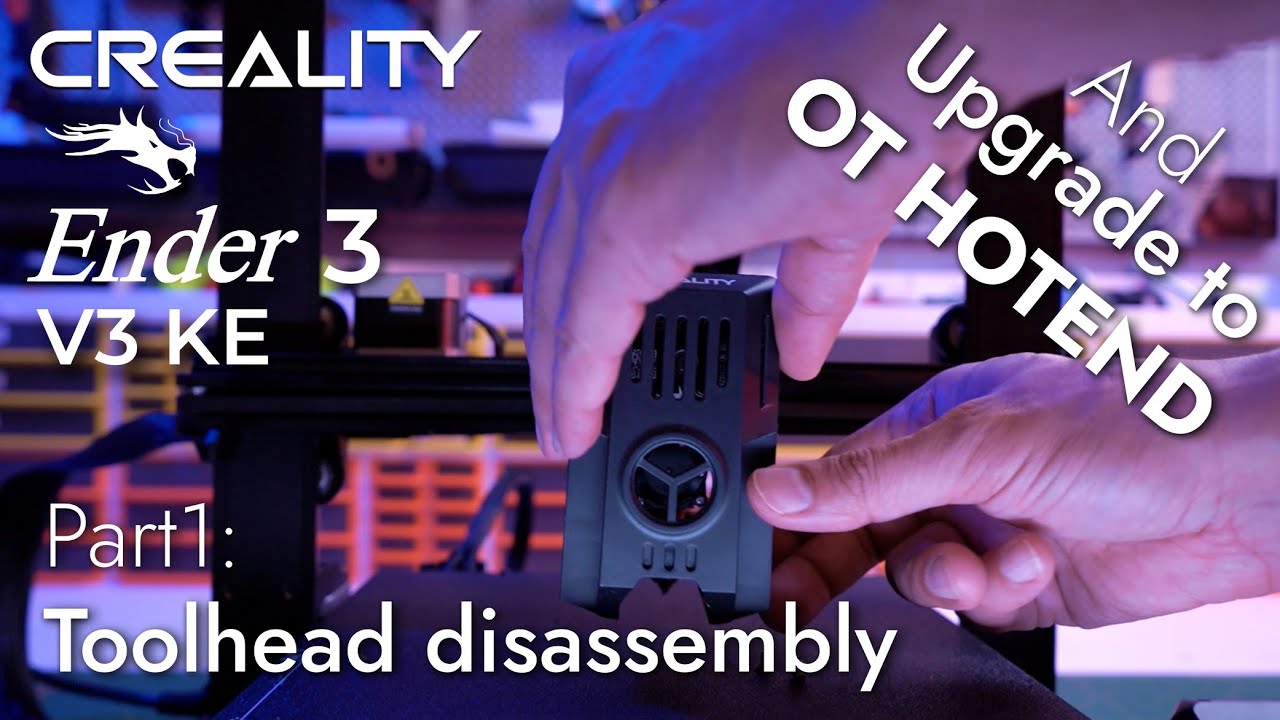
A quick Part1 Video to get ready for the next upgrades to follow up in this series trying to perfect this Printer.
When ordering the OT hotend for the KE .. order the one for the K1 .. this is very important , until the supplier change and add a category for the ender3 KE on the website and on Aliexpress.
here is the NON-Affeliate link for the...
?solved
gloomy root
tame sorrel
?solved
you need to retype that into a single line, edited wont work 😄 glad you got it in the end
charred heraldBOT
This post has been closed due to inactivity.
This post has been inactive for over 1 hour and so has been closed. To reopen this post simply send another message.