
#unsure how to calibrate ender 3 v2
1 messages · Page 1 of 1 (latest)
 cloud briar
 deft grailBOT
cloud briar
I’ve just been stuck trying to level this bed for like 3 days at this point and ...
AI Help
I understand your frustration. I can certainly help you with troubleshooting your BL Touch installation and bed leveling process. Could you please provide me with more details about the issues you are facing so I can assist you better?
WARNING: This response is AI generated and may contain errors.
cloud briar
Printer: Ender 3 V2
- Sprite extruder
- PEI bed
- Replacement springs for the bed
- And the Bl touch I’m trying to figure out what to do with
 forest nymph
cloud briar
Printer: Ender 3 V2
- Sprite extruder
- PEI bed
- Replacement springs for the b...
You flashed the firmware for the bltouch?
Also the bltouch won't level for you, just creates a surface map for the nozzle to follow
cloud briar
forest nymph
You flashed the firmware for the bltouch?
Yes, and I know that
forest nymph
Good
cloud briar
It’s just a matter of no matter how hard I try it won’t level, and then I try to adjust the z for leveling and it won’t move
forest nymph
Does it home z correctly?
forest nymph
cloud briar
It’s just a matter of no matter how hard I try it won’t level, and then I try to...
Did you calibrate the z offset via the menu?
cloud briar
I mean it works, the sensor sends things back to the MOBO to say “yeah there’s something here”
cloud briar
forest nymph
Did you calibrate the z offset via the menu?
That’s what I’m unsure what to do
forest nymph
cloud briar
That’s what I’m unsure what to do
Get into your main menu (no idea where) most likely settings or setup or similarly and find the z offset item and follow the instructions on screen
cloud briar
This is all I have
 forest nymph
cloud briar
This is all I have
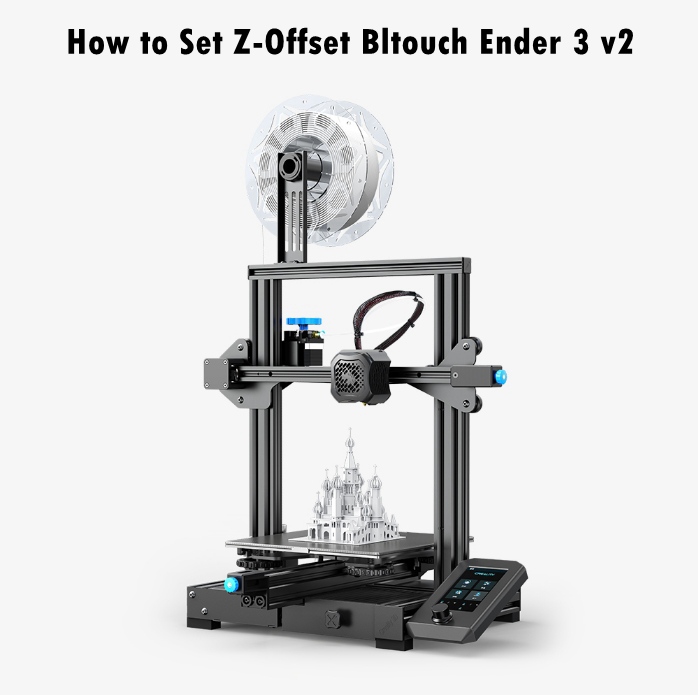
https://store.creality.com/blog/how-to-set-z-offset-bltouch-ender-3-v2 apologies for assuming creality would make this easy🙈
Creality Store