#Ender 3 V2 not understanding E0 pause command
1 messages · Page 1 of 1 (latest)
 torn quarry
 thin ingotBOT
torn quarry
My ender 3 V2 just ignores the E0 pause command. My original ender 3 pauses perf...
AI Help
There could be a few reasons why your Ender 3 V2 isn't responding to the E0 pause command. Here are a few troubleshooting steps you can try:
-
Confirm G-code syntax: Make sure the E0 pause command is correctly written in your G-code script. It should look something like "M0" or "M1".
-
Firmware update: Check if there is a firmware update available for your Ender 3 V2. Updating the firmware to the latest version can help resolve any issues related to the E0 pause command.
-
Verify G-code compatibility: Check if the G-code you're using is compatible with the Ender 3 V2. Sometimes, G-code commands that work well with one printer model might not function properly on another.
-
Test a different pause command: If the above steps don't work, try using a different pause command, such as "M226". Sometimes, specific firmware configurations can affect how the printer responds to pause commands.
If you continue to experience issues, I recommend reaching out to the manufacturer or the ...
WARNING: This response is AI generated and may contain errors.
 inner idol
torn quarry
My ender 3 V2 just ignores the E0 pause command. My original ender 3 pauses perf...
Like the bot said, you mean M0?
inner idol
torn quarry
Yeah sorry M0
Short search says its not enabled in firmware but not all has been lost, one moment
We have figured something out here
Note that this is still being tested by them
torn quarry
Ok ok
torn quarry
inner idol
Short search says its not enabled in firmware but not all has been lost, one mom...
But it possible to enable in the firmware?
inner idol
If you recompile the firmware yes
torn quarry
Ok
inner idol
Apparently theres a new version of the stock firmware
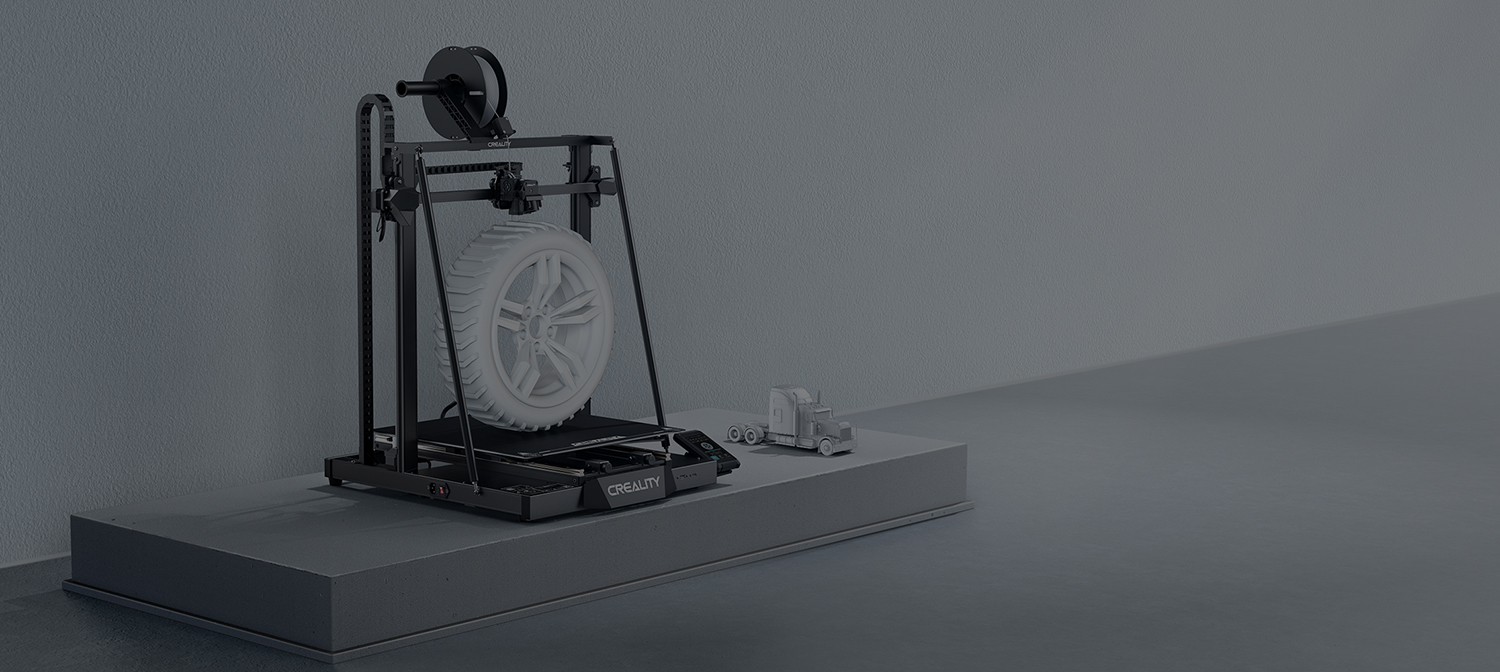
creality
You can download Ender-3 V2's product manual & firmware and slicing software on here.
torn quarry
Yes, i will probably update my firmware then
inner idol
Look if you have the newest version of it
torn quarry
I dont think i have, i bought it in 2021 and have never update my firmware