for the past two days i have been slicing the same model over and over trying to fill the whole build plate. but in elegoo there exists a no print zone but i switched to cura and there is not a no print zone and i've been searching everywhere but i cant find anything. Like there is supposed to be a ''no print zone'' code on atleast the creality printers but no they dont. therefore i wonder if its possible to add one manually
#No print zone, how to add manually?
1 messages · Page 1 of 1 (latest)
 plucky vigil
 ocean mortarBOT
plucky vigil
for the past two days i have been slicing the same model over and over trying to...
AI Help
Yes, it is possible to manually add a "no print zone" or exclude certain areas from the printing process in slicing software like Cura. Here's how you can do it:
- Open the model in Cura and go to the "Prepare" stage.
- Click on the "Models" icon on the left-hand side panel to select your model.
- Then, click on the "Per Model Settings" icon just above the "Models" icon.
- In the "Per Model Settings" panel, click the "+" sign to add a new setting.
- From the dropdown menu, select "Modify settings for overlapping models or within meshes."
- Now, click on the model that you want to exclude from printing and select "Select settings" in the "Modify settings" section.
- In the sidebar that appears, search for and select the "Mesh type" setting.
- Change the "Mesh type" to "Exclusion zone" and adjust the size and position as desired.
- Repeat steps 4-8 for any additional models or areas you wish to exclude.
- Slice your model and you should see that the designated areas are ma...
WARNING: This response is AI generated and may contain errors.

 plucky vigil
No its not. does not show up. when model enters grey zone its blocked and cannot be sliced
 idle granite
i'm sorry i'm confused, is that not what you want?
plucky vigil
it is. but when i set skirt that doesnt even come up.
idle granite
what is your skirt line count set to?
plucky vigil
1
see its set to brim. still grey zone

take this vid for example
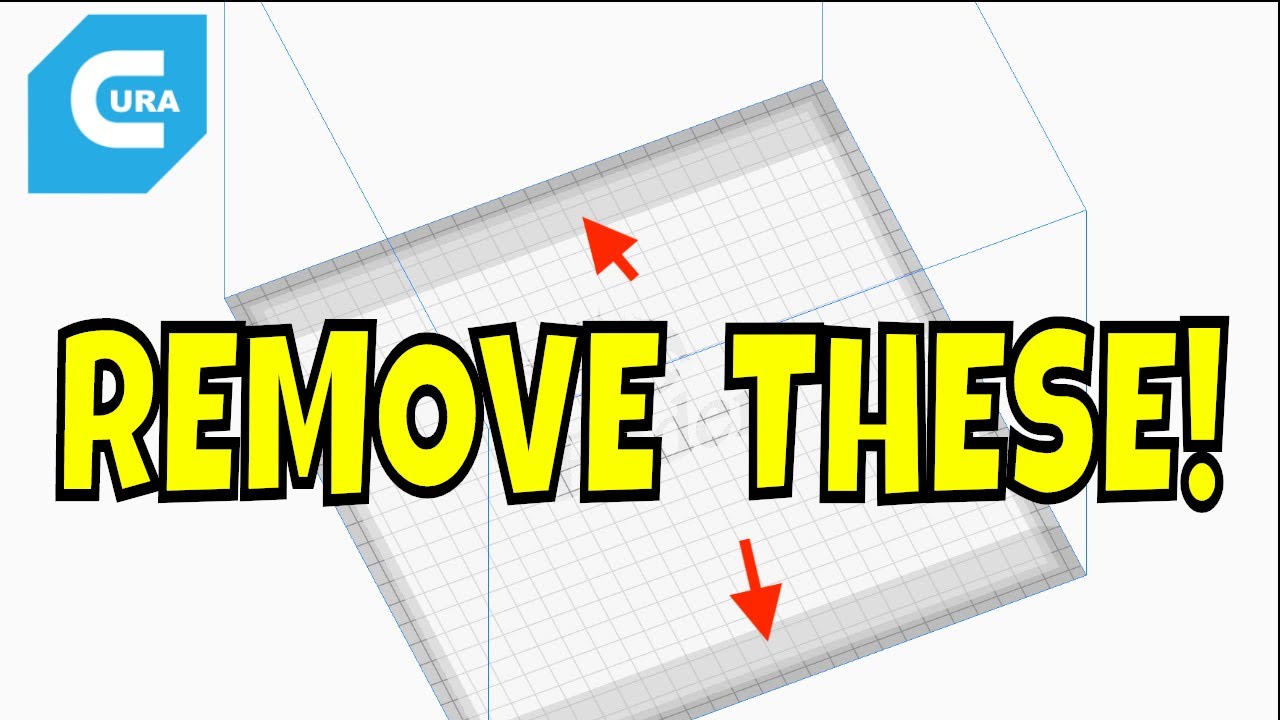
Chuck shows you how to remove the Creality Ender 3 "Keep Out" Area in Cura. The Cura slicer added a keep-out area to protect from hitting the clips that hold the bed. But most people know where the clips are or have changed beds to magnetic or something that doesn't require clips. So how do you get the full build area back within Cura?
Chuck sh...
he removes a config file. i checked for it but it doesnt exist
idle granite
okay so you need to modify a printer def.json
plucky vigil
yes but i cant find it
idle granite
go to help > show config folder i believe
its been a long time since ive used cura lol
plucky vigil
i've been there already. but this comes up
 idle granite
go into definitions'
plucky vigil
 idle granite
what printer are you using in cura?
plucky vigil
neptune 4 plus. but there are no profiles for it so i made custom ff with same g code as printer
idle granite
try this: hit your windows key and type in cura, click open file location, then right click and do it again
then hit resources and then definitions
plucky vigil
this came up


 idle granite
do you know where your printer def is by any chance?
plucky vigil
fraid not
idle granite
give me one second i just realized i am on cura 4.1 not cura 5
what size is your printer?
i found where it all goes im just verifying before i make instructions
plucky vigil
well on elegoos own config file it says 330. but its 320. but go with 330x330x387
 idle granite
really quick
does the neptune slicer have a neptune 4 plus?
if so we can just pull that profile and put it in regular cura
plucky vigil
yes the printer came with its on elegoo slicer. but on the original cura it doesnt exist.
yes i did a custom ff printer with same of that
idle granite
or if you wanna stay custom we can do that too
idle granite
plucky vigil
yes i did a custom ff printer with same of that
same settings? or did you pull the file and import it
plucky vigil
oh ok
idle granite
do the open file location on elegoo cura
and then go into the share folder
and then resouces and defs
copy that .def. of your printer and send it here rq so i can figure out where the required models are
plucky vigil
uh there is no share folder
plucky vigil
there is no shapely libs
 idle granite
is there just a resources in the elegoo?

 idle granite
yeah then do it again
plucky vigil
there is no again. i can only do it twice
wait i found resources folder
i didnt find share but i found the json files
OMG I FOUND IT
idle granite
yoo
plucky vigil
wow i managed to file it into cura.
 idle granite
grab the def and keep that window open
oh wait it doesnt have a custom model
did you add one as a machine yet
 idle granite
yeah i was about to try to make one from the data i ripped from the e3 profile haha
does it work?
plucky vigil
it works but there is not a no print zone
idle granite
is the skirt on? i don't think it works without
idle granite
thanks lmao
plucky vigil

idle granite
just for anyone who might be looking at this in the future: Something i found in my reserach is that the disallow zone's origin is from the center, so that's why examples look weird.