#Print stuck on print bed + bed levelling and centering issues (UP mini printer)

1 messages · Page 1 of 1 (latest)

wet mulch
#

I’m currently using a UP mini printer alongside the upstudio application, with nozzle temp set to 215 degrees (gonna change it down to 210 since theres a couple of burnt blobs) for PLA and a bed temp of 50 degrees

My main issue is that fact that the test prints are stuck pretty tightly to the print bed, and trying to pry them off has only left scratches on the bed. The print bed is also one of those (i think "perforated plate" is the term??) beds that has a bunch of small holes that the PLA seeps into.

the more minor issues include the printer not printing in the centre of the bed despite it being centred in the Uptudio program, as well as bed bed levelling. Most of the tutorials i watched the square test prints in the videos look different to what the UP mini prints despite using the same files, which i can only assume is because its a old model and therefore doesn't print the same way, though that does mean im not entirely sure if I should be lifting or lowering my nozzle.
Anyways, any help would be much appreciated, and thanks in advance!

tribal knollBOT
#
AI Help

To address your issues with the UP mini printer, here are some troubleshooting suggestions:

  1. For the issue of prints sticking too tightly to the print bed, you can try a few things:
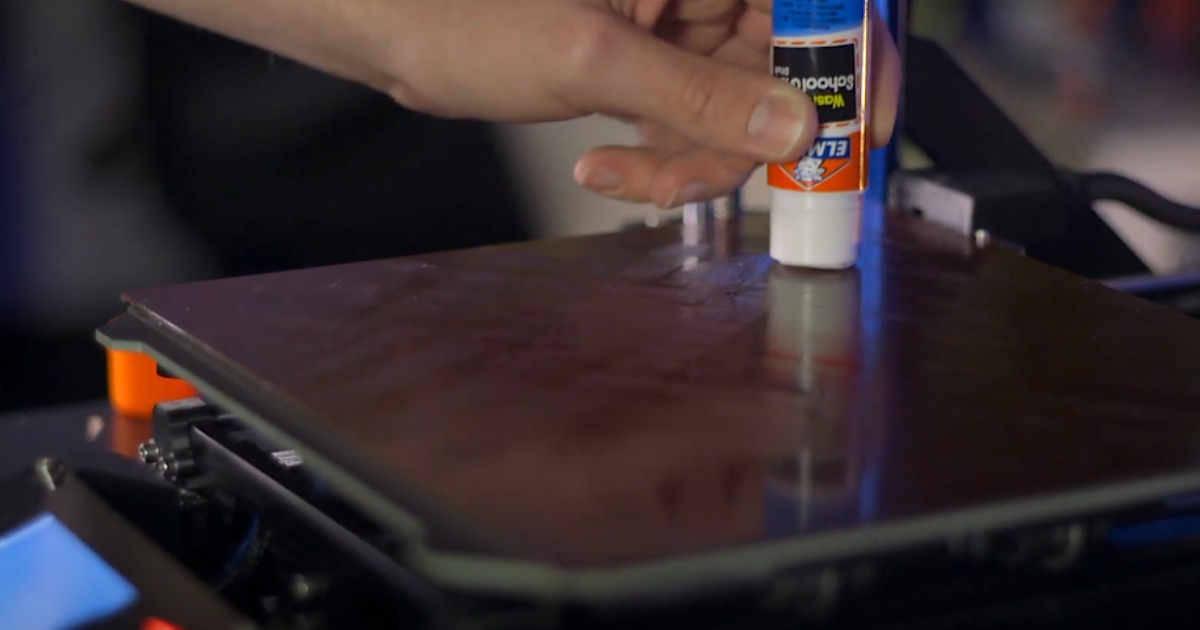
  • Apply a thin layer of glue stick or painter's tape to the bed before printing. This can help the print adhere less strongly and make it easier to remove without damaging the bed.
  • Ensure that the bed leveling is properly adjusted. If the bed is too close to the nozzle, it can cause excessive adhesion. Try adjusting the leveling screws to achieve a slight gap between the nozzle and the bed.
  • You can also try reducing the bed temperature slightly, as higher temperatures can increase adhesion.
  1. For the issue of not printing in the center of the bed despite it being centered in the UP Studio program, you can try the following:
  • Verify that the print bed is properly centered and aligned within the printer. It's possible that the physical position of the bed does not match the software settings. Adj...
wet mulch
winged ruin
#

Thats quite the old printer, isn't it?
You are supposed to use a raft on these beds I think.

#

Ah First pictures then answering 🙈

#

Nozzle closer

wet mulch
#

nozzle closer?

wet mulch
#

the pla's stuck in the holes

winged ruin
#

According to the picture you provided you have to get closer to the bed

#

Its a heated bed? Maybe you should get a different print surface

wet mulch
#

uh, ill be honest, im unsure if its a heated bed or not

#

these boards are the only print surafce i have

wet mulch
#

hold on, let me get another image

winged ruin
#

Im going from this 😅

#

It's supposed to get stuck there I think

wet mulch
#

Here’s part of the print that was pryed off

wet mulch
#

Didn’t put it all the way in but this is what it looks like

winged ruin
#

No First layer squish means you are too far away

wet mulch
#

wouldnt the raft be the first layer though? sorry if im a little confused, i only just started trying to get the printer to work

winged ruin
#

Now that i look at it, it also doesn't have walls

winged ruin
wet mulch
#

all i know is that i cant get the print off the bed xD ¯_(ツ)_/¯

winged ruin
wet mulch
#

alrighty, thanks for the help!

winged ruin
#

Also the perforated bed is not meant for PLA

wet mulch
#

ah, is it not?

winged ruin
#

No, ABS and stuff that tends to warp

#

Some of the earlier printers where only meant for ABS Filament

wet mulch
#

ooh, yeah that makes sense

#

do you think its possible to still make it work though? or would it not really function?

winged ruin
#

Sure get another printing surface and you are good to go, I think

#

Could use fr4/G10/Garolite

wet mulch
#

i suppose i could look into it. i guess the perforated bed just isnt compaitable with pla then? though, id still like to get the prints off of the plate if only to try a couple of other trial runs

wet mulch
winged ruin
#

Get it in a bigger sheet and cut it yourself. It's easy to score and break with a razor blade and a sharp corner

wet mulch
#

you can just straight up cut the beds???

winged ruin
#

Fr4 is Just pcb material

#

Its 3d printing, tinkering is highly encouraged

wet mulch
#

ah ok

winged ruin
#

For example: I recently bought a steel plate and covered it in Polypropylen self adhesive sheets meant for protecting books to make a custom plate for Polypropylen filament 😆

wet mulch
#

ahh, huh. diy. i guess if it works, it works

#

but still, in the meantime, do you have any tips for getting the print off the bed? i would like to at least try to get this plate to work before looking to buying other plates

winged ruin
#

Poking from the back while its warm to get the blobs out, investing in a sharp scraper.
For Future use you could wrap the perforated plate with one smooth layer of painters tape to prevent the filament from seeping in

#

Use glue stick with the tape method

wet mulch
#

alright, ill give those methods a try, thanks again for the help :D though one last question, any idea as to why the print isnt centering? would you say its a software issue or a machine issue?

winged ruin
#

Probably some setup thing, the firmware and slicer don't align on what's the 0 position. Could probably edit that in the slicer but I don't know anything about that software

wet mulch
#

alright, guess i'll have to keep messing with the application, thanks again! might need to ask more questions in the future if i cant resolve the issues though XD

#

oh wait hold on how warm should the bed be when trying to get it off? probabaly shouldve asked beforehand

winged ruin
#

Room temp

#

Didn't think of that

wet mulch
#

? didnt you say to try "Poking from the back while its warm to get the blobs out, investing in a sharp scraper."?

winged ruin
#

Could even put it in the freezer for some time to loosen it

winged ruin
wet mulch
#

ooh the blobs stuck in the plate

#

so for actually getting the prints off it'd be better to put it in a freezer?

winged ruin
#

Sorry was unclear there

wet mulch
#

ah its fine, thanks for the clarification though

winged ruin
#

Remember that plastic gets brittle when cold though

#

Most plastics that is

wet mulch
#

ah ok, so only a method to remove failed prints. thanks for the help!

#

?solved