#ender 3 problems
1 messages · Page 1 of 1 (latest)
 cerulean lynxBOT
AI Help
I'm sorry, but I need more information to be able to help you. Can you please specify what "this" is referring to? Also, can you provide a picture of the issue, if possible?
WARNING: This response is AI generated and may contain errors.
 chrome drift
Stock ender 3 with 3d printed x and y tensioners, trying to print pla at 200 degrees nozzle and 60 degrees bed, I did fix this issue for a little bit by increasing my retraction distance from 5 to 6 and decreasing the retraction speed to 25-35mm/s, printing at 60mm/s, I also have ultimaker cura 5.3.2 (if that's the latest version)
 grim monolith
wich pla brand?
grim monolith
creality PLA?
chrome drift
Yes
grim monolith
?coldpull
cerulean lynxBOT
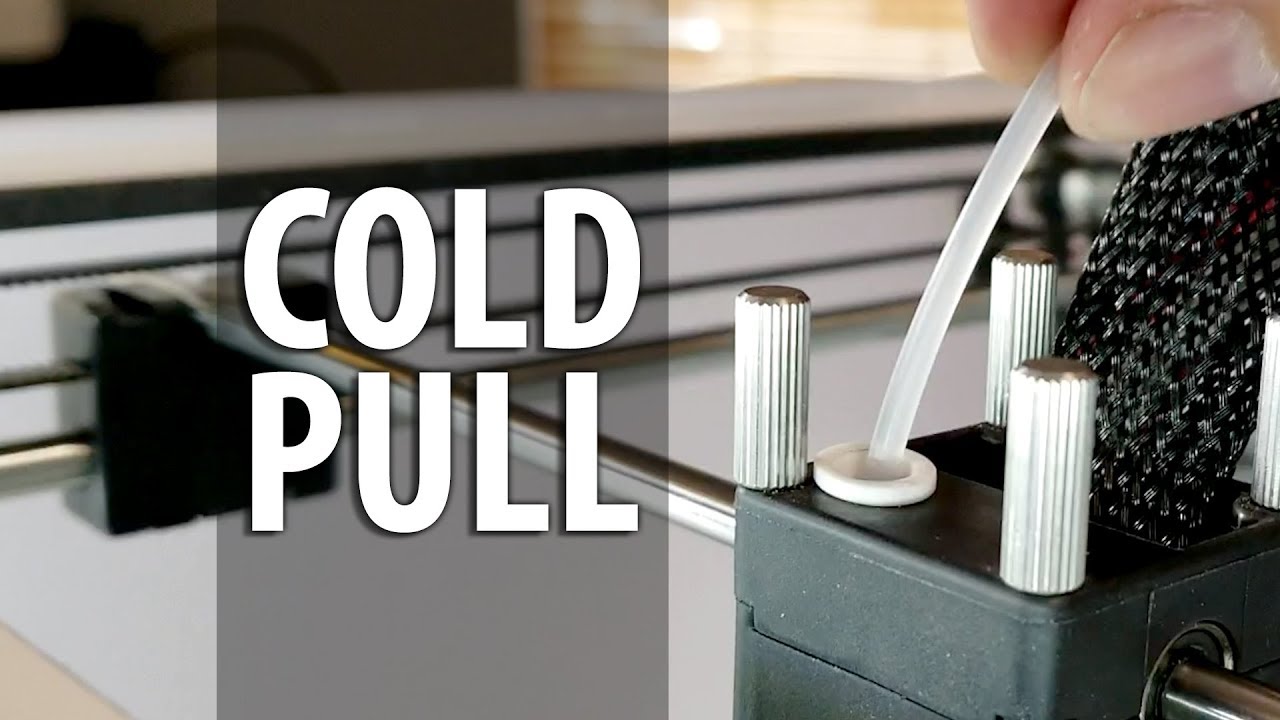
Clearing a jam in the nozzle can be an easy fix. Using nylon filament and a few minutes of your time, you can clear the debris within your nozzle that causes inconsistent extrusions and failed prints!
Ultimaker 2 and 2+ 3d printer custom face plate by A Pyro Design: https://etsy.me/2P8FPyJ
Ultimaker enclosure by Printed Solid:
https://www.prin...
 twilit comet
how does your extruder look when this is happening?
chrome drift
Where
@grim monolith I cant seem to push this up

And I'm quite low on length of tube
chrome drift
@twilit comet
 twilit comet
chrome drift
<@327438927700951040> I cant seem to push this up
you're pushing down on the little white part that inserts into the metal right?
twilit comet
might be easier to get out with it screwed in
the tube isn't moving or the tab isn't moving
chrome drift
twilit comet
how does your extruder look when this is happening?
I dont get why you asked this?
chrome drift
twilit comet
the tube isn't moving or the tab isn't moving
The tube
twilit comet
could be under-extruding
what does your filament look like after it's been fed through the gears
twilit comet
chrome drift
The tube
screw the fitting back into the hotend, push down that tab, and give a really solid pull on the tube
brace the top of the gantry with your hand if you need to
chrome drift
twilit comet
screw the fitting back into the hotend, push down that tab, and give a really so...
Better, hot or cold?
twilit comet
you could try hot but that's not really part of the hotend that retains heat
it's above the heatbreak
for your original question, this looks like underextrusion to me which is why i'm asking about the extruder motor

also maybe layer shift? is that image of a dimensionally accurate piece?
how tight are your belts?
chrome drift
Got it in
twilit comet
?hotend
cerulean lynxBOT
 chrome drift
twilit comet
how tight are your belts?
Bouncy
My 3 cold pulls (im missing the third one)
 twilit comet
that doesn't really give me any insight so i'll just say that wobble like this is usually belt tension
 chrome drift
What should the ideal bed tension be
twilit comet
cerulean lynx
https://media.discordapp.net/attachments/339978089411117076/1000836861444493352/...
reference this photo, the hotend on the right, it looks like you might not be getting your PTFE to your nozzle fully
to my understanding you should be able to pinch it between two fingers with some resistance
tight enough so that your bed doesn't move when the stepper is locked
you want to eliminate any wobbling or vibration in any of the axes
chrome drift
twilit comet
to my understanding you should be able to pinch it between two fingers with some...
I dont understand
chrome drift
twilit comet
you want to eliminate any wobbling or vibration in any of the axes
This prob doesn't help
 twilit comet
chrome drift
I dont understand
your fingers are the arrows
 twilit comet
chrome drift
This prob doesn't help
honestly i'm not a physicist or an engineer so i'm not sure
chrome drift
The only problem is that I am a engineer
twilit comet
if the vibration is being transfered into either your x, y, or z axes, it will affect the print
it's that simple
bed shouldn't move with stepper locked, hotend same, z same
chrome drift
twilit comet
your fingers are the arrows
I have my belts so that it feels bouncy/springy near the tensioners
twilit comet
i don't really have a guide for you past x/y only move when belt moves
tighter generally is better
twilit comet
that being said i think you can just slap some home depot foam and concrete under the printer to really isolate it
yeah that's standard, it holding home position
you have to hit disable steppers in the menu
to move them by hand
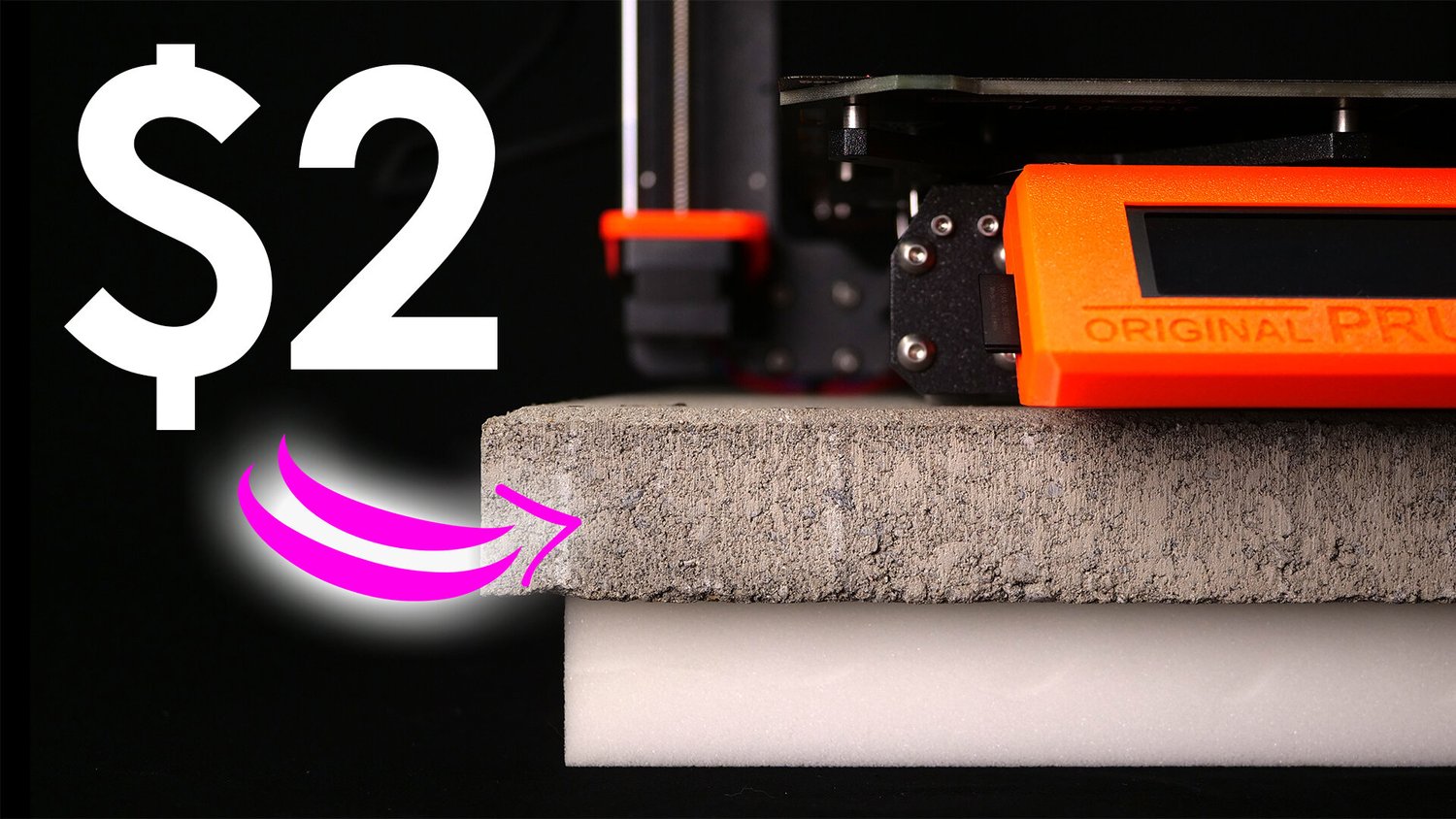
CNC Kitchen
I print a lot and this also means that many of my prints run overnight. Unfortunately, our bedroom is right next to my office in which my main printers usually are. When I got into 3D printing it was a real pain because the printing noises just kept me from some good night sleep so I usually only ra
i feel like we're going down the rabbit hole here though
is your ptfe tube out?
chrome drift
How much resistance should I get when leveling my 4 corners
chrome drift
twilit comet
is your ptfe tube out?
No its in
twilit comet
getting it so you can pull it out/put it back in is probably your first priority here
chrome drift
Fair
twilit comet
because if your ptfe isn't setup properly it can look like other issues
chrome drift
I can now pull my tube in/out easily now
twilit comet
if you did your cold pull with the nozzle in, to me it looks like it could be seeping a bit

okay perfect
just took some force right?
chrome drift
twilit comet
if you did your cold pull with the nozzle in, to me it looks like it could be se...
Yes
twilit comet
okay so now you want to eliminate any possible gap between the PTFE tubing and the nozzle itself
chrome drift
twilit comet
if you did your cold pull with the nozzle in, to me it looks like it could be se...
I took the tube out and stuck some pla in it by hand so it just heated it up faster it could push it out the nozzle
cerulean lynxBOT
Leveling Your Printer
Here is a handy infographic that will help with levelling your printer.
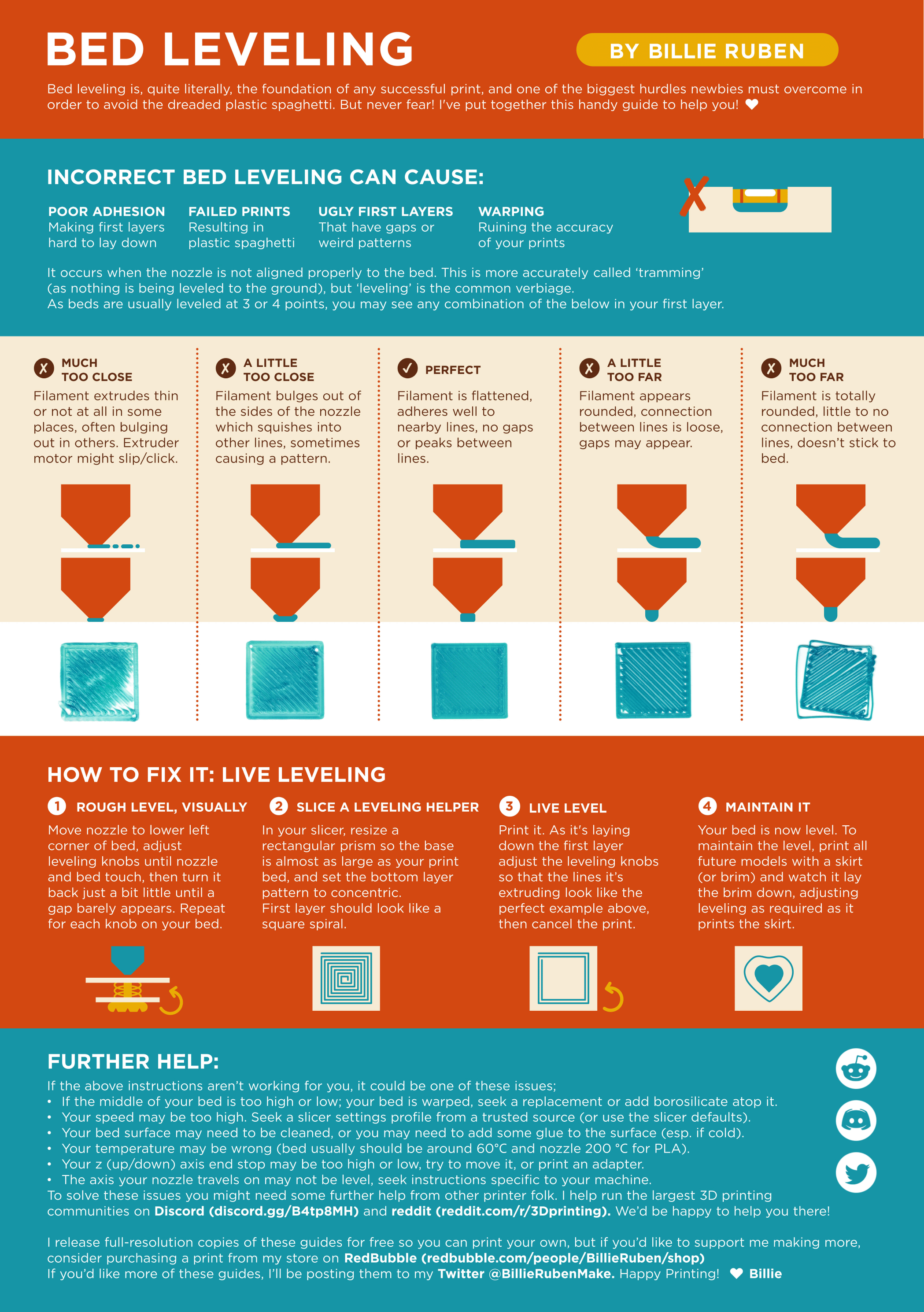
?leveling requested by: andrewg991#0
twilit comet
next priority should be to install PTFE properly
chrome drift
I have
twilit comet
did you heat the end, loosen the coupling, feed the PTFE, lock coupling, and then tigthen coupling?
chrome drift
Yes
twilit comet
okay perfect
for leveling, i have a feeler gauge i use but it's really a thing you dial in
if it's a piece of paper and you picture the nozzel is a pencil, you want to be able to make a thin line
for the ender i recommend tightening your screws all the way and then loosening for your leveling
chrome drift
I also noticed is it normal for my infill to look like the layers are not even sticking to each other
twilit comet
there's several variables that can affect that
but generally layers should adhere regardless of what function they serve in the print
chrome drift
No I mean my infill layers most of them aren't touching eachother apart from the cross sections ( I'm using zig zag)
twilit comet
vertically or horizontally

Printables.com
Printables.com is an ever-expanding 3D model database for all 3D printer users around the world. Download free 3D printable models, take part in regular design contest, discuss 3D printing with other users, and collect physical and digital rewards for your activities.
find something here that works for you and adjust your z axis offset as the layer goes down
chrome drift
twilit comet
https://www.printables.com/search/models?o=popular&q=ender%203%20level
Height
chrome drift
twilit comet
find something here that works for you and adjust your z axis offset as the laye...
Is that the knobs
chrome drift
chrome drift
No I mean my infill layers most of them aren't touching eachother apart from the...
This is what I mean
 twilit comet
this looks like an extrusion issue
twilit comet
chrome drift
Is that the knobs
no, it's the setting in the menu called z axis offset
chrome drift
I can never find it cause I never know it existed
twilit comet
how long have you had this machine
twilit comet
have you been using the manual leveling nobs to set your offset this whole time?
i'm just confused because in most instructional videos and manuals i've seen, this functionality is made pretty explicit
level your bed, calibrate your extruder, print a test cube
?extrusionissues
cerulean lynxBOT
 twilit comet
?esteps
cerulean lynxBOT
Matt's Hub
Having your extruder properly calibrated is essential for perfecting your print quality, and this guide will walk you through the entire process from beginning to end.
twilit comet
?belt-tension
cerulean lynxBOT
There is very little good information on what correct belt tension is, and virtually nothing on empirically setting belt tension. Gates, t...
chrome drift
cerulean lynx
https://mattshub.com/blog/2017/04/19/extruder-calibration
I've done that
Only using knobs
 twilit comet
yeah don't use the nobs for offset, you just want to use those to make sure the bed is the same height in all four corners
twilit comet
chrome drift
I've done that
so then your extrusion issues are most likely mechanical which i why i asked about your extruder in the first place
chrome drift
My extruder seems completely fine it skips once in a while but that's it
twilit comet
okay that's not fine
chrome drift
It's not cracked
chrome drift
What can cause it to skip
chrome drift
Tomorrow can you help me sort out my settings and stuff since for me its 1 am
twilit comet
chrome drift
What can cause it to skip
mechanical issues. screw not tight enough, teeth worn down, etc
idk if i can personally but someone else on here will for sure
i will say i never solved my e3v2 neo's extrusion issues, i just got an sv06 and never looked back
i ran into problems literally a month after owning
chrome drift
I had this same problem like a week or 2 ago and people just said to get new hot ends and extruders
twilit comet
yeah i decided to just get a whole new machine 
new extruder will fix the issue for sure
the stock creality extruders are bad
twilit comet
welp if you wanna learn how 3d printers work keep the ender around because it's sure to fail again
chrome drift
I know
twilit comet
glad i know what i know though!
chrome drift
Would loosening the bolt on the extruder make it tighter?
twilit comet
oh god
i think so????
you can pull the PTFE out of the extruder side and check how deep the tooth marks are on the filament
 twilit comet
that screw controls the tension
chrome drift
To?
chrome drift
That's not what it looks like
twilit comet
which holds the spinning wheel that presses the filament into the toothed gear
chrome drift
The bolt screws into the thread that keeps the spring in place
twilit comet
the piece that is holding the screw is also holding the spinning bearing
this piece, the arm, is tensioned by the spring
chrome drift
chrome drift
This
 chrome drift
twilit comet
screw in, depress arm, notice difference
Nope all I see is the bolt screws into the thread and the thread is only there, free floating because of the spring
And the thread keeps the bold there
twilit comet
it's a screw
there's a metric head slot for it
it screws either clockwise or counterclockwise
that is not a thread lmao
it's just to keep the spring around the screw
look at the head of the screw, determine the size of driver/bit needed to turn it, and rotate it it in a direction
squeeze the arm and notice the increase or decrease in force needed
chrome drift
So it's either I put it back together wrong or mine don't work
twilit comet
make a video
chrome drift
Taking it apart and putting it back together
twilit comet
you might not need to
chrome drift
Why
twilit comet
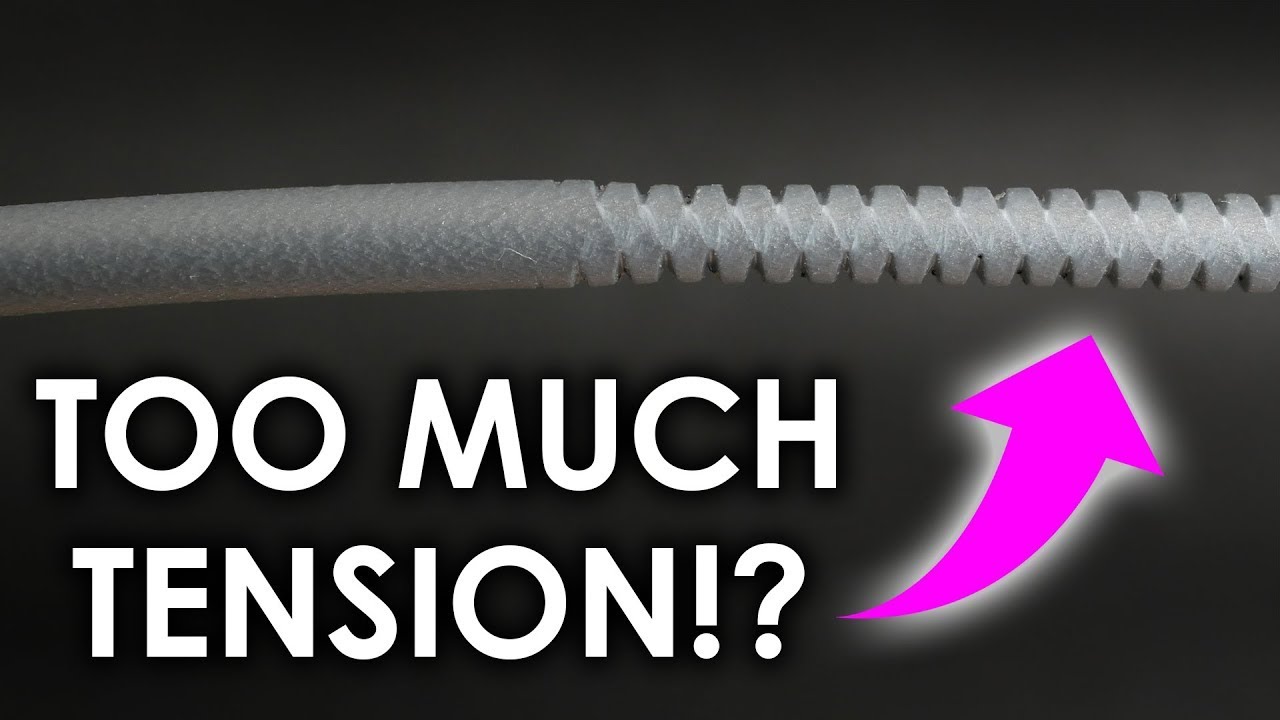
Zellerfeld is looking for a Head of Production in the US. Help to put 3D-printed shoes on every foot in the world: https://geni.us/ZellerfeldHoP
Virtually all 3D printers have adjustment screws, knobs, or levers to change the pretension on the filament in the extruder. Though how do you properly set it for your application, how can you get the ...
click that
it's your extruder
chrome drift
twilit comet
yup
that adjusts the tension on your filament
that is the screw i was referencing
and that audible creaking was the tension changing
chrome drift
That's the spring trying to kill itself
twilit comet
because of tension
it is
too
taught
compressed
whatever you wanna call it
it is adjusting the spring
which controls the tension
this is the function of the spring
chrome drift
chrome drift
It moves the spring like 3 millimetres when it's fully tightened
So I'm sure it's not doing it properly
twilit comet
okay that is entirely different than telling me that it's not what the function is
i have had experience with this piece of equipment and am explaining to you that the issue is your extruder skipping, which is most likely because of the tension
chrome drift
Yes
I know that
U said already
But I don't think my tensioner is working properly
twilit comet
print spacers
chrome drift
That's the god awful clicking u heard
twilit comet
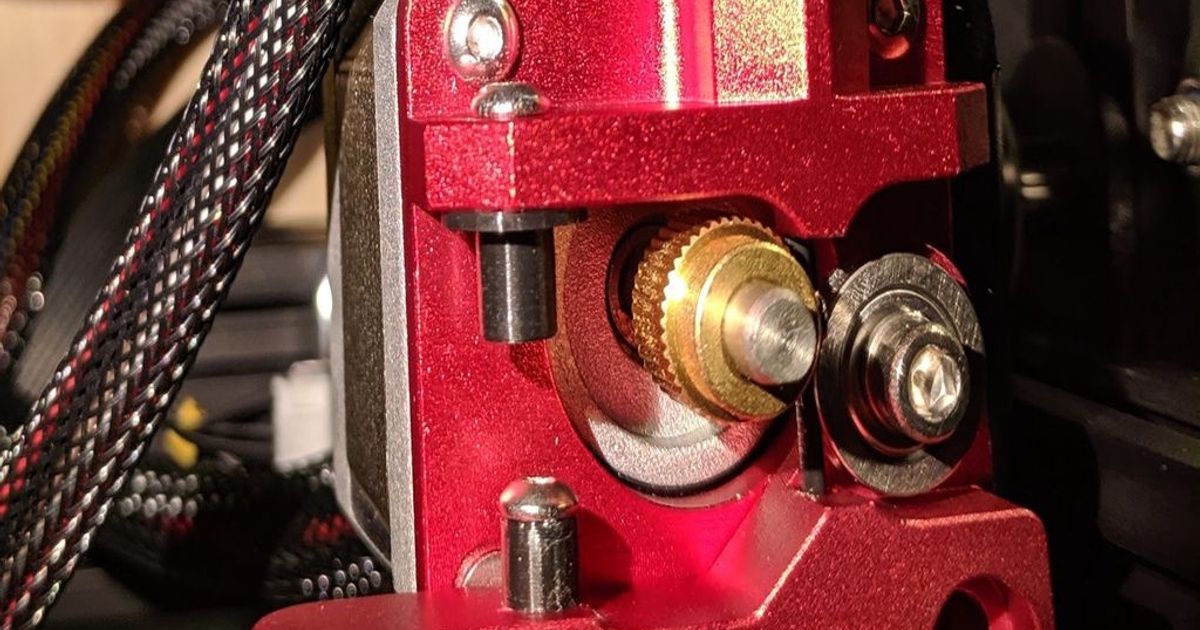
Printables.com
I bought a metal extruder, but didn't like the screw method of securing the spring. The sleeve fits under the screw… | Download free 3D printable STL models
for reference btw
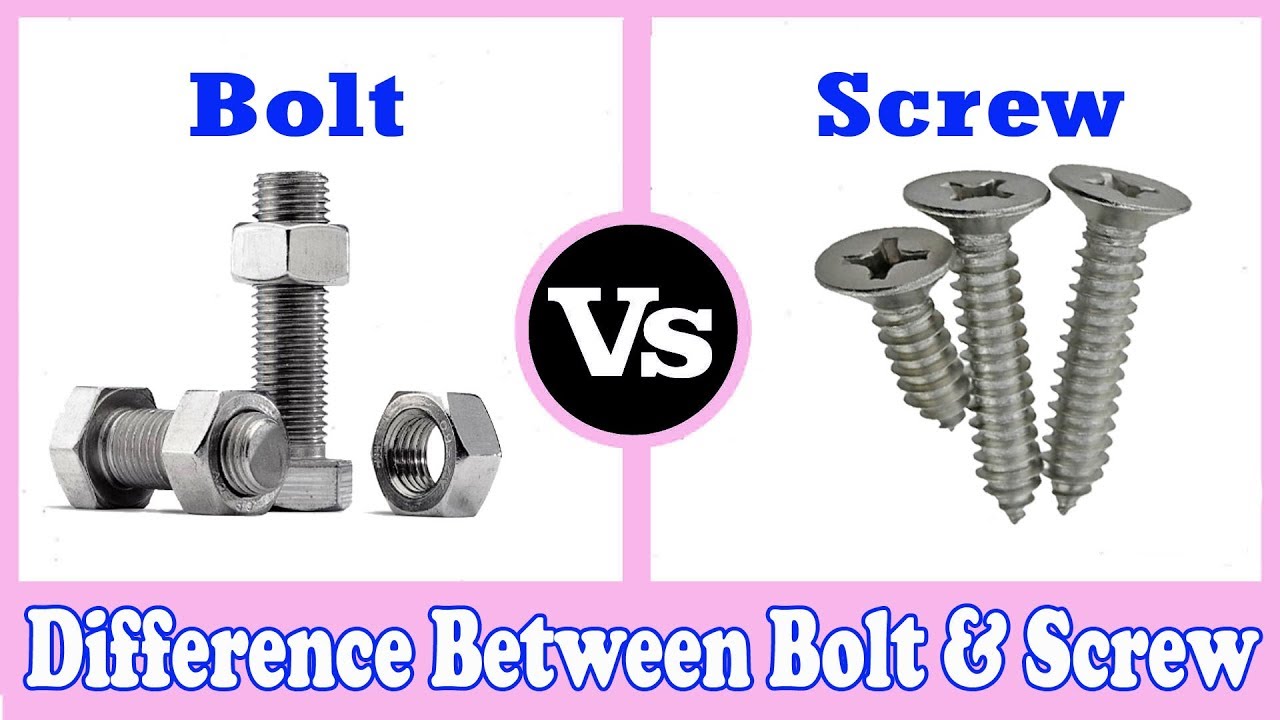
Screw vs Bolt - Difference Between Bolt and Screw - Bolt and Screw#Screw#bolt#Learning_Engineering#konok_kamruzzamanFollow me on Facebook: https://www.facebo...
chrome drift
No way
twilit comet
when you interchange terminology things get really confusing
chrome drift
No I was saying the bolt "screws" into the thread
chrome drift
chrome drift
Nope all I see is the bolt screws into the thread and the thread is only there, ...
.
twilit comet
there isn't a bolt in the extruder
twilit comet
engineers lmao
chrome drift
twilit comet
that is not a thread lmao
Where does the long bolt go then I cant just bend 90 degrees
 twilit comet
damn didn't know the e3 extruder had bolts
is that a knockoff or something
i know there's a screw that adjusts tension
since screws go into threaded parts, like the arm
and bolts affix non threaded parts with a nut
but y'know i'm not an engineer just some dummy who had this exact problem
chrome drift
Cool
twilit comet
duhhh can you hear my knuckles dragging on the keyboard as i type this
my brain is having a hard time comprehending your issue oh nooo
what is a screw and what is a bolt i just don't get it
chrome drift
twilit comet
i have had experience with this piece of equipment and am explaining to you that...
Well I'm sorry that my tensioner isn't working like everyone elses
chrome drift
twilit comet
what is a screw and what is a bolt i just don't get it
:/
twilit comet
i've spent over two hours on your problem when i had it figured out from the jump dude
i'm not your 3d printing sherpa
watch some youtube videos and learn how your thing works ffs
ignorance is one thing but please don't try to educate me on something you're not understanding yourself
chrome drift
A nut has threads...
chrome drift
👍
twilit comet
get a refund from whatever school you paid too much for bud https://monroeengineering.com/blog/bolts-vs-screws-whats-the-difference/
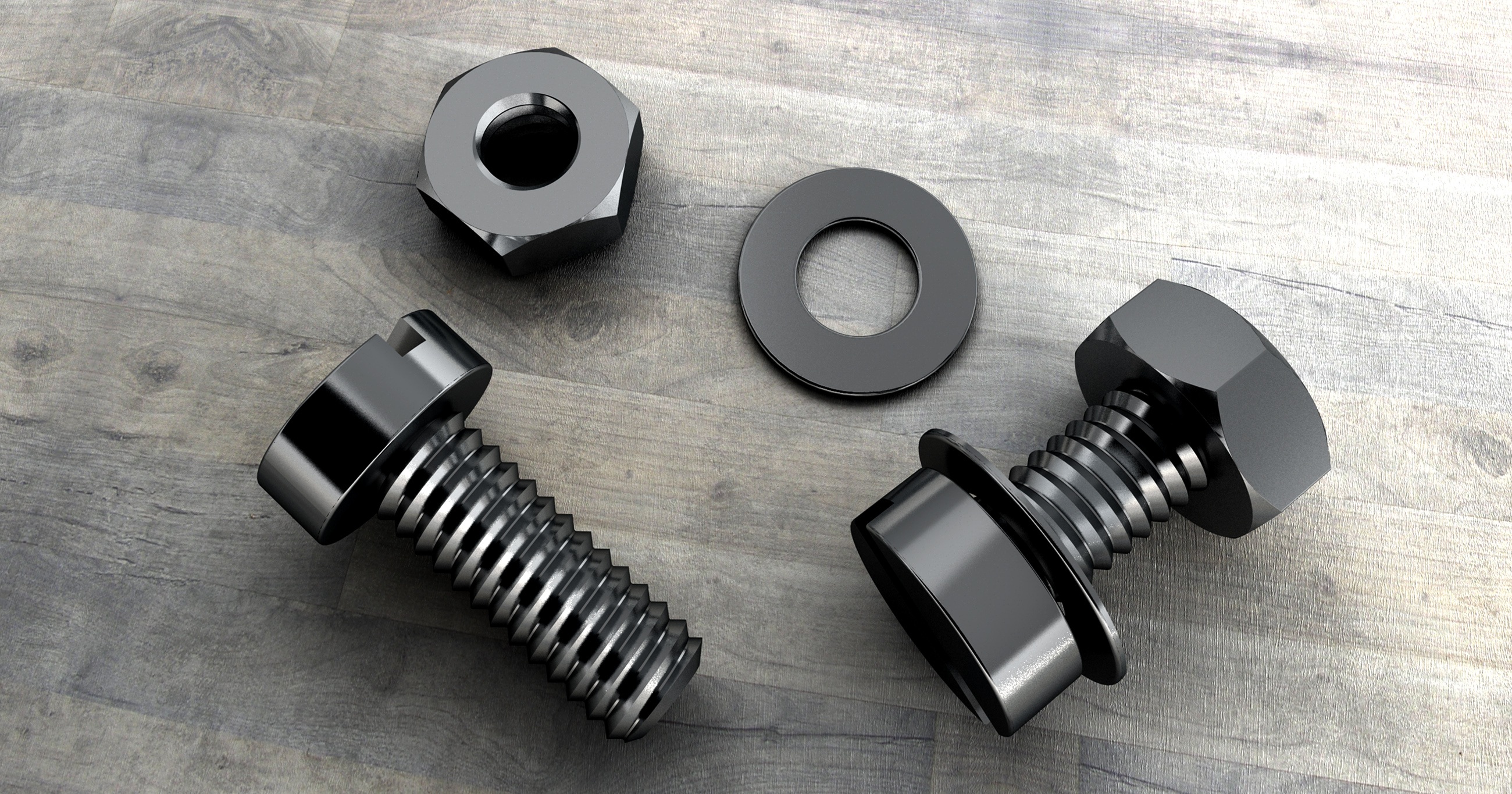
The difference between a bolt and a screw is bolts are used to assemble to unthreaded objects, typically with the use of a nut. In comparison, screws are used to assemble objects with threads. Here's the thing, though: not all objects in which screws are used already have threads.
chrome drift
twilit comet
get a refund from whatever school you paid too much for bud https://monroeengine...
Paid into non thanks very much
And u could of just sent that the first time?


 sharp orbit
@twilit comet if you can't be civil, then don't engage here.