#Long Story...Identify This Printer and parts.... total noob inherited a custom 3d printer from uncle

1 messages · Page 1 of 1 (latest)

tawny pine
#

My uncle past last year from covid 19, and I inherited his custom 3d printer. He was a person who liked to tinker so some of the parts of this printer are not stock, and it currently does not seam to work. I would like to know some more information of what I have here, and what exactly I need to do to start to make heads and tails of this

What I think I have

A sunlu S8 (Pro?)
I belive the stock Exctruder
BTT SKR Mini E3 v2.0
TFT35E3-v3

Im not sure if there is any more information I can give other then the printer does not seam to be working... So I would like help understanding how to make a firmware.

Thank you so much to anyone who is willing to help

I can send pictures of parts also

uncut hamletBOT
#
AI Help

I am sorry to hear about your loss. I will do my best to help you with your 3D printer.

Based on the information you provided, you have a Sunlu S8 3D printer with some modifications, including a BTT SKR Mini E3 v2.0 mainboard and a TFT35E3-v3 touch screen. If you are not sure about the modifications your uncle made on the printer, it would be best to document all the changes and upgrades that were made to the printer, including any modifications made to the firmware.

To get started with the firmware, you will need to download the firmware and the necessary software for uploading the firmware to the printer. The firmware for your setup can be obtained from the manufacturer's or community's website.

You will also need to know the specifics of the 3D printer, such as the type and size of the hotend and the thermistor, and the type and size of the heated bed. The firmware must be configured according to the hardware setup of the 3D printer.

Once you have downloaded and configured th...

upper ice
#

what doesn't work?

#

does it not turn on?

tawny pine
#

it does turn on

#

thank you for your responce

upper ice
tawny pine
upper ice
#

looks like it was taken good care of

#

what exactly are the issues you're having

tawny pine
#

so when I turn on the printer this is what happens

upper ice
#

that's correct

#

seems normal

tawny pine
#

from here I am lost

upper ice
#

ah ok

tawny pine
#

im sorry

#

im a total noob, and ....

upper ice
#

it looks to be in good repair, so I'll direct you to some guides that will help you w/ getting started on 3d printing

tawny pine
#

great

#

this interface is cutom correct?

upper ice
#

that's what it usually looks like to the extent of my knowledge

tawny pine
#

because I did try google and it did not seam to have any correct info for me

upper ice
#

?gettingstarted

#

hmm

#

no command for that

#

one moment

#

two options:
https://youtube.com/watch?v=T-Z3GmM20JM
follow this loosely (S8 is an ender 3 clone, just skip to slicing and printing)
or go to #3d-printing and ask

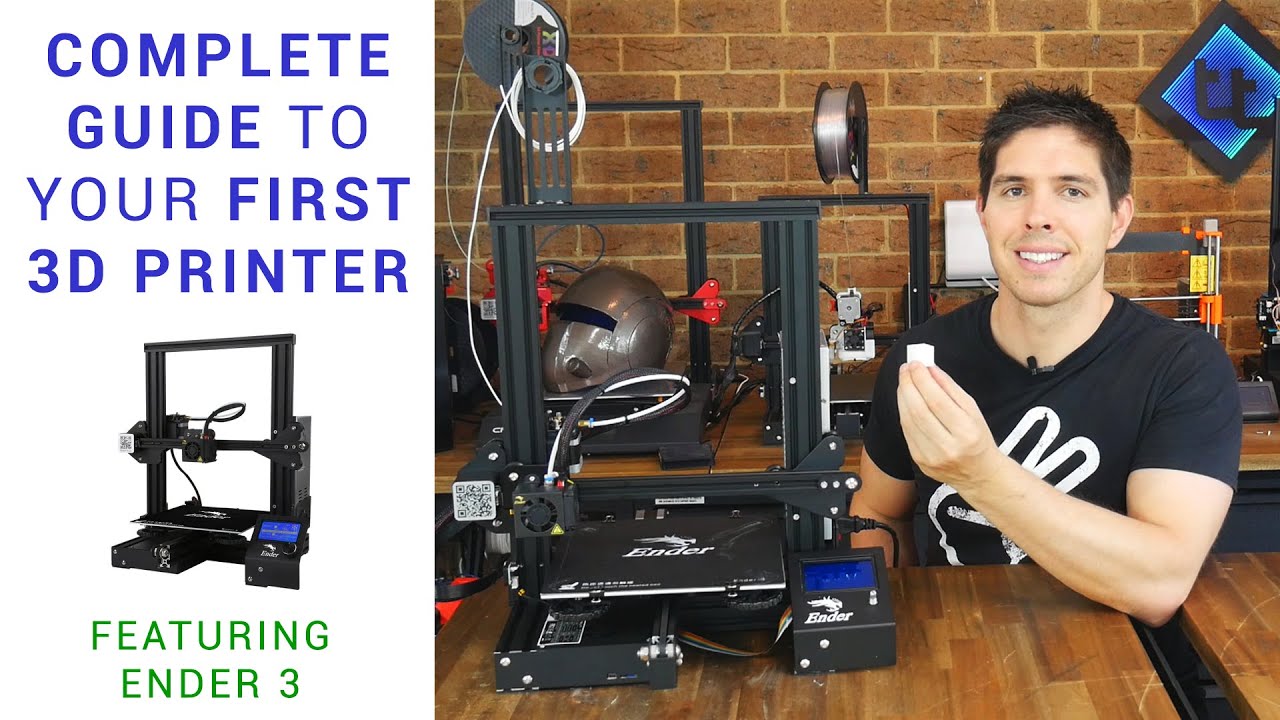
If you've just got your first 3D printer, this video is for you. If someone you know is confused by why the STL on the card won't print, or has no idea how to level the bed, please send them here.

This guide takes you through step by step everything you need to get going and start printing. Please explore the rest of my channel for a lot of con...

▶ Play video
tawny pine
#

so this is the other question

#

i may be completly wrong but is it possable the custom firmware is wrong

#

it says that it is an ender 3

#

when i go into marlin mode by holding down the button

#

yes I belive I need to make a custom firmware

#

is there a guide for that in which you would recommend