#bltouch level doing nothing ender 3 v2
1 messages · Page 1 of 1 (latest)
 split eagle
 pale reefBOT
split eagle
I installed a bltouch and the firmware, I hit level, the ui tells me to wait, bu...
AI Help
If the BLTouch is not responding, there are several potential problems that could be causing this issue.
First, ensure that the wiring is configured correctly and connected properly to the controller board. Improper wiring can cause the sensor to malfunction.
If the wiring is correct, ensure that the BLTouch is calibrated correctly. This calibration process varies between 3D printers, so consult your printer's user manual or online resources for guidance.
If the wiring and calibration appear correct, try resetting the firmware and restarting the printer. This can sometimes resolve the issue.
If these troubleshooting steps do not work, consult the manufacturer's support team or online forums for further assistance.
WARNING: This response is AI generated and may contain errors.
 royal agate
I'm claiming this one 😅
 quartz bay
Bleh
royal agate
Can you share with me what printer you have, what guide you followed, and what steps you've taken to try and troubleshoot this?
split eagle
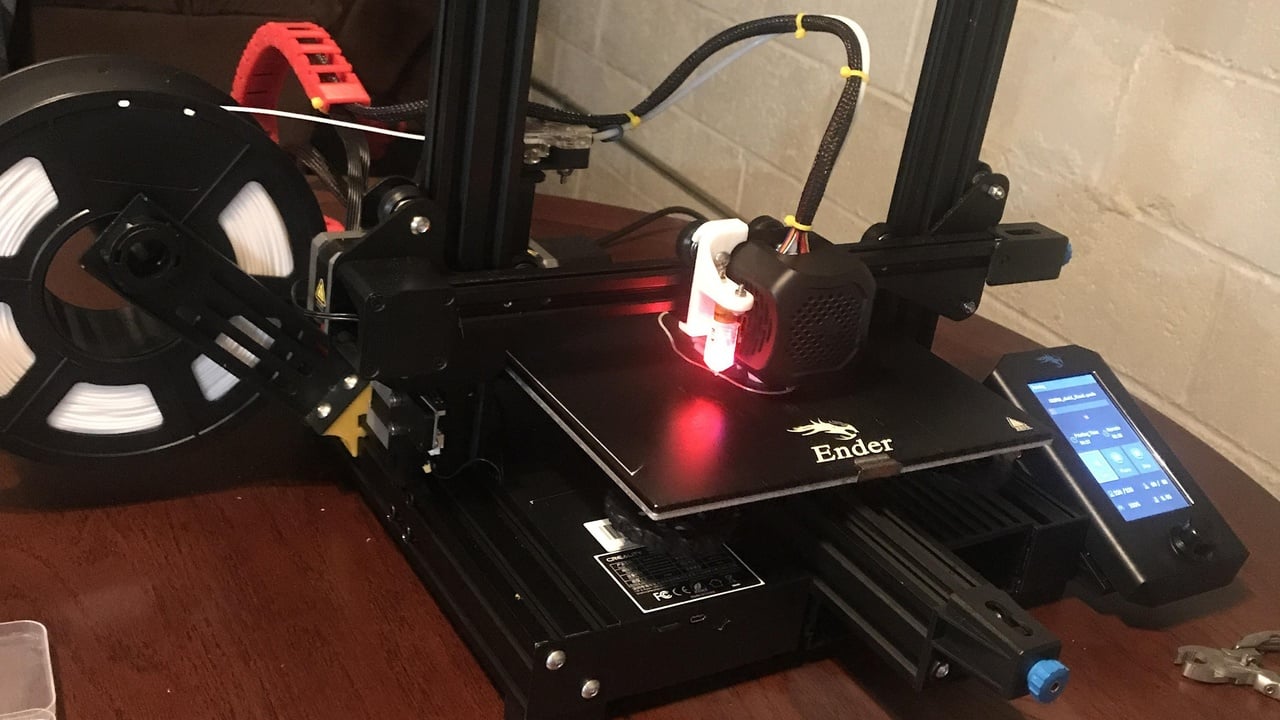
ender 3 v2
I followed this
All3DP
If you love your Ender 3 V2, a BLTouch bed-leveling sensor might be your next upgrade. Find out how to install it!
royal agate
When you say nothing happens, do you mean no axes move either?
split eagle
the axes dont move when i hit level
royal agate
Hmm okay.
split eagle
the ui says please dont other operation
royal agate
When compiling Marlin, you probably had to import a config file for your printer, right?
split eagle
huh?
the guide just says to download the firmware from the creality website
not to compile anything
I compiled nothing
royal agate
Ah okay
split eagle
auto home also idles and says pleae dont other operation
royal agate
This sounds like something might be wrong with the firmware version you used.
Did you make sure to match the versions labeled in red with the version of your board?
split eagle
how should I know my board version?
royal agate
Do you have access to the board's location in the printer?
The board likely has a marker or lettering indicating the version on it
royal agate
alright 🙂
I see versions like these in the very most recent file Creality uploaded:


(for both 4.2.2 and 4.2.7 HWver)
Do you have the touch screen on your Ender 3 v2? I assume you have at least the right version for your screen since the screen works
 royal agate
No touch screen? Okay. Good to know.
Under the cables, I assume 🙂
You might have to move some of them to the side
royal agate
That might be a problem! 😅
The wrong version will have the wrong instructions inside it for the drivers on the board
so the wrong firmware might not work for the driver chips of the motors
split eagle
yeah I thought it was firmware version not board version
so I just downloaded latest
btw
royal agate
That makes sense. The guide didn't specify :(
royal agate
If you didn't use an adapter board, you assume without adapter board 🙂
split eagle
did i though and simply not know it?
royal agate
Did you plug a cable into the board, and nothing else?
split eagle
yes
also I try the non-adapter board version
it levels now
thank u
u are a based god
royal agate
I'm someone that's made a lot of mistakes 😅
pale reefBOT
split eagle
it levels now
Is your problem solved? / No longer need this channel?
You can close a help channel with ?solved when it is no longer needed.
?close requested by: Ed#9952
split eagle
?solved