When I start my pc my wooting 80he will sometimes just not register any inputs or will register random inputs like muting my pc. To fix the issue I have to unplug and plug back in my keyboard. I have done an assortment of fixes like full windows reinstall, bios updates, restoring the keyboard. I took apart and put it back together and nothing seems to work. Would love some advice.
#Wooting won’t respond on startup random
6 messages · Page 1 of 1 (latest)
 hybrid oracle
 opaque moatBOT
hybrid oracle
When I start my pc my wooting 80he will sometimes just not register any inputs o...
opaque moatBOT
hybrid oracle
When I start my pc my wooting 80he will sometimes just not register any inputs o...
Thanks for posting your support request!
Note: #community_support is only for answering general questions and for troubleshooting.
All order-specific and shipment-specific support must be handled via the Wooting Support Wizard*
(You need to create an account on the Wooting Hub, using the same email address as your purchase. The account is not created for you automatically!)
Troubleshooting your Wooting Keyboard? Try these steps first!
Basic Troubleshooting
Questions about shipping, or what to do if your shipment has a problem?
Possible Problems During Shipping (with Solutions)
Looking for information about your specific order?
You can find that on the Wooting Hub! There you can also add upgrades, update your shipping address, and much more.
Is your order about to ship and you need to pause it for any reason?
Place it on hold via the Wooting Hub!
Do you need to...
- Cancel an order?
- Return/Refund an order?
- Get assistance with placing an order?
- Change the items in your order?
- Change your shipping address to a different country?
- Return a recent purchase?
- Get warranty support?
All of these types of requests need to be made via the Wooting Support Wizard!
 formal zephyr
hybrid oracle
When I start my pc my wooting 80he will sometimes just not register any inputs o...
formal zephyr
hybrid oracle
When I start my pc my wooting 80he will sometimes just not register any inputs o...
try booting with 1k polling rate and see if it helps
if it helps, plug the keyboard into another port on the backside of the pc (motherboard) preferably further away from the current one
 woven prairie
hybrid oracle
When I start my pc my wooting 80he will sometimes just not register any inputs o...
woven prairie
hybrid oracle
When I start my pc my wooting 80he will sometimes just not register any inputs o...
This may relate to an issue we refer to "80HE phantom presses on boot" witch seem to be limited to firmware 2.15.# so rolling back the firmware to "2.11.0-rollback" should resolve the problem while we work on a fix (if not resolved then this could be a different issue)
Rollback firmware.
To upload an older version of the firmware, please follow the steps below.
- Use this link https://wootility.io/?test-builds=true (this URL has Test builds enabled)
- Click on "Settings"
- Select "Updates"
- Select "Your keyboard"
- Press "Get Test Firmware"
- Press "Select Test Build"
- Select "V2.11.0+rollback"
We have also noticed that for a few cases the latest beta also resolve the issues (not entirely sure why) but if you want to try the beta i will also link this below (please ping me if this resolve the issue would be Very interested in the results)
To access the beta firmware
- Use this link https://beta.wootility.io/
- Click on "Settings"
- Select "Updates"
- Select "Your keyboard"
- Press "Update Device"
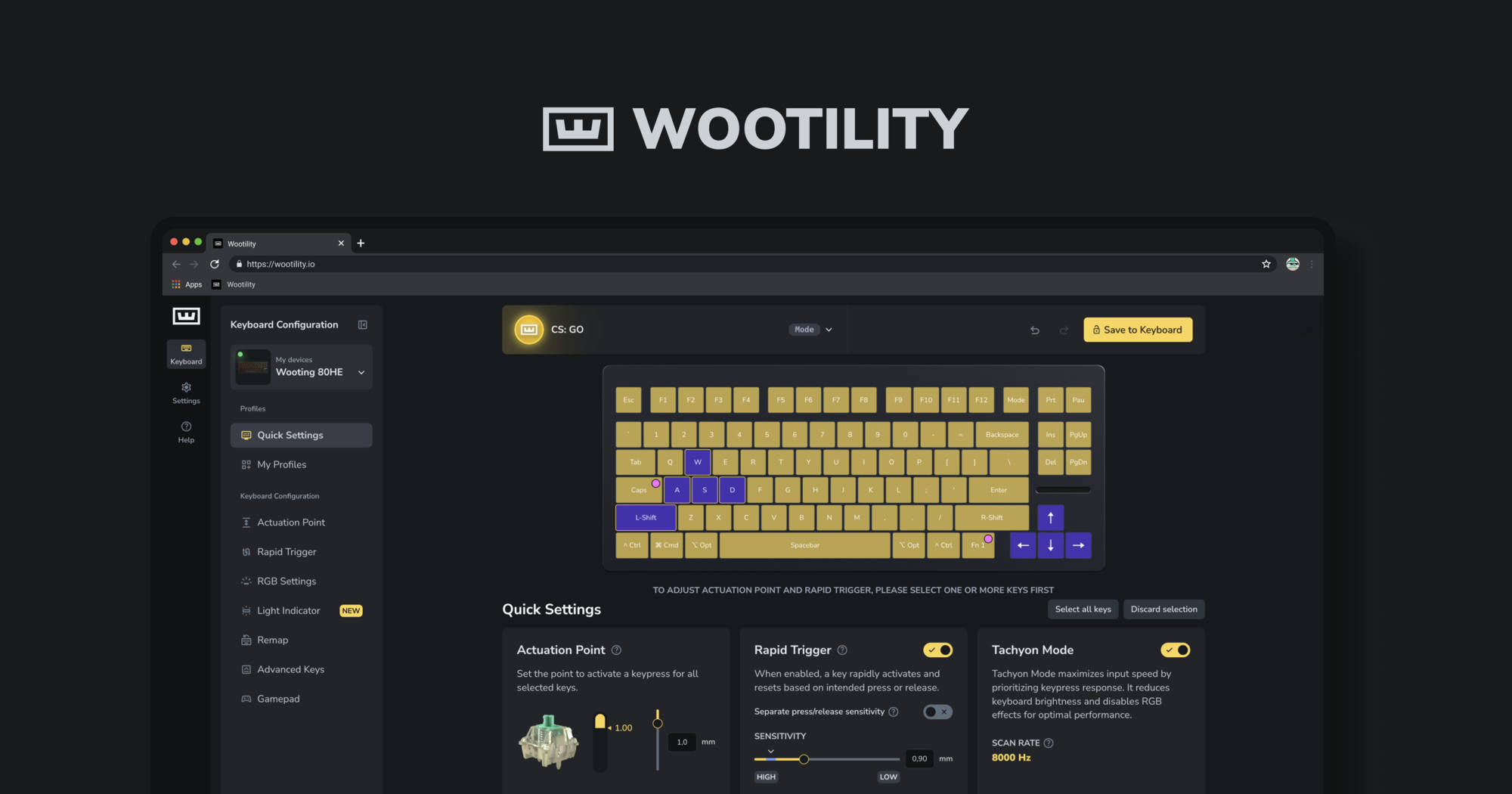
Instantly edit your Wooting keyboard profiles and colors from the browser.
Instantly edit your Wooting keyboard profiles and colors from the browser.
hybrid oracle
Ok thank you so much