Specifically only on my PC login page, the keyboard has certain keys that will spam multiple times (1, 0, 5, tab, spacebar) even though rapid trigger is disabled on those keys. I've tried using other keyboards with the same cable and there's no problem. Additionally, the keyboard is also prone to disconnecting for no apparent reason. Sometimes it fully disconnects (backlights go out) while sometimes the lights remain on but the keyboard just doesn't respond to inputs. In both cases, my PC continues registering whichever key was being held when the keyboard disconnects.
#Key spam and disconnecting keyboard
12 messages · Page 1 of 1 (latest)
 novel whale
 sullen bridgeBOT
novel whale
Specifically only on my PC login page, the keyboard has certain keys that will s...
sullen bridgeBOT
novel whale
Specifically only on my PC login page, the keyboard has certain keys that will s...
Thanks for posting your support request!
Note: #community_support is only for answering general questions and for troubleshooting.
All order-specific and shipment-specific support must be handled via the Wooting Support Wizard*
(You need to create an account on the Wooting Hub, using the same email address as your purchase. The account is not created for you automatically!)
Troubleshooting your Wooting Keyboard? Try these steps first!
Basic Troubleshooting
Questions about shipping, or what to do if your shipment has a problem?
Possible Problems During Shipping (with Solutions)
Looking for information about your specific order?
You can find that on the Wooting Hub! There you can also add upgrades, update your shipping address, and much more.
Is your order about to ship and you need to pause it for any reason?
Place it on hold via the Wooting Hub!
Do you need to...
- Cancel an order?
- Return/Refund an order?
- Get assistance with placing an order?
- Change the items in your order?
- Change your shipping address to a different country?
- Return a recent purchase?
- Get warranty support?
All of these types of requests need to be made via the Wooting Support Wizard!
 sterile blaze
novel whale
Specifically only on my PC login page, the keyboard has certain keys that will s...
sterile blaze
novel whale
Specifically only on my PC login page, the keyboard has certain keys that will s...
Could you try booting with 1k polling rate, and tell me if it works without issues?
novel whale
sterile blaze
Could you try booting with 1k polling rate, and tell me if it works without issu...
the key spam problem seems to be gone but it still disconnects occasionally
keys are also sticky af whenever the disconnect issue happens
it'll respond to key inputs but the releases are very delayed
 blazing ruin
Might be due to loose JST cable https://help.wooting.io/article/333-my-80he-flashes-or-disconnects-when-i-type
Before proceeding This issue can also occur if the USB-C cable is loosely connected or if the USB-C connector is damaged. We recommend testing with another USB-
 runic flume
novel whale
the key spam problem seems to be gone but it still disconnects occasionally
runic flume
novel whale
the key spam problem seems to be gone but it still disconnects occasionally
Sounds like you have two issues:
- A loose JST cable (the guide shafie provided should help with)
- An issue we call “80HE phantom presses on boot”
For the boot issue, can you try the latest beta and see if this helps? >
Otherwise, you will need to use the previous firmware 2.11.0 that dosnt have any problem
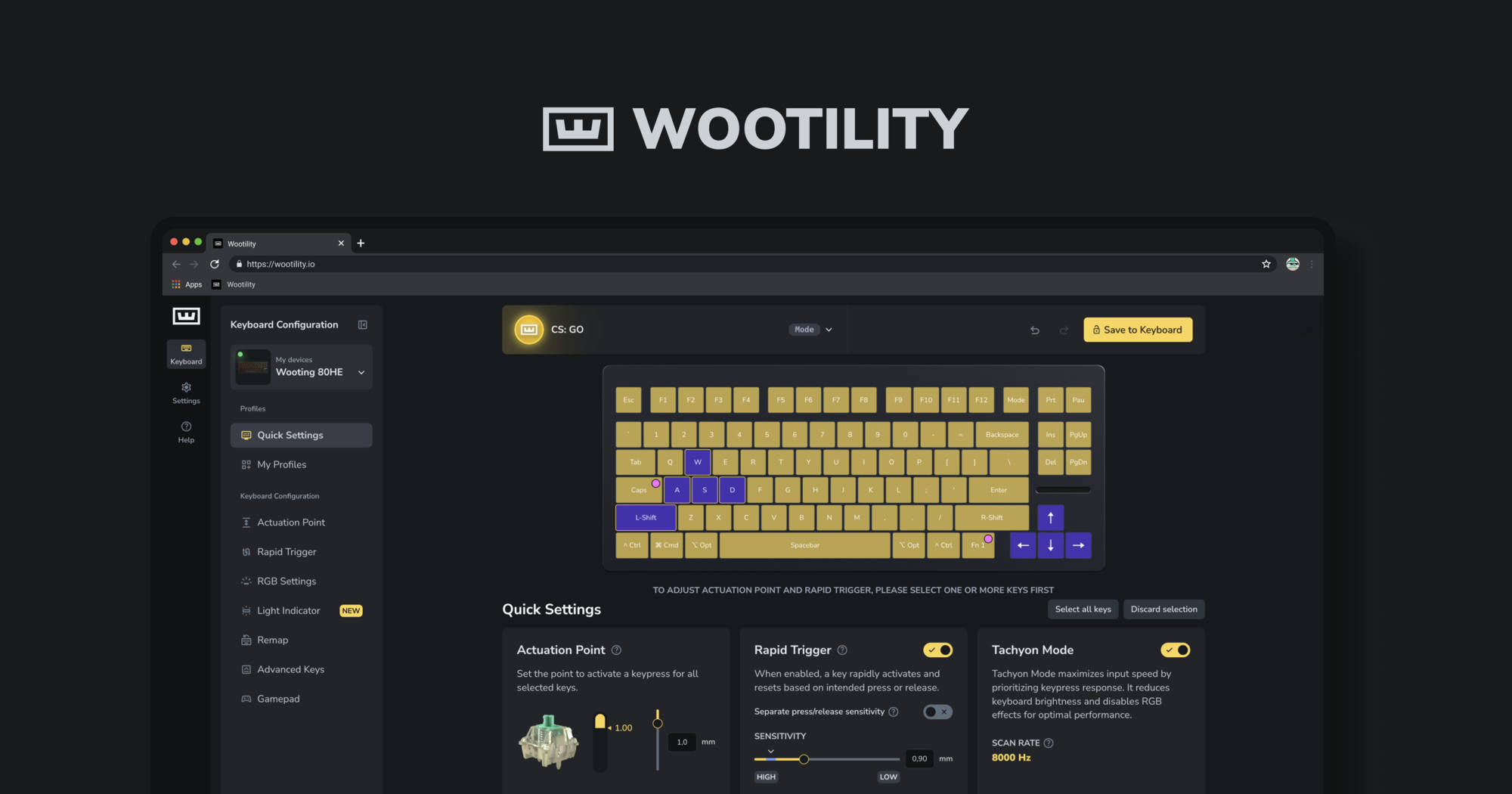
Instantly edit your Wooting keyboard profiles and colors from the browser.
novel whale
i've tried the updated firmware and the problem still persisted
taking it apart and pushing in the jst cable seems to have fixed the issue
thanks for the help
runic flume
to double check do you have the Phantom presses on boot or was that also solved?