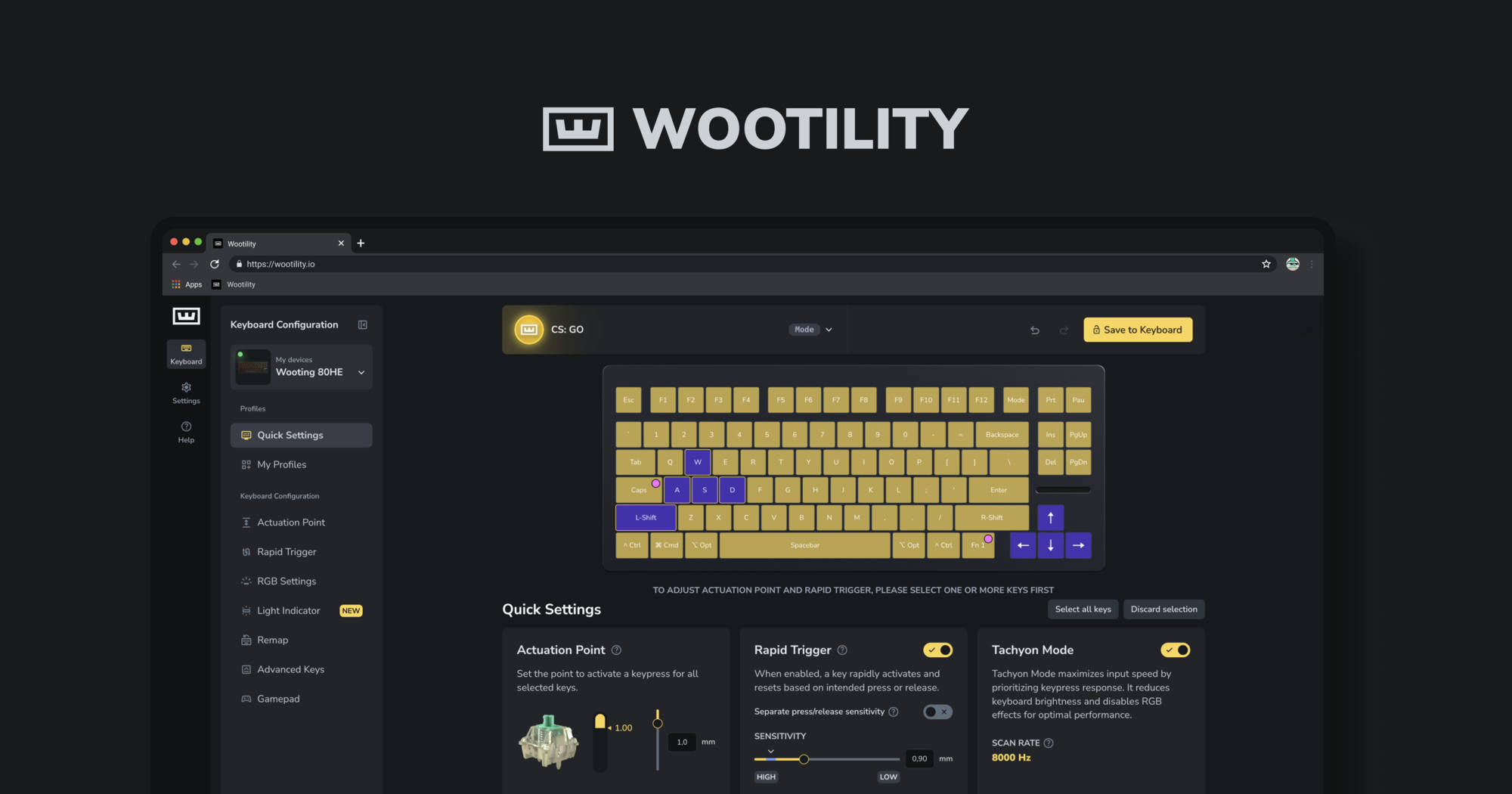
#Wootility slow.

1 messages · Page 1 of 1 (latest)

solemn geyserBOT
#

Thanks for posting your support request!

Note: #community_support is only for answering general questions and for troubleshooting.
All order-specific and shipment-specific support must be handled via the Wooting Support Wizard*
(You need to create an account on the Wooting Hub, using the same email address as your purchase. The account is not created for you automatically!)

Troubleshooting your Wooting Keyboard? Try these steps first!
Basic Troubleshooting

Questions about shipping, or what to do if your shipment has a problem?
Possible Problems During Shipping (with Solutions)

Looking for information about your specific order?
You can find that on the Wooting Hub! There you can also add upgrades, update your shipping address, and much more.

Is your order about to ship and you need to pause it for any reason?
Place it on hold via the Wooting Hub!

Do you need to...

All of these types of requests need to be made via the Wooting Support Wizard!

dark anvil
#

could you maybe record this happening?

gray badge
#

yeah sure

#

im trying to find a way to actually show the lag

#

bc its kinda gonna be hard to show by the recording

#

its kinda hard to tell by video. but in person its like slow and choppy.

#

i tried to see if its nvidia slowing it down by one of its settings where it caps the fps on outside applications when playing a game which thats not what it was. and i wasnt even in a game when i recorded it so it wouldnt be because of nvidia settings.

gray badge
#

help.

charred lantern
gray badge
#

well its hard to show in a video

#

but its like laggy

#

slow.

dark anvil
#

well how can it not be laggy in the video but outside of the video it is?

#

im a bit confused

gray badge
#

idk??

#

but what im seeing

#

its laggy af

#

well ima try to uninstall and reinstall

#

nope still laggy

charred lantern
#

What’s your cpu, GPU, and ram usage?

#

I’m thinking it may be a hardware issue since there’s no visible lag when you screen record and doing a fresh install of the app doesn’t solve your problem.

gray badge
#

let me check that

#

i mean i was having some problems with my gpu but wouldnt my other apps be laggy too?

#

like i have a pretty good setup

#

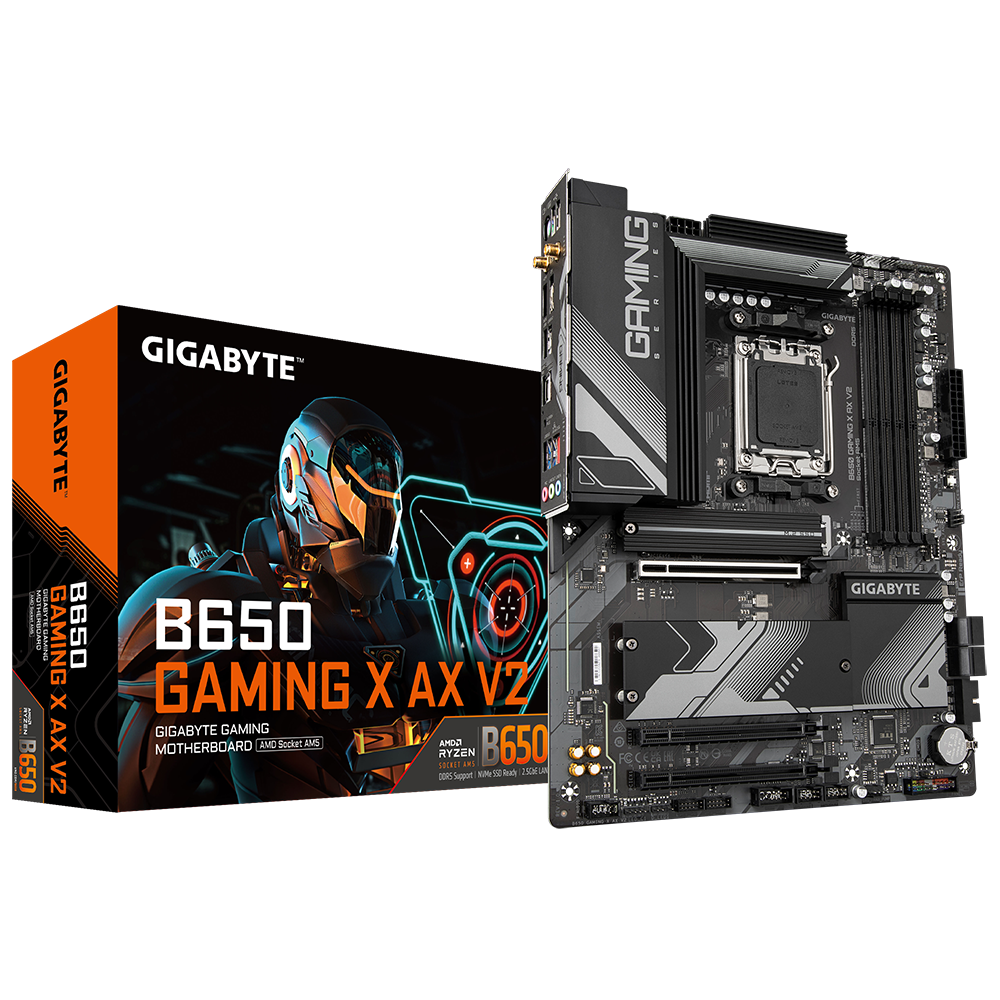
i got a 4060, ryzen 7 7700x, 32 gb of ram

charred lantern
gray badge
#

true. i was having driver issues and i removed all of the drivers from the gpu and reinstalled them and it seems to be working now but still dont know why wootility is still slow. and when i was having those driver issues wootility was slow and its still slow

#

so idk whats up with my computer or with the app

#

the app still works its just very laggy so i may have to deal with it ig lmao

charred lantern
tranquil basin
#

Got the exact same issue

mellow steeple
gray badge
#

and the specs are up there too

#

i can get an updated picture hold

mellow steeple
gray badge
#

oh ok

#

like the quick settings?

mellow steeple
gray badge
#

ohhh okay got it

mellow steeple
#

interesting

#

i wonder what it could be tbh

#

why don’t you just use the web v5?

charred lantern
wide slate
#

Which is... V5 Wootility

charred lantern
wide slate
#

No one provided a link. You made a correction for something that was never in debate to begin with. fingerguns

gray badge
#

but is there any fixes to this?

wide slate
#

Until you can show the issue, I wouldn't hold my breath.

#

Record it with your phone instead of screen capture?

gray badge
#

smart

#

hold

#

gotta close my game out

mellow steeple
#

Website is easier anyways, no need to fill your PC w an app that doesn’t need to exist

#

Way better to have less clog :)

gray badge
wild lion
# gray badge

On windows, open settings > system > display > advanced display settings [ ensure that dynamic refresh rate is disabled] > go back to display > graphics > add desktop app > [in the file explorer url bar, paste: %USERPROFILE%\AppData\Local\Programs\wootility] > Double click Wootility > Select wootility in settings, and set GPU preference to specific and select your discrete graphics card.

gray badge
#

ill try this when im back home from work thank you

#

also would this also work with wallpaper engine? because i realize that its also laggy. way more laggy than wootility

wild lion
mellow steeple
mellow steeple
#

If its that, then yes, try doing that

#

Make sure you also change wallpaper engine to have admin privileges too :P

wild lion
#

latest stable ver

mellow steeple
#

i’d rather have a web app than a normal app for something like my periraphals

#

i can’t SPELL WTF

wild lion
#

by looking at the download dir it's running electron (I think). It's likely just a Hardware Acceleration thing

gray badge
#

i dont have igpu in bios

#

would it be dgpu instead?

wild lion
#

If I don’t reply do this: reinstall graphics card drivers and check the fresh install button

gray badge
#

i would try to do the reinstalll graphic drivers

#

but i fucked up last time

wild lion
#

Download DDU

boot in safe mode
(Win + R > type “msconfig” > Boot tab > select safe boot and reboot (do the same steps to disable safe boot))

Launch DDU (unzip and run)

Disable safe boot

Download GPU drivers from nvidia app or manually. I suggest you let windows auto install the drivers before attempting to install the up to date ones

gray badge
# wild lion In what way?

i did the steps in DDU like 3 weeks ago and it made me had problems with my drivers even more. so i attempted to fix it and i think my drivers are okay for now idk. i dont know much about pcs

#

do i download gpu drivers while in safe mode

#

or

wild lion
#

You'll be fine downloading the drivers in regular mode

#

Let me check the settings available for ur bios 1 sec

wild lion
gray badge
#

ok now what

#

actually

wild lion
#

did you reinstall GPU drivers and install AMD APU chipset

gray badge
#

i think it worked\

wild lion
#

did it?

gray badge
#

yes

wild lion
#

epicc

gray badge
#

let me make sure

#

its fixed and it also fixed the lag with my wallpaper engine app lag aswell

#

thank u!!

wild lion
gray badge
#

now just gotta test my games to make sure those also work

gray badge
#

looks like it