

29 messages · Page 1 of 1 (latest)
 cloud oasis
When i plug my 80HE -> "E' and "R' key show RED LED , whole keyboard not function (I already in "Wooting Restore" Mode but the Wootility software not have the actual model of Wooting 80HE
 crystal muskBOT
cloud oasis
When i plug my 80HE -> "E' and "R' key show RED LED , whole keyboard not functio...
crystal muskBOT
cloud oasis
When i plug my 80HE -> "E' and "R' key show RED LED , whole keyboard not functio...
Thanks for posting your support request!
Note: #community_support is only for answering general questions and for troubleshooting.
All order-specific and shipment-specific support must be handled via the Wooting Support Wizard*
(You need to create an account on the Wooting Hub, using the same email address as your purchase. The account is not created for you automatically!)
Troubleshooting your Wooting Keyboard? Try these steps first!
Basic Troubleshooting
Questions about shipping, or what to do if your shipment has a problem?
Possible Problems During Shipping (with Solutions)
Looking for information about your specific order?
You can find that on the Wooting Hub! There you can also add upgrades, update your shipping address, and much more.
Is your order about to ship and you need to pause it for any reason?
Place it on hold via the Wooting Hub!
Do you need to...
All of these types of requests need to be made via the Wooting Support Wizard!
 last anvil
use https://beta.wootility.io instead
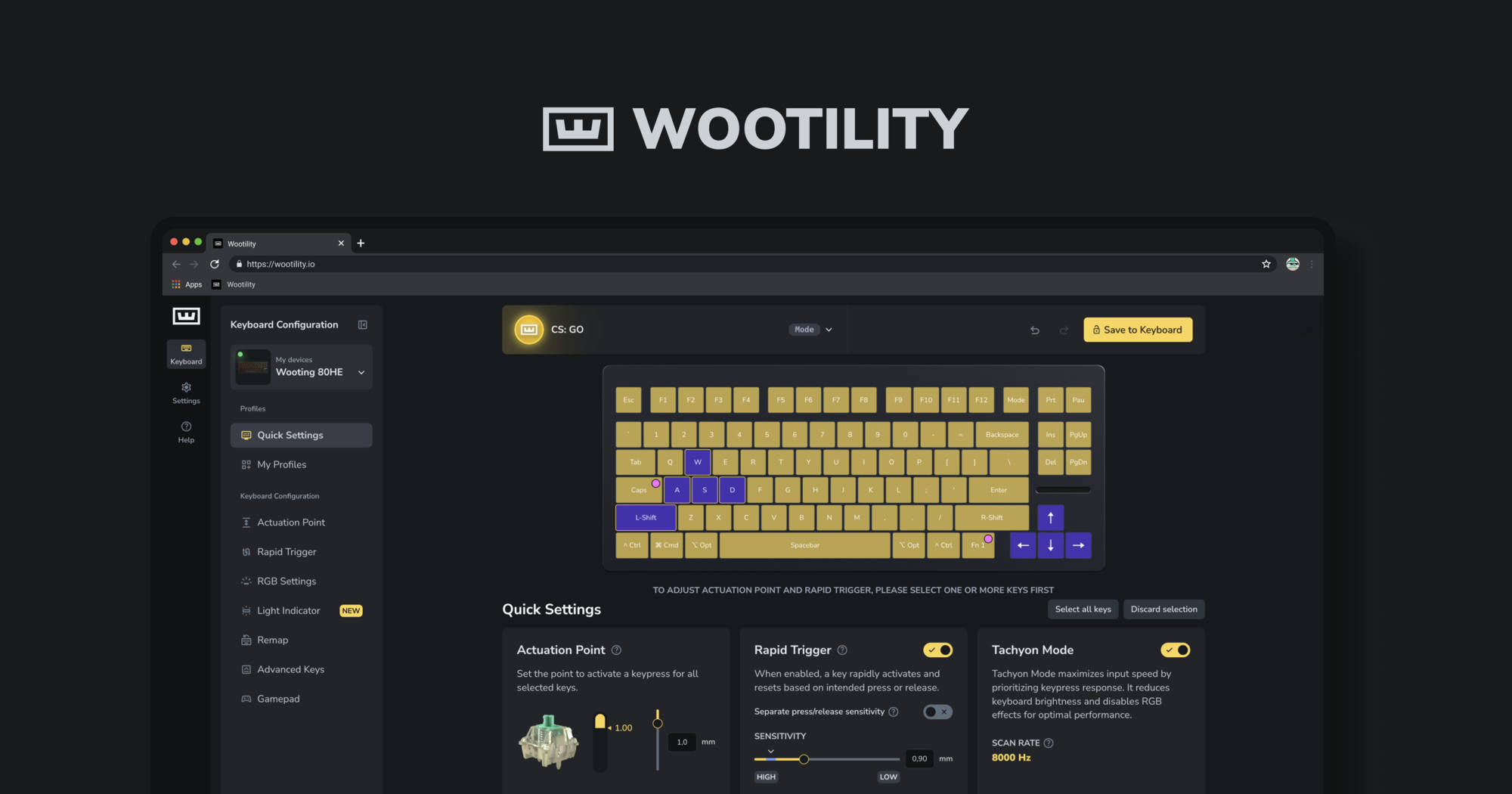
Instantly edit your Wooting keyboard profiles and colors from the browser.
make sure you update the keyboard via here as well
don't use v4 wootility for 80he
cloud oasis
not working , actually i am updating on the webapp -> then a accident made the update stop
last anvil
you need to restore first
cloud oasis
so i need to restore it, but right now
the wootility software
not have the actual model of it
last anvil
https://beta.wootility.io/ this link will
Instantly edit your Wooting keyboard profiles and colors from the browser.
it is the updated version of wootility
only use this for the 80he
last anvil
can you verify the keyboard is in restore mode
via windows bluetooth devices under other should say wooting restore
cloud oasis
i saw it on my Windows setting "Wooting Restore"
last anvil
okay cool
could you try restoring via demo mode
see if that works
"Try out Wootility"
last anvil
no problem
until v5 of wootility leaves beta you shouldn't use https://wootility.io for the 80he