#Ghost typing - Key Malfunctions
18 messages · Page 1 of 1 (latest)
 sonic mauve
 novel crownBOT
sonic mauve
Randomly my Wooting Two HE will type random letters and numbers, making the keyb...
novel crownBOT
sonic mauve
Randomly my Wooting Two HE will type random letters and numbers, making the keyb...
Thanks for posting your support request!
Note: #community_support is only for answering general questions and for troubleshooting.
All order-specific and shipment-specific support must be handled via the Wooting Hub or via email to [email protected]
(You need to create an account on the Wooting Hub, using the same email address as your purchase. The account is not created for you automatically!)
Troubleshooting your Wooting Keyboard? Try these steps first!
Basic Troubleshooting
Questions about shipping, or what to do if your shipment has a problem?
Possible Problems During Shipping (with Solutions)
Looking for information about your specific order?
You can find that on the Wooting Hub! There you can also add upgrades, update your shipping address, and much more.
Is your order about to ship and you need to pause it for any reason?
Place it on hold via the Wooting Hub!
Do you need to...
- Cancel / refund an order?
- Get assistance with placing an order?
- Change the items in your order?
- Change your shipping address to a different country?
- Return a recent purchase?
- Get warranty support?
All of these types of requests need to be made via the Wooting Hub or by emailing [email protected] directly!
 formal spoke
hello, can you try to follow this video https://www.youtube.com/watch?v=U8ojU_8ASVE&t=1s
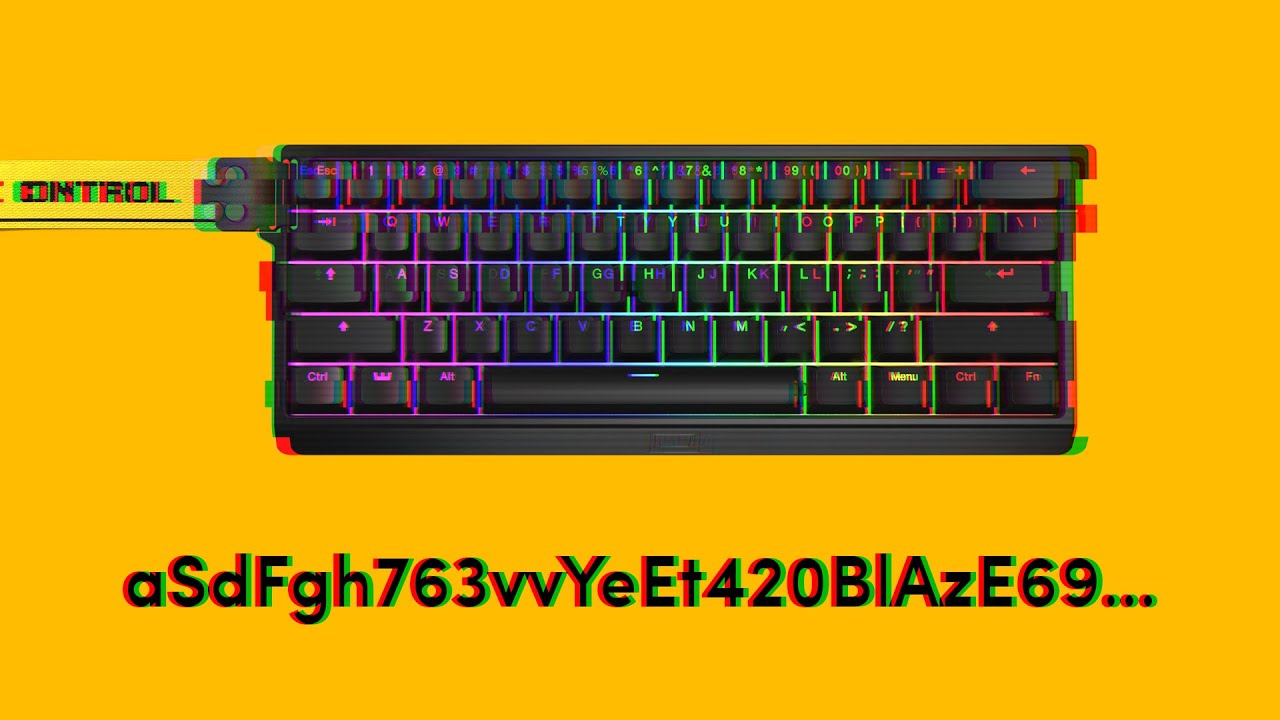
If you are experiencing your keyboard pressing random keys and opening programs, then you came to the right video. The issue is usually caused by an instable amount of voltage entering the board. Follow along to see what you can do about it.
➤ Follow our socials!
🧑🤝🧑 Discord https://wooting.io/discord
🐤 Twitter https://www.twitter.com/wooting...
sonic mauve
Thankyou, ive followed the steps outlined on the video, ill let you know how it goes
sonic mauve
seems like the cable is dead, using a new cable has fixed the issue, ill order a new one, Thanks
formal spoke
if the cable is still within the warranty period you could contact them for a replacement if you'd like ([email protected])
sonic mauve
ok after using the new cable for a while and the ghost typing has returned, after following everything on the video, and trying another official Wooting cable (friends HE60 cable) the problem is still persisting.
 minor widget
Did lowering the Brightness down to 0% show any change?
LEDs are the highest power draw
sonic mauve
no change. unfortunately
This is the current profile im using
no rapid trigger
no tachyon
0%led
no mapping effects or bindings applied
5c618792be3b2a0e96e1e3fec1c9a784cbfe
 golden quiver
same
formal spoke
if possible can you try the keyboard using a different computer?
minor widget
Just to check the phantom presses, is it localized to one of these segments shown in the images?
Also, check for external interference like EMI or magnets from a metal desk that can be magnetized or a desk mat with magnets. If you are unsure, you can perform the test below:
- Unplug the keyboard.
- Raise the keyboard into the air and hold it.
- Plug it back in.
See if there are still phantom presses.
 sonic mauve
Its on a wooden desk w/ leather matt. but i did have a apple watch charger next to the cable (that defiantly has a magnet in it) so ill remove that and see how it goes.
minor widget
ahh yea a wireless charger can produce a bit of EMI if very close aswell
sonic mauve
removed the charger and attempted again today,
it seems to be repeating keys from section U4
repeated strokes on
678bhinuy678
minor widget
sounds like the multiplexer is faulty or failed (video of the component)
in such case best to enable "RT-Display" and record a video of the keyboard showing the fault
and email wooting with the video (best to upload the video to a file share site or youtube or even in discord and provide the link 🙂 )
To Enable the RGB effect “RT-Display” you can use one of the Two Methods
Method one:
importing the already created "(Test Profile) RT-Display" profile into wootility
- Copy the Code: d1c508f2450941b50a9c33b0468d5a20b5bc
- Click the "Import Profile" Button which can be found on the left side of wootility
- Select the newly imported Profile
Method Two:
To manually create or enable the effect, you can do the following:
- Select the "Color" Tab
- Under Effect layers, add or change the current effect to RT-Display
- For better visibility set Base Brightness to 0%
Example image

 sonic mauve
Yup that definitely shows it😂 , Thankyou. ill create a video and upload it here later on today and link it so they can also see the troubleshooting steps.
Thanks for your help.